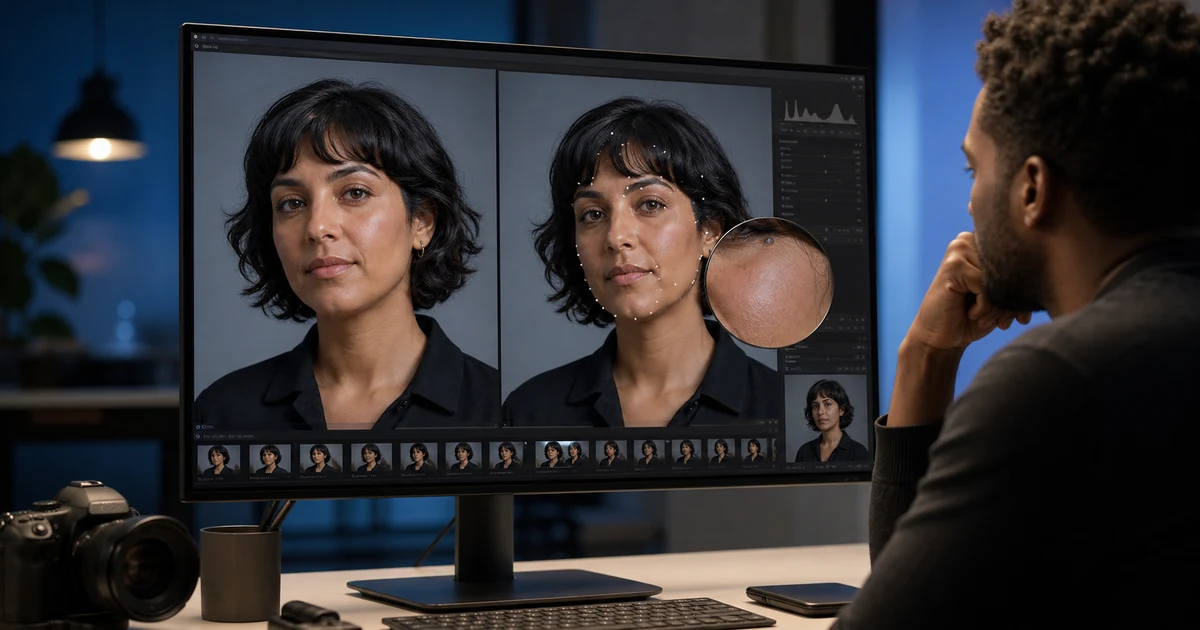

AI Headshot Quality Checklist: What to Fix and What to Preserve helps you complete one real creation job with a repeatable process and a clear approval standard. It focuses on the decisions that determine whether the output is useful, accurate, and ready for its destination.
Define the destination first
A LinkedIn avatar, company directory, speaker page, acting profile, medical-team page, and press kit have different crops and trust requirements. Record the final pixel size, background convention, wardrobe expectation, and how the image will appear beside the person’s name and credentials.
Professional does not mean luxury office, perfect skin, expensive clothing, or a younger face. It means recognizable, appropriate, clear, and credible for the destination.
Use source photos that support identity
Choose recent, high-resolution images in even light with natural expression and visible facial landmarks. Avoid beauty filters, wide-angle distortion, hard mixed lighting, sunglasses, heavy occlusion, and screenshots compressed by messaging apps. When possible, include front and three-quarter references captured in the same session.
Preserve these non-negotiables
Do not shrink noses, enlarge eyes, reshape jaws, whiten skin or teeth unnaturally, remove age, change hairline, or manufacture an expression. Retouch temporary distractions conservatively and retain natural pores, lines, asymmetry, and texture.
What is reasonable to fix?
| Issue | Reasonable correction | Do not do |
|---|---|---|
| Uneven exposure | Localized tonal balance | Relight into a different face |
| Distracting background | Neutral, plausible replacement | Fabricate employer or location |
| Temporary lint or flyaway | Small bounded cleanup | Change hairstyle or clothing shape |
| Crop mismatch | Reframe with safe margins | Invent shoulders or body inaccurately |
| Color cast | Neutralize using skin and gray references | Change skin tone or eye color |
Review at three scales
- Thumbnail: Does the person remain recognizable and the expression readable?
- Profile size: Are eyes sharp, crop balanced, and background separation clean?
- Full size: Are hair edges, glasses, teeth, ears, jewelry, clothing seams, and skin texture plausible?
Toggle between source and result at equal size. A difference overlay can reveal quiet changes around eyes, jaw, hairline, shoulders, and clothing.
Check professional credibility
Wardrobe should match the person’s real role and remain physically plausible. Do not invent medals, uniforms, medical attire, employer logos, academic regalia, or credentials. Backgrounds should not imply an office, institution, or event the person has no relationship with.
Ask the subject to approve the final image and how it will be labeled. Consent to take a photo is not automatically consent to generate a new professional persona.
Final checklist
- The subject recognizes the result as an accurate current likeness
- Face, age, skin, hairline, body, and distinguishing features remain stable
- Edges, anatomy, clothing, glasses, teeth, and background are plausible
- No credential, affiliation, location, or result is fabricated
- The crop and tone work at the actual destination
- The subject approved public use
When to retake instead of regenerate
Retake when the source is too small, blurred, strongly filtered, severely occluded, or captured with perspective that distorts the face. A clean phone portrait near a window often produces a more trustworthy result than trying to reconstruct missing identity information.
Frequently asked questions
What makes an AI headshot look fake?
Identity drift, plastic skin, impossible hair or glasses, overdone relighting, generic clothing, and a background that contradicts the subject are common causes.
Should AI headshots remove wrinkles?
No. Preserve apparent age and natural skin. Limit cleanup to temporary distractions the subject approves.
Can I change clothes in a professional headshot?
Only with an authorized, role-appropriate reference and careful review. Never invent uniforms, credentials, or affiliations.
How many source photos are needed?
Use enough recent views to establish identity and hair reliably; quality and consistency matter more than a fixed count.
When should I use the original photo?
Use or retake the original when biometric accuracy, documentary truth, or source quality makes generation inappropriate.
Continue with a useful next step
 Image
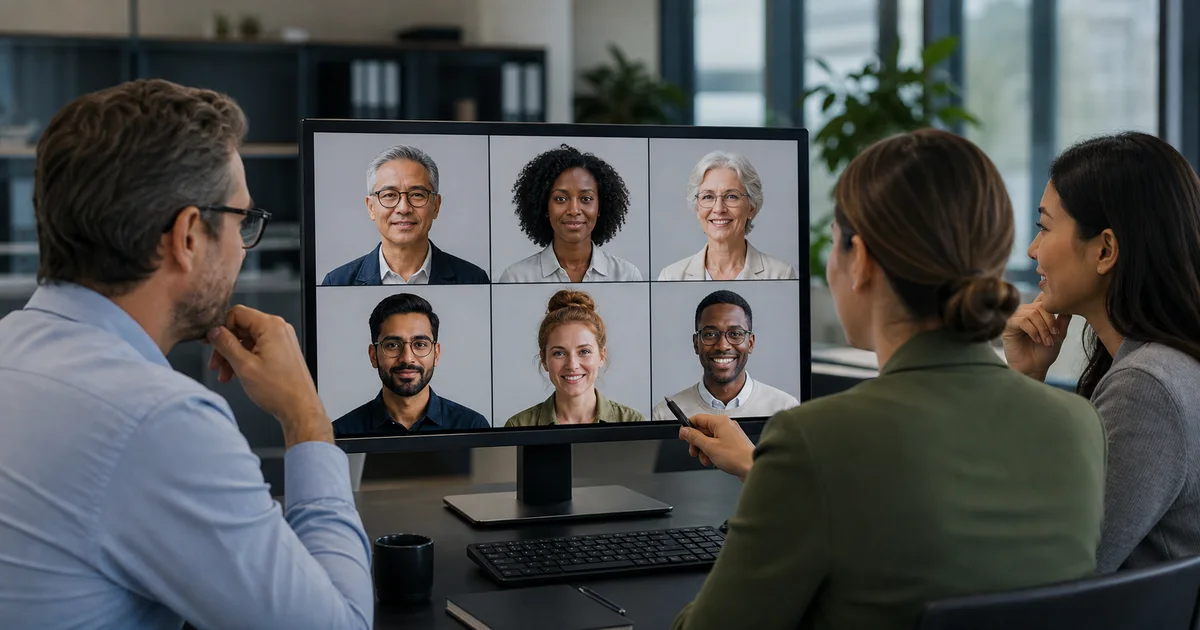
ImageAI Headshot Generator for Teams: What to Compare Before You Buy
Compare AI headshot tools for teams by likeness, brand consistency, privacy, correction workflow, new-hire repeatability, and real approved cost.
 Image
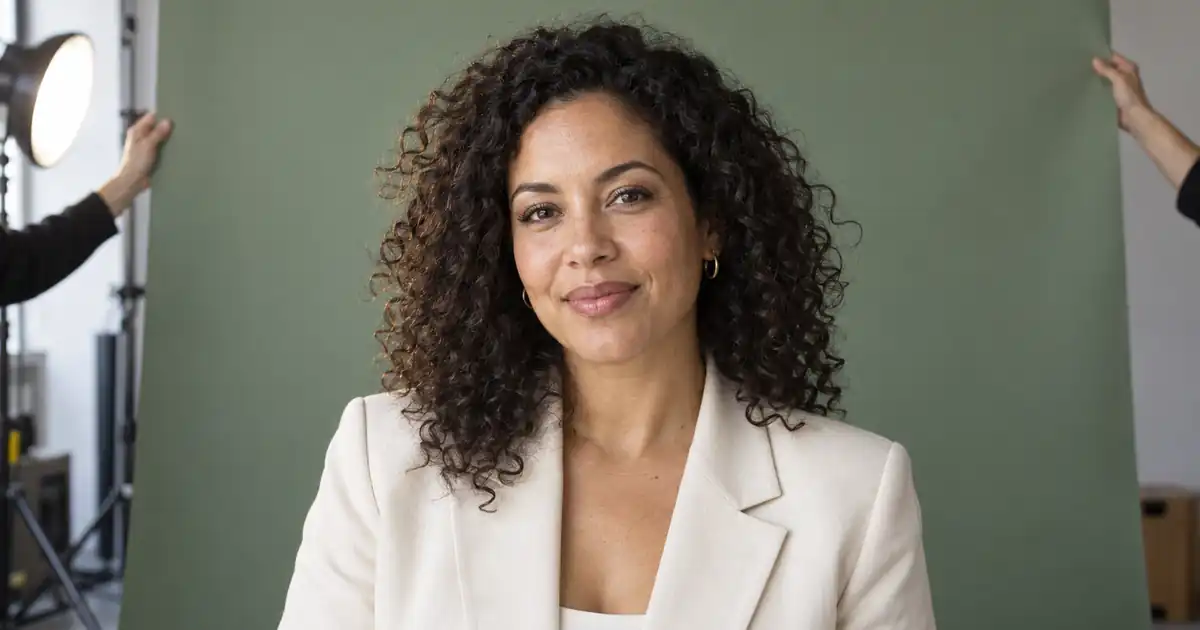
ImageHow to Change a Headshot Background Without Changing Your Face
Change a headshot background while preserving your face. Choose cutout or selective editing, check hair and glasses, match light, and inspect the export.
 Image
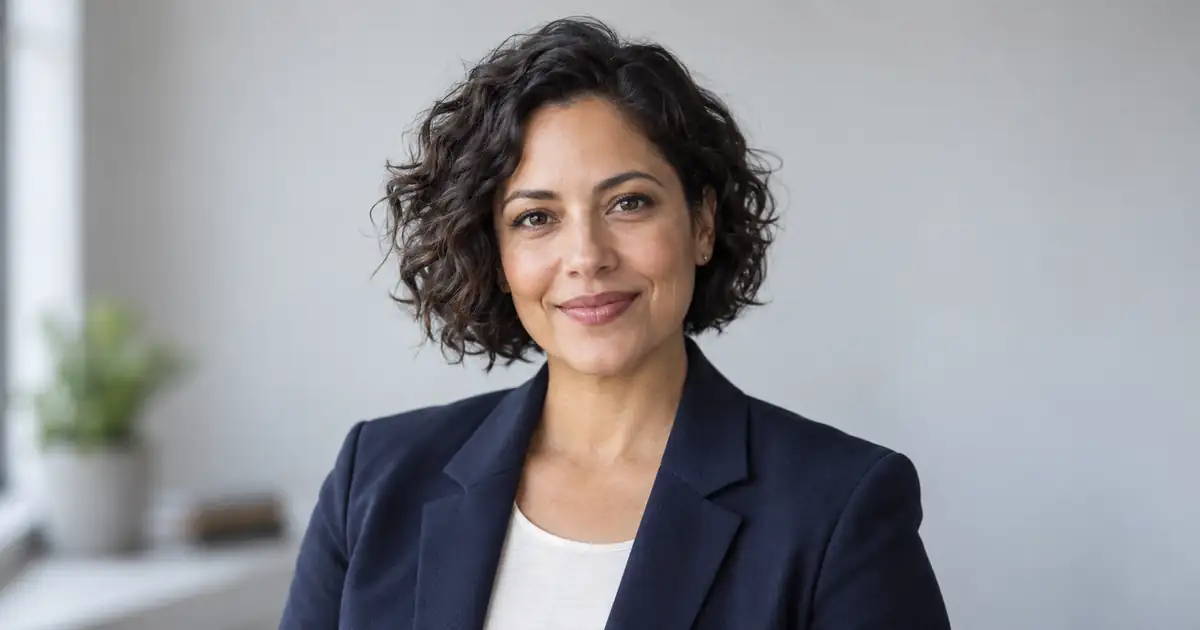
ImageChatGPT Headshot Prompts for LinkedIn (2026): 25 Ideas
Copy 25 ChatGPT prompts for LinkedIn profile pictures and professional headshots, with a realistic formula, reference-photo workflow, and final checklist.
If the portrait is already approved and only its setting needs work, follow the headshot background replacement guide to retain the person and review hair, glasses, and lighting.
When a reflection obscures the eyes, start with the glasses glare decision guide to choose a local correction, a clearer source, or a retake.