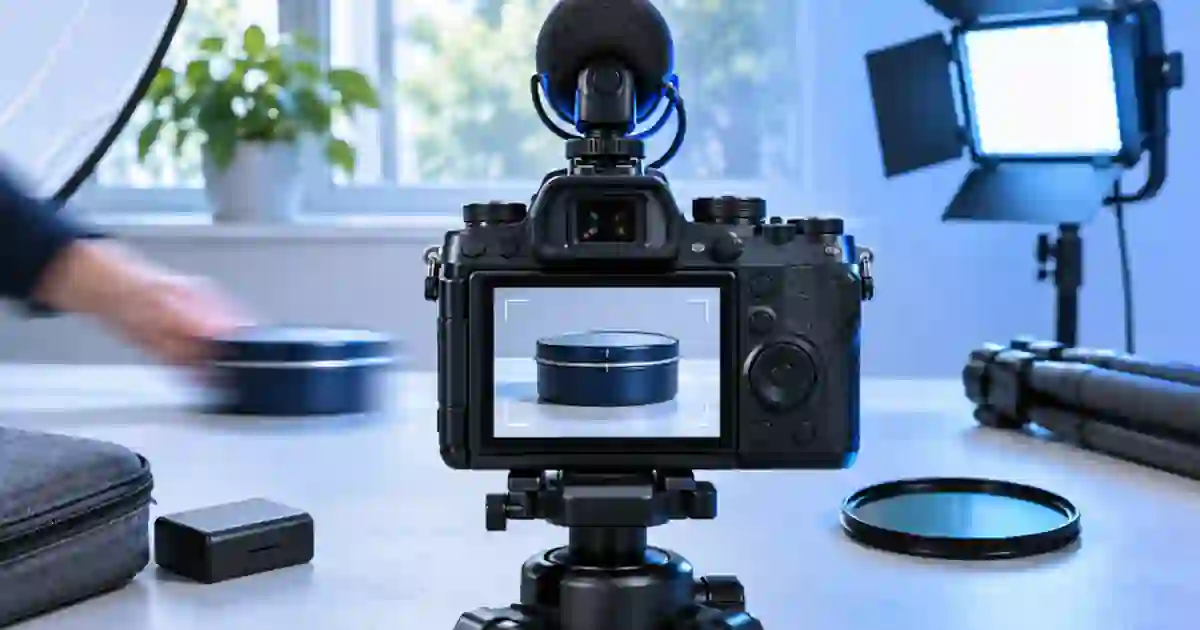

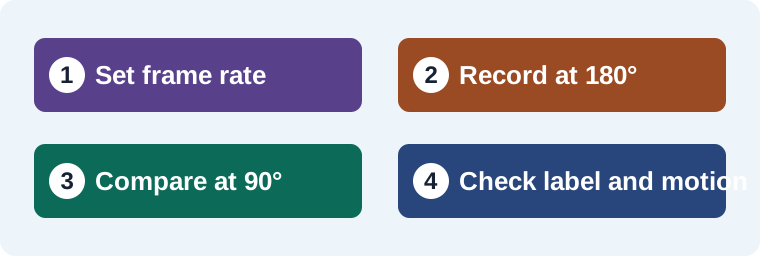
For a moving product shot, I recommend starting at a 180-degree shutter angle and judging the blur from a short recording. I use that as a baseline for a slow slide or a hand reaching into frame. If the label must be legible during the move, compare a shorter exposure and check how the motion feels at normal playback speed.
My gear pick for this setup
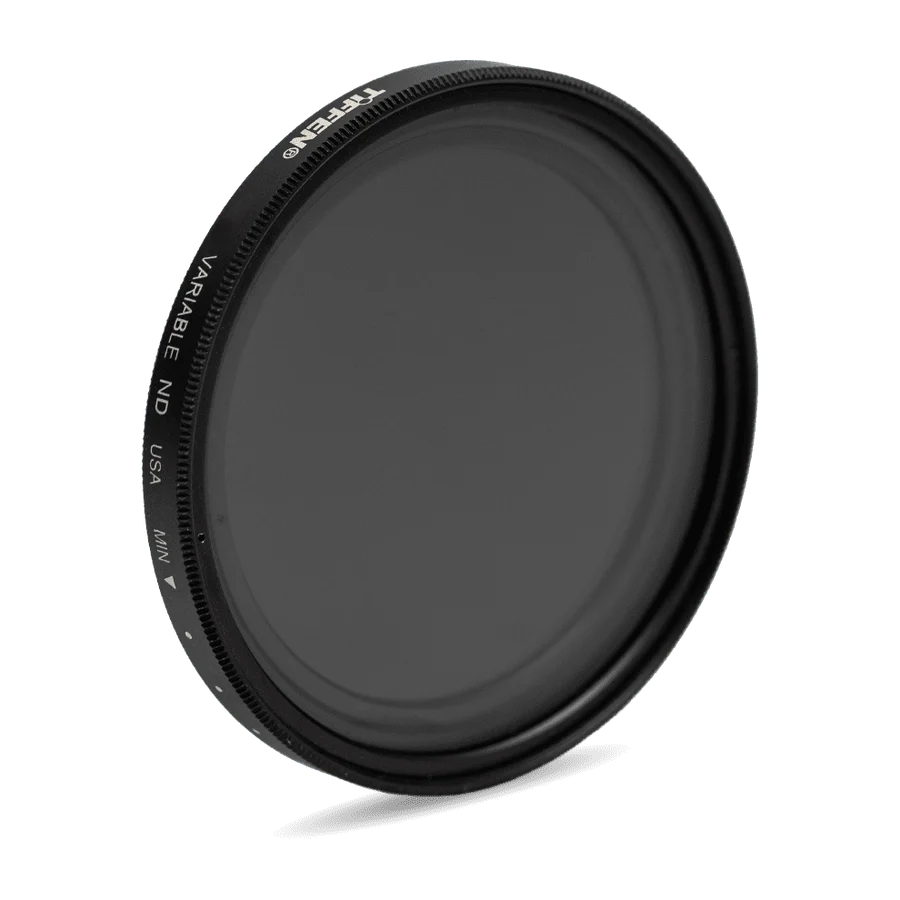
Tiffen 67 mm Variable ND filter
A variable ND for a compatible 67 mm lens in bright light
I’d consider the 67 mm Tiffen variable ND when I need to keep shutter and aperture steady outdoors. Confirm the lens thread size and check the result for uneven shading before using a strong setting.
Turn angle and frame rate into a shutter time
Shutter angle describes the fraction of each frame interval used for exposure. At 180 degrees the exposure occupies half that interval. At 24 frames per second the interval is 1/24 of a second, so a 180-degree exposure is 1/48 second. A 90-degree angle uses one quarter of the interval and gives 1/96 at the same frame rate. If your camera lists shutter speeds rather than angles, choose the closest supported setting that gives the look and light behavior you need.
For another frame rate, divide the angle by 360 and then divide by frames per second to get exposure time in seconds. At 30 fps, 180 degrees is 1/60 second. At 60 fps it is 1/120 second. I note the angle or shutter speed alongside the frame rate so a second camera can match the idea rather than accidentally copy the number for a different mode.
Compare the same move at two shutter settings
Set up a box on a short marked path across the table. Keep the camera, lens, frame rate and direction of light fixed. Move it at a repeatable pace. Record one pass around 180 degrees and another around 90 degrees. Compensate for the shorter exposure with available light or another suitable setting. Keep aperture and ISO fixed if your goal is to isolate blur and you can adjust illumination without introducing another visible change.
Watch both clips at normal speed. Then pause on the frame where the product is moving fastest and inspect the label. A shorter exposure can show a sharper frame but make a move feel more abrupt. A longer exposure can help the movement feel continuous while softening a label in motion. I decide which moment must read clearly. Sometimes the better edit is to hold the product still for a beat rather than change the whole shot’s shutter.
Use exposure controls to keep the intended motion
On a bright setup, a neutral density filter can reduce light so you can retain the chosen shutter and aperture. Match the filter diameter to your lens or use a compatible adapter. A variable filter can be useful when the light changes, but check the image for color shifts or uneven darkening at the setting you actually use. I make a short test before turning the filter close to its strongest end.
Indoor lights may introduce flicker at a chosen angle. Run a short recording under the exact light and recording mode. If bands are visible, the useful shutter setting may differ from the creative baseline. The shutter test for LED flicker gives a way to isolate the source. See the variable and fixed ND comparison when you need a filter to keep exposure steady.
Choose by what the viewer needs to see
| Shot | Starting decision |
|---|---|
| Slow product slide | Start at 180 degrees and check the feel in motion. |
| Fast turn with a label that matters | Compare a shorter exposure or add a still hold. |
| Bright outdoor demonstration | Test a compatible ND filter at the intended aperture. |
| Periodic bands under indoor light | Test the source and shutter together before choosing a look. |
Match a supporting clip to the real take
If I add a concept insert from Video Lab, I compare it with the original shot at the final playback speed. Look at blur direction, where the label becomes legible and when the product stops. Keep the captured shot for the part that proves the product’s physical details and use the supporting shot where it serves the edit.
Check what changes when you switch frame rates
A 180-degree shutter at 24 frames per second is about 1/48 second. At 60 frames per second it is 1/120 second. With the same lens, gain, and light, that second exposure is about 1.3 stops darker. Reset exposure when you switch to a slow-motion take, then check the LED lighting again at that setting. I keep a short clip of the movement at the delivery speed so I can tell whether I am comparing motion blur or simply comparing different playback speeds.
For a turntable, I also mark the start and end orientation. A clip that starts earlier in the rotation can make the same shutter setting look softer when the product edge crosses a highlight.
Compare the pause with the moving frame
I’d mark a 25-centimeter path on the tabletop and move a labeled box across it in about one second. At 30 fps, start with 1/60 second, then compare 1/120 second at the same speed. Check the middle of the motion and a one-second hold at the end. If the moving label is soft at 1/60 but the held label reads clearly, keep the longer exposure when it serves the shot and put the information in the hold. If the viewer must identify the label in motion, compare the shorter exposure. Save the settings and identify which frame actually carries the instruction. Test both clips with the intended delivery cadence, especially if the source is recorded at a higher frame rate for a slowed insert.
Download the product motion capture worksheet (CSV)
Frequently asked questions
Is 180 degrees always the best shutter angle?
It is a practical starting point. The desired motion, frame rate, light and readable details should determine the final setting.
What is 180 degrees at 30 fps?
It exposes for half of a 1/30-second frame interval, which is 1/60 second.
Can a faster shutter help a moving label?
It can reduce motion blur. Compare the result in playback because the movement may look more abrupt.
When does an ND filter help?
When the scene is too bright for your chosen shutter and aperture. Match the filter to the lens and verify the image at the actual setting.
Sources and further reading
Affiliate disclosure
As an Amazon Associate I earn from qualifying purchases.
Continue with a useful next step
 Video
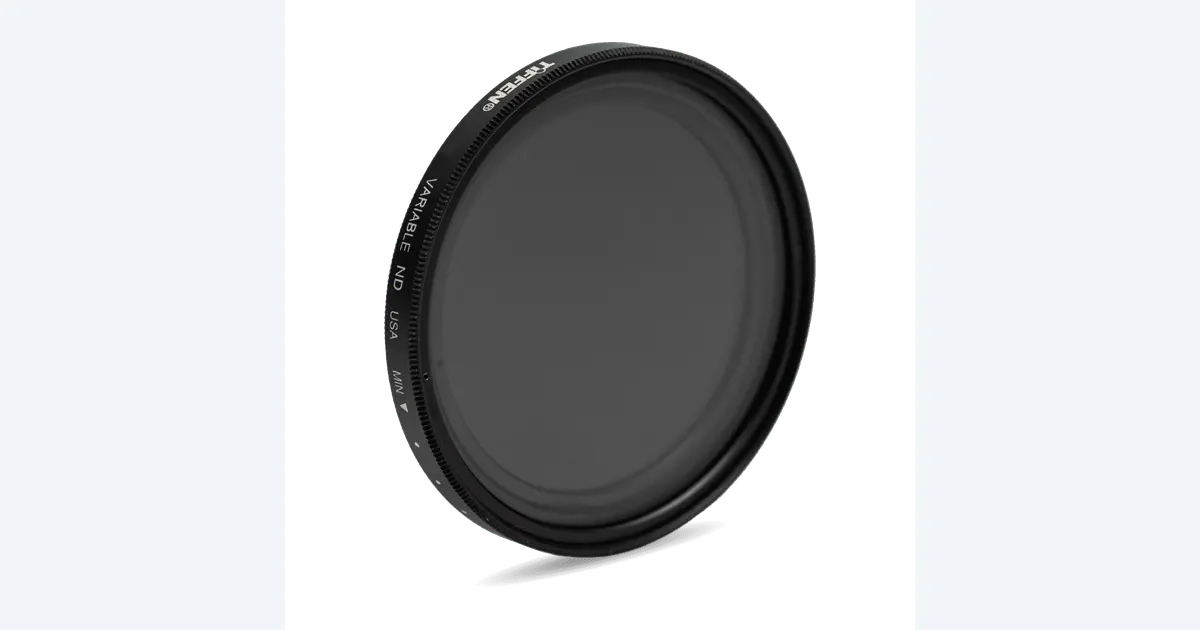
Variable ND vs Fixed ND for Outdoor Creator Video
Choose variable or fixed ND for outdoor video. Calculate the light reduction, check lens size and test the Tiffen 67VND for uneven density before a real shoot.
 Video
Fix LED Flicker in Video With a Shutter Test
Fix LED flicker in video by isolating the light, comparing shutter speeds for 50 or 60 Hz setups and testing the exact brightness before your shoot.
 Video
Lock Focus for Sharp Overhead Product Videos
Lock focus for overhead product videos by choosing the working plane, rehearsing the highest movement and checking the recorded label at full size.