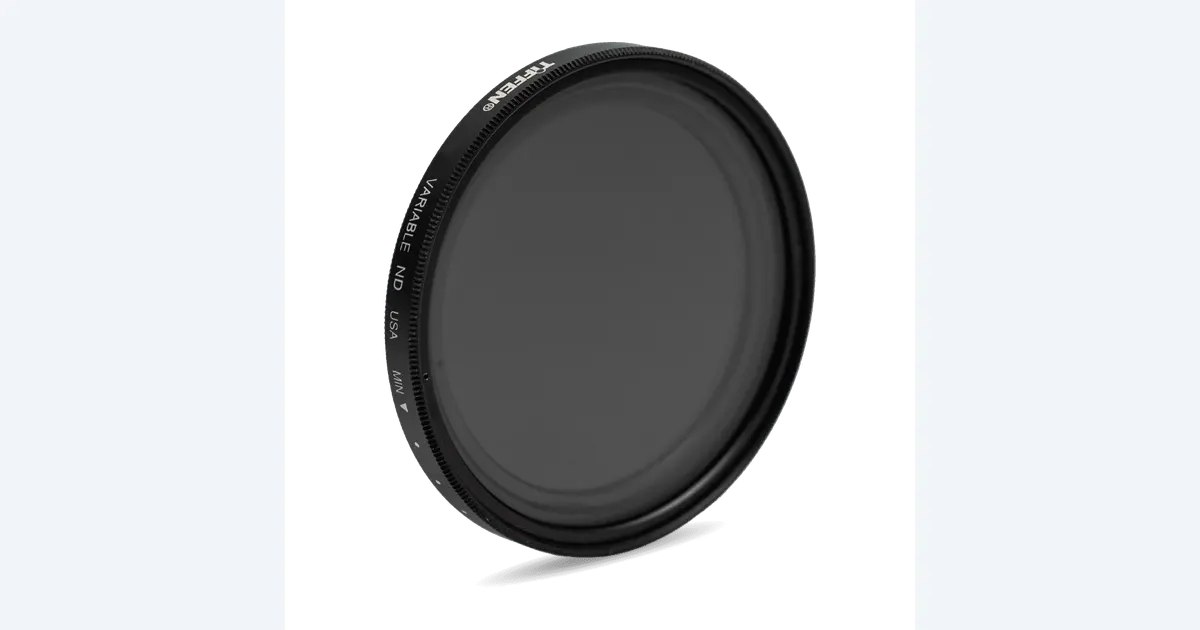

Use an ND filter when the scene is too bright for the aperture, sensitivity and shutter setting you deliberately want. A variable ND makes adjustment convenient as light changes; fixed ND filters offer discrete strengths with a different set of handling tradeoffs. Tiffen 67VND is one adjustable option to investigate, provided the 67 mm thread fits and your lens passes a practical image check.
A product to consider
Check the fit below, then select Buy on Amazon for the current offer and buying options. We may earn a commission from this paid link.
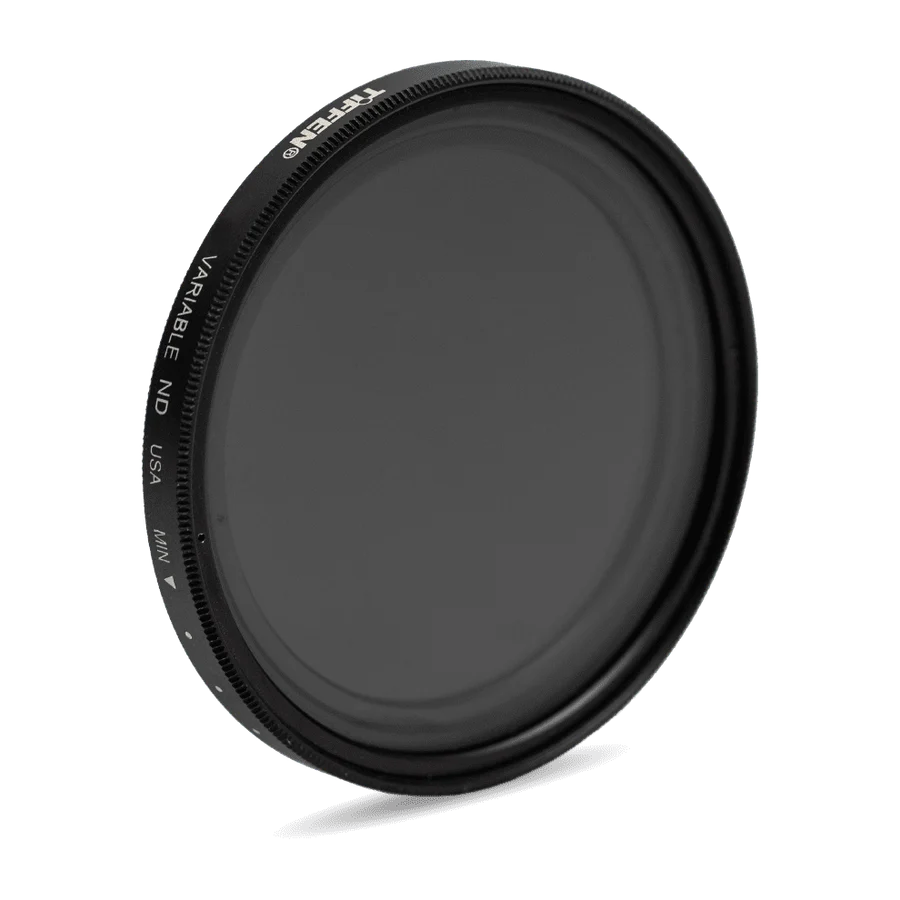
Tiffen 67 mm Variable ND filter
For a compatible 67 mm lens when outdoor video needs adjustable light reduction
67VND provides an approximate 2–8-stop adjustment range. Ring marks are not calibrated stop values. Check the whole frame for uneven darkening instead of assuming maximum density is always usable.
Download the practical worksheet
Original blank CSV worksheet. Record your own setup and observations.
Solve an exposure problem before choosing a filter
Start with the recording mode and the look you want. Decide the frame rate, depth of field and intended motion rendering, then see whether the scene is still too bright at an appropriate sensitivity. An ND filter reduces light reaching the sensor so you can retain those choices within the camera's supported operation.
Do not buy an ND because outdoor footage is automatically supposed to look cinematic. If the exposure and motion already suit the project, extra glass may add complexity without solving anything. In changing light, you also need a method for noticing exposure changes while keeping the take readable.
A common example is choosing a shutter near twice the frame rate for a familiar motion-blur appearance. That is a creative starting point, not an unbreakable rule. Action, flickering light and the intended style can call for different settings. Establish your shot's requirement rather than copying a number without context.
Calculate a useful starting strength
Each stop halves the light. If an otherwise unchanged exposure needs to move from 1/400 second to 1/50 second, the shutter admits eight times as much light: 1/400 to 1/200, then 1/100, then 1/50. A three-stop reduction is the arithmetic starting point. This example is illustrative, not a prescribed setting for every camera.
Confirm the result using the camera's exposure tools and a saved test clip. Nominal filter labels, lens transmission and the actual scene can introduce differences. Avoid judging only by how bright the rear display appears in sunlight. Protect important highlight detail according to the camera and recording workflow.
| Stops | Light fraction | Common notation |
|---|---|---|
| 1 | 1/2 | ND2 or optical density 0.3 |
| 3 | 1/8 | ND8 or optical density 0.9 |
| 6 | 1/64 | ND64 or optical density 1.8 |
Manufacturers do not always present the same notation prominently. “ND8” commonly means an eightfold reduction, which is three stops, not eight stops. Read the documentation attached to the exact filter and avoid combining labels from different products into one specification.
Variable and fixed filters solve the adjustment differently
A variable ND changes density as you rotate its ring, allowing a quick exposure adjustment without removing the filter. That can be convenient during a short outdoor setup. It also introduces polarization-related behavior that can produce uneven darkening or other image changes in some combinations of density, lens and scene.
Fixed ND filters provide a selected strength. Changing exposure by the filter alone may mean swapping glass or using a supported filter system. That is slower in some situations, but can be easier to document when a repeatable strength matters. Neither format is automatically best for every shot.
A circular polarizer has a different primary job. Our product-reflection guide explains why controlling glare and controlling total exposure should be separate decisions. Do not stack a CPL and variable ND casually; polarization interactions and physical clearance need deliberate checking.
Consider fixed ND when you want a known repeatable strength or when a variable filter creates artifacts in the intended wide view. Consider variable ND when adjustment speed matters and the usable range in your actual setup covers the shot. Include the cost and handling of any required adapters or additional strengths.
What is documented for Tiffen 67VND
Tiffen describes an approximate two-to-eight-stop adjustment range, a nine-millimeter ring profile and a wider outer optic intended to reduce vignetting. The marks between minimum and maximum are reference positions, not calibrated stop values. The linked filter is the screw-in 67VND, not Tiffen's magnetic system.
Match 67 mm to the lens's filter-thread diameter. It is unrelated to a zoom's focal-length range. Check lens hood and cap clearance as well as the thread. Manufacturer family imagery may show a different diameter; the selected Amazon size and the lens specification must agree.
David Coleman's field-test article reports serious artifacts from an earlier Tiffen variable ND and explicitly says he has not tested the current model. We use it as a reason to inspect the whole frame, not as a current-model verdict. QuestStudio has not tested the linked filter.
Do not assume the strongest printed density will be usable at every focal length. A clear saved-frame result at the needed setting is more relevant than reaching the end of the ring. If the required exposure lies outside a clean usable range, choose a different supported solution.
Make a saved-frame filter check
Use a repeatable scene with fine detail, a neutral area and an important bright region. Keep the camera supported and record the lens, focal length and filter size. Capture an unfiltered reference with an appropriate exposure, then compare filtered takes at the settings you intend to use.
- Low density: inspect the center and corners for unexpected color or softness.
- Working density: set the exposure needed for the planned motion and aperture.
- Near the upper range: watch for uneven darkening or a cross-shaped pattern; do not assume the setting is acceptable.
- Widest planned view: check corner coverage and physical vignetting.
- Saved clip: review the actual file at a useful size before committing to the shoot.
Keep white balance and the comparison method consistent. Otherwise a camera's automatic correction may hide or exaggerate a filter-related difference. Record any exposure compensation so a darker frame is not mistaken for better highlight control.
If you see a problem, change one variable: density, focal length, filter stack or camera angle. Preserve the rejected clip with a short note. A record of the unusable condition is useful when you return to the same location or lens later.
Do not force the rotating ring beyond its documented range or leave a loose filter attached. Follow the manufacturer's handling instructions and protect the glass between setups. The exercise is about image behavior, not testing the mechanical limits of the equipment.
Keep the filter choice connected to the final edit
For a product film, match the intended motion rendering across adjacent real shots where appropriate. A smooth moving insert can look inconsistent beside a very sharp-motion demonstration if the change was accidental. Review the sequence rather than judging each attractive clip alone.
Use QuestStudio Video Lab for a separate illustrative clip when it adds meaning, retaining the original camera footage as the evidence of the real product. An ND filter changes capture exposure; it does not make generated footage physically accurate or guarantee matching motion.
Before buying, write down the lens thread, required light reduction and the widest view you need. Choose the format that covers those needs without unacceptable artifacts or handling friction. Keep a no-filter approach when the original exposure already serves the shot.
The practical outcome is a short record of settings that worked for your equipment. It is more useful than a universal claim that one filter produces a cinematic look. Recheck when the lens, shooting conditions or desired recording style changes.
Check the current offer
If the product fits your setup, check the selected model, condition, seller and included contents on Amazon. We may earn a commission from this paid link.
Frequently asked questions
Does ND8 mean eight stops?
Common ND-factor notation uses ND8 for an eightfold reduction, or three stops. Confirm the exact manufacturer notation.
Are Tiffen ring marks calibrated stops?
No. Tiffen describes the intermediate marks as reference positions, not calibrated stop values. Use exposure tools and saved footage.
Can I use the maximum setting with every lens?
Do not assume so. Inspect uneven darkening, color and corners at the intended focal length and density.
Is the 67 mm size related to focal length?
No. It is the filter-thread diameter. Check the lens specification and any supported adapter arrangement.
Does QuestStudio recommend this from a hands-on test?
No. This guide uses current manufacturer documentation, clearly limited historical review context and an original exercise for your own setup.
Sources and further reading
Research and Amazon listings checked October 28, 2026. Check the current offer for condition, seller, price and included contents. Images: credited manufacturer product imagery, not QuestStudio test photographs. Original decision framework and worksheet: QuestStudio.
Affiliate disclosure and research approach
As an Amazon Associate I earn from qualifying purchases. If you buy through paid links, QuestStudio may earn a commission at no extra cost to you. See our editorial and affiliate policy.
This is a research-based guide using linked manufacturer documentation and clearly attributed published reviews where available. We have not tested this equipment hands-on. The worksheets are original exercises for your observations, not published test results.