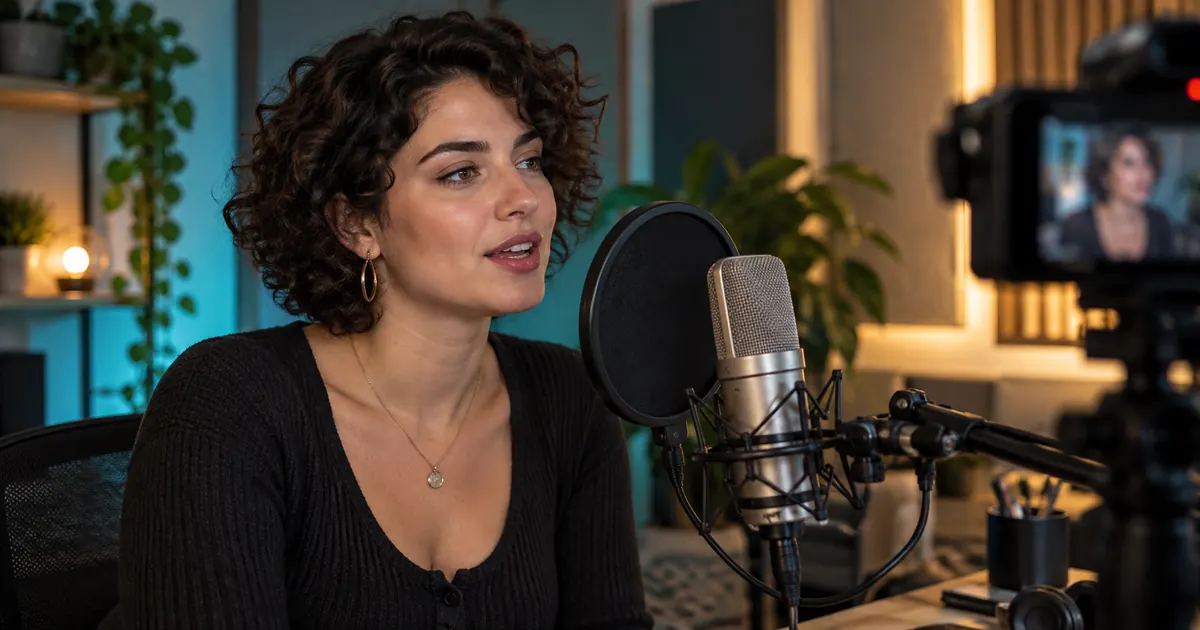

A well-synchronized mouth cannot rescue the wrong sentence. Approve the words, pronunciation and speech track before asking a face to perform them. Then keep that exact audio version attached to the video review so a later rewrite does not quietly invalidate the lip sync.
Reviewed October 23, 2026. Hero artwork is an original AI-generated illustration. Worked cases are teaching examples; they are not customer results or model benchmarks.
1. Choose the workflow by the material you already have
A still portrait plus speech, a generated scene with native audio, and an existing video with replacement dialogue are different starting points. Check the required inputs before choosing a tool. A model that generates ambient sound or speech with a new scene may not accept your separately approved recording. A portrait animator does not necessarily edit an existing performance.
Sync's official workflow guide, for example, distinguishes finished audio supplied with video from integrated text-to-speech and automatic dubbing. Those are provider-specific options, not universal meanings of a “lip sync” label.
Write the actual deliverable: “Animate this authorized portrait using this approved line” or “Replace this speaker's dialogue in this existing shot.” That sentence exposes input mismatches early. If you need a two-person conversation, resolve the exchange and turn-taking using the two-speaker dialogue guide before attaching it to faces.
2. Approve a short line and its pronunciation
Use this fictional packing-demo line for practice: “Pack the blue paper box. Place it beside the mug.” It is a short direction with visible consonant opportunities, not a diagnostic sentence that proves a model's accuracy. B, P and M can provide useful mouth-closure observations, but speech is continuous and surrounding sounds influence the visible movement.
Read the line aloud for meaning before synthesizing it. Decide whether “blue” needs emphasis and whether the pause after “box” separates two actions. Do not cram an overlong script into a fixed short shot by speeding up the voice until it becomes unnatural. Shorten the copy or allocate more picture time.
For a real brand, add a pronunciation note for names, abbreviations and numbers. Approve the heard result, not just the written spelling. If a word fails, use the pronunciation repair workflow and regenerate a coherent passage. Splicing a single syllable can create a change in rhythm or tone that becomes harder to hide on camera.
3. Freeze the speech file before animating
Create or record the line, listen for missing words and unwanted breaths, and choose the accepted take. Avoid music under the source dialogue when the synchronization workflow expects clean speech. Keep the natural pauses you want the face to perform. Heavy noise removal or aggressive gating can damage consonants, so compare processed audio with the original.
Leave enough lead-in and tail for the intended edit and for the selected tool's input rules. Do not invent a universal number of required milliseconds. Measure the actual file duration and note where speech starts and ends. The visible performance must have room for the entire line, including the final mouth movement and pause.
| Field | Practice handoff |
|---|---|
| Line ID | PACK-01, script version 2. |
| Words | Pack the blue paper box. Place it beside the mug. |
| Delivery | Calm instruction; distinct pause between the two actions. |
| Approved audio | Enter the actual accepted filename after listening. |
| Duration and speech boundaries | Measure the actual file; no times are assumed here. |
| Permission record | Identify the authorized portrait, voice and intended use. |
Download the dialogue handoff and review log. The blank time fields are intentional. A made-up timestamp is not a measurement and gives the next editor false confidence.
4. Give the face a feasible performance
Choose a source suited to the tool: a clear authorized portrait for portrait animation, or appropriate visible-speaker footage for a video-based workflow. Review face size, angle, occlusion, motion blur and existing mouth visibility. If a hand covers the mouth for half the shot, a precise visible speech performance may not be a reasonable expectation.
Keep the first test simple. One visible speaker delivering one approved line is easier to diagnose than a moving camera, several faces and rapid head turns. This is a test-design choice, not a promise that every tool requires a front-facing shot. Use the selected provider's actual input guidance.
Confirm permission for both identity and voice in the intended use. An authorization to use a portrait does not automatically authorize making that person appear to say new words. For a fictional character, keep the character and voice sources documented and make the presentation clear to its audience.
5. Review words, timing and mouth behavior separately
First listen without concentrating on the face. Are all approved words present, pronounced correctly and intelligible? If the audio changed during the workflow, compare it with the accepted source. A visually strong result that substitutes a product name or drops a negation should be rejected before subtle mouth review.
Next watch at normal speed. Does the person appear to speak naturally? Mark specific suspect moments, then inspect them more closely. Look for frozen lips, teeth changing shape, a jaw that jumps, or mouth movement during a required quiet pause. A single attractive still frame cannot establish a good spoken performance.
Finally distinguish synchronization from facial generation. If the whole track seems delayed, or the mismatch increases over time, follow the offset and drift diagnostic. If the timing is reasonable but the mouth shape is wrong on one phrase, moving the entire soundtrack may spoil everything else. Record the type of failure before choosing a repair.
Use observable landmarks and acknowledge uncertainty. A clear closure may be useful; a partly hidden mouth may not provide a reliable frame-level anchor. Do not force every sound into one exact mouth pose or claim precision that the footage cannot support.
6. Keep the edit and export attached to the approved version
After approval, avoid independently trimming, stretching or replacing the audio without checking the picture again. If the script changes, create a new line version and reassess the corresponding performance. Keep cutaways and transitions honest: they can support an edit, but should not hide a material change in what the speaker is represented as saying.
Open the actual export outside the editing interface. Check the beginning, middle and end, then inspect any marked failure in the full sequence. Preview playback problems and exported timing problems are different observations. Record the export filename, frame rate, audio version and the review decision.
For a portrait-based result, QuestStudio's Talking Avatar accepts a portrait and uploaded speech, with a separate script mode available. You can prepare speech in Voice Lab first. This is not a claim that Video Lab accepts a finished recording for arbitrary existing-video dubbing; its selected-model native audio option serves a different job.
No paid generation or signed-in performance test was run for this article. The handoff and review method are original planning material. Use the actual result, not the tool label, to decide whether a clip is ready.
Frequently asked questions
Should I generate the face or the audio first?
When the words must be exact, approve the script and speech track first, then use a workflow that accepts that track. Native scene-and-audio generation is a different process and may not preserve a separately recorded performance.
Does Talking Avatar replace dialogue in existing footage?
The current QuestStudio workflow uses an authorized portrait with uploaded speech or script input. Do not assume that this is the same as supplying an existing video for dialogue replacement. Verify the inputs required for your task.
Can I fix every lip-sync problem by shifting the audio?
No. A constant offset, growing drift and an incorrect generated mouth shape are different problems. Measure observable timing anchors and inspect the face before changing the whole soundtrack.
What happens if the approved script changes?
Create a new line version and approve the new audio. Recheck the corresponding visible performance and final export. Do not assume a previous lip-sync approval applies to different wording or timing.
Are the example line and timestamps measured results?
The packing line is fictional practice material. The worksheet leaves duration and timing fields blank until you measure a real file. No model-performance result or paid generation is presented here.
When the next scene needs an expressive talking character, prepare matching Pikaformance voice and portrait inputs.
For a focused next step, read Runway Act-Two: Build a Reaction Shot That Listens.