Choose your creative workflow
Find the AI creative platform that fits your next project
Comparing an alternative to your current platform? Start with the asset you need, the controls you use and the cost of an accepted result. Explore how QuestStudio fits alongside 14 creative platforms.
Comparison by QuestStudio · Each comparison includes its source check date and official references.
Choose the platform you are comparing
Image creation alternatives
Image to motion
ImagineArt alternative
Bring a visual idea into Image Lab, choose a model for the job, and take an approved still into a video workflow. QuestStudio is an alternative to ImagineArt when you want to make those production decisions yourself.
Compare with ImagineArtRepeatable image briefs
OpenArt alternative
Choose an image model around a clear brief, keep the prompt that worked, and build the next asset from that direction. QuestStudio suits creators who want to make a deliberate model choice and carry the work across Labs.
Compare with OpenArtControlled image iteration
getimg.ai alternative
Make the model choice part of your creative process. QuestStudio's Image Lab lets you review a model and its settings, test a clear brief, and decide which result is ready for the next asset.
Compare with getimg.aiCampaign image with copy space
Freepik AI alternative
Freepik AI is now Magnific. If your immediate job is an original campaign image, compare that job directly: a fixed brief, a selected model, an acceptance checklist and an export you can use. Start that test in QuestStudio Image Lab.
Compare with Freepik AIImage concept before finishing
Adobe Firefly alternative
Need an image concept before the finishing work begins? Use one brief to compare the output, selected model and cost of accepted candidates. QuestStudio Image Lab is a place to run that focused test alongside your existing editing workflow.
Compare with Adobe FireflyStorybook illustration
NightCafe alternative
A finished illustration and a community challenge are different goals. If you need an image for your own project, test a specific character, composition and export in Image Lab. Keep community participation as a separate part of your decision.
Compare with NightCafeComposition and layout handoff
Dzine alternative
If your next task is an image concept, compare one clear brief before moving a whole workflow. Use a model and prompt in Image Lab, inspect object placement and copy space, and take an accepted export into your layout tool.
Compare with DzineCharacter and scene readability
SeaArt AI alternative
An interesting character needs to survive a complete scene, not just a close-up. Compare a full-body brief with clear props and a readable setting in Image Lab, then inspect the export before planning another scene.
Compare with SeaArt AIGlass, reflections and export detail
PicLumen alternative
Transparent glass, liquid and steam make a useful small image test: a convincing thumbnail can still contain broken handles or impossible reflections. Keep the brief fixed and inspect those details before comparing a larger creative workflow.
Compare with PicLumenCampaign still before variations
Dreamina alternative
A campaign needs a usable frame before it needs a batch of variations. Test one bakery-window concept in Image Lab, check its subject and copy space, and decide whether the approved still is ready for your finishing or motion workflow.
Compare with DreaminaNew scene versus photo repair
Fotor alternative
Generating an original scene and repairing a photograph start from different inputs. If you need a new editorial image, try one controlled brief in Image Lab. If a real photo must remain faithful, evaluate that editing task separately.
Compare with Fotor
Video creation alternatives
Short video production
Pollo AI alternative
Start with one shot, choose a video model and inspect the cost of the settings you need. QuestStudio's Video Lab gives you a direct route from a motion brief to a reviewed clip.
Compare with Pollo AIAnimate an approved still
BasedLabs alternative
Keep the source image central to the job. In QuestStudio, choose an image-to-video model, prepare the required frame, and use a restrained motion brief to see what survives the animation.
Compare with BasedLabs
Music and original asset alternatives
Original music and visuals
Artlist alternative
When you need to generate an original music idea or visual, start in the matching QuestStudio Lab. When you need a licensed stock catalog, that is a different buying decision. This comparison helps separate the two.
Compare with Artlist
Compare what you can actually use
Cost per usable AI output calculator
Run the same brief with the same acceptance checklist in two workflows. Enter comparable money spent, including rejected attempts, and the number of outputs you accepted. Use the same currency and cost scope for both tests. Credits from different services are different units.
Illustrative example, not measured product results: $40 spent for 8 accepted outputs is $5 each; $24 spent for 3 is $8 each. Lower cost alone does not establish better quality. Avoid assigning a whole subscription to a small test unless that reflects your actual purchase decision.
See an illustrative cost comparison
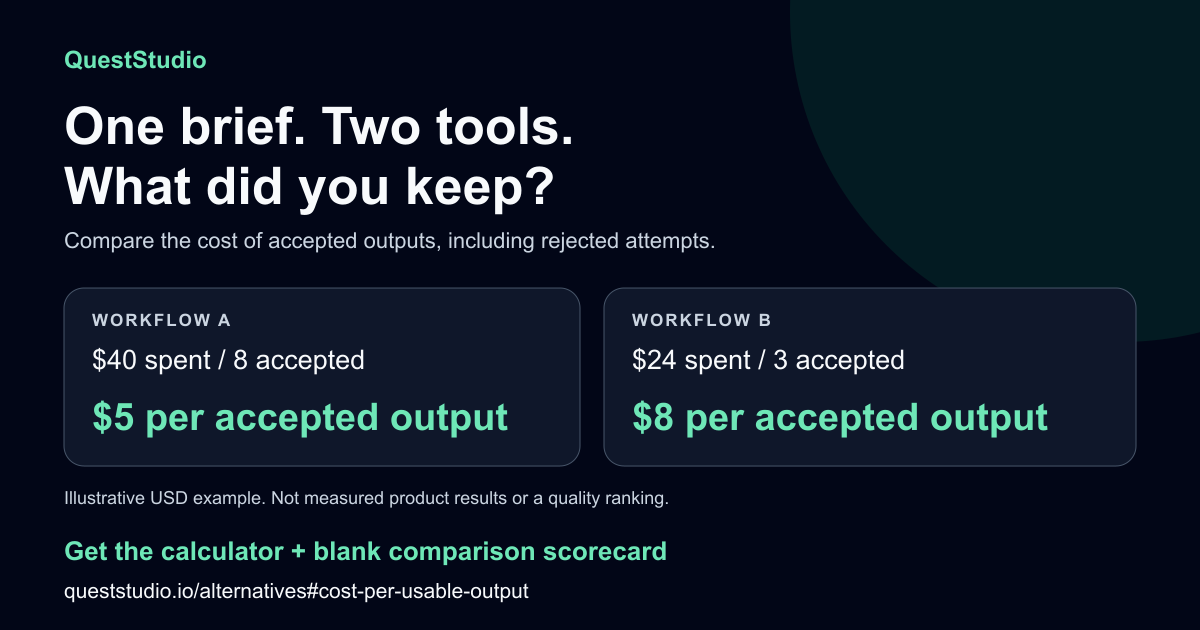
The formula is money spent ÷ accepted outputs. If nothing passes your checklist, record “no accepted output” rather than dividing by zero. This calculator runs in your browser without sending your entries to a server.
The interactive calculator needs JavaScript. Use the formula above or download the scorecard to record your comparison.
Download the comparison scorecard (CSV)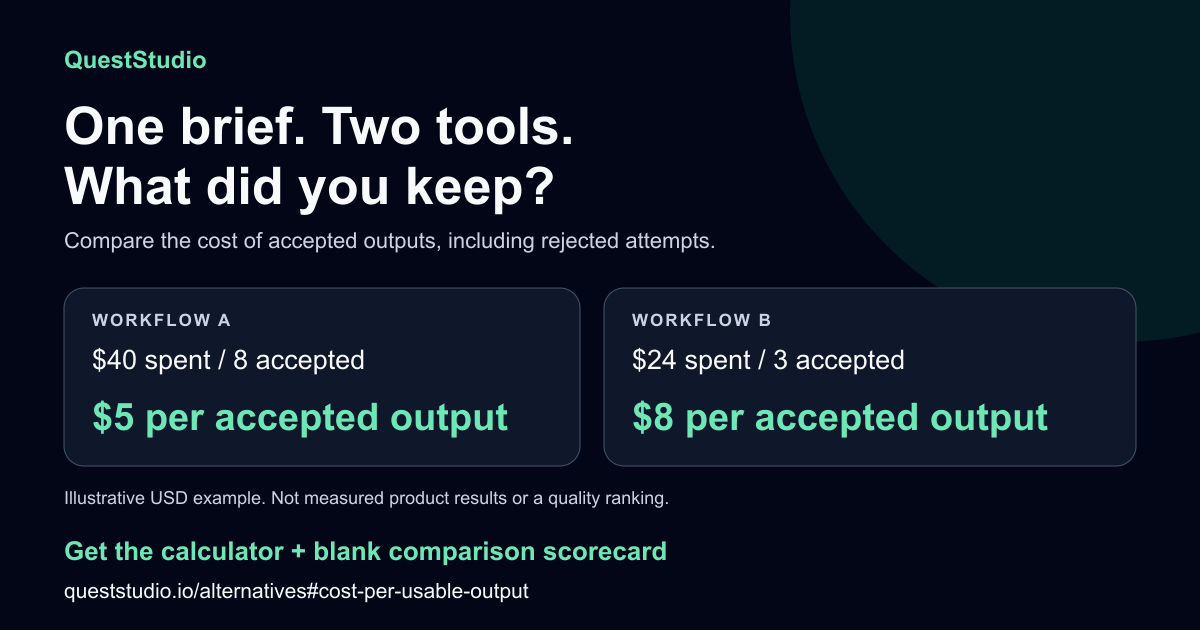
More platform alternative guides
Already comparing another platform? These guides cover more image, design, video, music and voice workflows. Each guide has its own scope and review date.
- Midjourney alternatives
- Leonardo AI alternatives
- Krea AI alternatives
- Canva AI alternatives
- Ideogram alternatives
- Recraft alternatives
- Runway alternatives
- Higgsfield alternatives
- Luma alternatives
- Pika alternatives
- Kling AI alternatives
- PixVerse alternatives
- Google Flow alternatives
- Viggle AI alternatives
- LTX Studio alternatives
- InVideo AI alternatives
- Synthesia alternatives
- Suno alternatives
- ACE Studio alternatives
- ElevenLabs alternatives
Make the comparison about a finished asset
Use one brief, the inputs you can legally use, and a short acceptance checklist. Record rejected attempts as well as successful outputs. A service with the lowest price per generation may not be the least expensive way to finish your actual task.
These comparisons are published by QuestStudio and use the linked official product descriptions. They do not claim identical features, guaranteed quality advantages or automatic project migration.