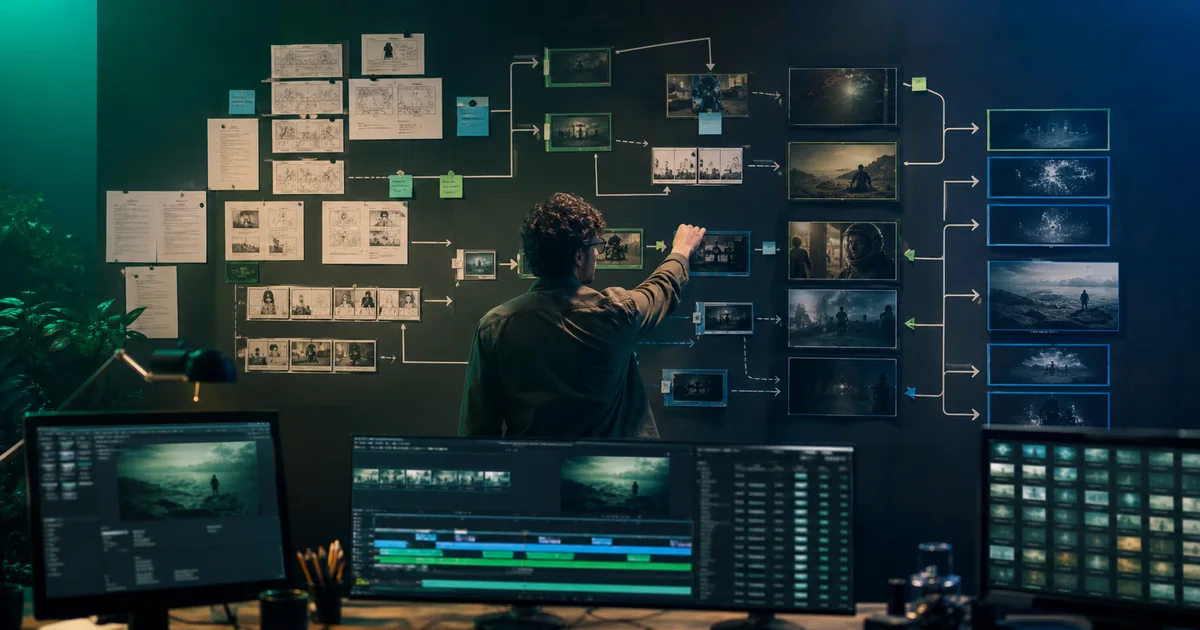

List the LTX Studio tasks your team actually uses before choosing an alternative. Script planning, reference handling, shot generation, review and export can create different requirements. Test the complete path for one representative brief, including the handoffs between tools, before moving an active project.
Why a generic alternatives list is not enough
LTX Studio is broader than a video generator. Its current Flows material describes connected prompt, image, video, audio, and upscaling nodes, caching, batching, and brand-kit references inside projects. Other LTX pages emphasize storyboarding, generation, editing, and export. Replacing that whole system with “another AI video tool” can remove the part your team relies on most.
Define the job first. A filmmaker replacing story development needs different evidence from a performance marketer replacing batch generation. A studio replacing review history needs different controls from a solo creator who only needs three good shots.
Map the workflow before choosing
Mark the stages LTX currently owns, the handoffs that fail, and the data that must travel between them. A replacement can be better at generation and worse for the total process.
Seven LTX Studio alternatives by job
| Option | Best reason to shortlist | Critical test |
|---|---|---|
| QuestStudio | Multi-model image, video, voice, music, and practical Labs | Can one brief reach successful output without a broken handoff? |
| Runway | Video generation and editing-oriented creator workflow | Shot control, editability, export, and team fit |
| Google Flow | Filmmaking workflow around Google's current media models | Scene continuity, access, and project controls |
| Krea | Visual exploration, multi-model creative workspace, and flows | Style development into repeatable production |
| Adobe Firefly | Creative Cloud handoff and commercially oriented workflow | Rights boundary and editor integration |
| Canva | Fast template, brand, resize, and team delivery workflow | Generation control versus publishing speed |
| Modular stack | Maximum model and automation control | Maintenance, provenance, review, and total operating cost |
Capabilities and plan access change. Verify each official product before purchase; this shortlist describes decision roles, not a permanent feature matrix.
1. QuestStudio for multi-model creation
Choose QuestStudio when the core need is moving between image, video, voice, music, prompts, and editing tools without committing the whole project to one model vendor. The closest current next step is Video Lab, where a defined shot can be tried with supported video models.
QuestStudio is not presented as a feature-for-feature LTX clone. The right test is whether your real brief reaches a successful, approved output and whether the content-to-Lab handoff helps rather than distracts. Project history, collaboration depth, and final editing needs should be checked directly.
2. Runway for generation plus editing
Shortlist Runway when video generation and post-generation manipulation need to live near each other. Test the exact model and controls your plan exposes, then inspect identity, motion, text, compositing, timeline handoff, and destination exports. Do not compare only the headline model.
Run a difficult continuity scene and one repair. Measure whether the workflow saves time after a failure, because recovery often matters more than the first render.
3. Google Flow for model-native filmmaking
Shortlist Google Flow when the team wants a filmmaking surface around Google's media models and reference-led scene work. Test availability, project persistence, ingredient or reference handling, shot continuity, audio where applicable, and export into the editor you already use.
A strong model does not automatically create a strong review system. Include comments, versions, ownership, and the final handoff in the evaluation.
4. Krea for visual exploration and connected creation
Krea is a useful candidate when style discovery, image generation, video generation, and connected creative operations are central. Its current product material includes Krea 2 style systems and Flow-like automation. Test whether exploratory choices become repeatable brand rules rather than one-off attractive frames.
If the team already has an editor and project system, Krea may replace only the visual-development and generation stages. Partial replacement is often cleaner than migrating everything.
5. Adobe Firefly for Creative Cloud teams
Shortlist Firefly when Photoshop, Premiere Pro, After Effects, or Express already anchor production. The potential advantage is not merely model output; it is the path from generated element to controlled edit, typography, color, version, and export. Verify current models and commercial terms in Adobe's official documentation.
Test a real round trip: generate or modify an asset, finish it in the normal application, send it through review, and deliver the required ratios. Count manual downloads and lost metadata.
6. Canva for brand-templated delivery
Choose Canva when the bottleneck is turning approved creative into many branded, team-editable destinations. It may be a better operational replacement for social teams than a specialist model with superior raw video. Test template locking, resize behavior, captions, collaboration, approvals, and export quality.
If cinematic shot control is the hard problem, pair Canva with a generator rather than asking one tool to solve both stages.
7. A modular local or API stack for control
A modular stack can combine script tools, image and video APIs, storage, automation, an editor, and a review system. It fits teams that need model routing, custom data boundaries, batch operations, or reproducible pipelines. It also creates engineering, monitoring, security, rights, and deprecation work.
Price the operator. Include integration, retries, queues, failed jobs, storage, observability, model changes, and support. The cheapest API call can produce the most expensive approved deliverable.
Run a seven-day replacement trial
- Choose one representative deliverable with an approved brief and sources.
- Record the current LTX path, time, attempts, exports, and review cycles.
- Select no more than three alternatives matched to the failed stage.
- Use the same story, sources, ratios, and acceptance test.
- Complete the full path through edit, review, and destination export.
- Score output quality, continuity, recovery, collaboration, rights, and total cost.
- Migrate only when the new path improves the whole workflow.
Avoid rebuilding a permanent pipeline during the trial. First prove the job; then automate the repeated path.
How QuestStudio helps
QuestStudio is the closest fit when model choice and moving between media Labs are the main value. Start in Video Lab with one missing shot, then test whether the accepted output can continue through the project's voice, music, prompt, or editing needs. Keep the product claim proportional: this is a practical alternative route, not guaranteed parity with LTX storyboards, Flows, or collaboration.
Measure successful generation after the handoff. Traffic and clicks are not enough if the reader cannot finish the asset.
Final alternatives checklist
- The exact LTX stage being replaced is documented.
- The shortlist is based on that job, not a generic feature count.
- Current access, plan limits, rights, retention, and exports are verified.
- The same representative brief and acceptance test are used.
- Recovery from a failed shot or edit is included.
- Story, continuity, collaboration, and destination delivery are tested.
- Total cost includes retries, labor, integration, storage, and review.
- The replacement improves approved output, not merely generation speed.
Use LTX Studio's official Flows walkthrough to inventory what the current workflow actually does before replacing it. Then verify each shortlisted product from its own current documentation.
Frequently asked questions
What is the best LTX Studio alternative?
It depends on the stage you need to replace. QuestStudio, Runway, Google Flow, Krea, Adobe Firefly, Canva, and modular stacks fit different jobs.
Is QuestStudio a complete LTX Studio replacement?
It is a multi-model creation alternative, not a claim of feature-for-feature parity with LTX storyboarding, Flows, or collaboration.
Which option is best for storyboarding?
Shortlist products with explicit story and scene planning, then test the full handoff from script to approved shots.
Which option is best for social teams?
A template and delivery workflow such as Canva may matter more than maximum model control, often paired with a specialist generator.
How should I compare cost?
Measure total cost per approved deliverable, including retries, labor, integration, storage, review, and export.
For a specific model workflow within the LTX ecosystem, learn to plan and review an LTX 2.5 multi-shot cut.