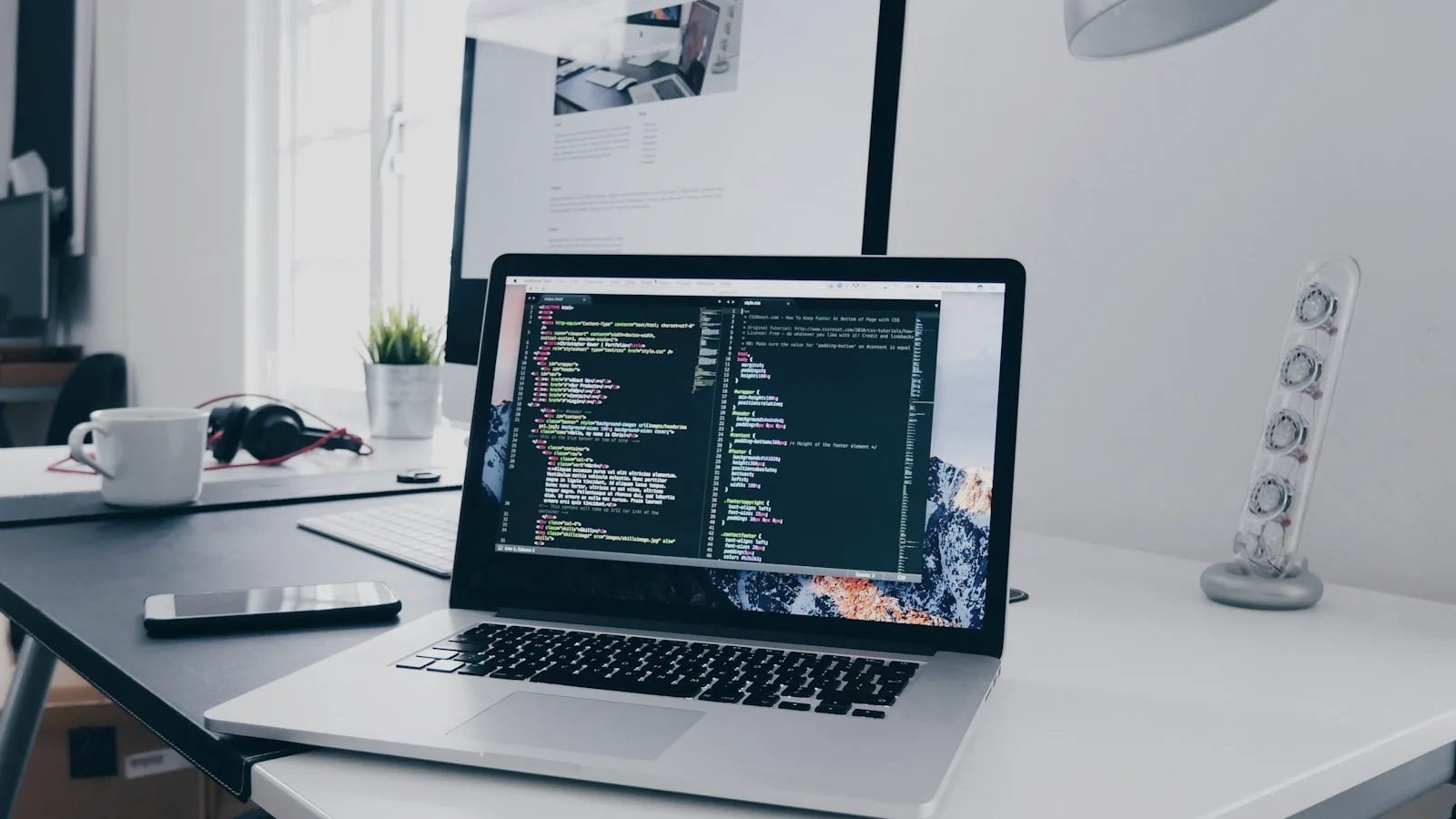

Adobe Firefly Video Editor is a browser-based beta editor that combines a multitrack timeline, transcript-based editing, uploaded footage, Firefly generations, titles, voiceover, and audio in one workspace.
It is best understood as a lightweight creative assembly tool, not a full replacement for Premiere Pro. Its advantage is reducing the handoff between generating a clip and placing that clip into an edit. Its tradeoff is that the beta still has format, browser, transparency, and advanced-editing limitations.
Pricing also needs a careful distinction: arranging and trimming existing media is different from generating new video or audio. Premium generative actions can consume credits even when they happen inside the editor.
What Is Adobe Firefly Video Editor?
Adobe calls it a web-based beta for editing video directly in a supported desktop browser. You can upload footage, pull media from generation history, add generated clips, arrange layers on a timeline, and export a finished sequence.
The official Firefly Video Editor overview lists trimming, cutting, text, audio, and generated media as core functions. Adobe also supports transcript-based editing for supported spoken languages.
Timeline editing
Arrange video, images, text, and audio across a multitrack sequence.
Text-based editing
Trim or rearrange supported speech footage through its transcript.
Generate in context
Create Firefly Video clips and add them directly to the current timeline.
The Features That Matter Most
Multitrack timeline
Use the timeline for pacing, cuts, layers, titles, music, and voiceover. This is the familiar editing side of Firefly and the clearest reason to use it instead of exporting every generated clip into another app immediately.
Transcript editing
For interviews, tutorials, and talking-head footage, Firefly can transcribe supported audio. Removing or moving words in the transcript can change the edit without manually hunting for every cut point.
Generated clips inside the editor
The Generate Media panel lets you prompt the Firefly Video model and add the result to the sequence. Adobe's generation workflow confirms that this can happen without leaving the project.
Uploaded and previously generated media
You can start from an empty project, upload files, import supported cloud or stock assets, or use clips from Firefly generation history.
Social presets and exports
Project presets cover common landscape and vertical formats, making the editor useful for assembling Reels, TikToks, ads, explainers, and short branded sequences.
A Practical Firefly Video Editor Workflow
Choose platform, aspect ratio, target length, message, and CTA before generating expensive footage.
Place the product shots, interview, screenshots, and approved brand assets first. The gaps will show you what actually needs generation.
Create transitions, establishing shots, product motion, or visual metaphors in context instead of generating a large pile of unrelated clips.
Fix pacing and order while the sequence is still rough. Add titles, voice, music, and color adjustments after the structure works.
Watch the final file on the target device. Check captions, audio balance, transitions, cropping, AI artifacts, and brand details.
How Much Does Firefly Video Editor Cost?
As of July 25, 2026, Adobe advertises limited free daily generations and four primary Firefly tiers: Standard at $9.99 per month with 2,000 credits, Pro at $19.99 with 4,000, Pro Plus at $49.99 with 10,000, and Premium at $199.99 with 50,000 credits plus unlimited access to the Adobe Firefly Video Model. Check Adobe's current plans page before purchasing because prices and promotions can change.
The editor does not charge merely because a clip sits on the timeline. Cost enters when you use premium generation. Adobe's current credit FAQ lists Firefly Generate Video at 20 credits per second for 540p, 50 per second for 720p, and 100 per second for 1080p at 24 fps. Partner-model rates can differ.
| Action | Typical cost behavior |
|---|---|
| Arrange, trim, and cut uploaded media | Editing action, not a new AI generation |
| Generate a Firefly Video clip | Uses credits unless covered by the current plan or promotion |
| Generate audio or partner-model media | Uses the relevant feature or partner-model rate |
| Export the assembled sequence | Confirm plan and export rules in the current interface |
Budget around usable seconds, not generated seconds. A five-second result that needs four attempts can cost four times the headline rate.
Current Beta Limitations
Adobe's known-limitations page is the best source for the current list. Important restrictions include:
- Browser and desktop requirements: feature support is narrower than a mature cross-platform editor.
- Import limits: each file must stay below Adobe's documented size and duration thresholds, with resolution limits on imported media.
- Animated GIF and WebP: animation may not be preserved; only the first frame can appear.
- Transparency: generated video with a transparent background is not fully supported in the editor.
- Credit visibility: the estimated cost indicator can occasionally be missing.
- Advanced post-production: complex color, effects, compositing, audio mixing, and finishing still belong in a fuller editor.
Do not treat beta behavior as permanent
Adobe updates Firefly frequently. Verify supported browsers, formats, credit rates, and export behavior inside the current product before committing a client workflow.
Who Is It Best For?
Good fit
- Short social videos and explainers
- Creators combining generated and recorded clips
- Talking-head edits that benefit from transcripts
- Adobe users wanting a lighter browser workflow
Use a fuller editor when
- You need advanced compositing or effects
- Color and audio finishing are critical
- The project has complex collaboration requirements
- You require mature format and plugin support
How QuestStudio Helps
Firefly Video Editor brings Adobe generation and lightweight assembly together. QuestStudio helps when the creative process needs broader model exploration: refine the brief in Prompt Lab, compare video directions in Video Lab, and connect image, video, voice, and music work in the same workspace.
A useful hybrid workflow is to develop the concept and strongest prompt structure in QuestStudio, then move approved clips into the editor that fits your finishing needs. The important decision is not which brand owns every step. It is whether the workflow produces usable media without unnecessary retries.
Adobe Firefly Video Editor FAQ
What is Adobe Firefly Video Editor?
It is Adobe's browser-based beta for combining timeline editing, transcript edits, uploaded footage, generated clips, titles, and audio.
Is it free?
Adobe offers limited free daily generations. Paid tiers increase credit allowances, while exact generation and export access depends on the current plan.
Does editing use generative credits?
Basic arrangement and trimming are not new generations. Generating video, audio, or partner-model media can consume credits.
Can it edit video using text?
Yes. For supported spoken languages, Firefly can transcribe footage and let you trim or rearrange it through the transcript.
Can it generate clips inside the project?
Yes. The Generate Media panel can create Firefly Video clips and add them to the timeline.
What are its biggest limitations?
It remains a beta with documented browser, platform, import, resolution, animation, transparency, and advanced-editing constraints.
Related guides
Continue with a useful next step
 Video
VideoAI Video Cost Per Usable Clip: A Real Budgeting Guide
Calculate the real cost of AI video after retries, rejected outputs, editing, and labor. Use a simple formula to budget clips and reduce wasted credits.
 Video
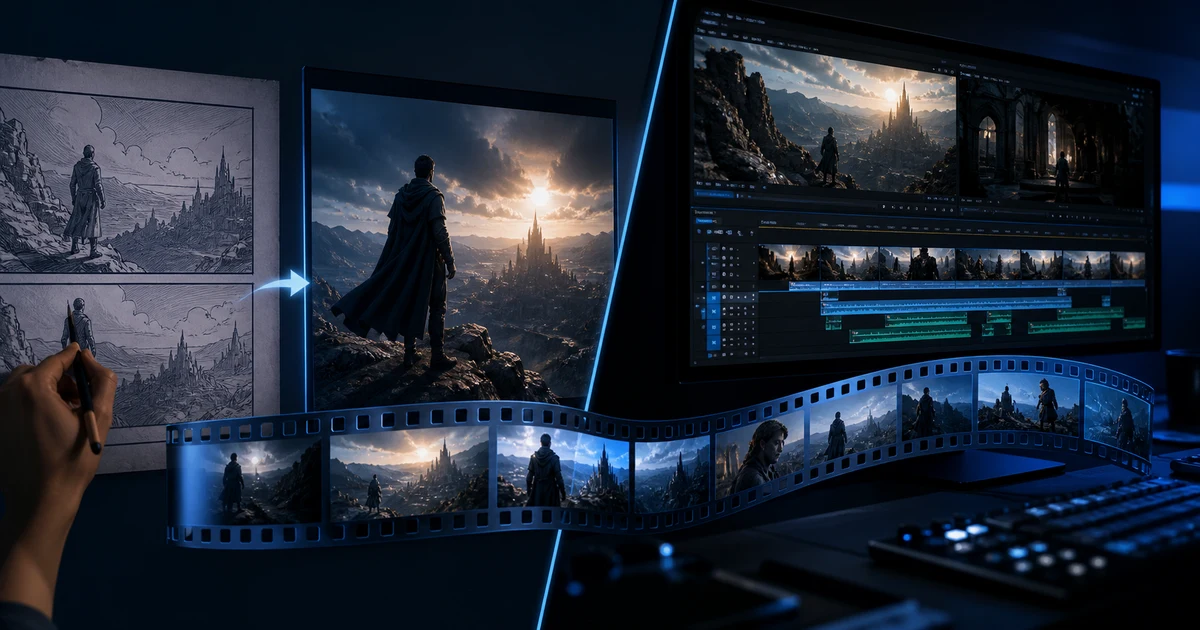
VideoAI Video Generator vs AI Video Editor: Which Tool Do You Need?
Compare AI video generators and AI video editors by job, input, control, failure risk, and workflow so you choose the right stage instead of the wrong tool.
 Video
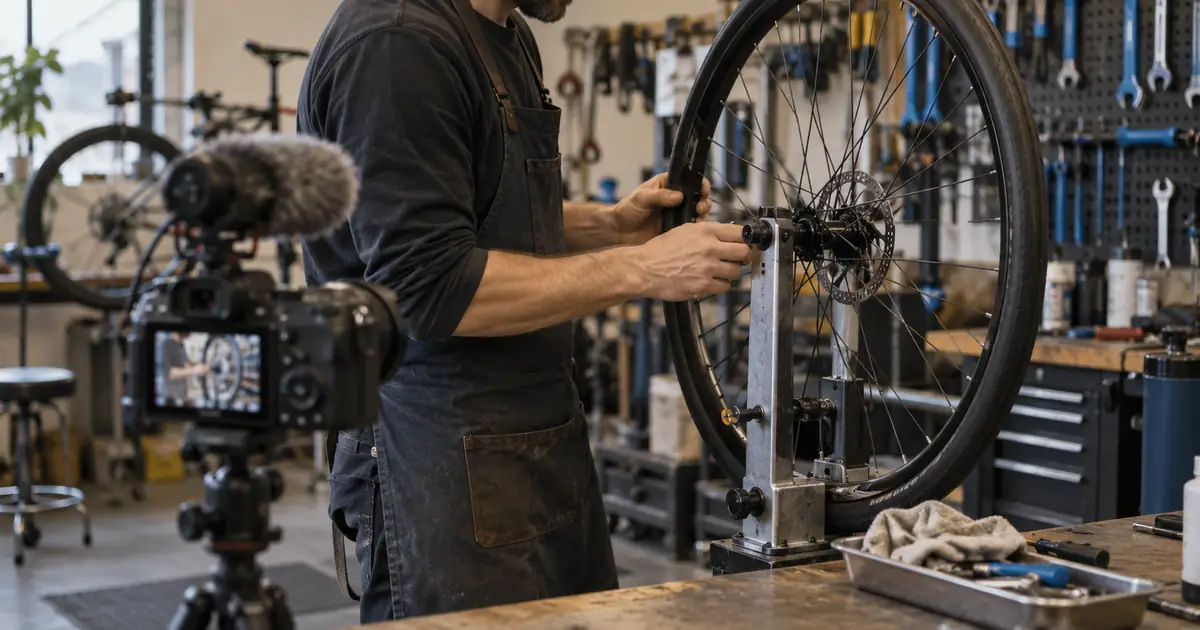
VideoAI Interview B-Roll: Build a Shot List From a Transcript
Build an interview B-roll shot list from transcript beats. Choose real footage, diagrams or AI illustration, then check relevance, continuity and edit fit.