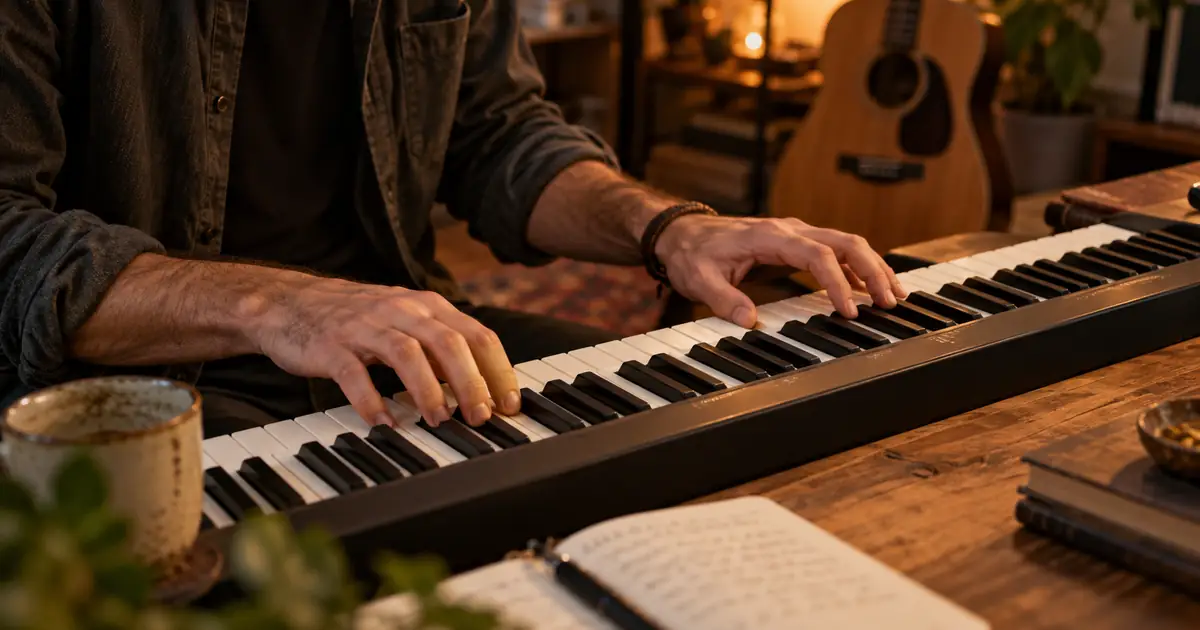

To prompt AI music with a chord progression, specify the key, ordered chords, approximate harmonic rhythm, tempo and arrangement. Then verify the result by listening or analyzing it in a music editor. A text prompt can guide a generator without guaranteeing that it will play the exact chord sequence.
This guide includes four original prompt examples and a comparison method. Use them when you want a more deliberate harmonic direction than “uplifting background music.” If exact notes, chord lengths or editable harmony are required, start from MIDI or another workflow that gives you direct control.
Write the progression in a form you can check
Chord names identify the actual harmony in a key. Roman numerals describe its relationship to the key's tonic. In C major, I–V–vi–IV corresponds to C–G–Am–F. Uppercase numerals conventionally indicate major triads and lowercase indicate minor triads in this notation.
Use both forms in the brief if that helps you keep the idea organized, but do not pile on conflicting descriptions. If you specify C major and then accidentally list chords from another key, the ambiguity begins in the prompt. Musictheory.net's diatonic triads lesson explains how triads relate to a scale.
Also state how often the chords change. “One chord per bar in 4/4” gives a clearer intended pattern than listing four chords with no timing. Treat it as a review target; a generative audio model may still change the timing or add passing harmony.
Keep harmony, arrangement and delivery separate
A progression is only part of the musical result. The same four chords can feel very different with a sparse piano, a dense guitar band or a soft electronic pad. Describe the instruments and energy that suit the project rather than expecting chord names alone to determine the mood.
Write the brief in three layers: the harmonic plan, the arrangement and the delivery constraints. The delivery might be instrumental, without a dominant lead melody, and with a clean ending. Those details matter if the track will sit under narration.
| Layer | Example | Review question |
|---|---|---|
| Harmony | C–G–Am–F, one chord per bar | Does the repeated movement match? |
| Pulse | 4/4, about 90 BPM | Does the pace fit the edit? |
| Arrangement | Soft piano and restrained percussion | Is there room for the voice? |
| Delivery | Instrumental with a resolved ending | Are vocals or an abrupt cutoff present? |
Download the harmonic prompt comparison sheet. Record what you requested and what you actually heard as separate fields.
Four chord progression prompts to adapt
These are original starting briefs, not tested guarantees for a particular model. Where your chosen music workflow has dedicated fields for instrumental mode, tempo or duration, use the available controls consistently with the text.
1. Gentle major-key explainer bed
Check whether the bass movement and chord changes follow the intended four-bar cycle. A pleasing major-key mood alone is not evidence that the progression matched.
2. Reflective minor-key opening
Listen for the difference between a reflective texture and an overly cinematic build. If the arrangement is too dense, revise that variable before changing the harmony.
3. Bright acoustic background
The requested pace is approximate guidance. Check the actual tempo in your editor before aligning it to a tightly timed sequence.
4. Spacious two-chord cue
A simpler harmonic plan can make listening comparisons easier. It still needs verification; the model may introduce additional chords, melodic tension or a different ending.
Verify the result in two listening passes
First judge the track in its intended context. Put it under the actual voice or video. Does it support the message, leave enough space and end cleanly? Reject an unsuitable arrangement even if the harmony is close to the brief.
Then inspect the chord movement. If you play an instrument, compare the expected chords against the audio, paying attention to the bass and sustained harmonic tones. Do not identify the chord from the bass note alone: inversions and non-chord tones can make that misleading.
Chord-detection software can offer a starting estimate, but dense arrangements, extensions and ambiguous passages can confuse it. If exact harmony is a requirement, have someone with the necessary listening or arranging skill verify it, or work from editable notes that you can inspect directly.
Use MIDI when exact harmony is part of the deliverable
If a client needs a specific progression, a defined melody or stems that can be rearranged, text-to-audio may not provide enough control by itself. An editable MIDI sequence lets you set chord notes and lengths directly before choosing sounds and arranging the track.
That does not mean every MIDI-import tool preserves every musical detail automatically. Inspect the imported notes and resulting arrangement. The MIDI import arrangement guide addresses that separate workflow.
For a flexible background concept, you may accept a harmonically similar result that fits the project. Record that decision honestly: “accepted for mood and edit fit” is different from “verified exact progression.” This distinction helps collaborators understand what they can rely on.
How QuestStudio helps with prompt comparisons
Use Music Lab to explore the brief with an available music model. Keep the same harmonic plan while changing one arrangement variable, such as percussion density or lead instrument. Compare the outputs at a similar listening level so that louder does not automatically seem better.
Save the prompt with the accepted file and note any mismatch. If the final use is a spoken show opening, review the podcast intro music guide. If you need only a short section boundary, the transition stinger workflow helps keep the cue proportionate to the edit.
Do not treat the presence of common chord names as proof of originality or permission for a particular use. Review the terms governing the chosen model and output, and assess the actual music before release.
If you already have a recording and need a different tonal center, use the AI song key-change workflow to choose a semitone interval and review vocal tone after processing.
Frequently asked questions
Can an AI music prompt guarantee a chord progression?
Not by itself. A generator may follow the general harmonic direction while changing chords, timing or voicings. Verify the audio, and use editable musical data when exact harmony is required.
Should I use chord names or Roman numerals?
Chord names specify the actual chords in a key; Roman numerals describe their relationships. You can include both if they are consistent and help you review the result.
Does the bass note tell me the chord?
Not always. Chord inversions and non-chord bass notes can make that inference unreliable. Listen to the fuller harmony or inspect editable notes.
What if the track sounds good but the progression is wrong?
Decide whether exact harmony is essential. You may accept it for mood and edit fit when the brief allows, but record that it did not match the requested progression.
When should I start from MIDI?
Use an editable MIDI workflow when you need precise notes, chord durations or arrangement changes that a text-to-audio result does not let you control directly.
Separate a useful mood from an exact progression
Choose one example, adapt its arrangement to your project and test it in Music Lab. Keep the result only after checking whether its harmony serves the intended use.
Hero image: AI-generated editorial illustration. Examples are original planning exercises, not measured model tests.
Continue with a useful next step
 Music
MusicACE Studio Vocal Harmonies: Write Parts That Fit the Chords
Build a four-bar vocal harmony in ACE Studio with note-and-lyric control, distinguish harmony from doubles, and export parts that stay aligned in your mix.
 Music
MusicAI Music Drum Fills: Lead Into the Next Section Cleanly
Shape AI music drum fills around the next section. Compare restrained, busy and quiet transitions, protect the vocal phrase, and check the incoming downbeat.
 Music
MusicAI Music Mastering: Compare the Sound, Not Just the Loudness
Evaluate an AI music master with a level-matched comparison, an original listening log, source repair decisions, and destination-specific delivery checks.