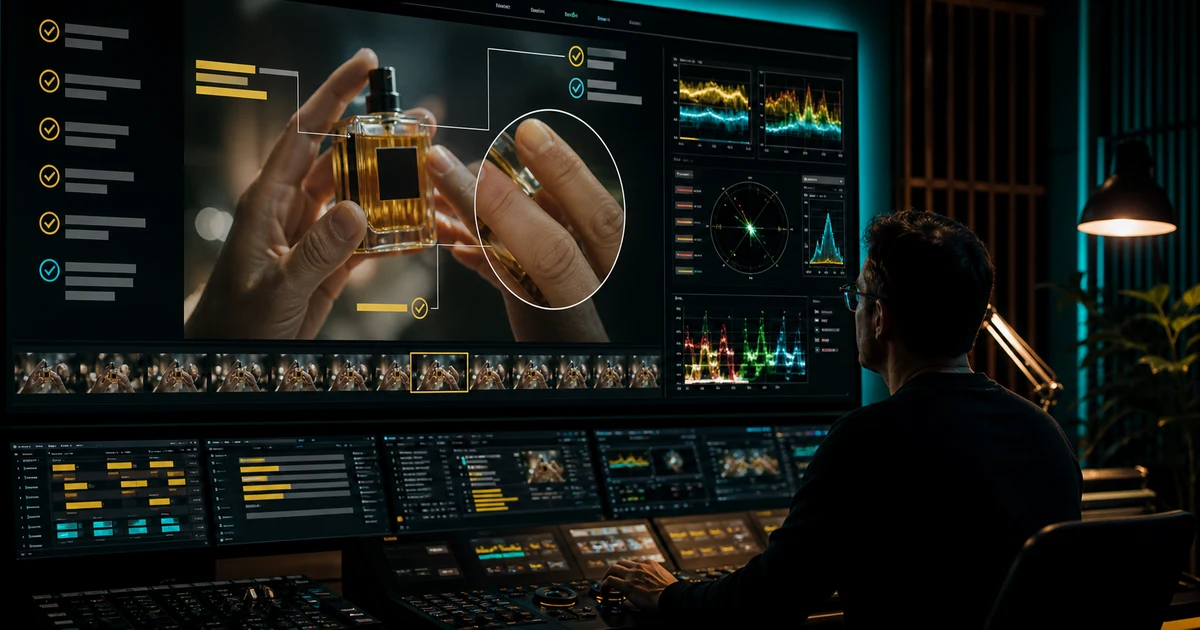

AI Video Quality Control Checklist Before You Publish helps you complete one real creation job with a repeatable process and a clear approval standard. It focuses on the decisions that determine whether the output is useful, accurate, and ready for its destination.
Why AI video needs a motion-first review
A thumbnail can look perfect while the hand melts three frames later, a logo reverses during a camera move, or a person’s face changes at the end of a smile. Quality control must cover time, continuity, sound, context, and destination—not just attractive keyframes.
Assign a reviewer who did not build the final cut when the asset carries product claims, identity, or meaningful spend. Fresh eyes are less likely to normalize defects seen during production.
Pass 1: Story and claim
Watch without pausing. Can a first-time viewer state the promise, proof, and action? Does every scene add information? Mark any claim that is unsupported by the picture, source, or destination. Confirm that illustrative footage is not presented as a real customer, event, location, or result.
Pass 2: Identity, anatomy, and continuity
Review faces, hair, hands, limbs, teeth, eyes, wardrobe, accessories, and body proportions throughout motion. Check recurring people and objects across cuts. Look for duplicated background figures, disappearing props, direction reversals, and shadows that detach from their owners.
Regenerate structural defects. Cropping, motion blur, or transitions should not be used to conceal something that changes meaning or trust.
Pass 3: Product and environment truth
| Area | Verify |
|---|---|
| Product | Shape, variant, color, label, quantity, features, included items |
| Materials | Weight, flex, liquid, reflection, transparency, contact |
| Environment | Scale, perspective, geography, weather, light direction |
| Demonstration | Physical sequence and claimed result are real and repeatable |
| Offer | Price, terms, expiry, availability, destination match |
Pass 4: Text, graphics, and accessibility
Verify every word, number, name, logo, unit, URL, subtitle, and legal line. Captions should match speech, identify meaningful audio when needed, use readable contrast, remain within safe areas, and stay on screen long enough to read. Avoid rapid flashes and unnecessary motion that can reduce accessibility.
Pass 5: Audio
Listen without looking. Check missing words, pronunciation, lip-sync, clipped breaths, digital artifacts, music edits, abrupt room tone, stereo problems, and dialogue intelligibility. Confirm permission for music, voices, samples, and performances. Test on phone speakers and headphones.
Pass 6: Rights, disclosure, and safety
Confirm authorization for likenesses, voices, locations, brands, source footage, music, and training references used in the project. Add disclosure when synthetic media could reasonably mislead. Do not publish fabricated evidence, credentials, endorsements, or dangerous demonstrations.
Pass 7: Destination export
- Open the exported file, not only the editor timeline.
- Verify duration, dimensions, codec, file size, frame rate, color, and audio channels.
- Review the platform crop, thumbnail, captions, safe zones, and link.
- Watch once with sound off and once under realistic network conditions.
- Record approver, version, source manifest, and publication destination.
Release checklist
- Story, proof, and CTA are clear in one normal watch
- Identity, anatomy, objects, motion, and continuity remain stable
- Products, claims, text, prices, and offers are verified
- Audio, captions, contrast, and motion pass accessibility review
- Rights and disclosures are documented
- The actual destination file passed final playback
Frequently asked questions
What is the fastest way to review AI video?
Use separate full-play passes for story, visual continuity, audio, and destination. Pausing constantly can hide pacing and motion problems.
Which AI video errors require regeneration?
Identity, anatomy, product, physics, and factual failures generally require regeneration rather than concealment.
Should AI video be disclosed?
Disclose synthetic media when the context, platform, policy, or reasonable risk of deception requires it.
How do I check accessibility?
Verify accurate captions, readable contrast, safe placement, reasonable timing, meaningful audio labels, and avoidance of harmful flashing.
What file should receive final approval?
Approve the exact exported file and destination presentation, not only the project timeline or preview.
Continue with a useful next step
 Video
VideoImage-to-Video AI Explained: How It Works, What Affects Quality, and When to Use Text-to-Video
Learn what image-to-video AI means, how it compares with text-to-video, why motion consistency is hard, and how to get better results fast.
 Video
VideoAI Beverage Pour Video: Keep Liquid Levels Consistent
Plan an AI beverage pour video with a clear stream, believable fill changes and stable glass contact. Review the action using five moments and a shot log.
 Video
VideoAI Video Consistency Explained: Why Faces, Hands, and Backgrounds Break and How to Fix It
Learn why AI video consistency is hard, what causes face and background drift, and how to get more stable results with a better workflow.