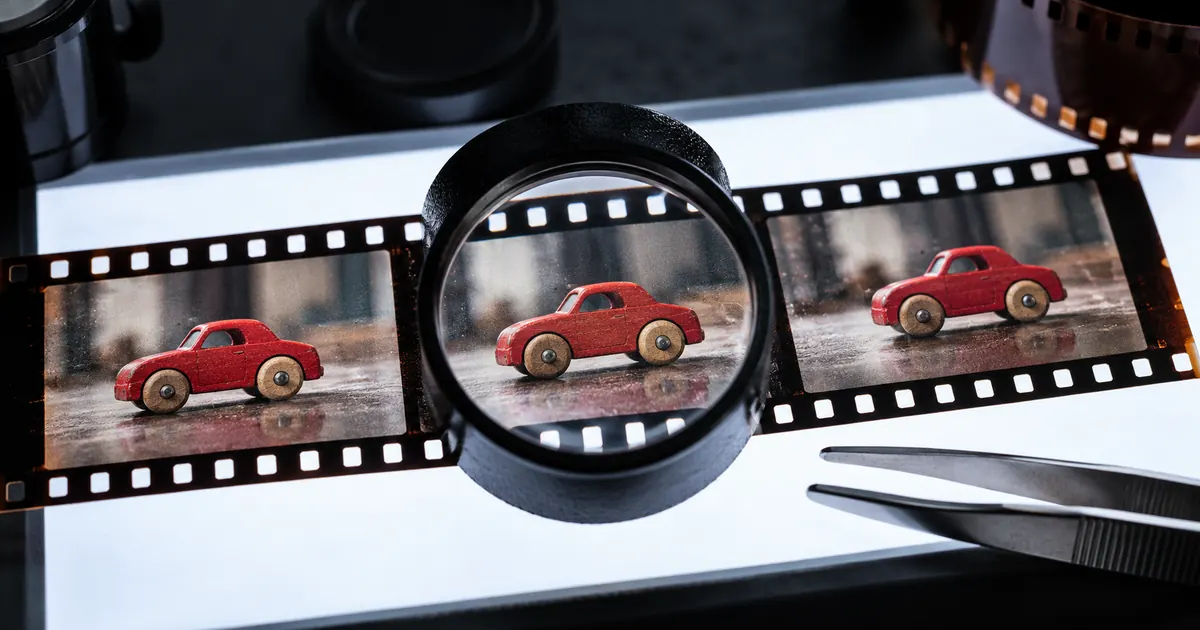

A bad-looking video does not always need another generation. The defect may already be in the source image, appear only after an edit, or exist only in one playback environment. Find the first stage where the problem is visible before choosing a repair.
Reviewed October 23, 2026. Hero artwork is an original AI-generated illustration. Worked cases are teaching examples; they are not customer results or model benchmarks.
1. Preserve the evidence before changing the clip
Keep the original generated download and the source inputs. Save a copy of the editing project and identify the exported file that prompted the complaint. If several versions have similar names, settle which one was actually published. Diagnosing a preview while a different export is live can send you toward the wrong repair.
Describe the visible or audible symptom without assuming its cause: “The front wheel changes shape from 2.1 to 2.4 seconds,” or “The final word is missing in the export.” Avoid labels such as “the model is broken” until you know whether the original generated file contains the defect.
Record the first and last suspect moments using the actual timeline and frame rate. Those example times are fictional; measure yours. Include a short clean interval on either side so the next reviewer can see how the problem starts and resolves.
2. Find the first stage where the failure appears
| Check | If it fails here | Investigate first |
|---|---|---|
| Original still or footage | The starting object or required detail is already wrong. | Source selection, missing evidence or source repair. |
| Downloaded generation | The defect appears before editing. | Motion, identity, geometry or generated-audio limitations. |
| Editing timeline | The original is clean but the edit is wrong. | Cuts, retiming, effects, transforms and track alignment. |
| Exported file | The timeline looks correct but the file fails. | Export settings, missing media, render effects or encoding. |
| Destination playback | The local export passes but a destination looks wrong. | Processing state, recompression, crop, playback or upload version. |
This order narrows the investigation; it does not prove a cause by itself. For example, a timeline preview may use lower-quality proxies, while the export uses full-resolution media. Compare the relevant files at equivalent size and playback conditions before deciding they disagree.
Try the local export in another suitable player when the problem appears limited to playback. Keep that observation separate from the file itself. Do not upload repeated new versions or regenerate source material merely because one preview stutters.
3. Work through two different toy-car incidents
These are fictional diagnostic cases. The hero is an AI-generated illustration of inspection, not frames from an actual failed render. The cases show why two clips that both “look bad” need different next actions.
Case A: The red wooden car's front wheel becomes oval in the downloaded generation and remains oval in the edit and export. The approved source shows a round wheel. The first observed failure is therefore in the generated clip. Inspect the motion and geometry, simplify the shot if appropriate, or replace the failed shot. A higher export bitrate cannot restore the intended wheel shape.
Case B: The downloaded clip and local export show stable wheels, but the uploaded preview looks blocky during motion. Keep the accepted source. Confirm that the correct file was uploaded, allow any documented destination processing to finish, and compare playback conditions. Then inspect the destination's current delivery guidance. This evidence does not yet justify another model request.
Download the worked incident log and blank row. In a real case, attach the filenames, observed interval and comparison evidence. Do not turn these fictional examples into a record of your own test.
4. Route the symptom to a specific repair
For brightness pulses, texture shimmer or structural melting already present in the generation, use the flicker and melting diagnostic. Distinguish a mild lighting variation from a changing face, product or object. A smoothing effect may alter brightness while leaving incorrect geometry unresolved.
For one bounded bad interval in otherwise usable footage, follow the one-bad-second repair ladder. It covers trimming, cutaways, crops and more involved patches. Choose a method that preserves the required meaning. Hiding the product feature the audience needs to see does not satisfy the original brief.
For sound that is delayed, drifts progressively, or jumps at an edit, use the audio offset and drift workflow. If the mouth itself changes shape incorrectly, also inspect the performance rather than moving the soundtrack repeatedly.
For an export-only problem, inspect the render path before touching the prompt. Review effects, frame-rate handling, dimensions, audio routing and the final file duration as relevant. Change one suspected setting at a time and compare the same interval so you can tell whether the intervention helped.
5. Define a bounded repair and a stop condition
Write three things before editing: the defect to remove, the accepted material to preserve, and the condition that would make you abandon the attempt. For the fictional wheel case, the wheel must remain round through the visible motion; the accepted camera framing and car color should remain stable; a repair that changes the car design is rejected.
Keep a repair copy and change one meaningful variable. If you alter the source image, motion, duration and camera request together, a better result does not tell you which problem was solved. That can be acceptable for a complete creative restart, but it is a poor diagnostic experiment.
Compare the cost of continuing with the value of the accepted material. Count actual review minutes, edit minutes and generation attempts separately. There is no universal number of retries that makes a repair worthwhile. A short nonessential shot and a required product demonstration have different consequences when replaced.
Stop patching when the intervention changes the subject, disguises a factual mismatch, or creates more defects than it resolves. Return to an approved source or redesign the shot. A polished concealment is not a successful repair if the scene now communicates the wrong action.
6. Verify more than the marked interval
Review the repaired interval at normal speed and, where useful, frame by frame. Then watch the clean lead-in and tail. Look for a new jump at the patch boundary, color shift, repeated frame, audio discontinuity or altered object size. A successful local edit can still fail as part of the sequence.
Export the candidate and inspect that file. Confirm the required duration, crop, frame rate and audio tracks against the actual destination requirements. Do not treat the editor's preview as the delivered artifact. Keep the previous export available for comparison and identify which version replaces it.
Ask a reviewer to describe the scene without seeing your repair note. If the action is unclear or the product appears different, investigate even if the original defect is no longer obvious. The acceptance decision is whether the clip performs its job, not whether your chosen operation completed.
7. Return to generation only with a diagnosed brief
When the generated source itself needs replacing, open Video Lab for a controlled new shot. Keep the approved input, name the failed motion or detail, and reduce unnecessary complexity. Select a model and mode whose inputs match the task; a start-image workflow and an existing-video edit are different routes.
A general repair guide should not promise that every model can surgically replace one frame. Check the actual interface and provider limits before relying on a localized edit. If the job requires an unavailable control, use an appropriate editor or replace the shot with a simpler truthful alternative.
Close the incident log with the accepted filename, intervention, reviewer and remaining limits. Keep unresolved problems visible. The next similar failure becomes easier to diagnose when you can see which layer failed last time and what evidence supported the decision.
Frequently asked questions
Should I regenerate as soon as a clip looks bad?
First compare the original generation, timeline, export and destination playback. A source-model defect, editing error and delivery problem require different actions. Regeneration is useful only when it addresses the diagnosed failure.
Can upscaling fix an incorrect object shape?
Do not rely on it to establish the intended geometry. If the source contains a changed product or malformed object, return to approved references and use a repair or replacement that can be reviewed against them.
How is this different from fixing one bad second?
This guide identifies the stage and type of failure before choosing a technique. The one-bad-second guide handles the detailed repair ladder for a bounded interval in otherwise useful footage.
What belongs in a repair incident log?
Record the source, generated clip, export and destination versions; the observed interval; the first stage where it fails; the proposed intervention; preserved details; and the final review decision. Use actual measurements and filenames.
Are the toy-car cases actual model tests?
No. They are fictional diagnostic examples. The hero is a generated inspection illustration, not a failed-render comparison. The guide does not claim a paid generation, measured repair success rate or model benchmark.
For a keyframe-led transformation of existing footage, bound an Aleph 2 video edit.