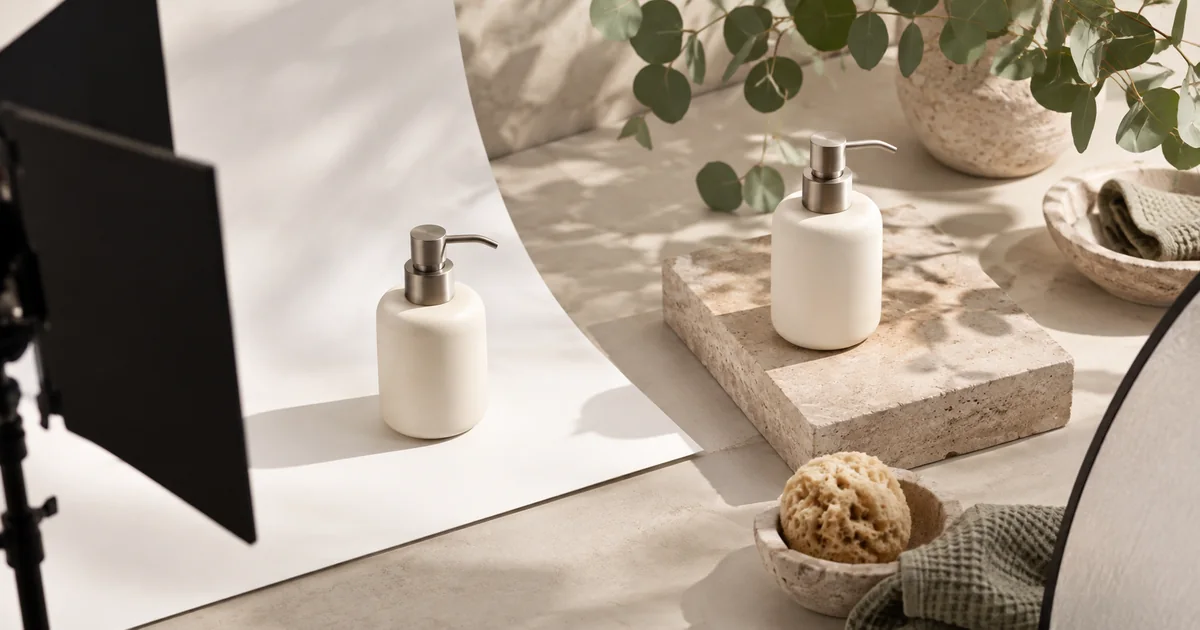

A beautiful generated product photo can still be unusable if the cap changes, a label disappears, or a small accessory becomes part of the package. The best product photography tool should fit both your creative brief and your catalog workflow. A shop with twenty color variants has different needs from a designer making one campaign concept.
Download the product photography tool trial · Try one product scene
Compare applications by the work around the image
| Tool | Recommended fit | What to test first |
|---|---|---|
| Photoroom | A repeatable background treatment across products | Whether the batch remains visually coherent |
| Pebblely | Moving from a product photo to a new scene | Whether the product survives a change of setting |
| Flair | Deliberate composition with staged props | Whether the generated result respects the arrangement |
| Claid | Repeatable catalog processing through an API | Whether outputs fit your existing asset workflow |
| QuestStudio | Creative scene trials with selected image models | Which model preserves the source details best for this task |
How these picks were selected
These are editorial recommendations by use case, based on official product pages and documentation checked September 24, 2026. We compared application workflows: batching, composition, automation, and revision. This is different from ranking the underlying image models. We have not run a comparative hands-on benchmark of these products, so the list does not claim a measured quality winner. The practical trial below is a method you can run on your own material.
Check the linked provider pages for current plans, usage limits, and export access. “Free to try” does not necessarily include the deliverable you need. QuestStudio publishes this guide and is included as our own creative option. No sales-lift or product-fidelity benchmark is claimed. The hero is an original AI-generated editorial illustration, not a product screenshot or test result.
Photoroom: a shortlist choice for batch consistency
Photoroom’s batch background page documents applying AI background treatments across product images. This is worth investigating when your main problem is keeping a collection coherent rather than designing one spectacular hero image.
Use several products from the actual catalog in the trial: a light object, a dark one, and something with reflective or thin edges. Ask for the same visual treatment and compare the resulting scale, placement, shadows, and background character.
A batch control reduces repeated setup, but each output still needs review. A transparent bottle and a matte box can react very differently to a generated setting. Keep the product reference beside the result, and reject changes that could misrepresent what a buyer receives.
Pebblely: a focused product-scene workflow
Pebblely’s 2026 workflow update describes a simplified process that no longer requires the old sequence of background removal and manual canvas positioning before generation. That is a useful reason to check current instructions rather than following an older tutorial.
Consider Pebblely when you want to explore a few settings from an existing product photo without first building a complex composition. Give the scene a clear purpose: a quiet bathroom shelf, a plain studio background, or a campaign arrangement with room for copy.
Test a second revision after the first attractive image. Change only the surface or lighting direction and compare the object again. If the shape or material drifts, the faster initial workflow may still need a careful correction step before the photo belongs in a real listing.
Flair: composition before generation
Flair presents a product-photography workflow with drag-and-drop props for staging scenes. It is a candidate when the arrangement itself carries the idea: the bottle must sit beside a folded towel, the background needs a specific balance, or several objects must form a deliberate composition.
Plan the scene with a small number of objects. For a soap dispenser, the product can be the anchor, a stone surface can establish material, and a leaf shadow can provide atmosphere. More props create more opportunities for confusing scale or accidental visual claims.
Evaluate whether the generated output follows the arrangement you intended and whether moving one prop is easy. A scene-building tool earns its place when it gives you useful control over the second and third versions, not only a persuasive first preview.
Claid: a candidate for repeatable catalog operations
Claid’s enterprise API page describes enhancement, background generation, cleanup, and resizing workflows for product images. Its relevance is operational: a team may need images to move through an existing catalog process with consistent inputs and outputs.
An API is not automatically the best choice for a small shop. It becomes useful when repeated manual uploads, filenames, and transformations are the real burden. Define the required output format, dimensions, naming, error handling, and human review step before comparing automation options.
For the trial, use a small but varied set of real catalog files. Check both the pictures and the surrounding workflow. A visually good result that arrives with an unusable crop or cannot be matched to the correct SKU still creates work.
QuestStudio: creative exploration with a selected image model
QuestStudio Image Lab provides a place to generate or edit a product scene with a supported model. It fits a focused creative trial: compare a restrained studio scene with a lifestyle concept while keeping the product reference and acceptance criteria fixed.
Choose an editing workflow that accepts the source image when fidelity matters. Name the details that must stay unchanged, then inspect them after generation. Keep the last approved version so an interesting experiment does not overwrite the usable asset.
QuestStudio is our own platform. This recommendation does not imply built-in catalog automation or guaranteed preservation of every label. If the task depends on large-scale batching, exact packaging, or a specific export system, evaluate those requirements directly.
Use the same three scenes for a fair trial
For an original test, use a cream soap dispenser with a silver pump. Prepare one clean reference photo and three briefs: a plain catalog background, a stone bathroom shelf, and a campaign composition with empty space for a headline. Keep the object, aspect ratio, and factual requirements consistent.
| Scene | What it reveals |
|---|---|
| Plain catalog | Edges, shape, color, and unwanted reconstruction |
| Lifestyle shelf | Contact shadows, scale, and integration with a setting |
| Campaign layout | Composition, crop flexibility, and room for editable copy |
Ask each finalist for the same scenes. Do not compare one provider’s easiest output with another provider’s most ambitious request. After choosing a promising image, request one controlled change and measure the repair effort.
Product accuracy is a gate, not a decorative score
Write a short list of facts before generation: the number of pump parts, label wording, material, color, and included accessories. A wrong fact is a rejection even if the image looks polished. Avoid averaging that failure away with points for attractive lighting.
Inspect silhouette and proportions first, then text and surface details. Look at the contact area where the object meets the table; a floating base or impossible reflection can make an otherwise clean image feel false. Check thin parts at a larger size and the overall composition at the intended display size.
Do not let generated props imply that an accessory is included. A towel in a lifestyle scene is usually understandable as context, but a neatly arranged bundle can suggest a package offer. Use the actual listing copy and presentation to make the product clear.
Evaluate batch behavior before expanding the job
A single approved hero does not prove that the tool can handle every SKU. Test the most awkward examples early: glossy packaging, transparent material, repeated labels, small attachments, and similar color variants. Those inputs expose different failure modes.
Keep filenames tied to products and revisions. Review a contact sheet for consistency, then open questionable images individually. A catalog can look uneven even when every isolated image seems acceptable; scale and light direction should feel deliberate across the set.
Estimate cost per accepted asset, including rejected generations and cleanup. Check plan access to the required resolution, batching, and exports. Avoid committing the full catalog until the small trial produces both usable pictures and a repeatable review process.
Move the accepted image into its real placement
Place the result inside the intended listing, carousel, or ad layout. Confirm that crop and text leave the product readable. Keep important copy editable and retain the original photograph for comparison or future revisions.
Use the product photo approval checklist for a final review. If the next step is animation, begin from an approved still and define a small motion. A good product photo is an input to that next task, not proof that the moving version will preserve every detail.
Frequently asked questions
What is the best AI product photography tool in 2026?
Choose around the workflow: Photoroom for batch treatments, Pebblely for focused scene creation, Flair for staged composition, Claid for catalog automation, or QuestStudio for our own model-led creative trials.
Is this a ranking of image models?
No. It compares applications and production workflows. The linked model guide covers a different decision about underlying generation options.
Can I replace all real product photos with AI?
Keep accurate real references. Use generated scenes only when the result preserves the product facts needed for the placement. Some details are better photographed or composited directly.
How should I measure value?
Count accepted assets and the effort needed to correct and deliver them. Attractive first drafts and low generation prices do not tell the whole story.
Continue with a useful next step
 Image
ImageAI Flat Lay Product Photography: Style a Set That Makes Sense
Plan AI flat lay product photography with a top-down source, a clear item inventory, consistent shadows, and crops that preserve the product and copy space.
 Image
ImageProduct Bundle Photography: Match Every Offer With AI
Build AI product bundle photos that match each offer. Plan exact quantities, protect source products and check every gallery image against the selected variant.
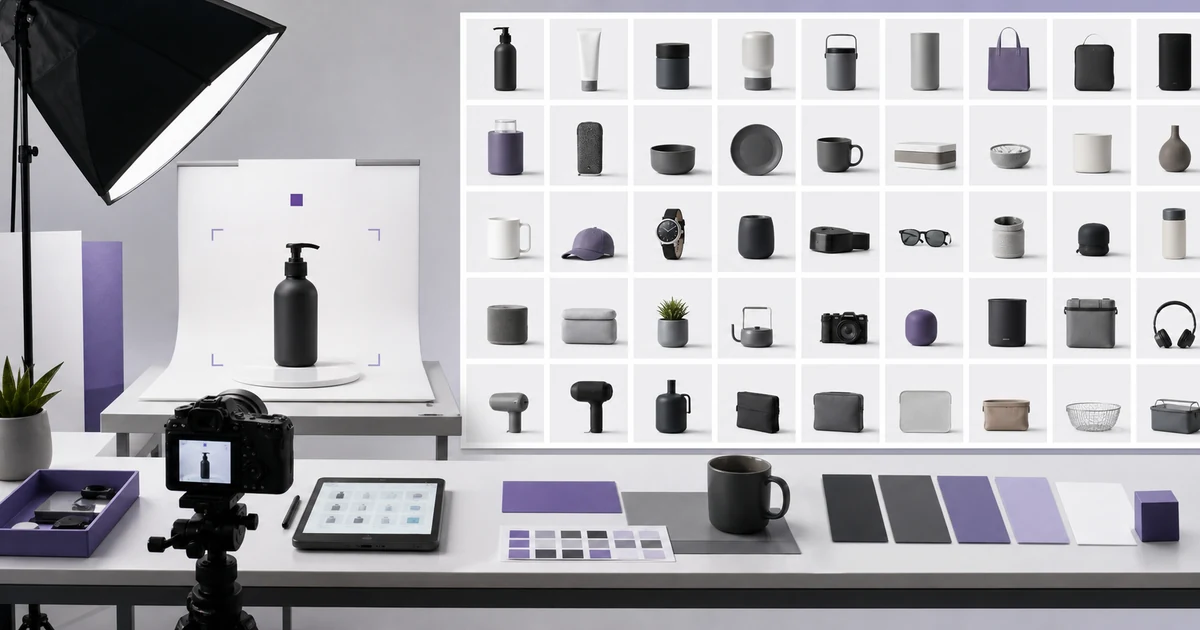 Image
ImageAI Product Catalog Consistency: A 100-SKU Workflow
Create consistent AI-assisted product images across 100 SKUs with a locked product specification, scene recipe, manifest, reference angles, acceptance criteria, and batch QA.