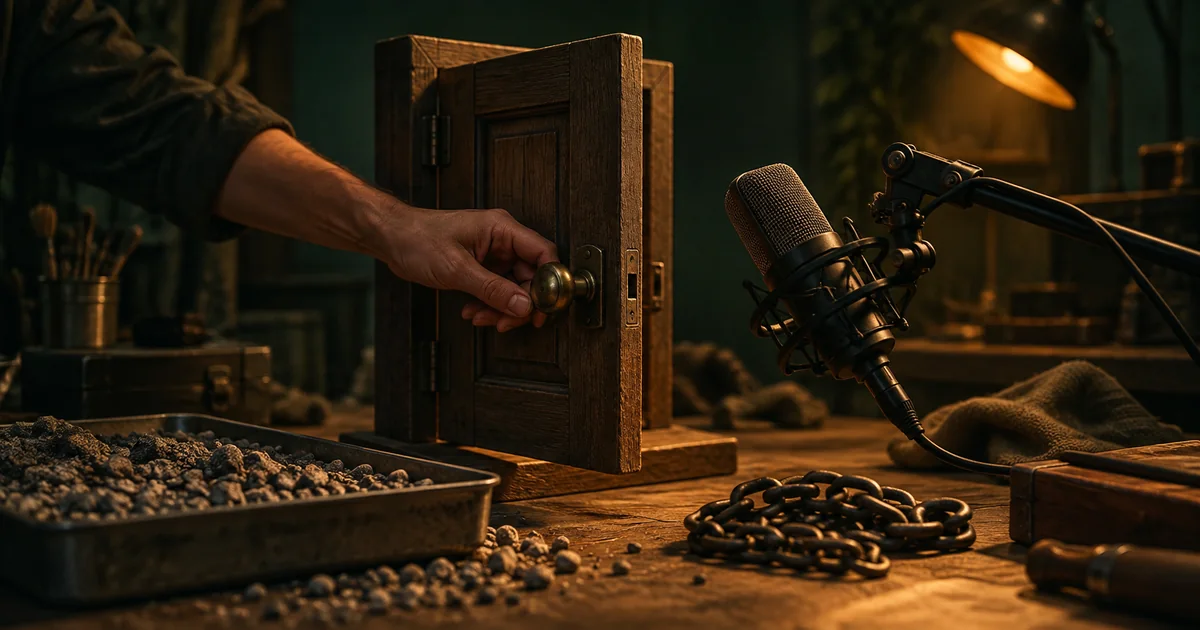

A sound effect can be impressive alone and wrong for the picture. The impact lands late, the tail is too long, or the background contains a voice you never requested. The best AI sound effect generator is the one that gives you a useful sound and enough control to place it in the edit.
Download the sound effect generator audition · Try sound for a short silent video
The four-tool shortlist
| Tool | Recommended use | Control worth checking |
|---|---|---|
| ElevenLabs | A described effect or repeating ambience | Duration, looping, and prompt influence |
| Adobe Firefly | An effect whose rhythm follows an action | Voice-guided timing and intensity |
| Stable Audio | Iterating on a sound or texture | Audio-to-audio and editing workflow |
| Envato | Prompted effects in an asset-production workflow | Material, duration, looping, and MP3 delivery |
How these picks were selected
These are editorial recommendations by use case, based on official product pages and documentation checked September 24, 2026. The choices reflect documented input methods and editing controls. We have not conducted a blind listening benchmark or measured which model produces the best sound. We have not run a comparative hands-on benchmark of these products, so the list does not claim a measured quality winner. The practical trial below is a method you can run on your own material.
Check the linked provider pages for current plans, usage limits, and export access. “Free to try” does not necessarily include the deliverable you need. The hero is an original AI-generated editorial illustration, not a product screenshot or test result.
ElevenLabs: text-described effects and loop controls
ElevenLabs’ sound-effects guide documents a text prompt, duration settings, looping, and prompt influence. It is a useful candidate when you can describe the event clearly: a latch clicking, gravel shifting, or rain against a window.
Write the sound as a physical event. Name the source, action, material, and perspective. “A small steel latch closes once, close and dry, with a short metallic tail” gives you more to evaluate than “cinematic sound.”
Use the duration setting as a constraint, then listen to the real output. A clip of the requested length may still contain too much lead-in or several events. Trim and place the accepted sound deliberately. If the cue needs to loop, review the join in your actual editor rather than relying only on the loop label.
Adobe Firefly: guide the timing with your voice
Adobe’s Voice to sound effects documentation describes combining a text description with a recorded vocal guide for timing and energy. Its video-editor instructions place sound generation within a timeline workflow.
This is worth trying when the rhythm is easier to perform than describe. For a drawer that sticks and then closes, you can vocalize a brief scrape followed by a soft stop. The prompt supplies the intended material and action; the performance supplies a timing reference.
The guide is not the final sound. Inspect whether the result follows the intended event and whether unwanted vocal character remains. Start with one action, then add another cue separately if the scene needs it. More events in one performance make diagnosis harder.
Stable Audio: an option for iterative sound design
Stable Audio’s product overview describes sound-effect creation with conversational controls and editing through audio-to-audio and inpainting. Consider it when you expect to develop a texture or revise part of an idea rather than accept the first prompted output.
A useful project might begin with a quiet mechanical ambience and then need a less tonal version. Keep the accepted reference and describe the specific change. Compare what improved and what was lost; a more dramatic sound is not automatically more useful under dialogue.
Distinguish a background texture from a precise event cue. A long evolving sound can work for atmosphere while still being difficult to align to a visible button press. Choose the tool and input method around that job, and finish the cue in your audio or video editor.
Envato: prompted effects within a broader asset workflow
Envato’s AI sound generator documents text prompts, controls for sound characteristics and duration, optional looping, and MP3 downloads. It is a candidate when your production already combines generated material with an asset library.
For the trial, describe an effect that is specific enough to justify generation. A particular chain drag across a wooden floor may need a custom variation; an ordinary clean click may already exist in your available library. Use whichever route gives you the right cue with less work.
Check the delivered format against your project requirements. If you need a particular lossless master or a client-specified format, verify what the selected tool provides before building the whole sound pass around it. Keep the applicable usage record with the asset.
Compare three cue types, not one impressive demo
Use a short silent scene with a door opening into a quiet workshop. It gives you three different sound jobs: a latch click, a slow hinge movement, and a low room ambience. Generate them separately so you can compare control and usefulness.
| Cue | What matters most | Failure to listen for |
|---|---|---|
| Latch click | A clear single onset | Multiple clicks or a long unexplained lead-in |
| Hinge movement | Texture that follows the action | Speech-like tones or a rhythm unrelated to the picture |
| Room ambience | A stable bed that can repeat | A noticeable loop seam or distracting recurring event |
Give every candidate the same event brief. Where a tool accepts a timing performance, record it against the same picture. Compare the accepted cue in the scene as well as on its own. A large cinematic hit may lose to a modest click when the picture shows a tiny mechanism.
Write prompts that describe the sound, not the camera
Useful sound details include material, force, speed, distance, and environment. “A heavy wooden door closes gently in a small room” suggests a different result from “a thin metal door slams in a tiled corridor.” Both describe audible causes.
Visual adjectives can be less helpful unless they imply a sound. “Beautiful emerald door” tells the model little about the hinge or impact. Replace it with the relevant material and movement. Keep music and speech out of the brief unless they are intentionally part of the cue.
Avoid asking one short generation to contain every sound in the scene. A latch, footsteps, a door, a gust, and a spoken line create a complicated sequence. Separate elements give you independent timing and level control in the final mix.
Listen to the onset, body, and tail separately
The onset is where the event begins. It should land with the visible action when synchronization matters. The body carries the material and movement. The tail tells the listener about decay and space. A cue can succeed in one part and fail in another.
For a dry click, a long reverberant tail may make the object feel larger or farther away than the picture suggests. For an outdoor ambience, a sudden indoor reflection may break the scene. You can sometimes repair the timing or fade, but a fundamentally wrong acoustic character may need a new cue.
Leave a small amount of editing room where possible. Keep the original generation as well as the trimmed asset. If the picture changes by a few frames, you should be able to adjust the cue without starting the entire sound-design process again.
Check loops and repeated playback in context
For ambience, play the join several times with the actual export settings. Listen for a level jump, a click, an abrupt change in texture, or a distinctive event that repeats too obviously. A technically smooth seam can still feel artificial if the same bird or knock returns every few seconds.
For a game or repeated interface action, test several triggers in succession. The cue may need alternate versions or a shorter tail to avoid an unpleasant buildup. A sound that feels satisfying once can become tiring when repeated frequently.
Check the effect with narration and music present. If it masks an important word, lower it, shorten it, change its placement, or choose a less busy sound. The effect should help the scene communicate.
How QuestStudio helps with a video-led trial
QuestStudio’s Music Lab includes a video-to-sound-effects workflow for short silent clips. It is our own product option when the visible action is the most useful starting input. Choose a supported clip and review whether the generated audio follows the event.
The four providers above cover text and other input methods; a video-conditioned workflow answers a related but different need. Keep final alignment, levels, and asset approval in your editor. Save the source clip, generated audio, and accepted cue together so a revision remains understandable.
Frequently asked questions
What is the best AI sound effect generator in 2026?
Consider ElevenLabs for described effects and loop controls, Firefly for voice-guided timing, Stable Audio for iterative design, and Envato for effects within a broader asset workflow.
Can I generate a whole scene’s sound in one request?
Sometimes, but separate cues are easier to time, mix, and replace. Start with the key event and add ambience independently.
Does a looping option guarantee a finished loop?
Review the exported join and repeated playback. Listen for both technical seams and obvious recurring events.
Should I use generated effects instead of a library?
Use the route that fits the cue. A library may already contain the simple sound you need; generation is useful when a specific variation is missing.
Continue with a useful next step
 Music
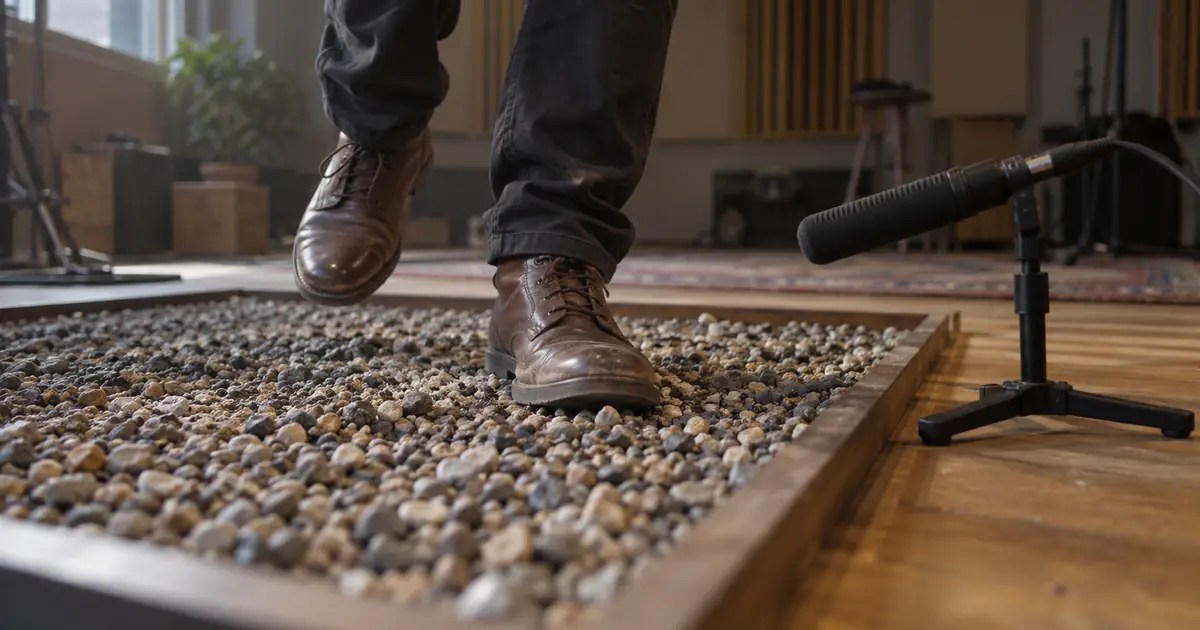
MusicAI Footstep Sound Effects: Sync Each Step to the Video
Build AI footstep sound effects around visible shoe contacts. Use a cue sheet to match surfaces, walking pace, distance, and final audio timing in your edit.
 Music
MusicHow to Make AI Ambient Music That Evolves Gently
Learn how to make AI ambient music with a texture plan, restrained changes, and a full-duration listening map. Review entrances, repetition, and transitions.
 Music
MusicProduct Demo Sound Effects: Sync the Cap, Click and Pour
Build product demo sound effects around visible contact. Time a cap, click and pour with a cue sheet, separate sound layers and review the final exported video.