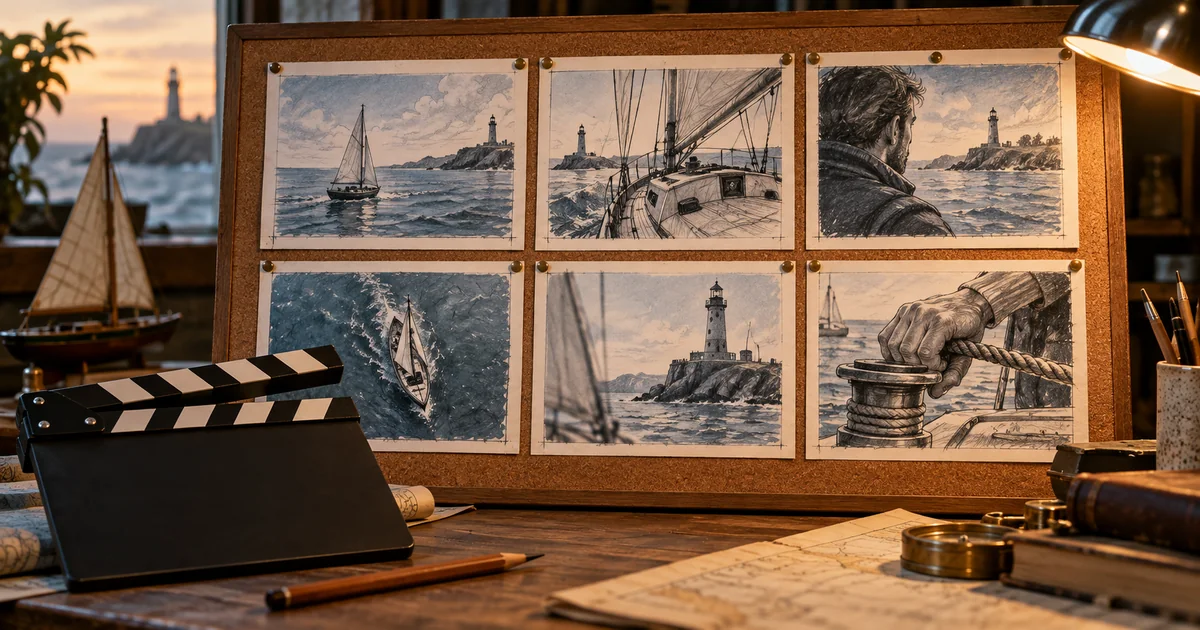

A storyboard is useful when someone else can understand what happens, where the camera belongs, and what needs to change. Six beautiful frames are not enough if the character switches clothes or a client cannot tell which version is approved. The best AI storyboard generator should support the planning conversation as well as the pictures.
Download the storyboard generator revision trial · Animate one approved storyboard frame
The four-tool shortlist
| Tool | Recommended fit | A useful acceptance test |
|---|---|---|
| Boords | Frame feedback and client sign-off | A reviewer can identify and approve the changed shot |
| LTX Studio | Planning that will continue into generated video | The board supports the next motion decision |
| StoryboardHero | Concept, script, and presentation development | The exported board explains the idea clearly |
| Katalist | Script-led scenes with recurring characters | The subject and important props remain consistent |
How these picks were selected
These are editorial recommendations by use case, based on official product pages and documentation checked September 24, 2026. We evaluated documented planning and revision workflows, not a measured competition for the prettiest generated frames. The test scene below is original editorial material. We have not run a comparative hands-on benchmark of these products, so the list does not claim a measured quality winner. The practical trial below is a method you can run on your own material.
Check the linked provider pages for current plans, usage limits, and export access. “Free to try” does not necessarily include the deliverable you need. The hero is an original AI-generated editorial illustration, not a product screenshot or test result.
Boords: our shortlist choice for review and sign-off
Boords’ AI storyboard page describes script-to-frame generation, reusable visual elements, frame comments, version tracking, and exports. It is particularly relevant when several people need to discuss and approve the same plan.
Test the review loop with someone who did not write the script. Ask them to comment on one frame and then identify the updated version. A visually impressive board loses value if feedback lives in a separate message thread with unclear references.
Use captions and shot notes to explain what the image cannot. An arrow or a sentence can communicate a camera move more clearly than an elaborate still. Choose Boords when the project’s difficulty includes coordination, not only generating pictures.
LTX Studio: planning with a route into motion
LTX Studio’s image workflow describes generating images for storyboards and connecting them with video creation. Its ad-creation page also describes planning materials such as storyboards and character profiles. This makes it a candidate when visual development and generated motion are part of the same project.
Start with the story beats before spending effort on animation. The board should settle the sequence, subject, and intended action. A moving preview can make a weak plan feel more finished than it is, so check that every shot contributes information.
For the trial, choose one approved frame and define the motion that follows. Can the planning material support that decision without ambiguity? Keep visual continuity and production feasibility separate: a frame can be attractive yet ask for a movement that will be difficult to execute.
StoryboardHero: concept development and presentation
StoryboardHero describes generating concepts, scripts, and storyboard scenes, with branded PDF exports and an option to request hand-drawn work. It is worth investigating when the deliverable is a proposal or presentation that needs to explain the creative idea before production begins.
Bring a concise brief with audience, runtime, tone, and the one message the viewer should remember. Review the generated script before approving the frames. If the concept is wrong, polishing images only makes the wrong direction more expensive to change.
Inspect a sample export with the person who will receive it. The layout should leave enough space for shot description, dialogue, and notes. Confirm which features and services are included in the plan you are considering rather than assuming the generated and hand-drawn paths have identical terms.
Katalist: script-led planning with recurring subjects
Katalist’s current product page describes importing or writing a script and generating storyboards and videos with recurring characters. Its positioning emphasizes performance creative teams, so check that the present workflow fits your project rather than relying on an older tutorial.
A useful trial includes the same person in a wide shot, medium shot, and close-up. Keep one distinctive prop visible in more than one frame. Compare the face, wardrobe, prop shape, and environment across the sequence.
Treat consistency features as controls to evaluate, not guarantees. A recognizable character can still move through an impossible space or look in the wrong direction. The board needs story continuity as well as visual resemblance. Choose the product if its revision process lets you correct both without losing the rest of the sequence.
A six-shot scene for comparing the tools
Use this original planning brief: a harbor keeper notices a small sailboat returning before a storm, lights a beacon, and guides it toward shelter. Keep the keeper’s yellow coat, the boat’s red sail, and the lighthouse location consistent. The scene is a test concept, not a claim that any vendor has produced these frames.
| Shot | Story job | Required information |
|---|---|---|
| 1. Wide harbor | Establish the geography | Boat offshore; lighthouse on the right |
| 2. Keeper at window | Show the discovery | Keeper looks toward the boat |
| 3. Boat detail | Make the problem visible | Red sail strains in the wind |
| 4. Beacon control | Show the response | Keeper activates the light |
| 5. Returning boat | Show a changed situation | Boat moves toward the sheltered entrance |
| 6. Harbor hold | Resolve the moment | Boat reaches calmer water |
Give each candidate the same brief and references. Keep the style simple enough that you can judge sequence and staging. A rough board can be a better planning tool than photorealistic frames when the latter distract reviewers with incidental detail.
The change request is the most revealing test
After the first board, change shot four: the keeper must open a protective cover before operating the beacon control. Ask for the revision while keeping wardrobe, location, and the surrounding shots intact. Record which frames need attention and whether the shot notes remain accurate.
Then ask a reviewer to locate the changed frame and describe the new action. If they cannot, the revision may be visually unclear or poorly communicated. You are testing the complete tool-and-review workflow, not just whether another image can be generated.
Try a second kind of change only if it reflects your real work, such as shortening the sequence or replacing a prop throughout. Avoid inventing a huge benchmark that you will never use. One representative revision often exposes the practical limits quickly.
Check continuity in the order a viewer experiences it
Read the board from beginning to end without stopping to admire individual frames. Does the boat travel toward the same entrance? Does the keeper look in the direction established by the wide shot? Does the prop appear before it is used?
Next, inspect repeated details: coat, sail, weather, time of day, and the state of the beacon. A small change can imply a story event you did not intend. Record the invariants beside the board so reviewers know which differences matter.
Finally, look for redundant shots. If two frames perform the same story job, one may be unnecessary. The purpose of the tool is to help you make production decisions, including deciding what you do not need to generate or shoot.
Choose an export that survives the next handoff
A client may need a readable PDF, an editor may need an animatic, and a production team may need image files with shot numbers and notes. Decide this before paying. Open the exported deliverable outside the tool and confirm that it carries the information the next person needs.
Keep approved and exploratory versions separate. Include the script revision, frame references, and unresolved questions with the accepted board. Do not let a polished export imply approval of a shot that still needs a feasibility check.
Compare total effort across the board, one revision, and the handoff. A product with fewer visual options can still be the better choice if it makes approval clearer and reduces repeated work.
How QuestStudio helps after the board is approved
Use Image Lab to develop a specific frame or Video Lab to test a restrained motion from an approved still. Describe one action and the camera’s intended movement, then compare the clip with the board.
QuestStudio publishes this guide and is not being presented as a replacement for the dedicated storyboard review systems above. Keep the board as the shared plan while you generate assets. Update it deliberately when production teaches you that a shot needs to change.
Frequently asked questions
What is the best AI storyboard generator in 2026?
Consider Boords for review and sign-off, LTX Studio for a route into generative video, StoryboardHero for concept presentations, and Katalist for script-led recurring-character work.
Should a storyboard be photorealistic?
Only when that detail helps the production decision. Clear staging, shot purpose, and readable notes often matter more than visual polish.
How do I test character consistency?
Use the same subject across different shot sizes and angles, then inspect wardrobe, props, and geography as well as the face.
Can a storyboard generator make the entire finished video?
Some products connect planning with video generation, but an approved board is still a plan. Motion, sound, editing, and final review are separate production decisions.
Continue with a useful next step
 Creator Workflows
AI Storyboard Workflow: Plan Shots Before You Generate Video
Build an AI storyboard that defines story beats, shots, continuity, motion, audio, and approval criteria before spending credits on video generation.
 Creator Workflows
Custom GPT Creative Briefs: Make Instructions Portable
Build a reusable creative-brief instruction pack. Separate facts, rules and tests, and check the current GPT or plugin route and sharing permissions before use.
 Creator Workflows
Tokens and Context Windows: Keep Creative Briefs Clear
Understand tokens and context windows without guessing model limits. Build a compact source packet that preserves approved copy, references, and open questions.