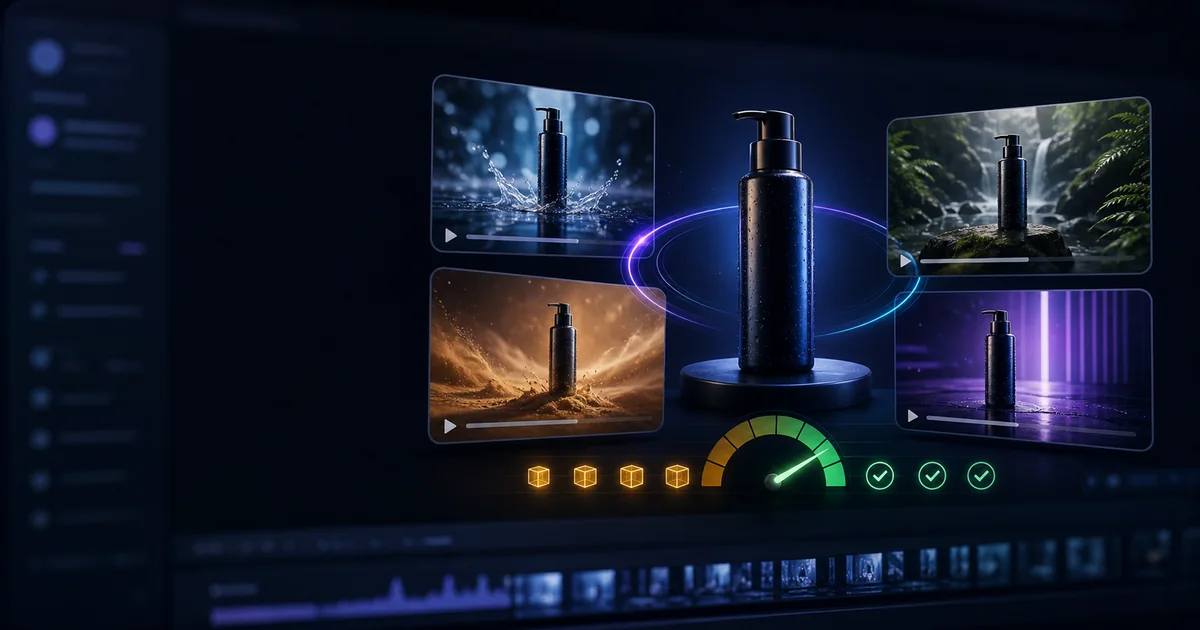

The best low-cost AI video model for product ads is the model that produces the lowest cost per approved clip for your specific product. Headline prices change, credit systems hide unit costs, and inexpensive generations become costly when packaging or motion fails repeatedly.
Instead of naming one universal winner, this guide matches model families to ad jobs and gives you a controlled test for comparing current prices and outputs.
Practical rule
Test one controlled variable, approve the useful result, and preserve that decision in the next stage.
A Practical Product-Ad Shortlist
| Model family | Start here for | Watch for |
|---|---|---|
| Kling | Image-to-video product motion and controlled camera work | Plan-specific rights, duration cost, label preservation |
| Runway | Creative commercial workflows and accessible iteration | Credit consumption across tests and premium modes |
| Google video models | Prompt understanding, references, and higher-end hero concepts | Access, regional availability, and cost for repeated tests |
| Seedance | Dynamic short-form concepts and motion-heavy ads | Product identity under fast action |
| Hailuo / MiniMax | Low-cost exploration and social concepts | Fine product detail and consistency |
| Luma | Cinematic camera movement and atmosphere | Text, packaging detail, and retry rate |
| Pika | Fast effects and stylized social creative | Suitability for accuracy-sensitive products |
Availability and model versions differ by platform. Treat this as a test shortlist, then verify current pricing, commercial terms, watermark rules, and settings where you generate.
Choose the Model by Ad Job
Catalog-style product motion
Prioritize image-to-video preservation, simple movement, and clean lighting. The product must remain recognizable and accurate.
Cinematic hero ad
Prioritize composition, camera control, physics, and reference handling. Accept that premium output may cost more per attempt.
Fast social variants
Prioritize iteration speed, vertical formats, and enough consistency for short attention-grabbing tests.
UGC-style concept
Prioritize natural people, voice or lip sync, readable product presentation, and rights for avatars or voices.
Effect-driven announcement
Prioritize reliable transformations and quick variations, while keeping the product itself outside the most aggressive effect when accuracy matters.
Use a Weighted Model Scorecard
| Criterion | Suggested weight | Question |
|---|---|---|
| Product accuracy | 30% | Does packaging match the approved source? |
| Usable output rate | 25% | How many attempts pass review? |
| Motion quality | 15% | Does the movement communicate the product? |
| Cost per usable clip | 15% | What did accepted output actually cost? |
| Speed | 10% | Can the team iterate within the deadline? |
| Audio or editing fit | 5% | Does it reduce downstream work? |
Adjust weights for your project. A fashion mood clip may value motion more. A supplement ad should give even more weight to packaging and claim accuracy.
Run a Fair Five-Clip Test
- Use one approved high-resolution product image.
- Choose the same aspect ratio and shortest comparable duration.
- Use the same restrained prompt across every model.
- Generate five attempts per model.
- Record completed attempts, cost, failures, and review time.
- Score product accuracy before aesthetic preference.
- Calculate cost per usable clip and choose the model for this product, not every future job.
Why Subscription Price Is Not Enough
Monthly plans combine credits, model access, resolutions, queues, watermarks, and commercial rights differently. Convert the plan into the units you actually use:
Use our AI video cost calculator framework and record refunds or failed technical executions separately from completed but unusable clips.
How QuestStudio Helps Compare Models
Video Lab supports a model-comparison mindset, while Prompt Lab keeps the test input consistent. Prepare the source in Image Lab so model differences are not confused with source-image problems.
Create a free account for a small controlled test. A plan becomes appropriate when access to multiple workflows and repeatable production creates measurable value.
Frequently Asked Questions
What is the cheapest AI video model for product ads?
There is no stable universal answer because pricing, access, settings, and acceptance rates change. Compare current cost per approved clip.
Which models should I test first?
Start with two or three model families suited to your job, such as controlled image-to-video, cinematic hero work, or fast social concepts.
Why can a more expensive model cost less overall?
It may produce a higher percentage of usable clips and require less review, regeneration, and editing.
How many attempts make a fair comparison?
Five attempts per model is a practical starting batch, though higher-stakes decisions benefit from more data.
Should every model use the same prompt?
Yes for the initial comparison. Afterward, optimize the prompt for the strongest candidates.
What should I verify before paying?
Check current pricing, credits, commercial rights, watermarks, resolution, duration, queue rules, and refund treatment.
Final Takeaway
Complete the reader's job first, then use QuestStudio when organizing prompts and connecting media stages makes the process easier to repeat.
Create a free QuestStudio account for one real project, or compare plans after the workflow proves its value.
Related guides
Continue with a useful next step
 Video
VideoIs LTX Free? Local, Studio and API Costs Explained
Compare LTX local use, Desktop, Studio and API access. Check current license boundaries, free credits and hardware needs, then budget every video attempt.
 Video
VideoKling AI: Pricing, Watermark Rules, and the Best Prompt Templates
Kling is popular because it can produce highly realistic motion and cinematic-looking shots, but most creators run into three problems right away: pricing feels unpredictable, watermark rules are confusing, and prompts that work once do not always work twice.
 Product Ads
AI Ad Hooks: 50 Script Starters for Product Videos
Use 50 adaptable AI ad hooks for product videos, then pair each line with a visual proof beat, honest claim, and controlled test plan without fake hype.