
ChatGPT Jewelry Photography Prompts: 25 Product-Safe Ideas should help you create useful jewelry listing and campaign concepts while protecting the exact product geometry that customers rely on. The useful prompt is not a pile of quality adjectives. It is a compact production brief that identifies the source, states the allowed change, locks the details that matter, and defines how the output will be judged.
Start with sharp front, side, back, clasp, engraving, scale, and on-body reference photographs of the real item. Preserve stone count and cut, prongs, setting, engraving, band profile, chain links, clasp, metal color, dimensions, wear marks, and logo. Change only listing or campaign goal, angle, scale cue, surface, light shape, reflection control, background, crop, and whether a model is shown. That order matters because a model may satisfy the mood while quietly replacing the thing the image or clip was supposed to represent.
Before you copy a prompt
Decide whether you are generating a concept, editing a real image, or preparing a commercial asset. Concepts can explore. Edits should preserve documentary truth. Commercial assets need a stronger product, identity, claim, and rights review. Keep the untouched source and use authorized references.
Do not ask for every improvement in one pass. First approve identity or product fidelity. Next approve composition. Then change lighting or background. Finally, upscale, crop, caption, and export. This sequence makes a failure diagnosable instead of forcing you to guess which phrase caused it.
ChatGPT Jewelry Photography Prompts: copy-ready templates
Replace bracketed variables, remove instructions that do not apply, and paste one prompt at a time. The preservation and exclusion clauses are intentional. They reduce the chance that a visually attractive result changes the subject.
1. White-background ring
Review: Compare the result with the source before moving to the next variation. Save the prompt with the approved output so the decision is repeatable.
2. Ring side profile
Review: Compare the result with the source before moving to the next variation. Save the prompt with the approved output so the decision is repeatable.
3. Earring pair
Review: Compare the result with the source before moving to the next variation. Save the prompt with the approved output so the decision is repeatable.
4. Necklace flat lay
Review: Compare the result with the source before moving to the next variation. Save the prompt with the approved output so the decision is repeatable.
5. Luxury dark macro
Review: Compare the result with the source before moving to the next variation. Save the prompt with the approved output so the decision is repeatable.
6. On-hand ring
Review: Compare the result with the source before moving to the next variation. Save the prompt with the approved output so the decision is repeatable.
7. Necklace on model
Review: Compare the result with the source before moving to the next variation. Save the prompt with the approved output so the decision is repeatable.
8. Gemstone color record
Review: Compare the result with the source before moving to the next variation. Save the prompt with the approved output so the decision is repeatable.
9. Packaging set
Review: Compare the result with the source before moving to the next variation. Save the prompt with the approved output so the decision is repeatable.
10. Repair instruction
Review: Compare the result with the source before moving to the next variation. Save the prompt with the approved output so the decision is repeatable.
A reliable five-step workflow
- 1Build a product truth sheet
Record dimensions, stone count, cut, setting, prongs, engraving, weight, metal, and clasp. Do not ask the image to infer these facts.
- 2Separate catalog from campaign work
Catalog images prove the item. Campaign images create a setting around an already approved product reference.
- 3Control reflections instead of demanding sparkle
Name the size and direction of light sources. Excessive sparkle can hide geometry and produce false stones.
- 4Use scale evidence
Include a ruler reference internally or a verified on-body image. Review whether the generated item appears larger than the real product.
- 5Approve against the item, not the mood board
Zoom into prongs, engravings, links, clasps, and stone placement before any listing or ad use.
Fix the most common failures
The stone count changes
State the exact count, use close references, simplify the angle, and reject the output rather than retouching a different product.
Metal melts into the background
Increase edge separation with a broad controlled light and choose a surface with different luminance.
The ring looks larger than reality
Add a verified scale cue and compare setting height and band width with a real side-view photograph.
Engraving becomes fake text
Keep the engraved area unchanged or composite a verified detail from the real photograph.
When a result fails, change one instruction and generate again. Do not add several new adjectives. A short change log such as version 2: looser crop or version 3: preserve exact wheel design turns prompting into a controlled test.
How QuestStudio helps
Save the source, prompt, negative constraints, model choice, and approved output together in Prompt Lab. Then use Open Image Lab to compare a controlled brief without rebuilding the project context. The goal is not to switch models constantly. It is to identify which model and settings produce an acceptable asset with the fewest retries.
Measure a successful first usable result, revisions per approved asset, repeat use, and whether the reader reaches a real creation workflow. Raw generations and pageviews are activity, not proof that the content helped.
Final approval checklist
- Stone count, cut, and setting match
- Prongs, links, clasp, and engraving are exact
- Scale is honest
- Metal color and reflections are believable
- No certification, grade, or product claim is implied by the image
Run this checklist against the actual destination. A thumbnail, marketplace listing, wedding album, campaign, and vertical reel all reveal different errors. Approval should describe why the asset passed, not merely that it looks good.
Frequently asked questions
What belongs in a jewelry photography prompt?
Include exact product geometry, angle, scale, surface, lighting, reflection behavior, crop, and a strict list of details that cannot change.
How do I stop AI from changing a ring?
Use multiple close references, specify stone and setting details, choose a simple angle, and compare every output with the real item.
Can I use AI jewelry photos in an ecommerce listing?
Only after verifying that the image accurately represents the product and complies with marketplace and advertising rules. Real product photography remains the safest evidence.
How do I create realistic sparkle?
Use controlled specular highlights and restrained contrast. Do not ask for excessive starbursts or added fire.
Why do chains and prongs break?
They are small repeated structures. Use close references, simpler compositions, and separate detail images rather than relying on one wide shot.
Use the prompt as a brief, not a magic phrase
Choose one real output, use the cleanest reference you control, and make one change at a time. Keep the best prompt beside the approved result and record why rejected versions failed. That small discipline improves the next project more than adding another stack of style words.
Open Image Lab when you are ready to test the workflow.
Continue with a useful next step
 Image
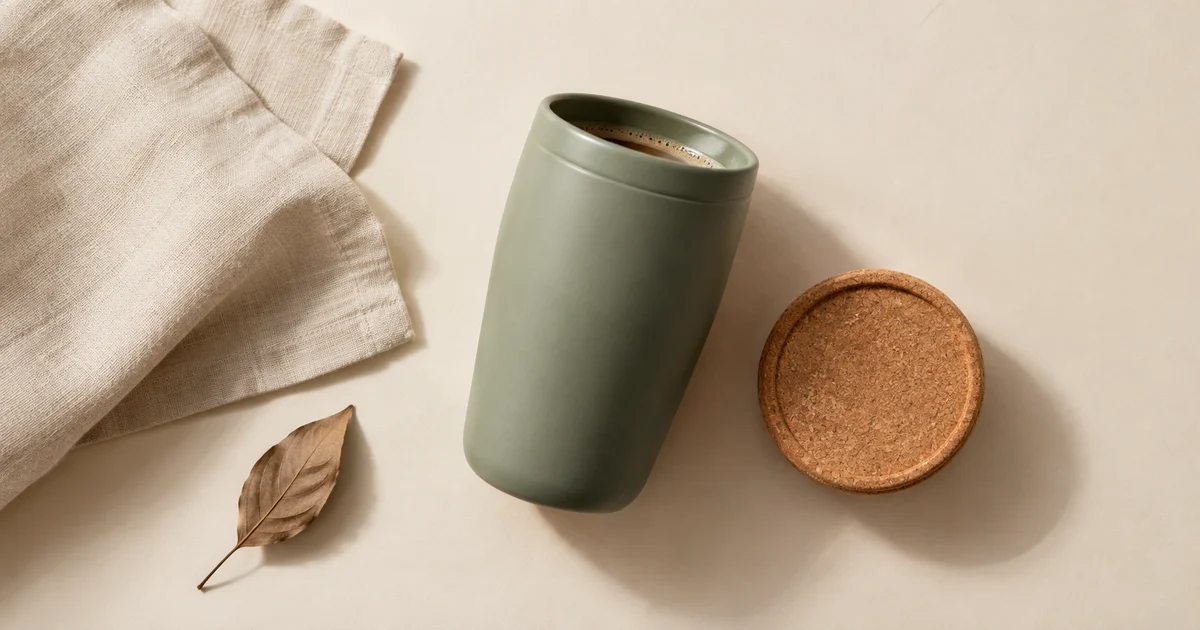
ImageAI Flat Lay Product Photography: Style a Set That Makes Sense
Plan AI flat lay product photography with a top-down source, a clear item inventory, consistent shadows, and crops that preserve the product and copy space.
 Image
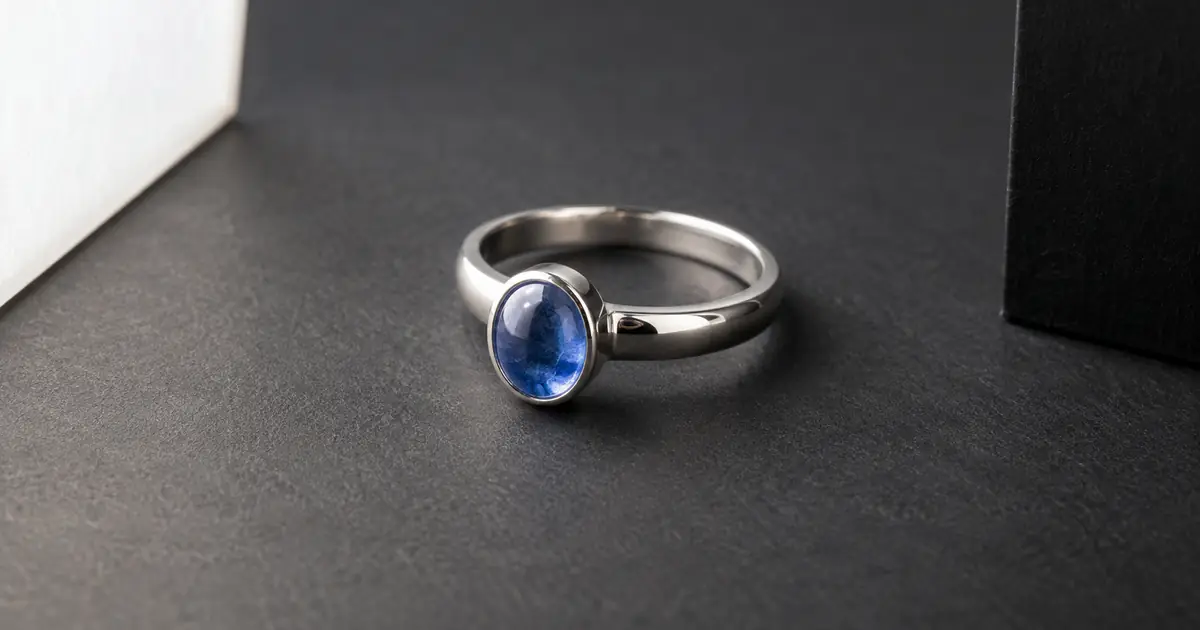
ImageAI Jewelry Photography: Fix Reflections, Keep Details
Fix distracting reflections in AI jewelry photography without inventing stones, prongs, or engraving. Use a six-zone review before approving a product image.
 Image
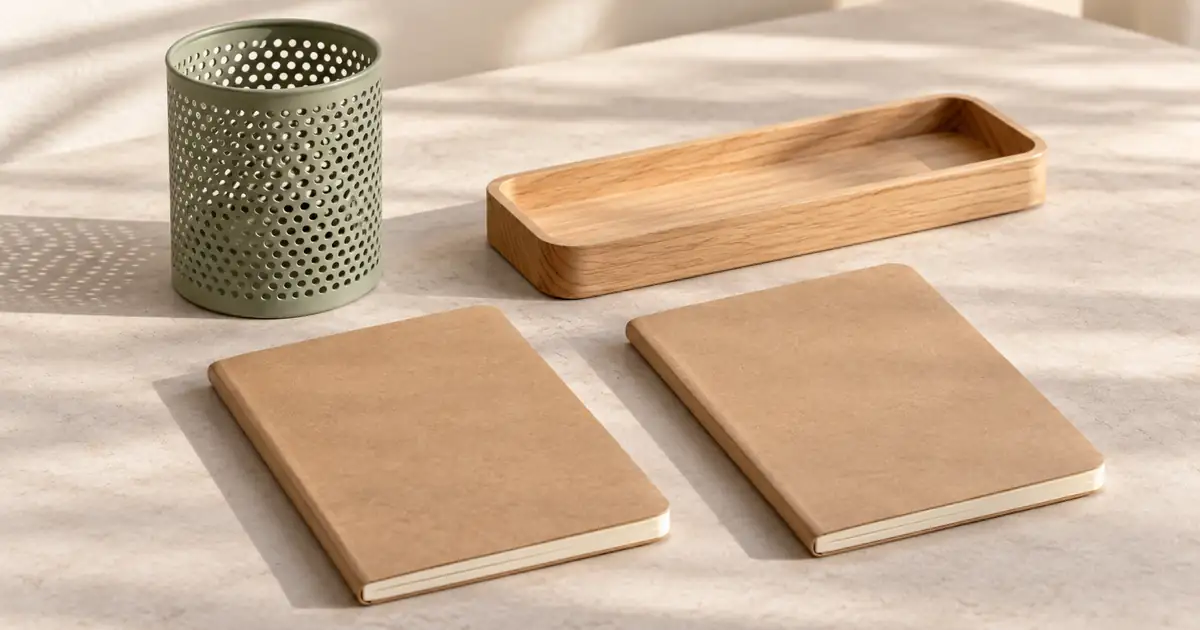
ImageProduct Bundle Photography: Match Every Offer With AI
Build AI product bundle photos that match each offer. Plan exact quantities, protect source products and check every gallery image against the selected variant.
If the source is already right but a reflection hides the product, use the jewelry reflection repair guide to separate a local lighting correction from missing stone or setting information.