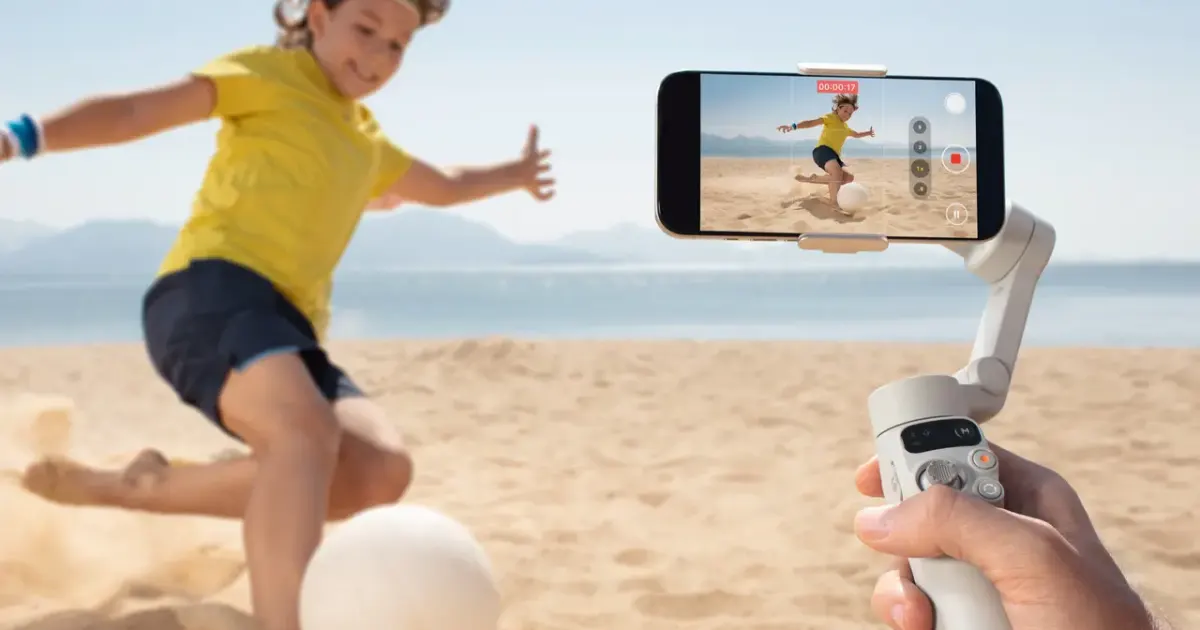

A phone gimbal is useful for controlled moving shots around a product. It is less useful when the clearest demonstration is a fixed view, or when your phone already produces the movement you need. DJI Osmo Mobile 7 is a base-model option to consider for compatible phones, but its package and tracking capabilities should not be confused with Mobile 7P or newer models.
A product to consider
Check the fit below, then select Buy on Amazon for the current offer and buying options. We may earn a commission from this paid link.
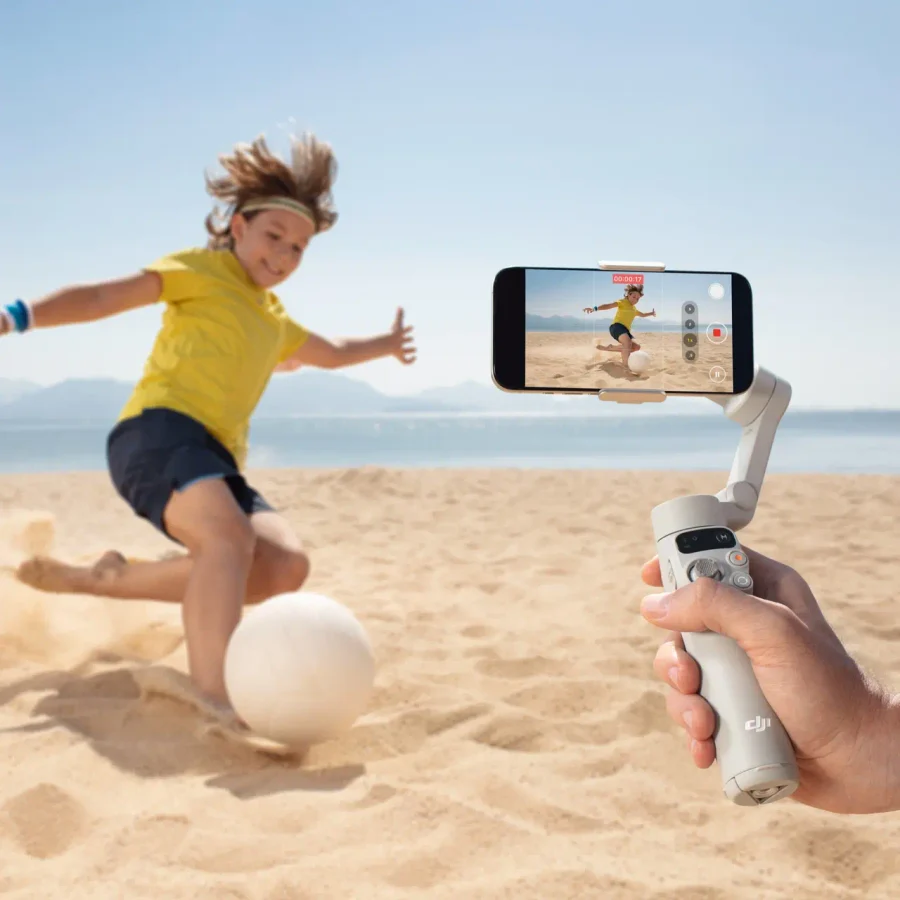
DJI Osmo Mobile 7, base model
For deliberate handheld phone movements when a fixed tripod shot is not enough
This is Mobile 7, not 7P or the newer 8 series. The base package does not include the Multifunctional Module or a built-in extension rod. Check phone fit and app support.
Download the practical worksheet
Original blank CSV worksheet. Record your own setup and observations.
Choose a movement that tells the viewer something
Before shopping, write one sentence explaining why the camera needs to move. A short lateral move can reveal a product's depth. A slow approach can draw attention to a control. An arc can show the relationship between the front and side. Movement without a purpose can make a label harder to read while adding setup time.
Record the intended shot with your existing phone and technique first. Keep the lens clean, use suitable light and avoid combining several movements at once. Review the saved clip at its intended playback size. If it already serves the sequence, a gimbal may add convenience rather than a meaningful improvement.
For a static demonstration, a suitable tabletop support or overhead rig can be the more useful purchase. A motorized stabilizer is not required simply because the finished video will include AI-assisted editing.
Separate stabilization, tracking and recording
Stabilization controls the phone's orientation through the supported motor axes. It does not erase every vertical movement from walking, freeze a moving subject or solve poor exposure. Careful movement and a clear path remain part of the shot.
Tracking is a separate function that attempts to keep a subject framed. Its availability depends on the app, accessory and phone configuration. Recording quality then depends on the phone camera and the modes available in that application. A gimbal's mechanical movement does not guarantee every camera feature in every app.
For a product close-up, deliberate manual framing may be more dependable than asking tracking to recognize a small reflective object. Rehearse with the actual item. A system that follows a person's face successfully may behave differently with a small package, partial obstruction or changing reflection.
What the base Osmo Mobile 7 includes
DJI's base Mobile 7 package lists the gimbal, magnetic phone clamp, USB-C cable and storage pouch. It has a built-in tripod but no built-in extension rod. The Multifunctional Module is optional for Mobile 7; it is not included just because a series photograph shows it.
DJI lists phone dimensions of 67–84 mm width, 6.9–10 mm thickness and 170–300 g weight for the series. Check the current compatibility list as well as the dimensions, including the effect of a case and attached accessories. A matching weight alone does not establish clearance or app support.
This is an older base option, not a claim that Mobile 7 is DJI's latest gimbal. Compare the current total price of the package you actually need. Buying several optional accessories can change the value compared with another complete kit.
In The GATE's firsthand review, W. Andrew Powell found the controls useful but reported that the zoom slider could overshoot his intended change. His review setup included the optional module and Mic Mini. Those observations do not establish that the base purchase contains those accessories. We have not tested the gimbal ourselves.
Check the whole phone setup before ordering
| Item | Check | Possible conflict |
|---|---|---|
| Phone and case | Documented width, thickness and weight | A bulky case changes clamp fit |
| Camera view | Lens position and planned field of view | The rig may enter a wide view |
| Audio accessory | Receiver position and cable route | A receiver can obstruct movement |
| Application | Required recording mode and current support | Native and third-party modes can differ |
Use the current DJI manual for mounting, activation and operation. Do not add a lens, light or counterweight merely because it can be attached physically. Accessories change the load and clearance; use documented combinations and inspect the supported range of movement.
If you also use a wireless microphone, plan its connection before the shoot. Our phone microphone guide treats receiver and connector compatibility as its own decision. Gimbal stabilization does not improve an incorrectly routed or clipped recording.
DJI's advertised ten-hour runtime is measured under specified stationary, balanced conditions without additional accessories. It is not a promise for a day of tracking, phone charging and repeated takes. Plan for your actual session and keep the phone's own battery and storage in the checklist.
Rehearse three shots with a clear comparison
Choose a product you own or have permission to film. Use the same light, lens and approximate framing for the baseline and gimbal attempt. The worksheet includes setup time because a smoother shot that takes too long to prepare may not suit a fast production routine.
- Reveal: move slowly sideways to expose the product from behind a foreground edge.
- Approach: move toward one useful detail, leaving a clear start and finish.
- Arc: make a short controlled move showing the front and one side.
Keep the path clear and stay aware of the surroundings rather than walking while staring only at the screen. Short, planned movements are enough for this exercise. You do not need to run, climb or use an awkward position to decide whether the tool helps.
Review horizon changes, vertical bounce, focus, label readability and unwanted objects at the frame edges. A smooth camera move with unreadable product text may be a worse insert than a static shot. Record the reason for each keep or reject decision.
Try a slower movement before adding effects. If the gimbal shot is better, note the settings and physical approach that made it better. If the baseline already works, keep that result as evidence against an unnecessary purchase. A useful comparison does not have to justify buying the equipment.
Edit real B-roll and generated inserts as different assets
Save the camera originals before beginning the edit. Use real footage to show the actual product, its controls and its operation. If you create an atmospheric or explanatory insert in QuestStudio Video Lab, keep it identifiable in the project and avoid presenting it as a recorded product test.
Build a short sequence around one clear statement. For example, use a static view to establish the item, a moving detail to show its shape and a real demonstration to explain a control. The generator can support the story without replacing the evidence.
Check the sequence on a phone before finalizing it. Tiny labels, excessive movement and fast transitions can be more distracting in the finished vertical crop than on an editing display. Crop deliberately and confirm that the important action remains visible.
Choose Mobile 7 when the base package supports your phone and the repeated moving shots justify its setup. Skip it if most of your work is static, if required accessories create a compatibility problem, or if an existing technique already produces a clear result.
Check the current offer
If the product fits your setup, check the selected model, condition, seller and included contents on Amazon. We may earn a commission from this paid link.
Frequently asked questions
Does the base Mobile 7 include the tracking module?
No. DJI lists the Multifunctional Module as optional for Mobile 7. Confirm the exact package rather than relying on series photographs.
Is Mobile 7 the same as 7P?
No. The 7P has different controls and included features, including an extension rod. This guide links the base Mobile 7.
Will it remove every walking bounce?
No. Mechanical stabilization does not erase every translation of the camera. Rehearse deliberate movement and inspect the saved footage.
Does tracking work identically in every app?
No. App, phone and accessory support determine available behavior. Check the current compatibility information for your setup.
Should I buy a gimbal for static product shots?
Usually a suitable fixed support is the first comparison. Buy for a recurring movement that improves the actual sequence.
Sources and further reading
Research and Amazon listings checked October 28, 2026. Check the current offer for condition, seller, price and included contents. Images: credited manufacturer product imagery, not QuestStudio test photographs. Original decision framework and worksheet: QuestStudio.
Affiliate disclosure and research approach
As an Amazon Associate I earn from qualifying purchases. If you buy through paid links, QuestStudio may earn a commission at no extra cost to you. See our editorial and affiliate policy.
This is a research-based guide using linked manufacturer documentation and clearly attributed published reviews where available. We have not tested this equipment hands-on. The worksheets are original exercises for your observations, not published test results.