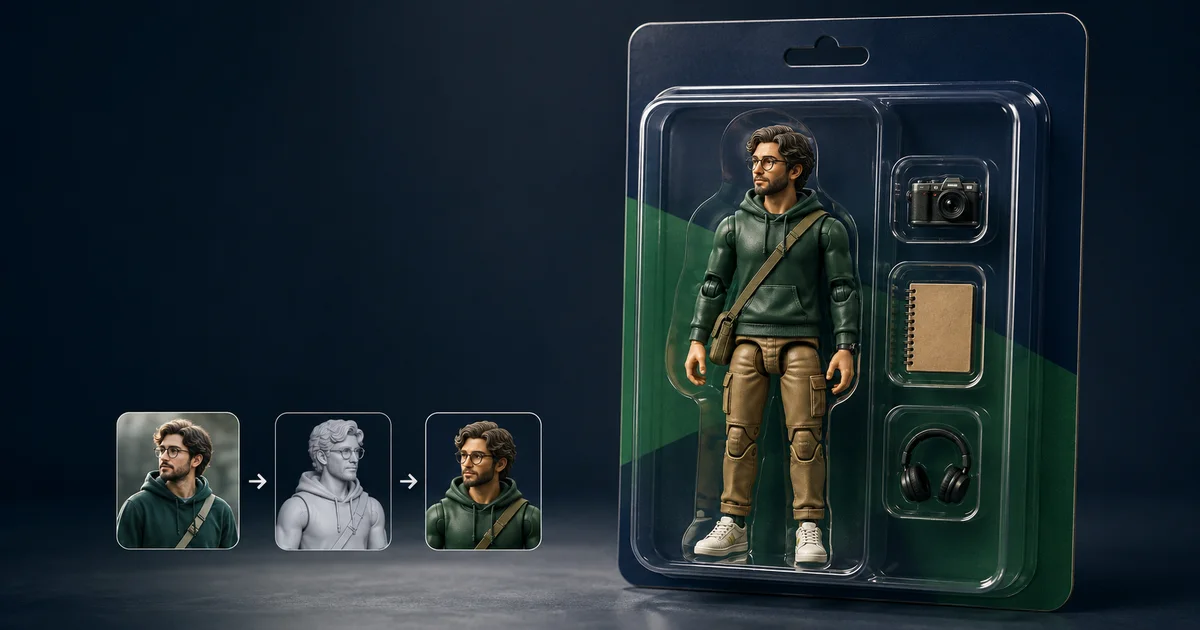

A useful AI action figure prompt has two jobs: keep the person recognizable and make the result look manufactured. Most weak prompts solve only one. They produce a tiny realistic person sealed in plastic, or a convincing toy that no longer resembles the reference.
The fix is to separate identity, toy construction, packaging, accessories, and camera decisions. Start with one clear reference, approve a simple loose figure first, then add the blister pack. That sequence gives you a failed layer to repair instead of a mystery to regenerate.
Quick answer
Upload an authorized full-body photo. Ask for a painted molded-plastic figure with visible articulation, toy-scale proportions, one stable pose, three separately named accessories, an unbranded cardboard backer, and a clear blister shell. Leave title areas blank. Compare the face and outfit with the source, then inspect joints, compartments, reflections, and text zones before exporting.
Start with a reference the model can actually use
Choose a sharp, evenly lit image in which the full body, clothing silhouette, hands, and footwear are visible. Avoid crossed arms, heavy motion blur, deep shadows, filters, mirrors, and objects covering the torso. Use your own photo or one you have permission to transform. For another person, get clear consent before uploading or sharing the result.
If the model accepts multiple references, add one closer face image and label its purpose: “Reference A controls identity; Reference B controls the full outfit and proportions.” Do not upload five contradictory portraits and ask the model to decide which hairstyle, age, or outfit is correct. A short preservation list is more reliable: face shape, skin tone, hair, glasses, outfit colors, body proportions, and one signature item.
For a fully invented character, replace identity preservation with a compact character sheet. The same process works, but the acceptance test checks consistency with the written design rather than a real person.
Use this complete AI action figure prompt
Replace the bracketed details and remove anything that does not apply. Keep the first generation simple enough to judge.
This prompt gives every visible element one job. The reference controls the subject. Material words create the toy. Joint locations communicate articulation. “Exactly three” plus separate compartments controls the accessory count. Blank zones avoid betting the whole image on generated spelling.
Build the image in two controlled passes
- Approve the loose figure. Generate the figure on a plain turntable with no packaging or accessories. Check identity, outfit, proportions, material, joints, hands, and footwear.
- Lock what passed. Tell the model to preserve the approved face, sculpt, outfit colors, pose, and articulation. Save the image and exact prompt.
- Add the package. Introduce the cardboard backer, blister geometry, compartments, camera, and lighting without changing the figure.
- Add only three accessories. Name each object and its compartment. If one is wrong, repair that object instead of regenerating the person.
- Typeset outside the model. Export a clean mockup, then add the verified name, subtitle, warnings, or product details in a design tool.
One-pass generation is faster only when it works. The two-pass method is usually cheaper for important assets because it preserves an approved subject while isolating packaging failures.
Six controlled prompt variations
1. Creator desk set
2. Outdoor adventurer
3. Retro science-fiction toy
4. Premium display figure
5. Two-person collector set
6. Social reveal image
Control the five parts models usually confuse
Identity
Name the few traits that make the subject recognizable. Do not ask for “perfect likeness” without defining what must remain.
Manufactured material
Use painted molded plastic, rigid sculpted clothing, simplified hair, and articulation seams. Exclude pores and loose fabric.
Package geometry
Request one flat rectangular backer, one attached shell, straight edges, fitted cavities, and realistic contact shadows.
Accessory count
Say “exactly three,” list them once, and assign every object to a separate compartment.
Typography
Reserve blank zones. Add exact spelling, claims, warnings, and logos after image generation.
Camera
Use a front or slight three-quarter product view before trying dramatic angles that hide the figure or bend the package.
Run this action-figure approval test
| Check | Pass condition | Repair instruction |
|---|---|---|
| Identity | Face, hair, glasses, and proportions still match the authorized reference | Restore named traits from Reference A; keep the approved pose and package unchanged |
| Toy read | Painted plastic, rigid sculpt, and joint seams read at thumbnail size | Replace human skin and fabric cues with molded toy materials |
| Accessories | Exactly the requested objects appear once in distinct cavities | Remove duplicates; rebuild only the named accessory compartment |
| Packaging | Backer, shell, edges, shadows, and reflections form one physical object | Straighten the card and rebuild the blister as one attached shell |
| Claims and text | No fake brand, price, certification, or unreadable product copy remains | Replace lettering with blank, high-contrast title and label zones |
| Destination | Figure remains clear in the final 4:5 post, thumbnail, or presentation crop | Reframe without changing the approved figure or package design |
Check the image first at full size, then at the size where people will actually see it. A face that looks acceptable at 1200 pixels may disappear in a social thumbnail. A clear shell that looks realistic on a dark monitor may become a gray haze on a phone.
Fix the failure instead of rewriting everything
The figure looks human. Remove beauty, cinematic portrait, skin-detail, and fabric language. Add molded plastic, simplified toy proportions, rigid sculpted clothing, painted eyes, molded hair, and visible joints.
The face no longer matches. Return to the approved loose figure. Repeat only the identity locks and ask the model to change packaging, not the subject. A closer authorized face reference can help when supported.
Accessories multiply or merge. Reduce the set to three, list each once, describe left-to-right order, and require separate fitted cavities. Complex transparent objects should be tested alone first.
The blister melts into the card. Ask for a single thermoformed transparent shell physically attached to one flat rectangular cardboard backer, with crisp perimeter edges, subtle highlights, and a believable contact shadow.
The name is misspelled. Stop regenerating the whole package for typography. Use blank title space and add the verified words later. The same rule applies to prices, certifications, safety copy, and small print.
Keep the concept original and honest
Use original names, symbols, costume details, and package systems for anything public or commercial. The USPTO explains that trademarks can include words, symbols, and designs that identify the source of goods or services. Avoid using a famous toy logo or protected character merely because a prompt can imitate it.
A polished mockup can also look like a product that already exists. If you publish or advertise it, label the image as concept art and do not invent availability, pricing, endorsements, safety claims, or manufacturing status. The FTC's business guidance says advertising claims should be truthful, non-deceptive, and evidence-based. For an actual product launch, review likeness rights, trademarks, copyrights, labeling, and manufacturing requirements with qualified professionals.
Test the workflow in QuestStudio
QuestStudio's Nano Banana 2 route in Image Lab supports the image-generation and editing workflow this guide needs. Start with the loose figure, save the approved output, then add packaging in a controlled variation. If you are still deciding how to describe the shot, organize the reusable brief in Prompt Lab first.
Do not measure success by total generations. Track whether a reader reaches Image Lab, produces a first usable figure, returns to make a controlled variation, and later subscribes. A prompt article earns its place when it reduces failed retries and moves a qualified creator into repeat use.
Frequently asked questions
What is the best AI action figure prompt?
The best prompt identifies the authorized reference, preserves recognizable traits, describes manufactured materials and articulation, assigns each accessory to a separate compartment, defines unbranded packaging, and states how the result will be reviewed.
What photo should I use to make an AI action figure?
Use a sharp, evenly lit photo with the full body visible, simple clothing edges, unobstructed hands, and permission from the person shown. Add a close face reference only when the model accepts multiple images.
How do I stop the result from looking like a real person in a box?
Describe painted molded plastic, simplified toy-scale proportions, visible articulation seams, a rigid pose, and a photographed retail mockup. Reject pores, loose fabric, realistic hair strands, or other living-human cues.
Can AI generate the name and small print on the package?
It may attempt the text, but important lettering should be added afterward in a design tool. Ask the model for blank title and label zones, then typeset verified names, claims, warnings, and product details separately.
Can I sell an AI action figure design?
A concept image is not automatically a production-ready or rights-cleared product. Use authorized likenesses and original branding, verify trademarks and claims, disclose that a mockup is a concept, and obtain professional advice for a commercial launch.
Make one figure you can approve
Begin with the clearest authorized reference you have. Approve the loose figure before asking for a box, keep the accessories countable, and reserve typography for a tool that can spell. For deeper control, use the photorealistic prompt framework, camera-setting guide, and negative-prompt checklist.
Open Nano Banana 2 in Image Lab and test the master prompt with one source image.
Continue with a useful next step
 Image
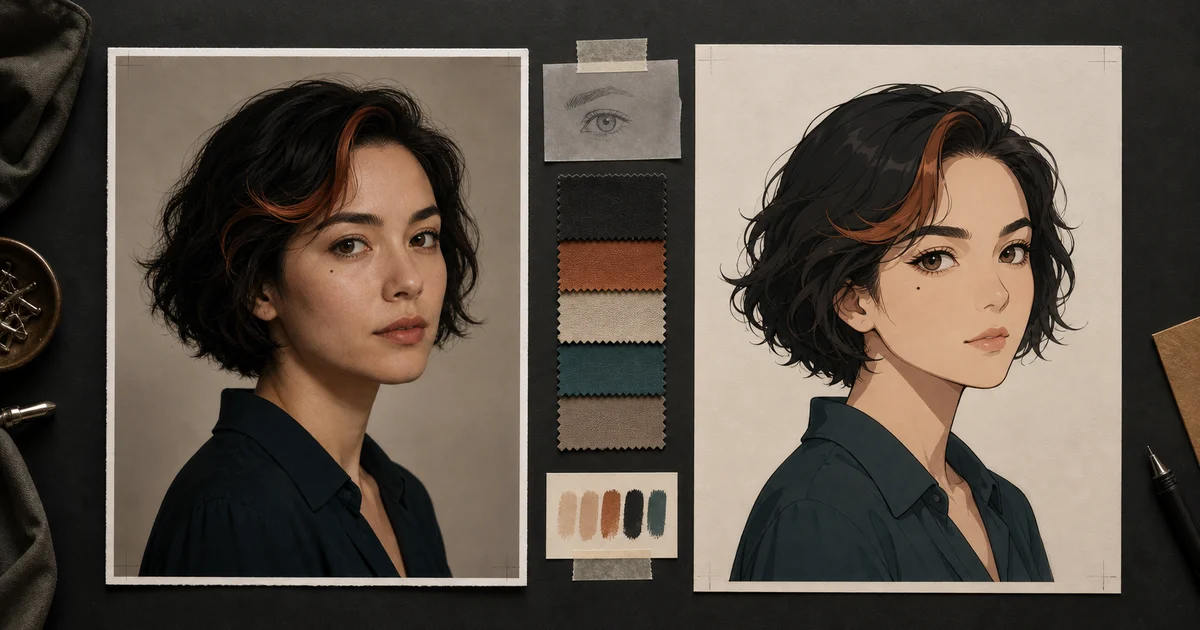
ImageAI Anime Generator From Photo: Keep the Person Recognizable
Use an AI anime generator from photo without losing the person. Prepare a strong reference, lock identity cues, control stylization, and repair face drift.
 Image
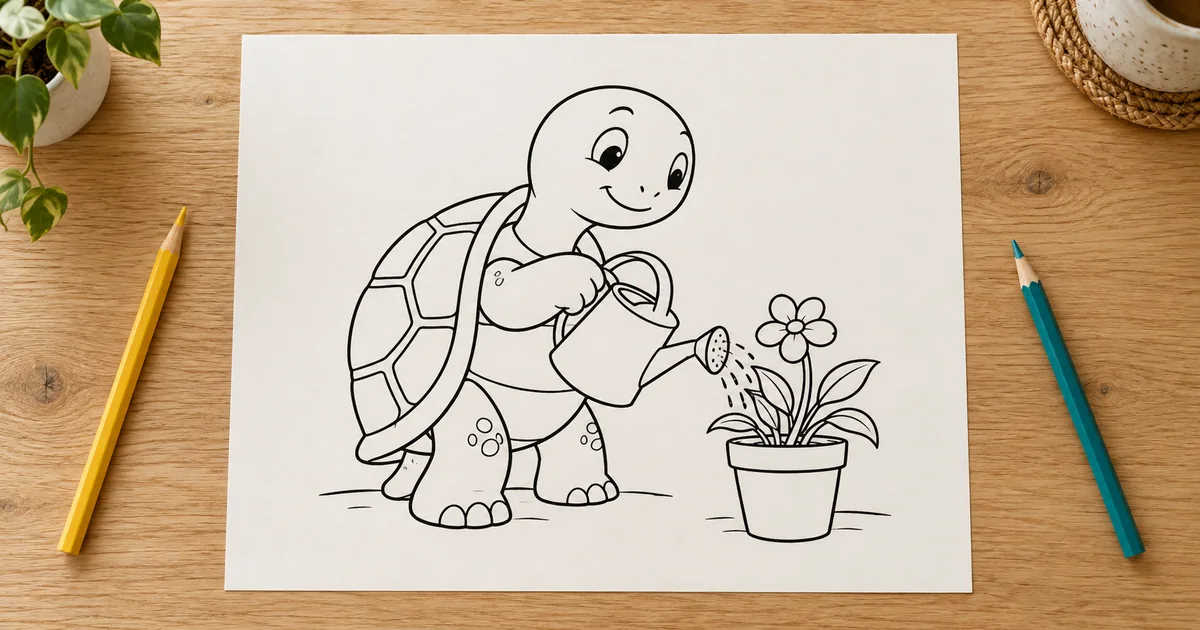
ImageAI Coloring Pages: Build Line Art That Works on Paper
Create printable AI coloring pages with readable shapes, repaired line gaps, deliberate detail, and a real-size paper test before making a collection.
 Image
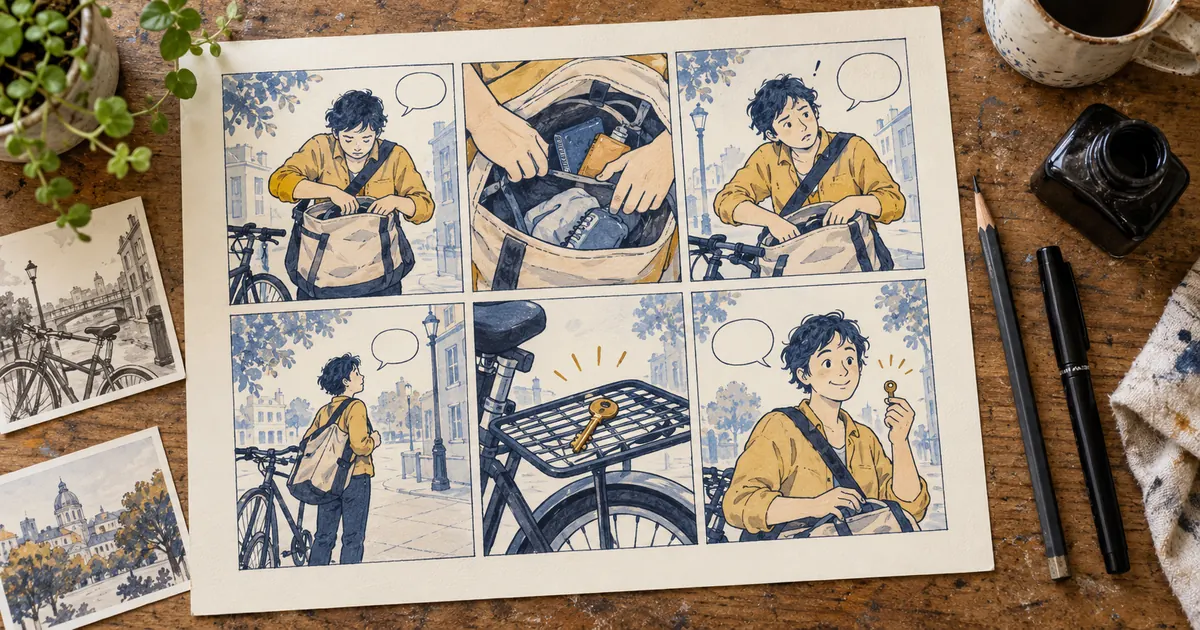
ImageAI Comic Book Workflow: Build Your First Finished Page
Start an AI comic book with one complete page: a six-panel script, character references, lettering and continuity checks. Download an editable panel ledger.
Design the surrounding scene with the miniature diorama workshop.