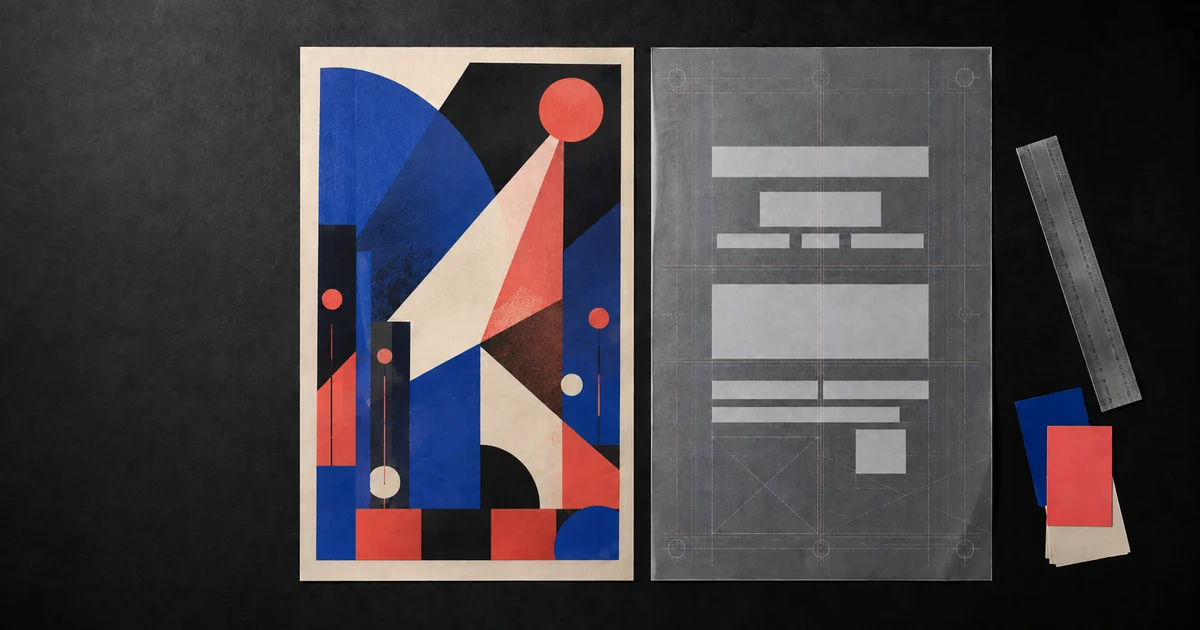

An AI poster generator from text can shorten the blank-page stage, but the strongest workflow does not ask the model to solve everything at once. A poster has two different jobs: attract attention with a visual idea and transmit exact information. Treat the artwork and the copy as separate layers so a beautiful draft never forces you to publish a misspelled name, wrong date, invented price, or unreadable call to action.
The practical goal is a poster someone can understand quickly and edit safely. You can use AI to explore composition, color, atmosphere, and focal imagery, then place the verified words in a layout editor where every character remains under your control.
Quick answer
Lock the headline, essential facts, and one action before generating. Ask the model for artwork with intentional empty zones—not rendered copy. Compare three controlled visual directions, choose one, add the exact text as editable layers, and test the final poster at phone size and from several steps away before export.
Start with the decision your poster must create
“Make an amazing poster” is not a brief. Decide what a stranger should understand and do after one glance. An event poster may need “recognize the performer, notice the date, buy a ticket.” A local offer may need “understand the service, see the deadline, scan the code.” If the desired action is unclear, more decoration will only make the confusion prettier.
Write one outcome sentence: “This poster helps [AUDIENCE] understand [OFFER OR EVENT] and take [ONE ACTION].” Then name the destination. A vertical social story, square feed post, letter-size notice, bus-stop print, and lobby screen create different viewing distances, crops, and information limits.
One audience
Choose the person with the strongest reason to care. “Everyone” gives you no language, mood, or priority.
One promise
Lead with the event, benefit, release, offer, or idea—not the organization's biography.
One destination
Set the working ratio and safe zones for the place where the poster will actually appear.
One action
Buy, register, visit, donate, attend, or learn more. Competing calls to action weaken the hierarchy.
Lock a small copy deck before you generate
Collect the approved wording in plain text. Keep the headline short enough to read without effort. Add only the details required to act: date, time, place, price, URL, eligibility, deadline, or a short supporting line. Put explanations on the landing page, event listing, caption, or brochure.
Mark every fact that cannot change. A model may render text convincingly while changing a letter, dropping a digit, or inventing a decorative word. Visual plausibility is not copy accuracy. The source of truth should remain your copy document, not the generated image.
| Layer | Purpose | Editing rule |
|---|---|---|
| Headline | Names the event, offer, or central idea | One dominant phrase; verify every character |
| Support | Explains the promise when the headline cannot | One short sentence or omit it |
| Facts | Date, time, place, price, deadline, or eligibility | Copy from the approved source; never infer |
| Action | Tells the viewer what to do next | Use one verb and one destination |
| Legal or access | Required restrictions, terms, or accessibility details | Keep legible; confirm with the responsible owner |
Prompt the artwork layer, not the final typography
Translate the brief into visual decisions: focal subject, style, palette, energy, framing, and the empty regions reserved for copy. The exact words stay outside the generation request. This prevents decorative pseudo-text from becoming part of the artwork and gives you room to revise a date or headline without regenerating the entire composition.
Generate three directions while keeping the aspect ratio, subject, and empty-copy zones fixed. Change only one variable per direction—perhaps image scale, palette, or energy. You are choosing a system for the message, not collecting unrelated art.
Choose the composition with a blank-copy test
Before typesetting, place temporary gray rectangles where the headline, details, and action will go. Do not use real words yet. The shapes reveal whether the artwork left enough calm space and whether the reading order makes sense. If the rectangles cover the subject or disappear into texture, repair the composition now.
- Focal test: can you identify the central visual when the poster is small?
- Path test: does your eye move from image to headline zone, facts, and action?
- Contrast test: can light or dark type sit on the reserved area without an outline or heavy glow?
- Crop test: do the subject and copy zones survive the destination's likely crop?
- Restraint test: can you remove one element without weakening the idea?
If a draft fails, ask for a local change such as “simplify the upper third and preserve the subject.” Do not rewrite the entire prompt and lose the parts that already work.
Add the words as editable type
Bring the chosen artwork into a tool that supports real text layers. Paste the approved copy rather than retyping it. Use size, weight, spacing, and position to establish hierarchy; do not rely on five fonts, outlines, shadows, and effects to manufacture importance.
A useful starting limit is one display face and one highly readable supporting face. Keep alignment intentional, line lengths short, and spacing generous enough that the headline does not collide with the image. If the title must be expressive, keep dates, prices, addresses, and calls to action visually quieter but easier to read.
This is where the new workflow stays distinct from a one-click generator. Adobe documents generated editable templates, while Picsart positions prompt-to-poster generation. Either approach still needs an owner to compare every visible word with the approved source and review the exported result.
Run the three-second, phone, and distance tests
Show the poster to someone who has not seen the brief. Give them three seconds, hide it, and ask what it was about, which detail they remember, and what they were supposed to do. If they remember the texture but not the event, the artwork is overpowering the message.
Next, reduce a digital poster to the size it will occupy in a feed. For print, view a mockup from several steps away. The headline should survive first; then the essential detail and action should become readable as the viewer moves closer. Finally, zoom in and compare spelling, punctuation, dates, prices, addresses, URLs, names, and any required disclaimer against the source.
Do not let a QR code carry the whole message
A person should understand the offer before scanning. Generate or place the real code outside the artwork layer, preserve a clean quiet zone around it, test it on the exported file and a physical proof, and include a readable fallback URL when practical.
Export for the real destination
Keep an editable master before making delivery files. For digital use, check the platform's current dimensions, compression, file-size limit, and safe zones. PNG can preserve crisp graphic edges; JPG can be smaller for image-heavy sharing. Test the final upload because a platform may recompress or crop it.
For print, ask the printer for finished dimensions, bleed, safe margins, color expectations, and preferred PDF settings before export. Do not assume a web image is print-ready because it looks sharp on a monitor. Inspect one physical proof when color, fine type, a QR code, or a paid print run matters.
Build the artwork layer in QuestStudio
Use Image Lab for the visual direction: one focal subject, a controlled palette, and clearly reserved areas for copy. Save the prompt with the selected artwork so you can reproduce or revise the concept later. Then move the file into your preferred layout editor for verified typography.
If you need more detailed copy QA, use the AI image text-rendering workflow. For music artwork, the album-cover guide explains the thumbnail test. If the poster sells a product or offer, start with the AI ad creative brief so the claim is approved before design begins.
Open Nano Banana Pro 4K in Image Lab and create one artwork-only poster direction with deliberate copy space.
Frequently asked questions
Can an AI poster generator make a finished poster from one prompt?
It can produce a useful draft, but important copy should remain editable. Generate the visual direction, then verify and typeset the headline, details, URL, price, date, and call to action in an editor before publishing or printing.
What should an AI poster prompt include?
Include the poster's job, audience, destination, aspect ratio, one focal image, mood, palette, composition, and the exact areas that must remain open for headline, details, and a call to action. Ask for no rendered text when copy accuracy matters.
How much text should a poster contain?
Keep only what helps a viewer understand the offer and act: one headline, a short supporting line when necessary, essential facts, and one clear call to action. Move background information to a landing page or caption.
How do I test whether a poster is readable?
Use a three-second glance test, reduce it to phone size, view a print mockup from several steps away, and ask someone unfamiliar with the project to identify the message, key detail, and next action without coaching.
Should I export a poster as PNG, JPG, or PDF?
Use the destination's requirements. PNG is useful for crisp digital graphics, JPG for compact image sharing, and a print provider may request a specific PDF profile, dimensions, bleed, or color setup. Confirm specifications before the final export.
For a small event card, follow the AI wedding invitation workflow to proofread guest information and test the final RSVP route.
Continue with a useful next step
 Image
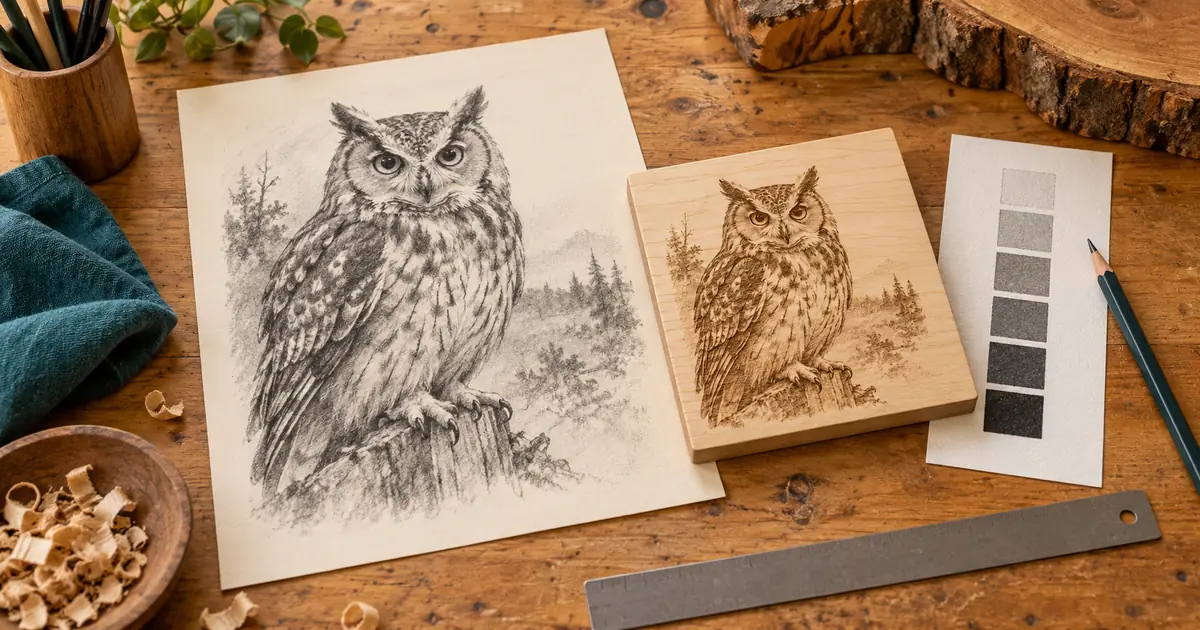
ImageAI Laser Engraving Image Prep: Keep the Useful Detail
Prepare AI artwork for raster laser engraving. Set the real size, preserve tonal detail, choose a dithering stage and approve a sample before production.
 Image
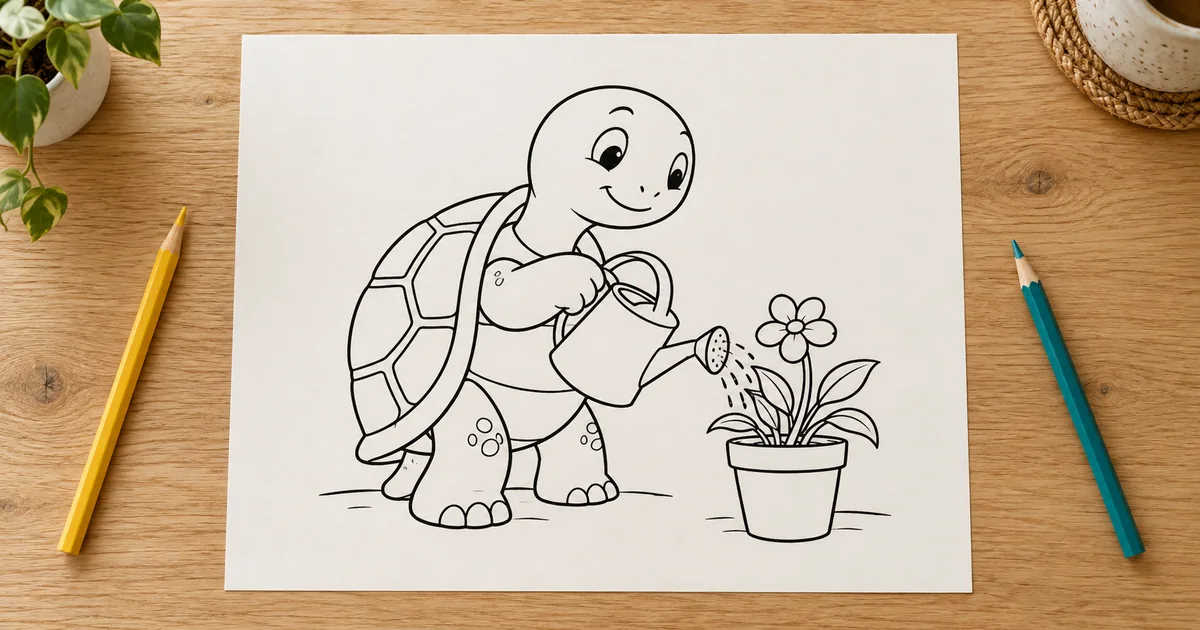
ImageAI Coloring Pages: Build Line Art That Works on Paper
Create printable AI coloring pages with readable shapes, repaired line gaps, deliberate detail, and a real-size paper test before making a collection.
 Image
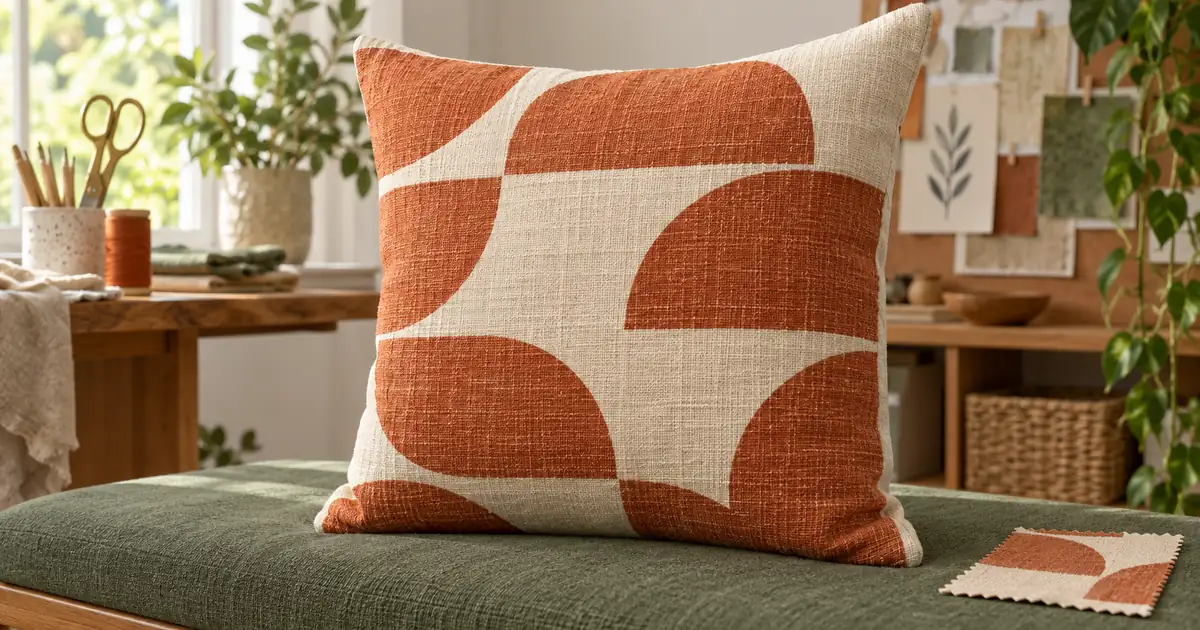
ImageAI Pillow Mockups: Check Pattern Scale and Both Sides
Create pillow mockups with a deliberate pattern scale, clear front and back views, and seam checks. Use an original pattern example and a panel planning sheet.