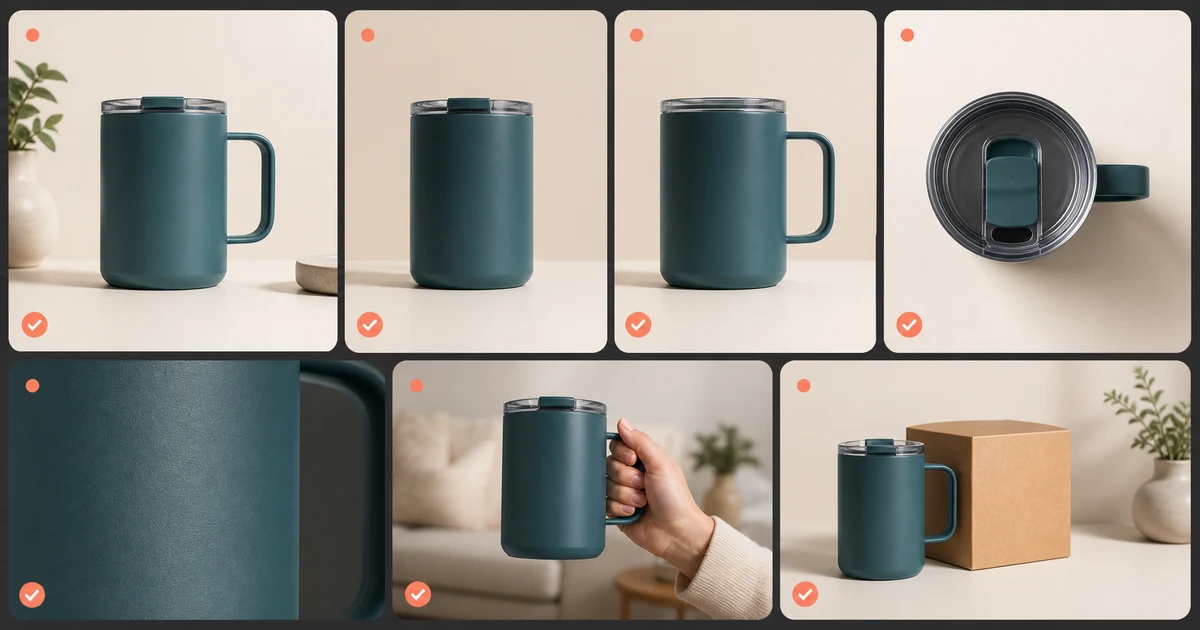

AI Product Photography Shot List: Build a Complete Listing helps you complete one real creation job with a repeatable process and a clear approval standard. It focuses on the decisions that determine whether the output is useful, accurate, and ready for its destination.
Build the list from buyer questions
Before planning aesthetics, list what a buyer cannot know from the title: exact shape, size, materials, texture, color, included items, setup, use, fit, packaging, limitations, and care. Each image should answer at least one question. Decorative repetition wastes gallery positions.
Capture a product truth set
Photograph front, back, both sides, top, bottom, open and closed states, important details, packaging, accessories, and a scale reference. Use neutral light and enough resolution to preserve labels and construction. Record dimensions, colors, variants, materials, and verified claims beside the images.
AI should build around this truth set, not infer unseen sides or change a variant to fit a scene.
The core ecommerce shot list
| Shot | Buyer job | Accuracy lock |
|---|---|---|
| Clean hero | Recognize exactly what is sold | Variant, quantity, color, label, included items |
| Angle set | Understand geometry | Use verified views, not invented rotations |
| Scale | Judge real-world size | Dimensions and reference object are accurate |
| Detail | Inspect material and construction | Texture, seam, finish, and mechanism remain real |
| Feature proof | Understand how it works | Demonstration supports the exact claim |
| In-use | Imagine context and handling | Pose, environment, and product behavior are plausible |
| Packaging | Know what arrives | Box, inserts, count, and accessories match fulfillment |
| Limitation or care | Avoid wrong expectations | Do not hide constraints that affect purchase |
Assign a production method
Mark each shot as photograph, bounded edit, composite, or full concept. Photograph exact evidence. Use bounded edits for cleanup and consistent backgrounds. Composite when the verified product or label must remain exact. Use full generation only for clearly illustrative context that does not promise unsupported performance.
Create one composition system
Lock canvas ratio, product scale range, horizon, padding, background family, shadow softness, and camera family across the catalog. Variation can happen in context and story while the listing grid remains stable.
Plan crops before generating. A square marketplace hero, portrait social image, and landscape banner may require different compositions from the same approved product anchor.
Review color and materials
Compare against the physical product or trusted color reference under controlled light. Watch transparent edges, reflective metal, glass, jewelry, fur, lace, and thin handles. An attractive material change can increase returns when the received product looks different.
Sequence the gallery
Lead with exact identification, then geometry, scale, detail, proof, context, package, and limitations. The order should reduce uncertainty progressively. Put required marketplace images in their mandated positions and keep promotional claims out of restricted frames.
For the phone capture and upload stage, use the Etsy product photography walkthrough, including its thumbnail crop diagram and shot worksheet.
Shot-list QA
- Every gallery position answers a distinct buyer question
- All unseen geometry comes from a verified reference
- Variant, color, label, quantity, and included items remain exact
- Generated lifestyle scenes do not impersonate proof
- Platform dimensions and image rules are recorded
- The final sequence matches the live product page and fulfillment
Frequently asked questions
How many product photos should a listing have?
Use enough images to answer the important buyer questions and platform requirements; avoid filling slots with redundant hero shots.
Can AI generate missing product angles?
Only when those angles are supported by verified references. Otherwise it invents geometry.
Which product photo should come first?
Use a clear hero that shows the exact variant, quantity, color, and included items.
Should lifestyle photos replace clean product shots?
No. Lifestyle context complements exact catalog and proof images; it should not replace them.
How do I keep a catalog consistent?
Lock canvas, product scale, padding, camera family, background system, and shadow rules across products.
Continue with a useful next step
 Image
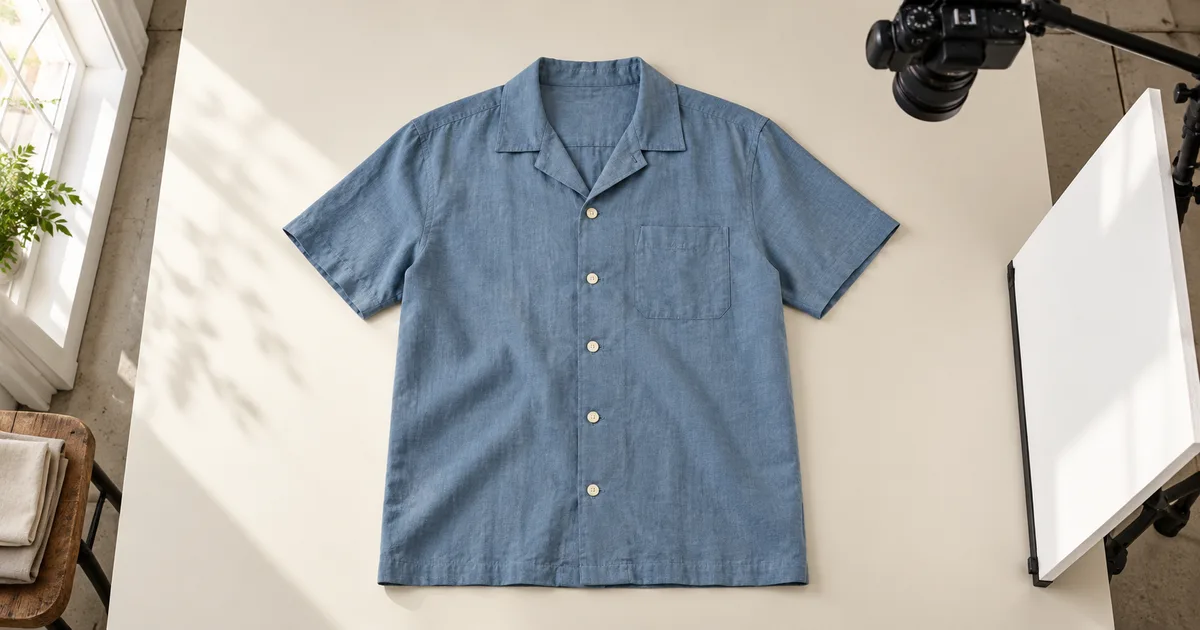
ImageApparel Product Photography: A Complete Garment Set
Plan apparel product photography from front and back views to fabric details. Use an evidence map and capture sheet to catch missing or misleading images.
 Image
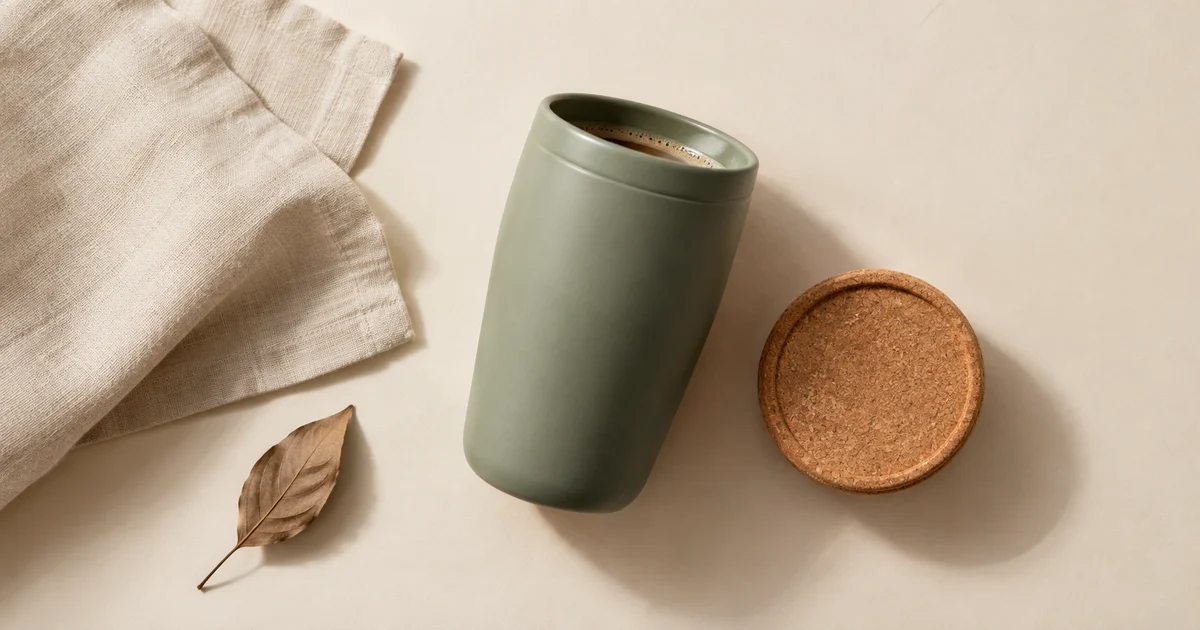
ImageAI Flat Lay Product Photography: Style a Set That Makes Sense
Plan AI flat lay product photography with a top-down source, a clear item inventory, consistent shadows, and crops that preserve the product and copy space.
 Image
ImageProduct Bundle Photography: Match Every Offer With AI
Build AI product bundle photos that match each offer. Plan exact quantities, protect source products and check every gallery image against the selected variant.
If the shot list includes an overhead bundle image, use the flat lay product workshop to plan included items, styling props, shadows, and copy space.