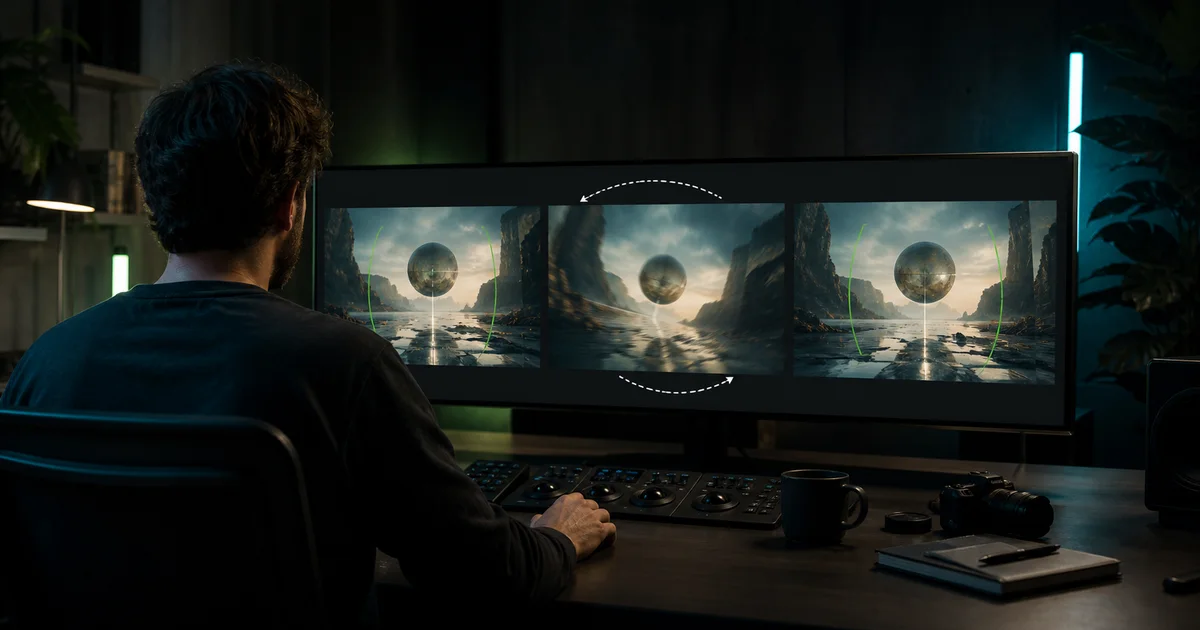

When a Runway AI prompt is not working, rewriting the whole paragraph is usually the slowest response. First decide whether the failure comes from the service, the source image, the motion request, the camera request, or one local visual defect. Then change only that layer.
Start by naming the failure you can see
“The prompt does not work” can describe several unrelated problems. A blocked request, a queue error, a completed clip with the wrong camera, a subject that barely moves, and a face that drifts all need different responses. Save the input, exact prompt, model, settings, timestamp, and result before changing anything. That record prevents a service problem from being misdiagnosed as bad writing.
| Observed result | Likely first check | Do not do yet |
|---|---|---|
| No job starts or an explicit error appears | Status, account limits, file support, policy message | Rewrite the creative direction ten times |
| Clip runs but subject barely moves | Physical action and input-image motion cues | Add more style adjectives |
| Camera moves when it should stay still | Positive camera language and source perspective | Repeat “no movement” in capitals |
| Identity or product drifts | Reference clarity, occlusion, shot complexity | Hide the change with heavier motion blur |
| One short moment breaks | Trim, patch, or short targeted retake | Regenerate every accepted second |
Run a two-minute preflight
- Read the exact interface message. Capture it if support may need it.
- Check the current Runway status or help center when a job will not start.
- Confirm that the input file opens locally, uses a supported format, and is not partially uploaded.
- Remove copied prompts, names, or references that could trigger a policy or rights problem.
- Try the smallest supported test rather than a production-length shot.
If the service or account is blocking the request, prompt changes cannot repair it. If the generation completes, move to visual diagnosis. This split saves time and keeps troubleshooting evidence useful.
For image-to-video, describe motion rather than the picture
Runway's current image-to-video guidance says the image already supplies composition, subject, lighting, and style. Use the prompt to describe what changes through time. “A cinematic woman in a red coat” repeats information the model can see. “She turns toward the window, pauses, then lowers her hand while the locked camera remains still” gives the video job.
Diagnostic rewrite: The bottle remains fixed on the table. Condensation slowly forms and one droplet travels down the front. Locked camera. Continuous natural motion.
Keep one subject action and one camera behavior in the first test. Add secondary motion only after the primary action is reliable.
Use positive camera instructions
Runway's Gen-4 guide recommends positive phrasing. A request such as “no camera movement” asks the model to reason through a negation. “Locked camera” or “the camera remains completely still” names the desired behavior directly. The same principle applies to pace and direction: “slow clockwise arc,” “steady dolly toward the subject,” or “static eye-level frame.”
Do not stack incompatible camera terms. A locked frame cannot also orbit. A close-up cannot reveal an entire room without a pullback or cut. If a prompt asks for a crane, zoom, pan, orbit, and handheld feel in five seconds, the model must improvise which request wins.
Check the source image for motion it already implies
An input image is not neutral. Motion blur, windblown fabric, a foot suspended mid-stride, diagonal speed lines, splashing liquid, and an object cropped at the frame edge all imply a direction or action. Runway notes that prompts fighting those cues may require more iteration. Before blaming the words, inspect the frame.
- The starting pose can physically move into the requested action.
- The subject has space to travel without immediately leaving frame.
- Motion blur does not point opposite the requested direction.
- Hands, labels, faces, and thin objects are clear enough to anchor.
- The requested camera move will not reveal an undefined part of the scene.
If the source conflicts with the shot, edit the still or choose a calmer frame. A cleaner start often beats another paragraph of corrections.
Use a three-pass diagnostic ladder
Judge each pass against a written criterion. For Pass 1, the subject either performs the action or does not. For Pass 2, verify direction, speed, and framing. For Pass 3, confirm that atmosphere does not destabilize the accepted subject. If a pass fails, return to the last accepted version and change one variable.
This ladder is deliberately boring. It produces evidence. A large rewrite may create a better-looking clip while hiding which instruction fixed the problem.
Fix unwanted camera drift
Use an explicit camera sentence near the motion sentence. “Locked tripod camera at eye level” is clearer than burying “static” among lens, color, and mood terms. Remove words such as dynamic, sweeping, immersive, handheld, or cinematic when they invite movement you do not want. If the input has dramatic perspective, try a more stable source frame.
When the camera still drifts, decide whether the movement is small enough to crop or stabilize in editing. If the drift changes the reveal, exposes undefined space, or breaks a product's geometry, regenerate the short shot. Do not spend a full generation to repair a harmless edge wobble that disappears in the final crop.
Fix weak or ignored subject motion
Replace abstract intent with visible mechanics. “She becomes confident” is not a physical action. “She straightens her shoulders, lifts her chin, and looks directly into camera” is observable. Specify one beginning, one transition, and one ending that fit the clip length. Avoid asking for several story beats when one shot can only support one.
For a product shot, protect silhouette, color, packaging, and text. For a person, protect recognizable facial landmarks and wardrobe. A negative prompt is not a substitute for a clear source and feasible motion.
Know when to repair, retry, or stop
Repair
Use editing for a local bad frame, tiny crop issue, brief flicker, or removable edge artifact when the surrounding shot is trustworthy.
Retry
Generate a short new version when the primary action, camera direction, subject identity, or product geometry fails.
Stop
Pause when a source cannot support the requested reveal, the service is failing, rights are unclear, or repeated tests do not improve the same failure.
Set a retry budget before generating. Three controlled attempts that test one hypothesis are more useful than ten random rewrites. If the same failure survives, change the source, simplify the shot, or choose a model better suited to the job.
How QuestStudio helps
Use Video Lab to keep the revised prompt beside the input and test a short version without losing the diagnosis. Save the accepted prompt and result so the next shot begins from evidence. If only one moment fails, follow the surgical repair workflow before paying to rerender accepted footage.
The useful funnel is not article to signup. It is diagnosis to Lab load to Generate click to a successful clip. If the handoff loads but the reader still cannot begin, the workflow has not solved the problem.
Sources and freshness note
This guide was checked against Runway's current Gen-4 prompting guide, image-to-video guide, and camera terms and examples on August 26, 2026. Model behavior, interface labels, limits, and status can change. Use the current official documentation for product-specific controls.
Frequently asked questions
Why is Runway ignoring my prompt?
The input image may conflict with the requested motion, the prompt may describe style instead of temporal action, or several camera and subject instructions may compete. Test one positive motion and one camera behavior.
How do I keep the camera still in Runway?
Use positive language such as “locked camera” or “the camera remains still,” remove words that imply dynamic movement, and start from a stable image without strong motion cues.
Should I use negative prompts in Runway Gen-4?
Runway currently recommends positive phrasing for Gen-4. Describe the behavior you want instead of repeatedly describing what must not happen.
When should I change the input image?
Change or edit it when the pose, blur, crop, perspective, or undefined background fights the requested action or camera reveal.
How many retries should I run?
Set a small budget, such as three controlled tests. Each retry should test one named hypothesis. Stop random iteration when the same failure remains.
If the main problem is a gesture that takes too long, use the unwanted AI slow-motion troubleshooting guide to distinguish slow action, camera drift and playback settings.