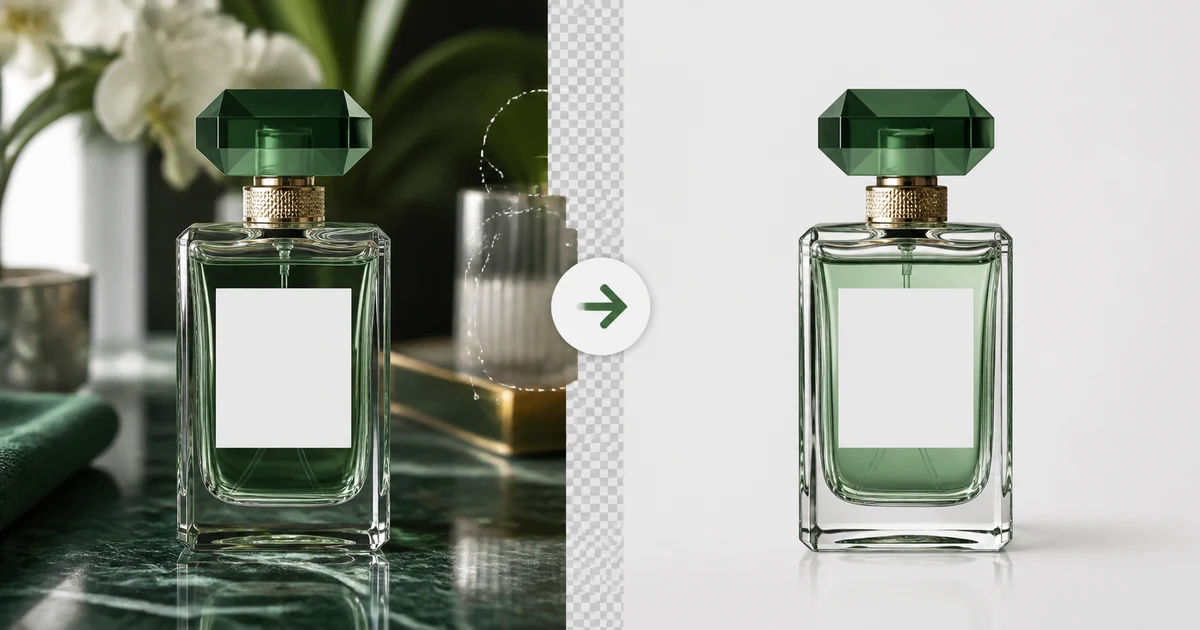

AI Ecommerce Background Replacement Without Product Drift helps you complete one real creation job with a repeatable process and a clear approval standard. It focuses on the decisions that determine whether the output is useful, accurate, and ready for its destination.
Decide whether replacement is the right fix
Replace the background when the product is sharp, complete, correctly colored, and photographed from a useful angle, but the scene is cluttered or inconsistent. Retake when the product is blurred, clipped, strongly reflected by the old environment, or missing buyer-relevant views. A new background cannot recover truthful detail that was never captured.
Create a product lock
Keep the original file and record dimensions, variant, label, color, included items, and any transparent or reflective materials. State that product shape, pixels, proportions, cap, seams, hardware, logos, and text are fixed. The only allowed changes are the background and physically necessary contact effects.
Inspect the cutout before compositing
| Edge type | Look for | Repair |
|---|---|---|
| Hard packaging | Jagged corners or clipped curves | Refine the mask at full size |
| Glass | Opaque interiors or lost refraction | Preserve partial transparency and highlights |
| Reflective metal | Old background color trapped in reflections | Relight conservatively without changing finish |
| Fabric or fur | Halos and cut strands | Use soft alpha and edge decontamination |
| Thin handles | Missing gaps or broken geometry | Compare silhouette to the original |
Choose the background by destination
A marketplace may require pure white and specific product coverage. A product page may use a neutral branded system. A social ad may use contextual lifestyle imagery. Record the actual rule rather than relying on a remembered platform convention.
Use a background with compatible camera height, focal perspective, light direction, and surface. Avoid scenes that imply an unsupported location, scale, performance, or included accessory.
Rebuild physical contact
Match the key light, shadow direction, softness, color temperature, and floor perspective. Add one believable contact shadow so the product does not float. Preserve legitimate reflections inside glass or metal, and create a new surface reflection only when the material supports it.
Standardize the catalog
Lock product coverage, padding, horizon, background tone, shadow density, export profile, and file naming. Process one approved anchor image before batching the rest. Compare the grid, not just each file, to catch scale jumps and color drift.
Compare against the source
Overlay or toggle at equal size. Check silhouette, dimensions, label, text, color, texture, cap, seams, openings, transparent areas, and every included item. If the model redraws the product, return to a composite workflow instead of adding more preservation adjectives.
Export checklist
- The product matches the untouched source exactly
- Edges preserve hard, soft, transparent, and reflective materials
- Perspective, light, shadow, and contact are physically coherent
- The background follows current destination requirements
- The catalog grid has consistent scale, padding, and color
- No setting or prop creates a false product claim
Frequently asked questions
Should I remove the background before generating a new one?
Yes. A verified cutout makes the product boundary explicit and reduces redraw risk.
Why does the product look different after replacement?
The model may have regenerated product pixels or relit reflective materials too aggressively; composite the locked product instead.
How do I handle transparent products?
Preserve partial alpha, internal reflections, and refraction rather than treating the object as opaque.
Can I use lifestyle backgrounds for marketplaces?
Follow the current rules for each image position and platform; many primary listing images have strict requirements.
How do I batch backgrounds safely?
Approve one anchor, lock scale and style rules, then review both individual edges and the complete catalog grid.
Continue with a useful next step
 Image
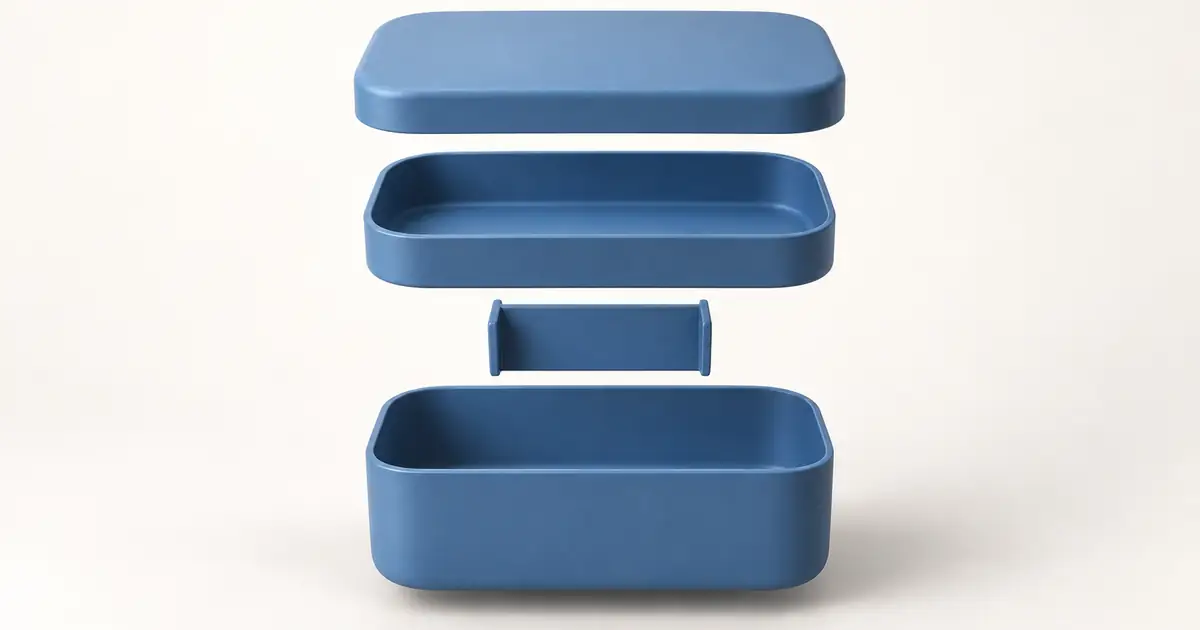
ImageAI Exploded View: Show Product Parts Without Inventing Them
Create a useful exploded-view product image from a verified part inventory, with clear spacing, plausible order, and a separate check for technical claims.
 Image
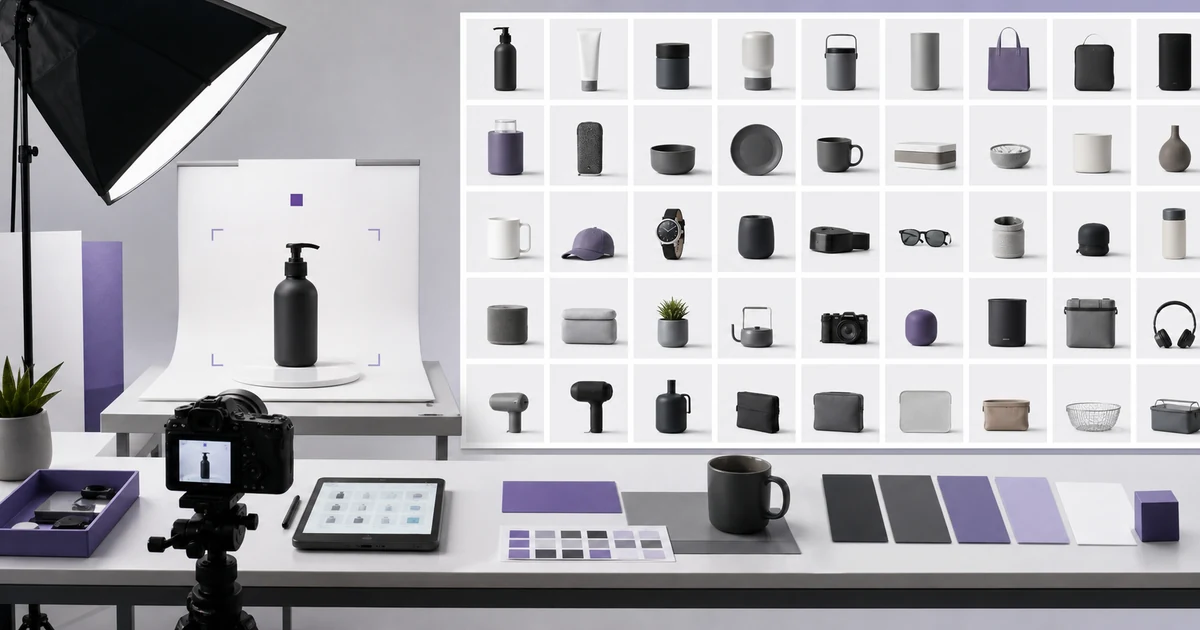
ImageAI Product Catalog Consistency: A 100-SKU Workflow
Create consistent AI-assisted product images across 100 SKUs with a locked product specification, scene recipe, manifest, reference angles, acceptance criteria, and batch QA.
 Image
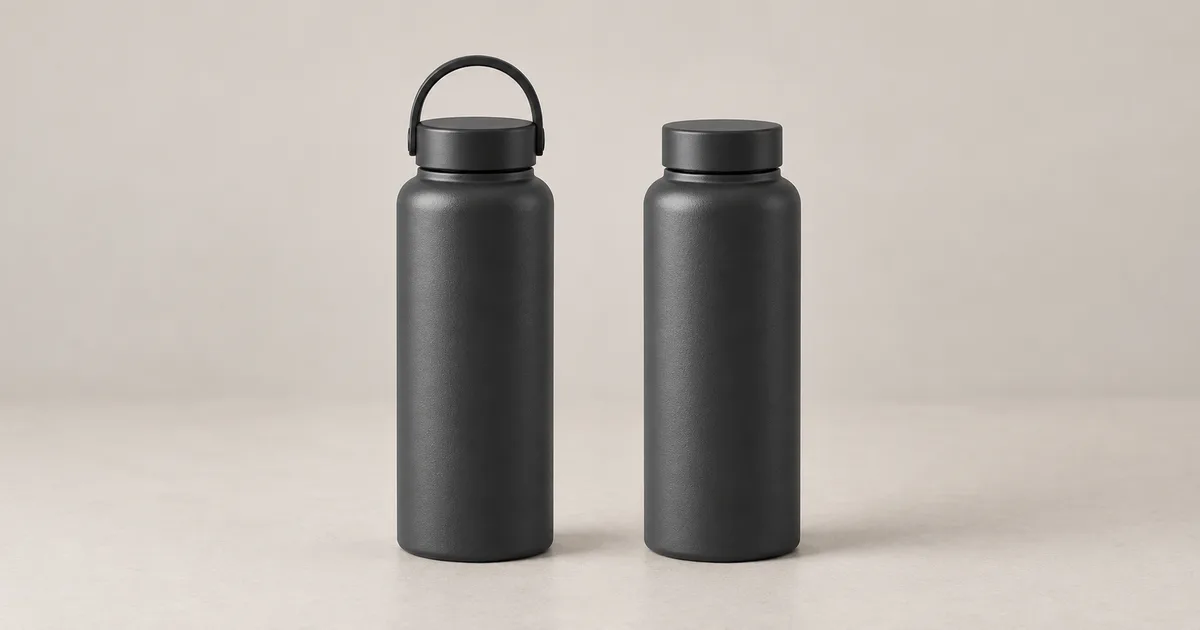
ImageAI Product Photo Approval Checklist: Review Before You Publish
Check AI product photos against the exact SKU, work through a missing-component example, and use a downloadable approval log before publishing the final image.
For a focused next step, read Photoshop Harmonize: Match Product Lighting Without Losing Detail.
For actual dealership inventory, use the AI car photo editing workflow to protect vehicle details and condition while standardizing the setting.