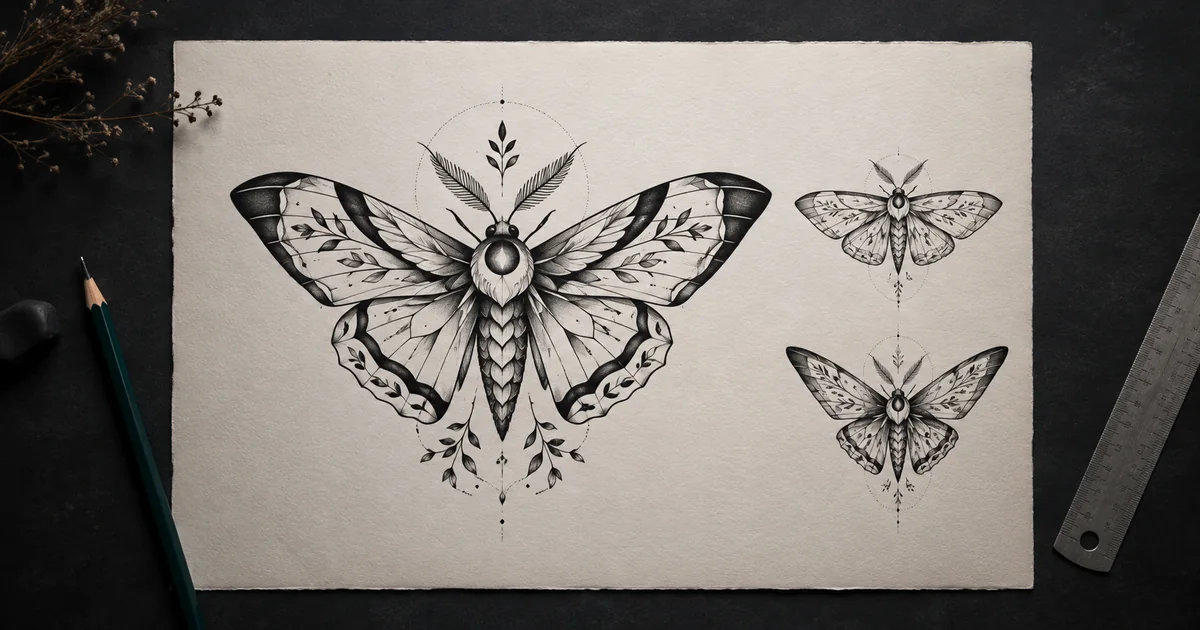

An AI tattoo generator is most useful before the final drawing. It can help you turn a half-formed idea into visual directions you can compare, annotate, and discuss. It cannot decide whether a design fits your anatomy, will age well, is culturally appropriate, or can be tattooed safely.
The practical goal is not “make my tattoo.” It is “help me communicate one original direction to a qualified artist.” That change in intent produces a better prompt, a smaller set of useful outputs, and a more respectful handoff.
Quick answer
Write the meaning, one main subject, approximate body area, orientation, size range, line style, shading direction, supporting elements, and exclusions. Generate three to six variants by changing one decision at a time. Reject broken contours and accidental symbols, then ask a licensed tattoo artist to redraw and adapt the chosen concept.
Write the consultation brief before the prompt
“A cool wolf tattoo” leaves almost every decision to the model. Begin with the reason for the piece and the part that must survive every variation. If the concept represents resilience, the essential idea might be a bent pine recovering toward the light—not a random collection of mountains, clocks, roses, and coordinates.
Meaning and anchor
State the personal idea, then choose one subject that carries it. Keep private names or dates out of the generator unless they are necessary.
Approximate placement
Name the general body area, portrait or landscape orientation, and a rough size range so the composition has a useful shape.
Visual language
Choose concrete traits such as bold outer contour, open negative space, sparse stippling, flat black areas, or restrained color.
Hard exclusions
List unwanted objects, text, religious or cultural symbols, copied characters, photorealistic skin, signatures, and ornamental filler.
Do not use a living tattoo artist's name as a shortcut. Describe the visible decisions you want and bring references you have permission to use. Your artist can help place the idea within an established tattoo tradition without copying someone else's work.
Use this AI tattoo generator prompt
Replace the bracketed fields. Ask for artwork on a plain page, not a fake photograph of ink on skin. A clean concept sheet makes shape and line problems easier to see.
Model controls differ. Some accept reference images, masks, negative prompts, or seeds; others do not. Use only the controls visible in your selected model, and keep a record of the prompt and references that produced each candidate.
Generate controlled variations, not a random gallery
Create a baseline, duplicate its prompt, and change one variable. This turns generation into a decision process. You can say “version B's upward orientation fits the forearm idea, but keep version A's open wing spacing” instead of asking an artist to interpret twenty unrelated images.
| Round | Change only | Question to answer |
|---|---|---|
| Baseline | Nothing after the complete brief | Does the main idea read without explanation? |
| Orientation | Upward, downward, inward, or outward movement | Which direction supports the intended body area? |
| Contour | Bold outer contour versus lighter uniform line | Which silhouette remains clear when reduced? |
| Shading | Open, stippled, hatched, or flat-black balance | Where does the design become muddy? |
| Support | One secondary element or none | Does it strengthen the meaning or create clutter? |
Stop when the comparison teaches you something. More outputs are not automatically more useful, and a high-detail render can hide weak structure behind attractive texture.
Run a line-clarity and meaning review
First, shrink each concept until it is roughly the size it will appear from conversational distance. If the subject disappears, simplify it. Then enlarge the design and trace every major contour with your eyes. Reject lines that merge without purpose, stop unexpectedly, create extra anatomy, or turn into gray noise.
- Silhouette: can you identify the primary subject as a solid shape?
- Hierarchy: is there one dominant subject rather than several equal focal points?
- Negative space: do important areas remain separated, especially after reduction?
- Symmetry and anatomy: are mirrored parts intentional, and are bodies, wings, leaves, or paws structurally believable?
- Meaning: did the model invent a symbol, word, number, or cultural motif you did not request?
- Originality: does it resemble protected characters, logos, existing flash, or a recognizable creator's signature design?
This review identifies communication problems; it does not certify tattooability. Line weight, spacing, body curvature, aging, cover-up constraints, and technique belong in the artist's assessment.
Do not confuse a body preview with proof
A simulated placement image can help you discuss approximate scale and direction, but it flattens the body and cannot predict movement, healing, fading, or how a design wraps around real anatomy. Never use a generated body image as the final authority for placement.
Bring the clean artwork to the consultation. Let the artist measure the area, redraw the composition, create the real stencil, and explain the process. If you are considering a cover-up, scar area, allergy concern, or health condition, seek appropriately qualified professional advice rather than relying on an image model.
Prepare a one-page artist handoff
Your handoff should make preferences visible while leaving room for expertise. Include the selected concept, one alternate, the original prompt, the meaning in one sentence, approximate placement, rough size, orientation, must-keep details, details to remove, and links or credits for any authorized references.
Also explain that the images are AI-assisted concepts. Ask the artist what must change for clarity, fit, aging, and originality. A useful packet starts a collaboration; it does not hand a professional an instruction to trace a machine-generated image.
Health and safety boundary
The FDA's tattoo safety guidance notes reported infections and allergic reactions, and the agency has also issued warnings about contaminated inks. AI generation does not evaluate sanitation, ink, health, or aftercare. Discuss those subjects with a reputable licensed professional and follow applicable local guidance.
Use QuestStudio as the concept workspace
Open Image Lab with the complete brief, generate the baseline, then duplicate the prompt for controlled variations. Compare the outputs against the same checklist and save only the prompt-output pairs that explain a real preference. If your concept needs a cleaner large review copy, use the 2x versus 4x upscale guide without treating added pixels as corrected linework.
For other design-brief workflows, the AI action figure guide shows how to preserve a subject while changing material, and the album cover guide demonstrates a small-size silhouette test.
Open Nano Banana Pro 4K in Image Lab and generate one flat, text-free concept sheet.
Frequently asked questions
Can an AI tattoo generator create a final tattoo design?
Treat the generated image as a concept for discussion, not a final stencil or instruction for tattooing. A licensed tattoo artist should redraw and adapt the design for the body area, scale, skin, technique, and long-term readability.
What should an AI tattoo prompt include?
Include one primary subject, its pose, the meaning, approximate body area, orientation, size range, visual tradition, line and shading direction, composition, supporting elements, and an explicit list of details to exclude.
How many tattoo concepts should I generate?
Start with three to six controlled variations. Change only one decision at a time, such as orientation, supporting element, or shading density, so you can explain what you prefer instead of presenting unrelated images.
How do I know whether an AI tattoo concept has usable linework?
Check the silhouette at small size, trace every major contour, inspect symmetry and negative space, and look for fused shapes, broken anatomy, accidental symbols, muddy shading, and details that disappear. Your artist makes the final technical judgment.
Is an AI tattoo preview proof that the placement will work?
No. A flat or simulated preview cannot prove how a design will wrap, move, heal, age, or interact with a particular person's anatomy. Use it to communicate an idea, then let a qualified artist assess placement and execution.
Continue with a useful next step
 Image
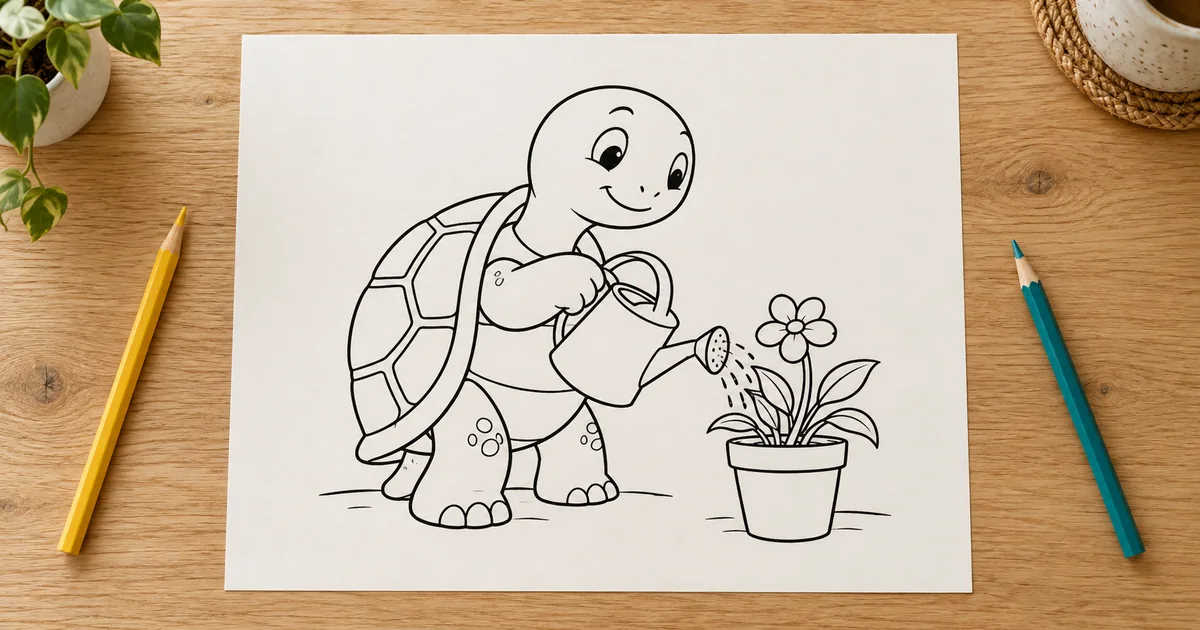
ImageAI Coloring Pages: Build Line Art That Works on Paper
Create printable AI coloring pages with readable shapes, repaired line gaps, deliberate detail, and a real-size paper test before making a collection.
 Image
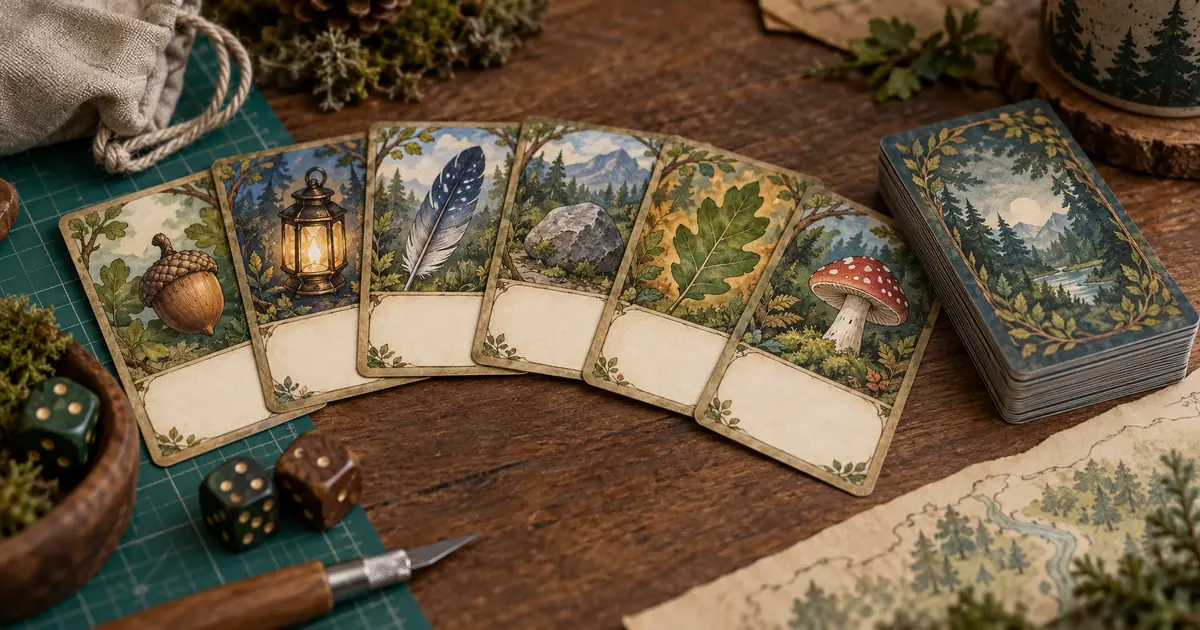
ImageAI Card Game Art: Build a Deck Players Can Read Fast
Create consistent AI card game art with a six-card plan, clear silhouettes, editable rules and a print proof. Check recognition before expanding the deck.
 Image
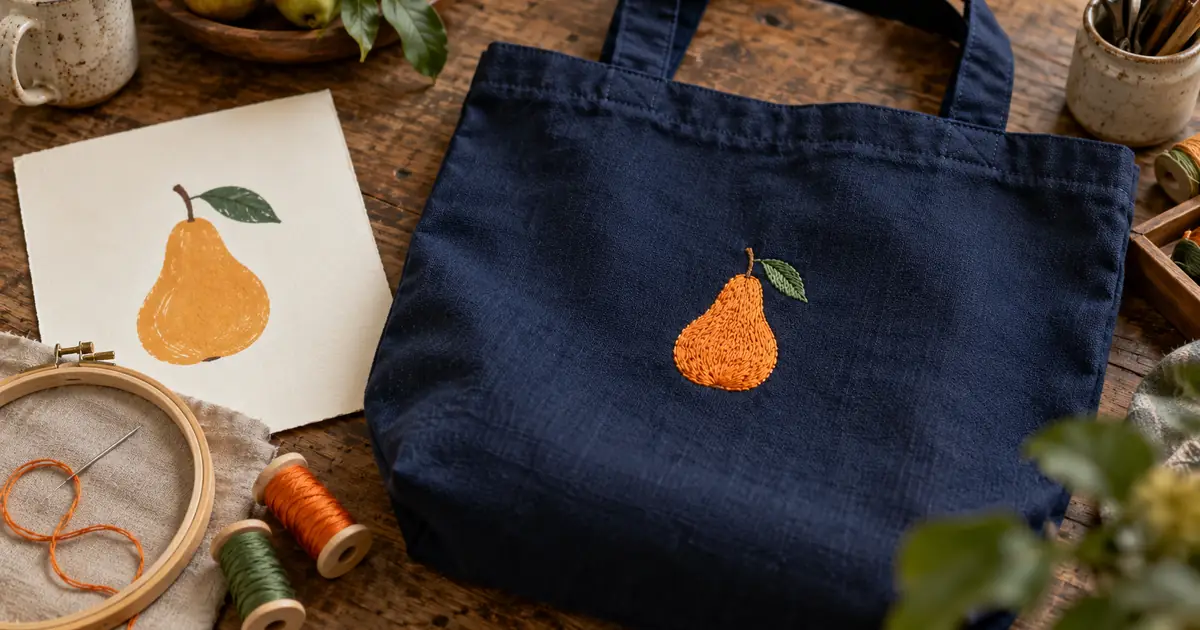
ImageAI Embroidery Artwork: From Image to a Sewable Brief
Prepare AI embroidery artwork for a digitizer. Simplify small details, set the real size, document fabric and thread choices, and review a physical sew-out.