Explore guides by creative workflow
Find practical guides for planning, creating, and checking your next image, video, or voice project.
Popular AI creation guides
Follow a focused path from prompt to finished image or video instead of searching the full archive.

Remove People From Photos: Repair Complex Backgrounds
Remove unwanted people from photos without bending paving lines, breaking shadows, or changing the main subject. Use a background map and repair checklist.

Straighten Interior Photos Without Changing the Room
Straighten interior photo lines without inventing architecture. Diagnose tilt, perspective and lens distortion, then check the crop and protect room details.

AI Cosmetics Photos: Protect Real Shades and Swatches
Plan AI cosmetics photos around real shade evidence. Separate packaging scenes from swatches, preserve finish and review color before publishing product images.
AI Help Center Audio: Turn Answers Into Useful Guides
Turn help center articles into clear audio companions. Rewrite visual instructions, publish a matching transcript and keep recordings tied to source revisions.
AI Music for Product Reveals: Sync the Moment That Matters
Sync AI music to a product reveal using a real visual marker and an audible accent. Measure the generated track, align it in editing and check the final export.

Product Bundle Photography: Match Every Offer With AI
Build AI product bundle photos that match each offer. Plan exact quantities, protect source products and check every gallery image against the selected variant.
AI Product Video Hands: Fix Grip, Contact and Scale
Fix AI product video hands by reviewing approach, contact, grip and release. Simplify motion, protect product scale and reject clips that change the item.
AI Recipe Voiceovers: Match Steps, Amounts and Timing
Create AI recipe voiceovers from a verified recipe and real footage. Preserve quantities, separate cooking time from clip time and align narration with steps.
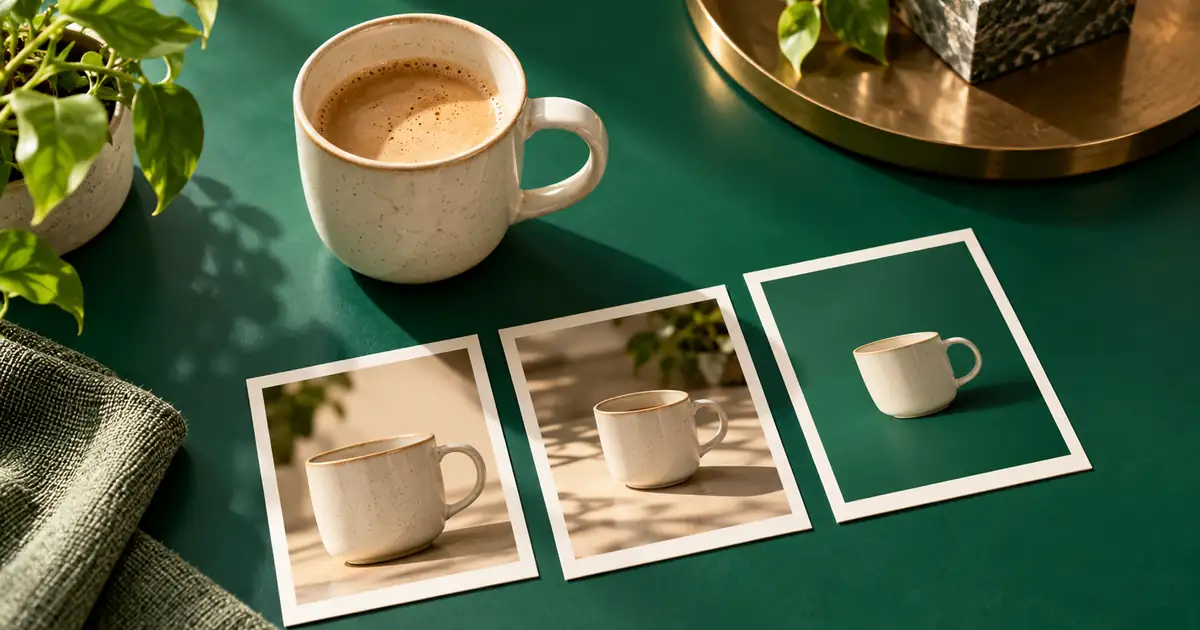
AI Video Ad End Cards: Make the Next Step Readable
Build AI video ad end cards with a clear product, readable next step and matching destination. Plan the hold, add text in editing and test the exported ending.
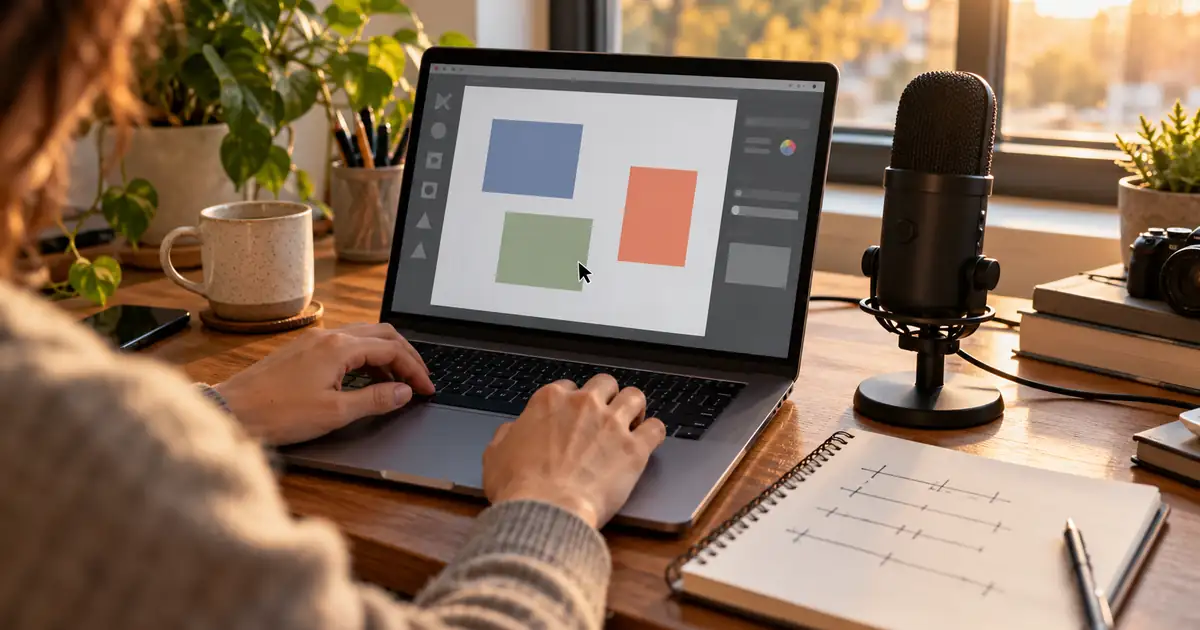
AI Voiceover for Screen Recordings: Match Every Step
Match AI voiceover to screen recordings. Map each instruction to an action and result, fix pauses and keep interface labels, captions and revisions aligned.

AI Website Hero Images: Plan Desktop and Mobile Crops
Create AI website hero images that work on desktop and mobile. Plan headline space, choose separate crops and check the real page before exporting final assets.
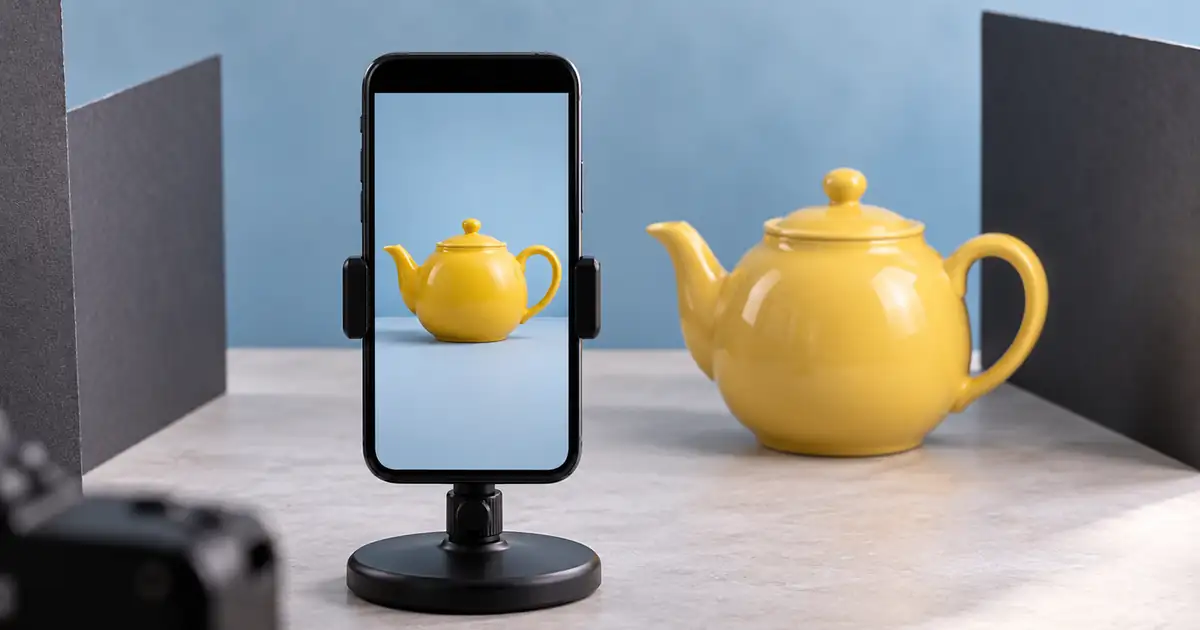
Vertical Video Safe Zones: Keep Products and Text Clear
Check vertical video safe zones against real placement overlays. Keep products, captions and calls to action visible throughout motion and at the final frame.
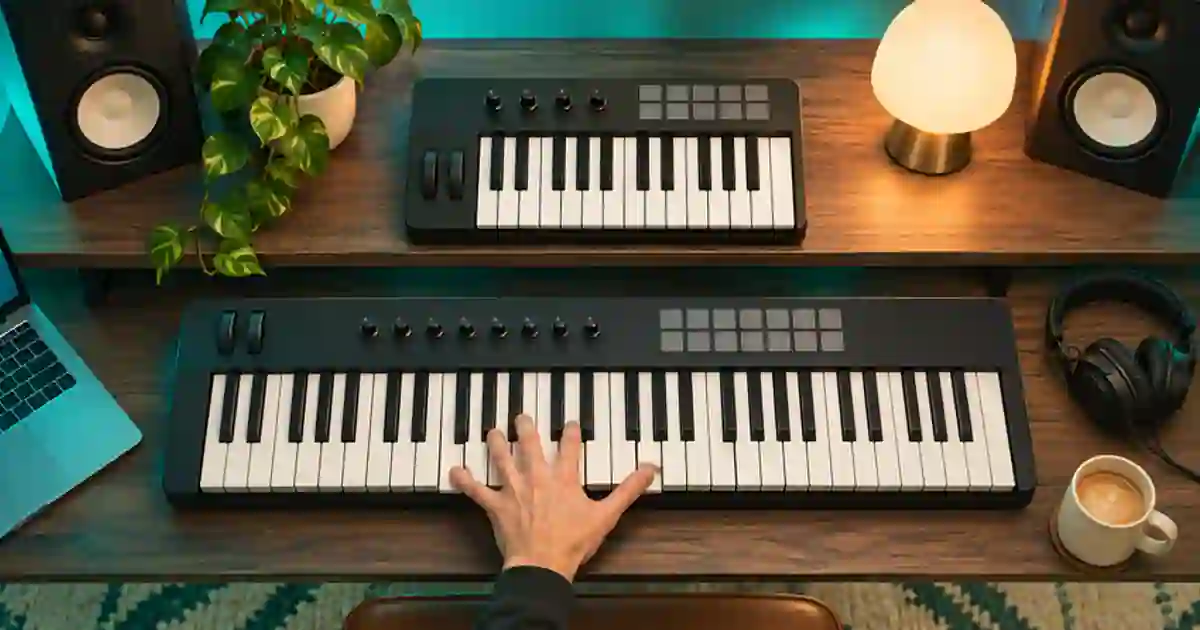
25 vs 49 Key MIDI Keyboard: Which Size Fits?
Choose a 25- or 49-key MIDI keyboard by testing the range you play, how often you change octaves, and the space your controller needs on the desk.
No articles found
Try a different search term or browse all articles.