Explore guides by creative workflow
Find practical guides for planning, creating, and checking your next image, video, or voice project.
Popular AI creation guides
Follow a focused path from prompt to finished image or video instead of searching the full archive.
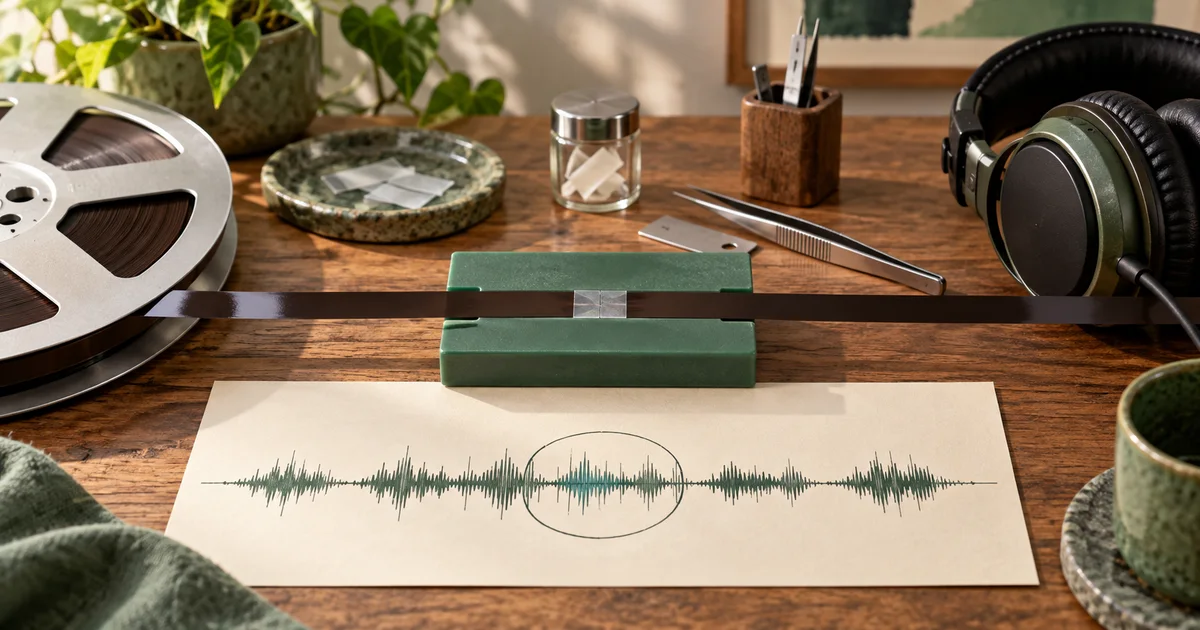
Stable Audio 3 Inpainting: Repair Two Bars Without Rebuilding the Cue
Map musical bars to an inpainting region in Stable Audio 3, distinguish time selection from stem selection, and audit the joins and untouched audio.
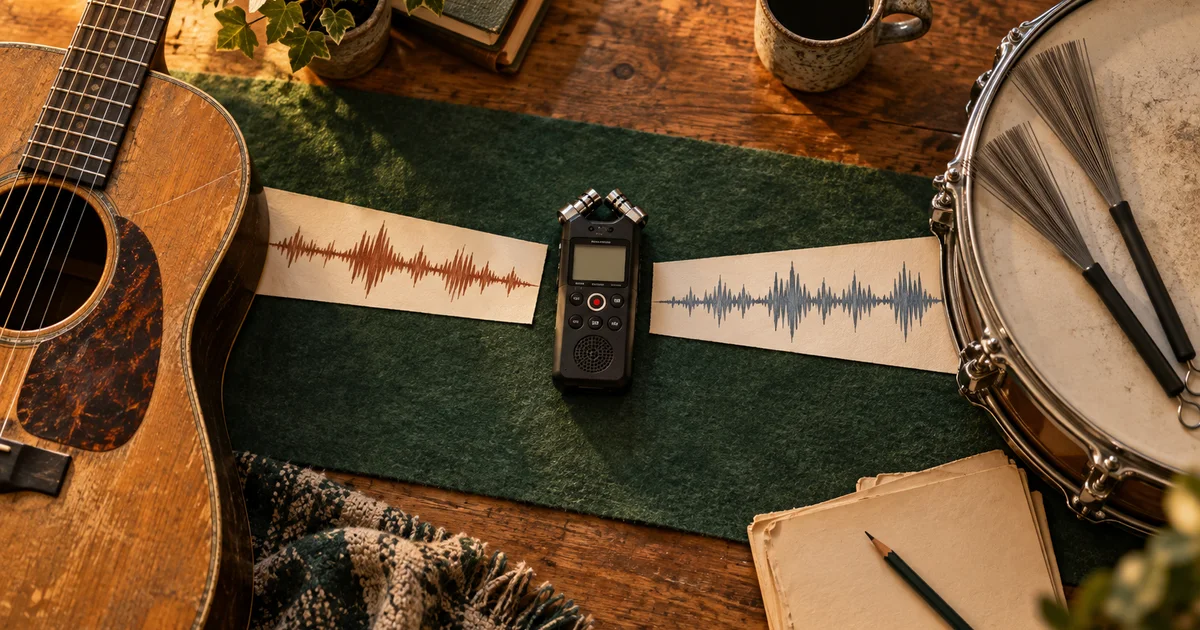
Suno Mashup Tutorial: Find Out What Each Source Actually Contributes
Plan a Suno mashup with clear source roles, compare each input against the combined result, and keep only versions that serve the intended musical brief.
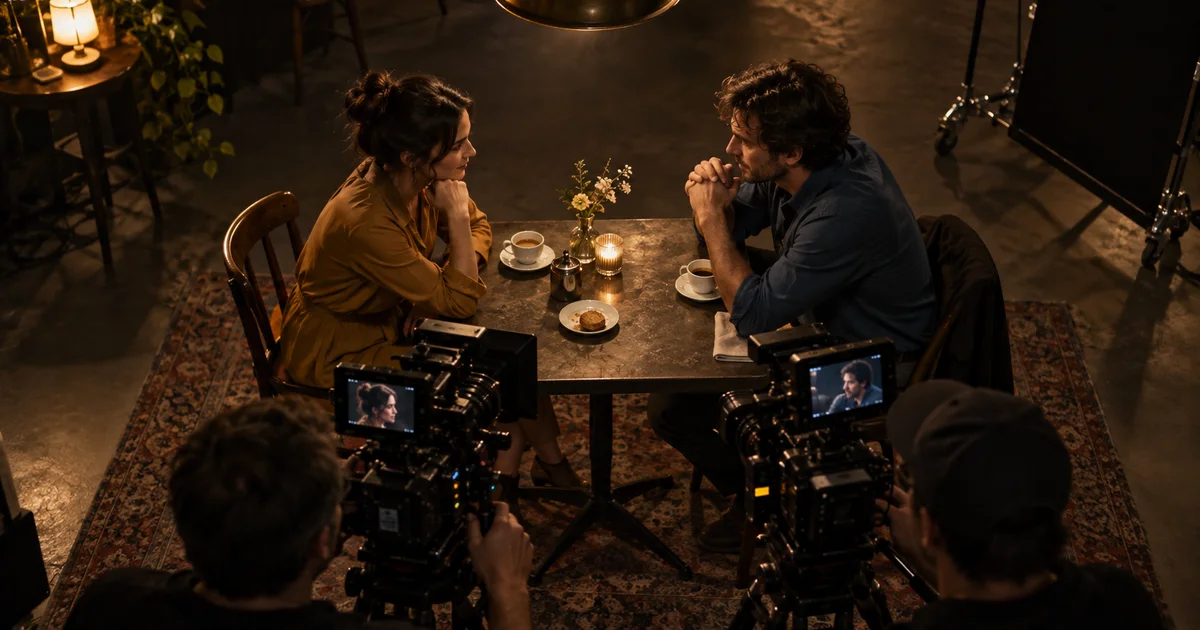
AI Video 180-Degree Rule: Keep Characters on the Correct Side
Apply the 180-degree rule to AI video with a clear scene map, shot-reverse-shot prompts, and a continuity check that catches flipped characters before editing.
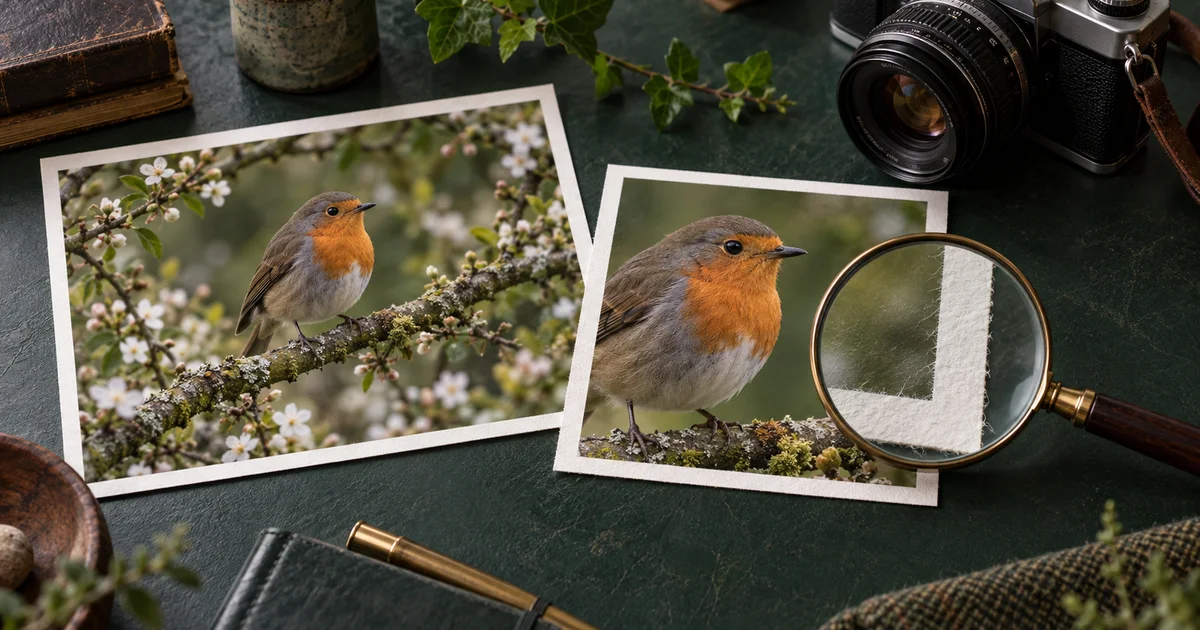
Content Credentials for AI Images: Verify the File, Then the Claim
Read Content Credentials without confusing provenance with truth. Check original and exported images, interpret missing credentials, and keep a useful source record.
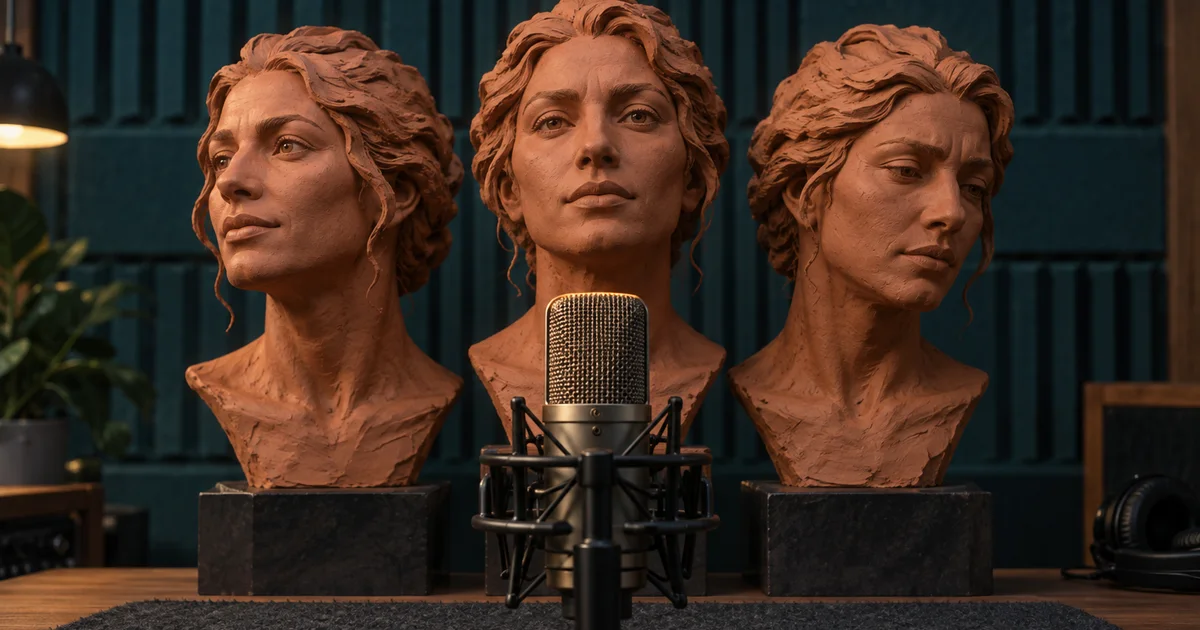
ElevenLabs Voice Remixing: Audition a Change Before You Save It
Remix an eligible ElevenLabs voice with a fixed audition script, compare prompt strengths, and distinguish a reusable voice change from a single-line performance.
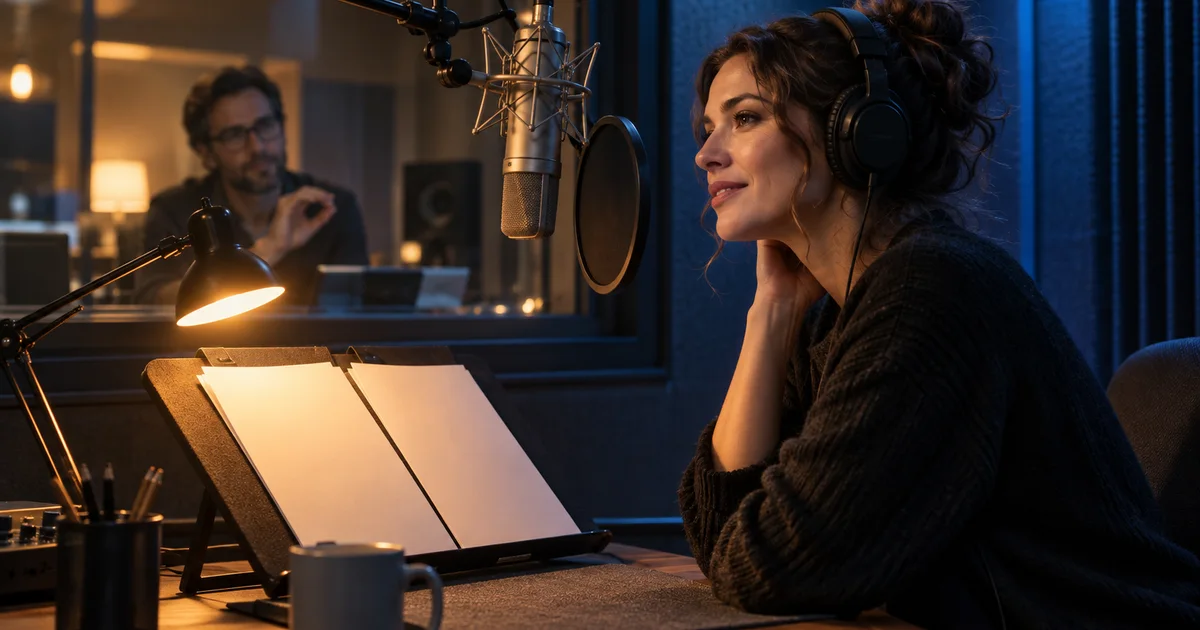
Inworld TTS-2: Direct the Same Line Three Different Ways
Try Inworld Realtime TTS-2 voice direction with a three-read exercise, check spoken text and timing, and separate authored narration from live conversational audio.
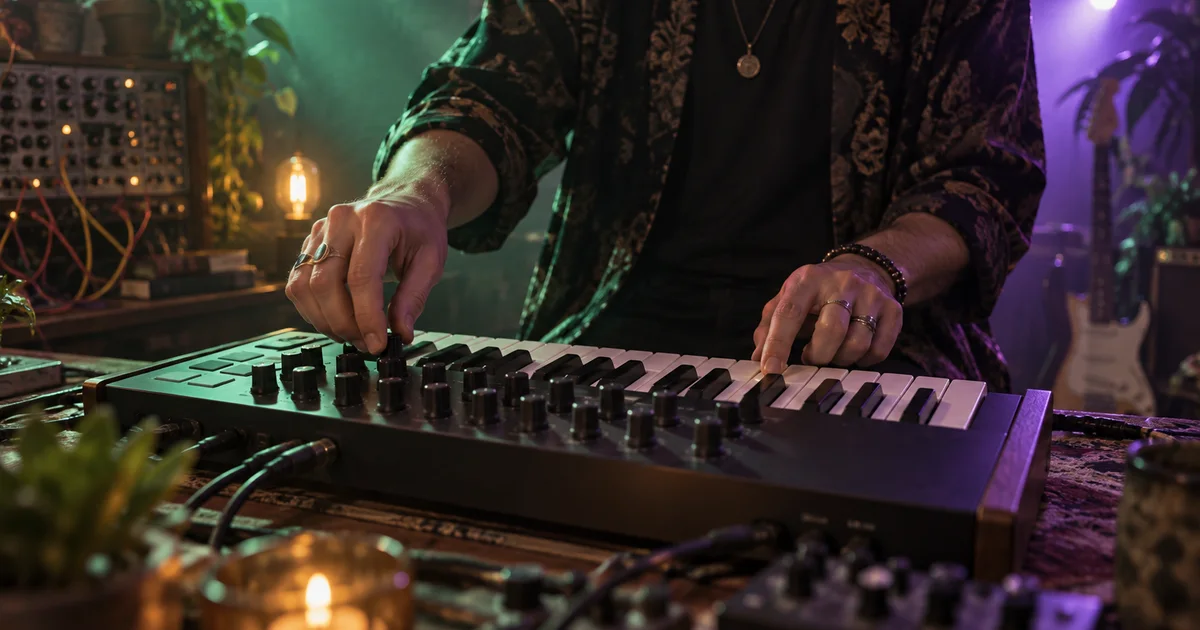
Lyria RealTime Tutorial: Steer a Musical Transition with Prompt DJ
Explore Lyria RealTime through Prompt DJ, plan gradual musical changes, separate density from tempo, and record a transition that can be edited into a finished cue.
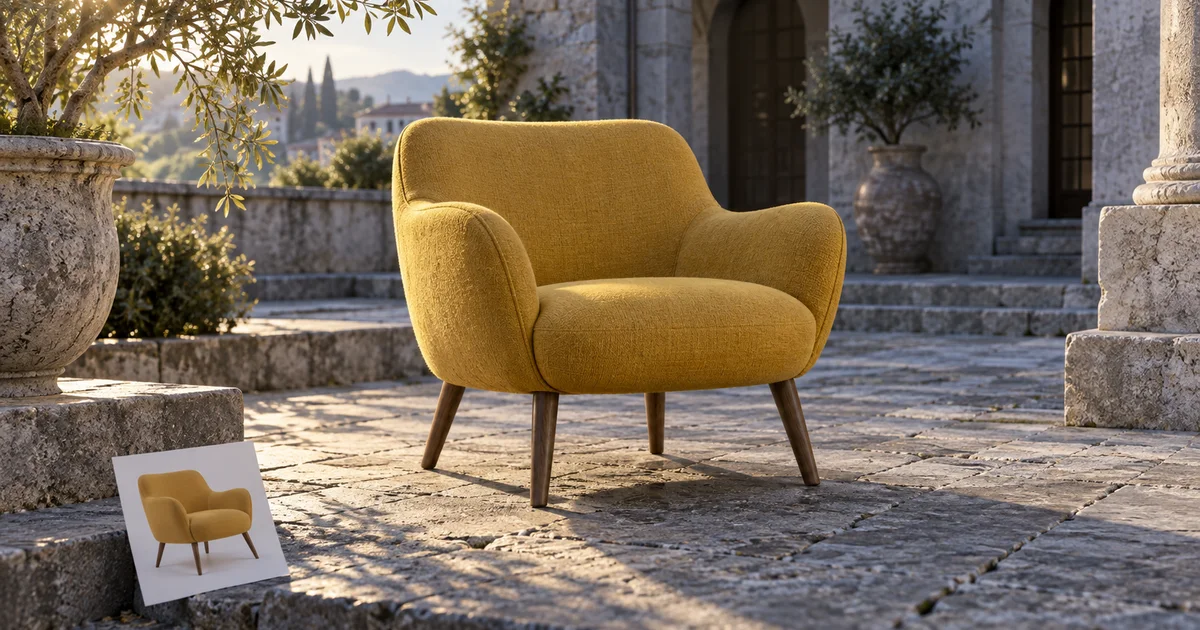
Photoshop Harmonize: Match Product Lighting Without Losing Detail
Use Photoshop Harmonize on a product composite, diagnose missing controls, and check perspective, contact shadows, color, and details against the original photo.
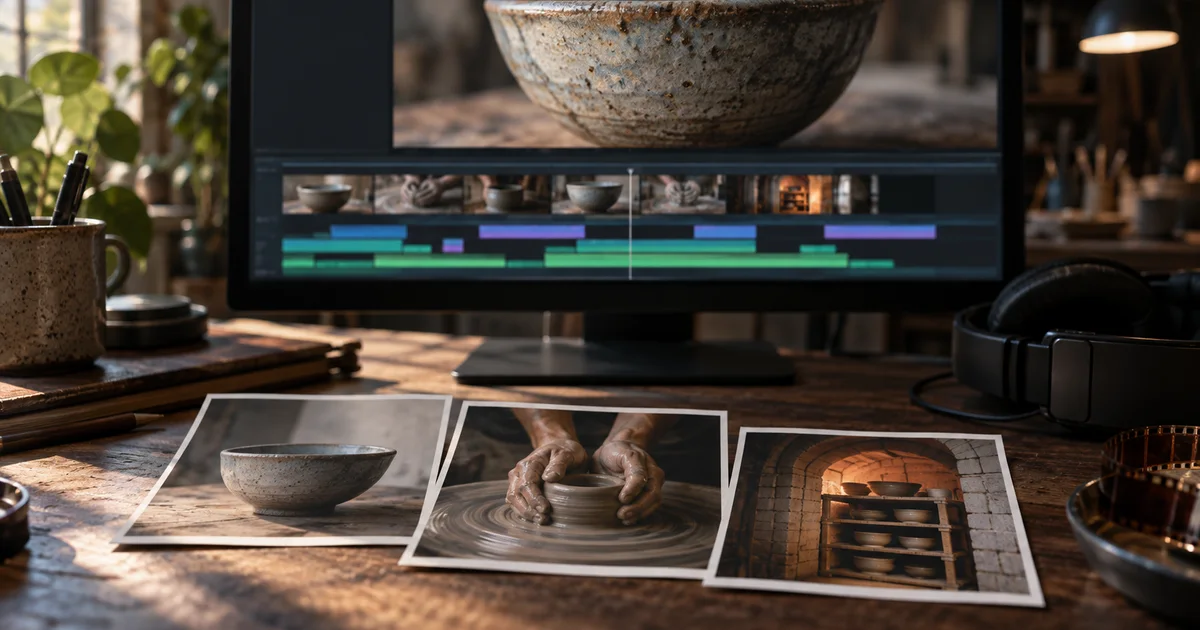
Premiere Generative Media Tool: Make B-Roll That Fits the Cut
Use Premiere’s Generative Media Tool to fill a specific edit gap, match surrounding shots, and check generated b-roll before it enters your final sequence.
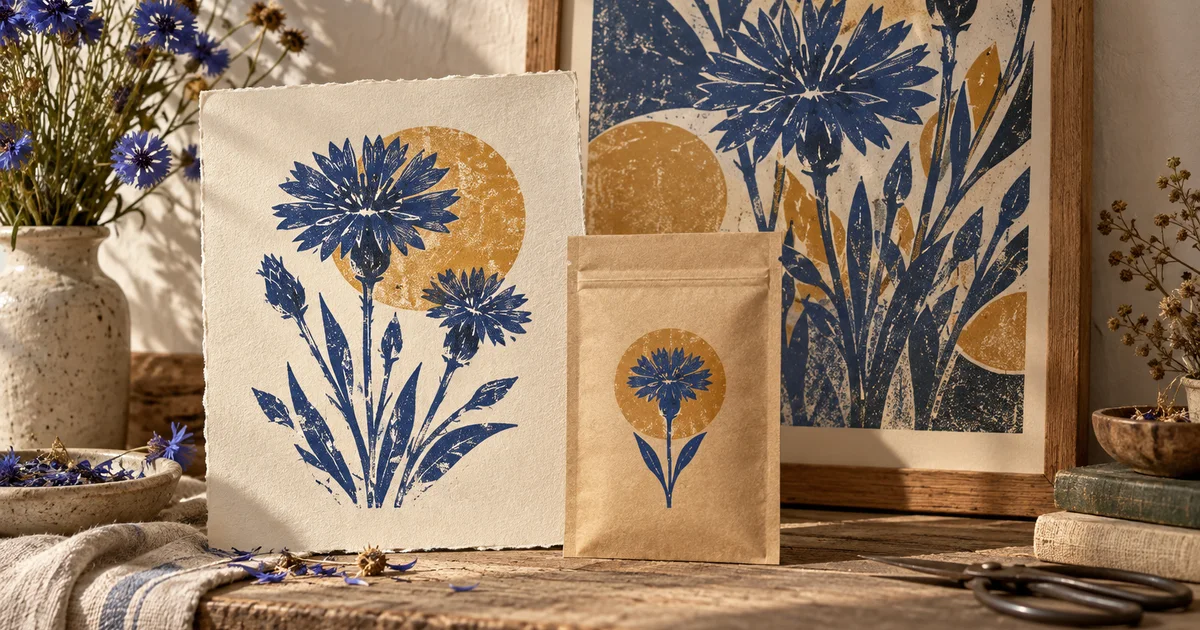
Recraft V4 Styles: Carry One Look Across Raster and Vector Assets
Build a small Recraft V4 Styles asset set, choose Precise or Flexible matching, and test whether the same visual language survives raster and vector delivery.

Runway Act-Two: Build a Reaction Shot That Listens
Plan a Runway Act-Two performance with listening beats, matching eyelines, and restrained gestures, then assemble a believable short character interaction.
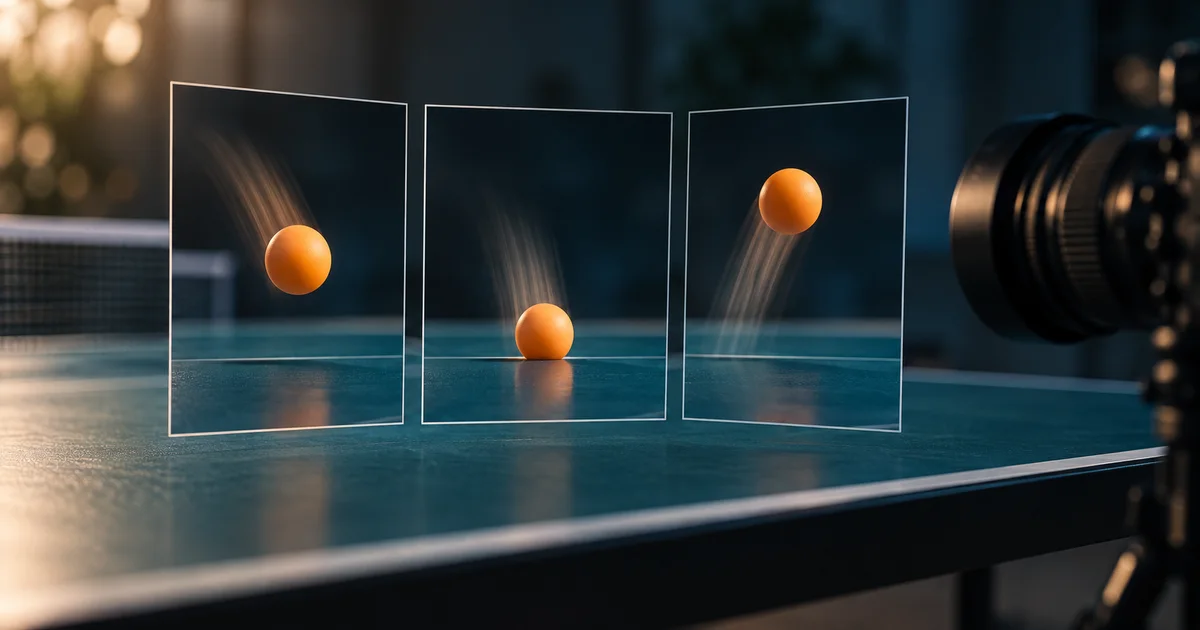
Topaz Video Frame Interpolation: Choose Smooth Motion Without Warping
Choose frame rate and slow-motion settings in Topaz Video, calculate the frames you need, and test ball contact, occlusion, and cuts before a full export.
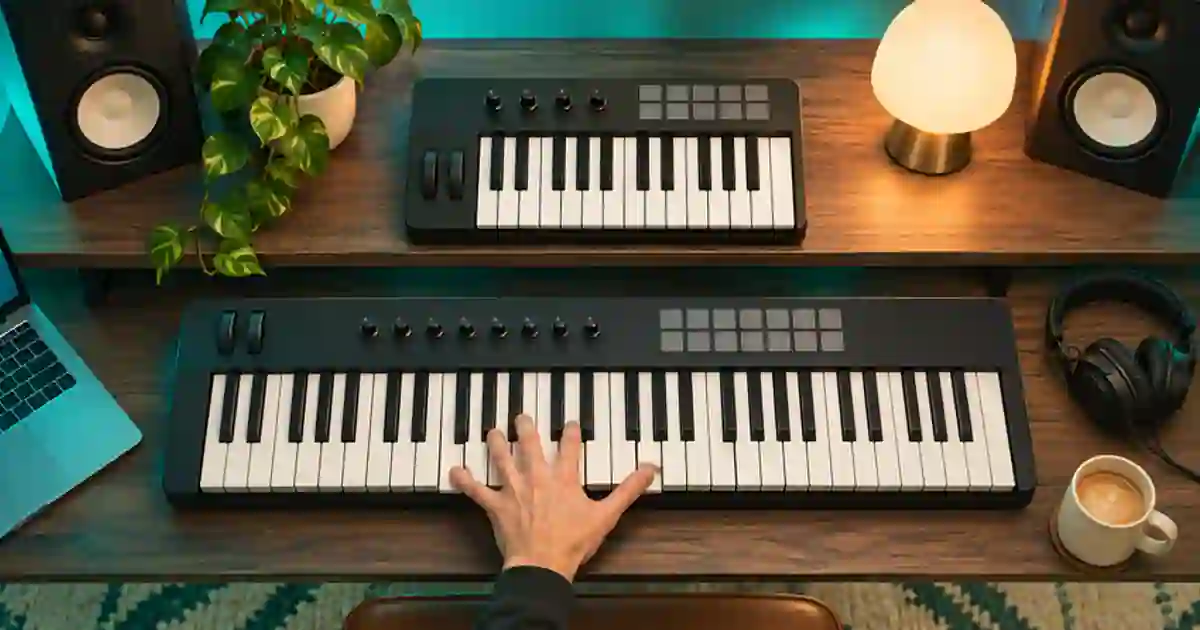
25 vs 49 Key MIDI Keyboard: Which Size Fits?
Choose a 25- or 49-key MIDI keyboard by testing the range you play, how often you change octaves, and the space your controller needs on the desk.
No articles found
Try a different search term or browse all articles.