Explore guides by creative workflow
Find practical guides for planning, creating, and checking your next image, video, or voice project.
Popular AI creation guides
Follow a focused path from prompt to finished image or video instead of searching the full archive.
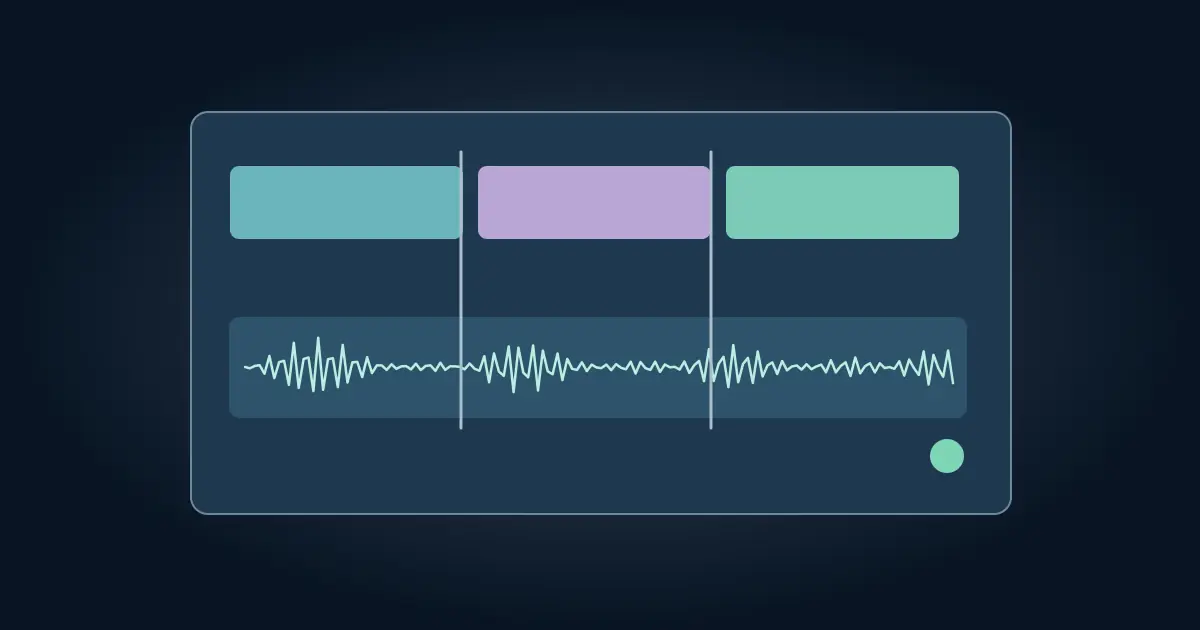
Canva AI Voice Generator: Add and Verify Narration
Add AI narration in Canva, place it against your slides or video, and verify timing, pronunciation, and audio in the finished presentation or MP4 export.
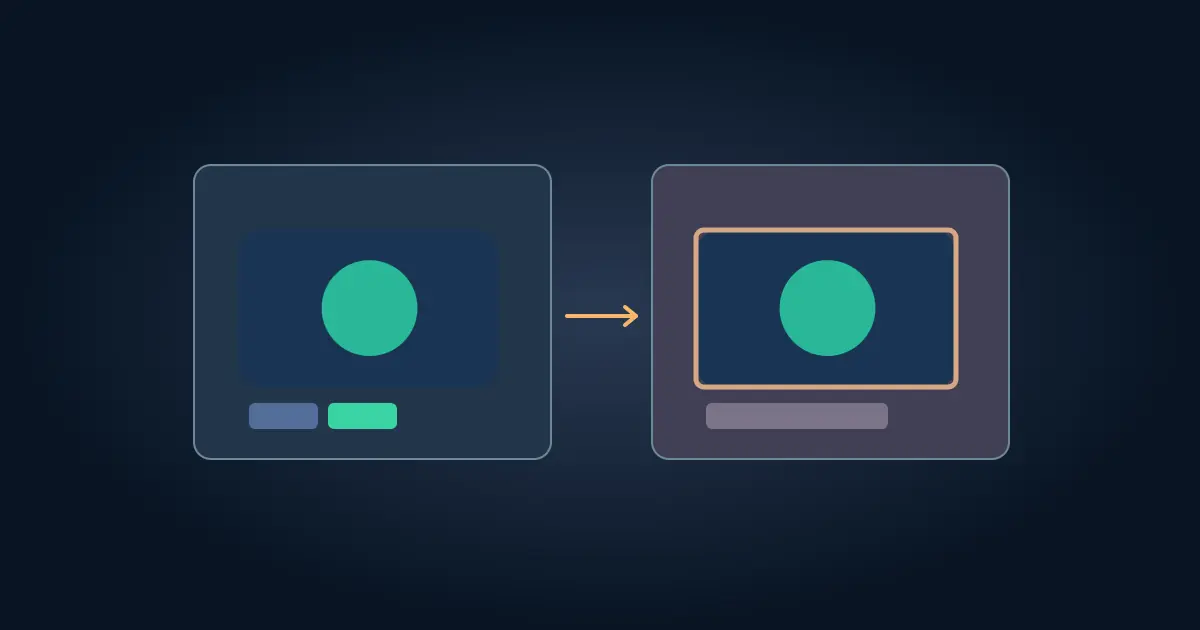
Canva SVG Color Won’t Change? Check the Source File
Find out why an SVG color will not change in Canva. Check for editable fills, embedded images and effects, then export a simpler vector or a fixed colorway.
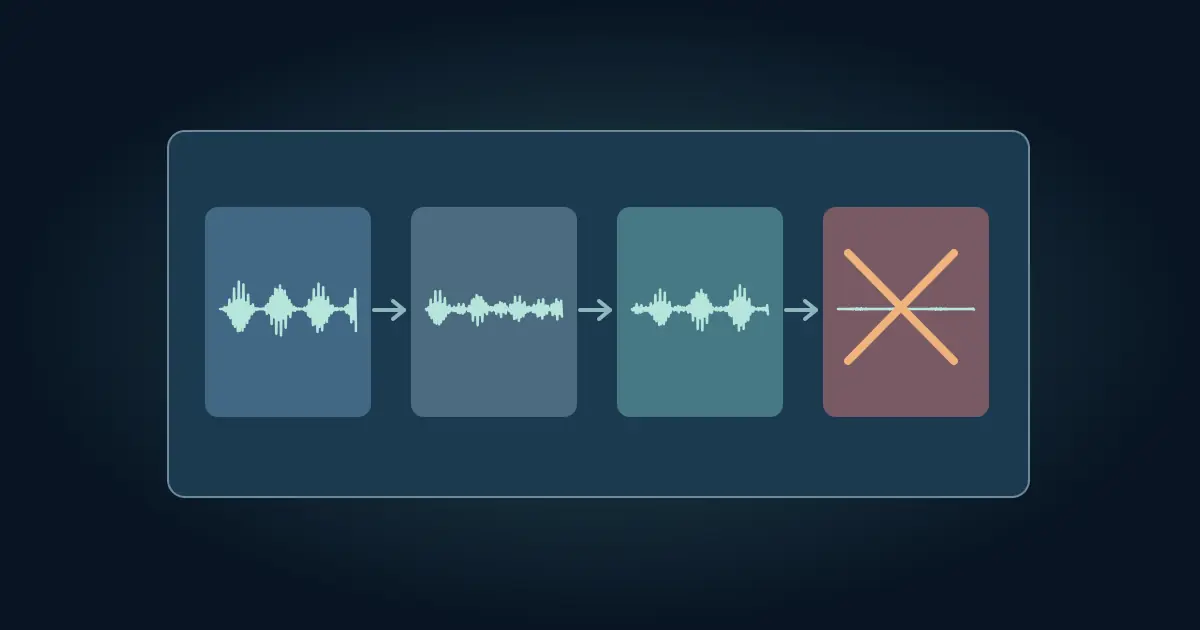
CapCut Has No Sound? Trace It From Source to Export
Fix missing sound in CapCut by checking the source, timeline, and exported video in order. Isolate missing music, muted clips, and device playback problems.
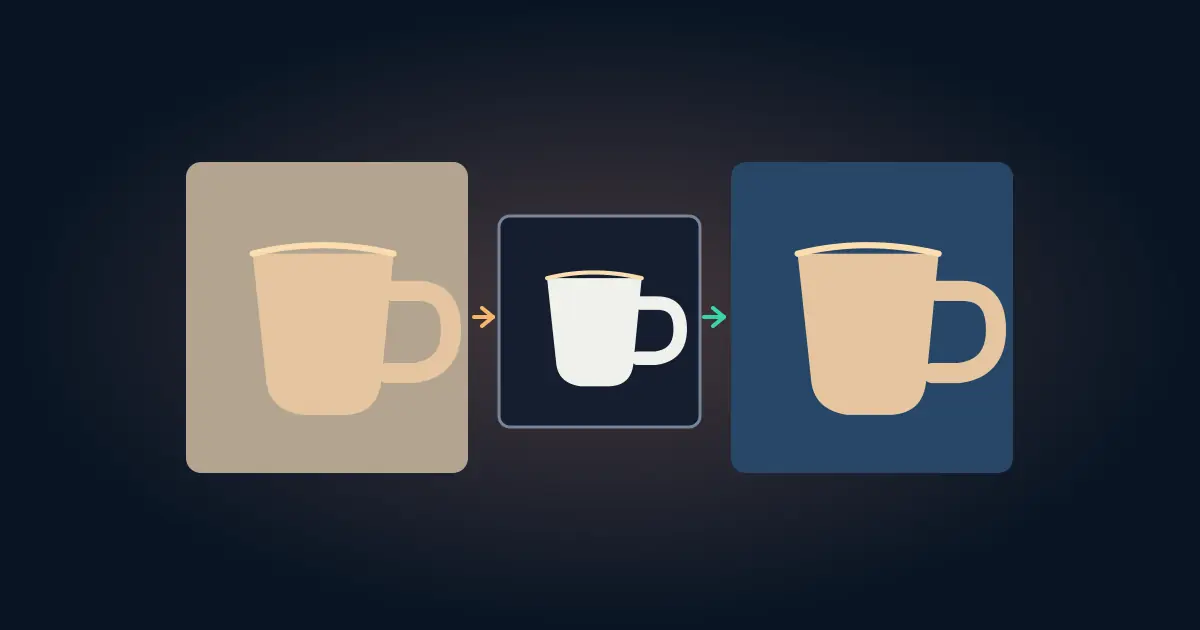
How to Change Background Color in Photoshop With a Mask
Change a photo’s background color in Photoshop with a subject mask and Solid Color fill layer. Check fine edges and shadows before exporting a clean proof.
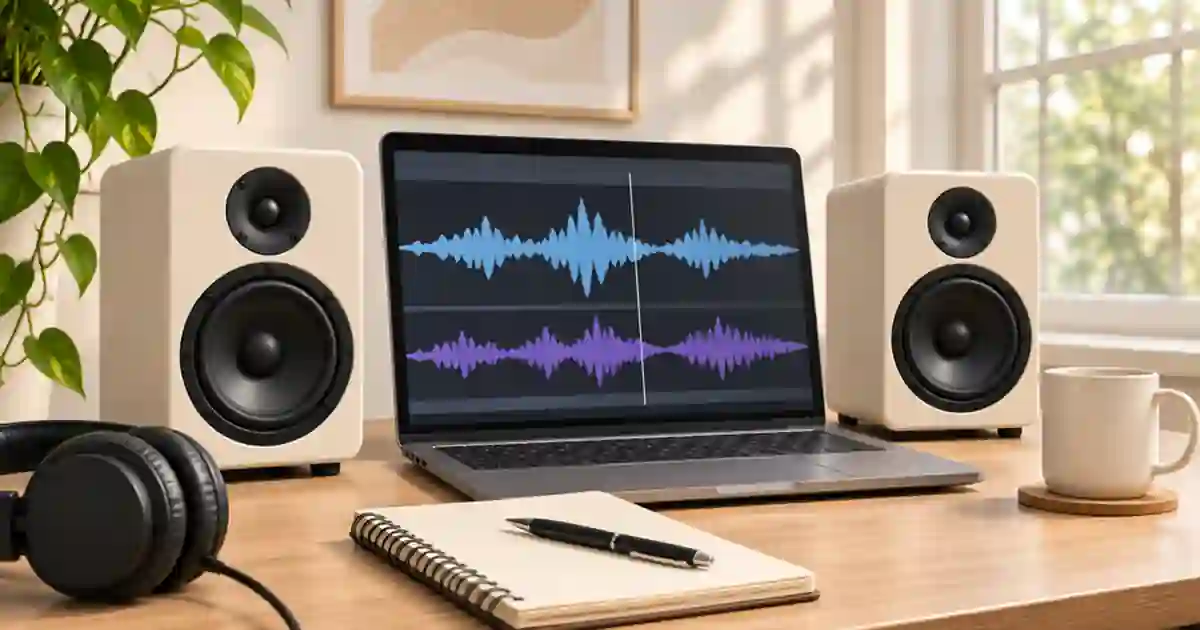
How to Check a Voiceover and Music Mix in Mono
Check a voiceover and music mix in mono to catch masked words, vanishing effects and stereo phase issues. Compare the same phrase at a matched level.
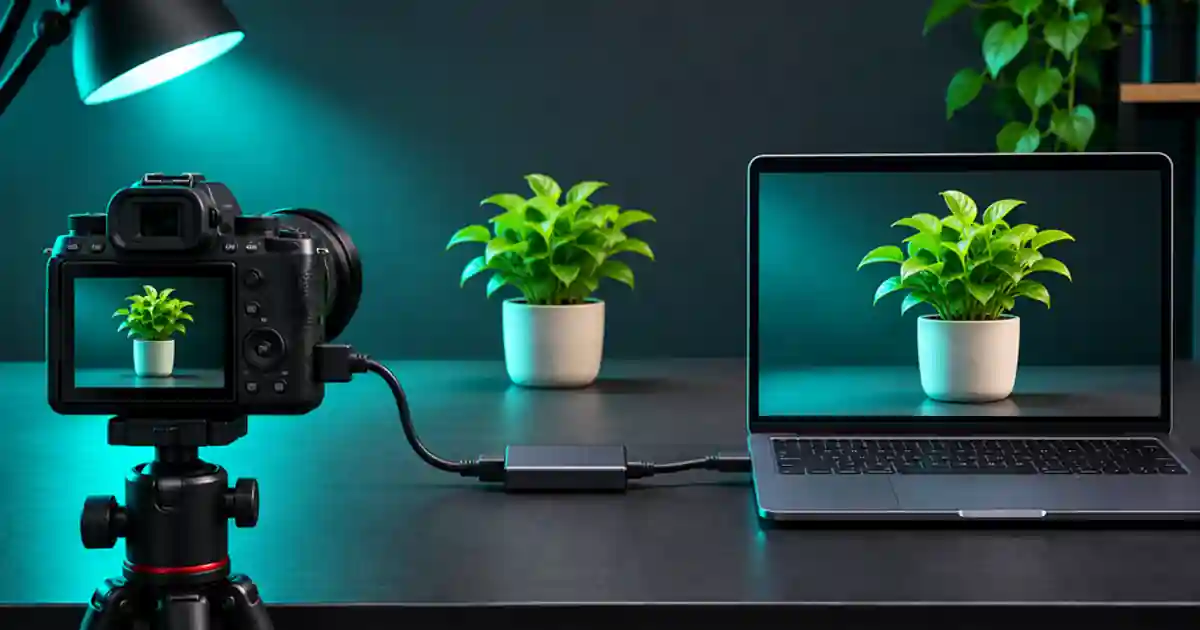
Clean HDMI for OBS Without Camera Overlays
Get clean HDMI into OBS by checking the camera output first, then verifying the capture card, source settings and a short recording for returning overlays.

Window vs Continuous Light for Food Photography
Compare window and continuous light for food photography. Test one plate at two times, match the shadow direction, and choose a setup you can repeat.
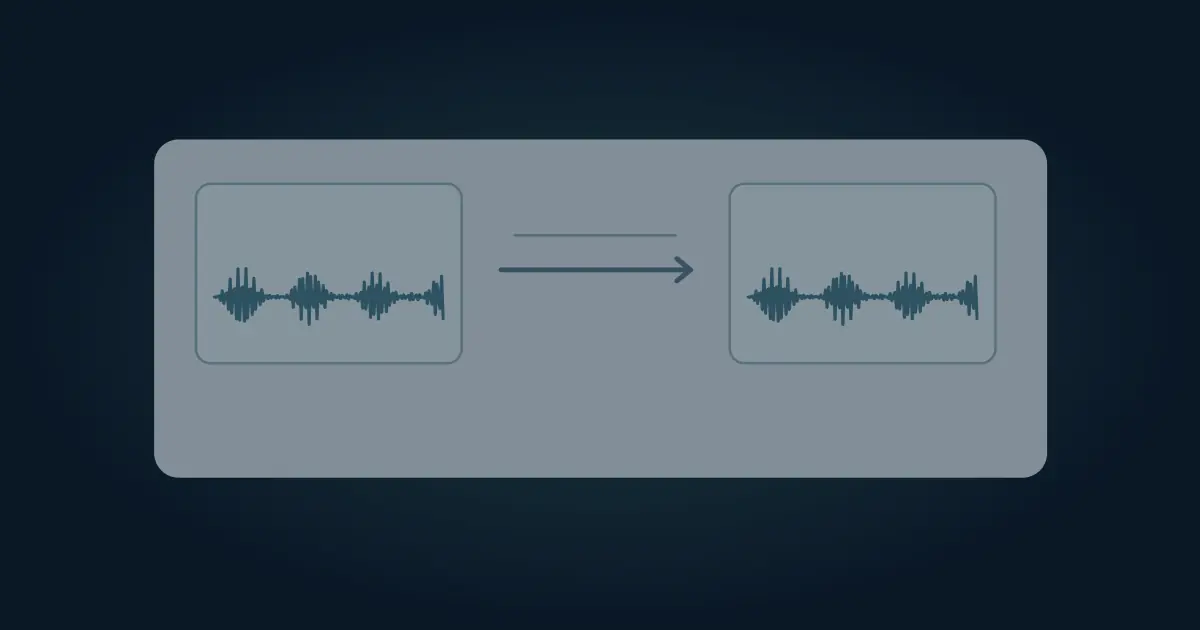
How to Convert M4A to MP3 and Verify the Audio File
Convert an M4A recording to MP3 in Audacity or FFmpeg. Choose a delivery setting, check the source codec and tags, and listen to the exported file.
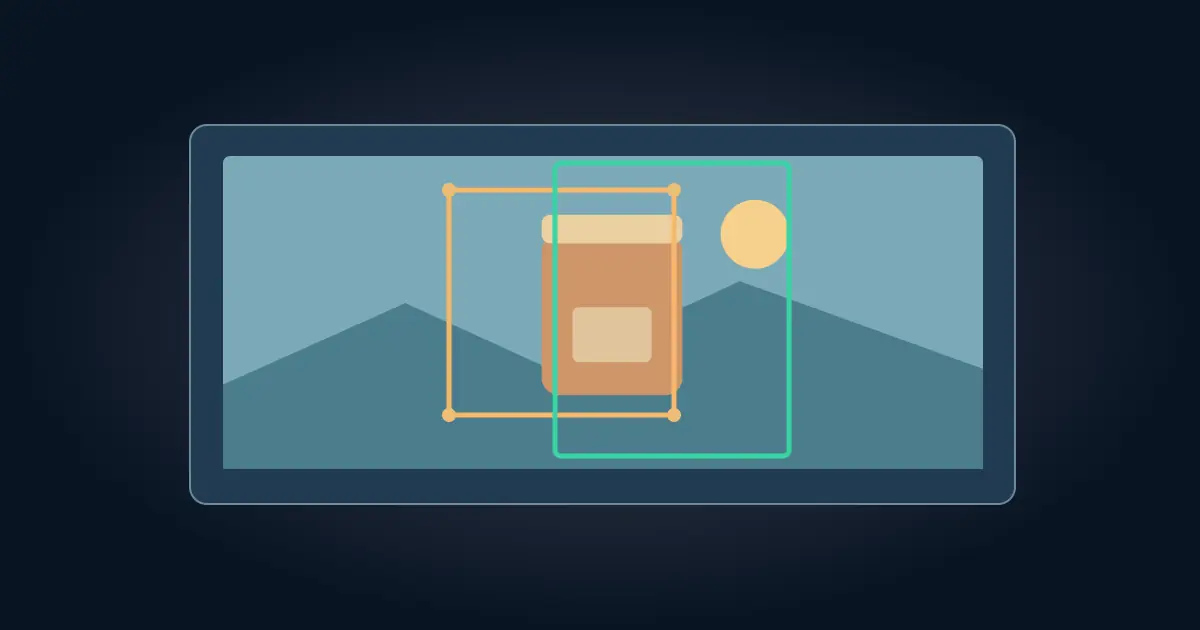
How to Crop in Photoshop and Keep the Original Pixels
Crop a photo in Photoshop without deleting the hidden image area. Set the aspect ratio, save an editable master, and verify square and portrait exports.
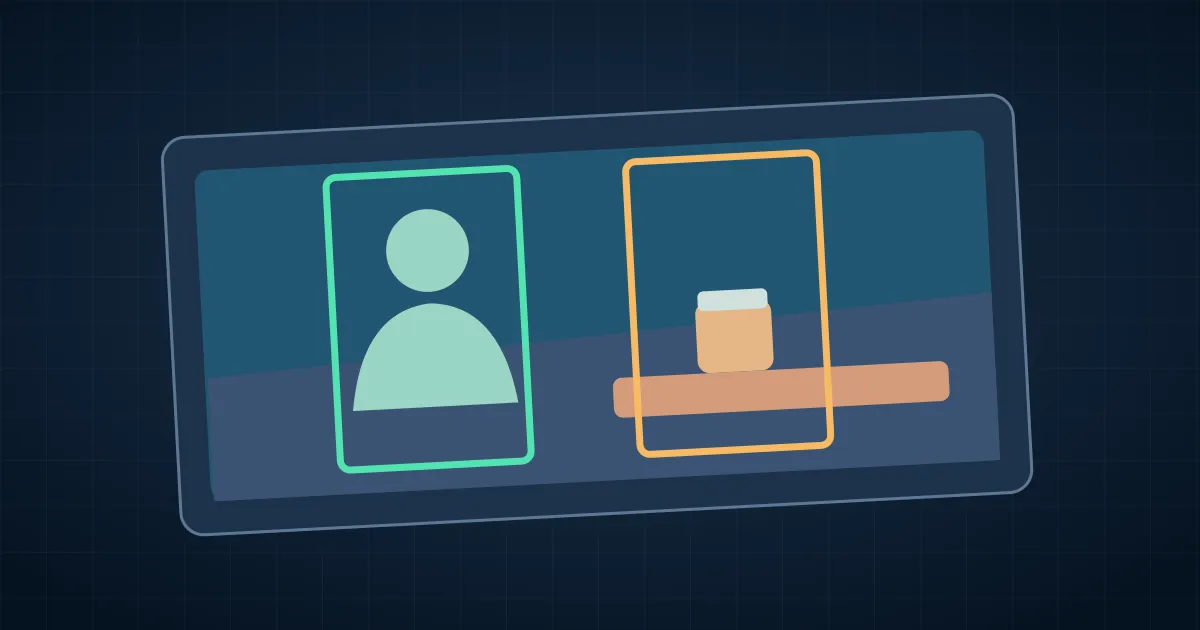
How to Crop a Video in CapCut and Keep the Subject
Crop a video in CapCut, set the right canvas ratio and use position keyframes to keep your subject in a vertical export. Verify the final file before sharing.
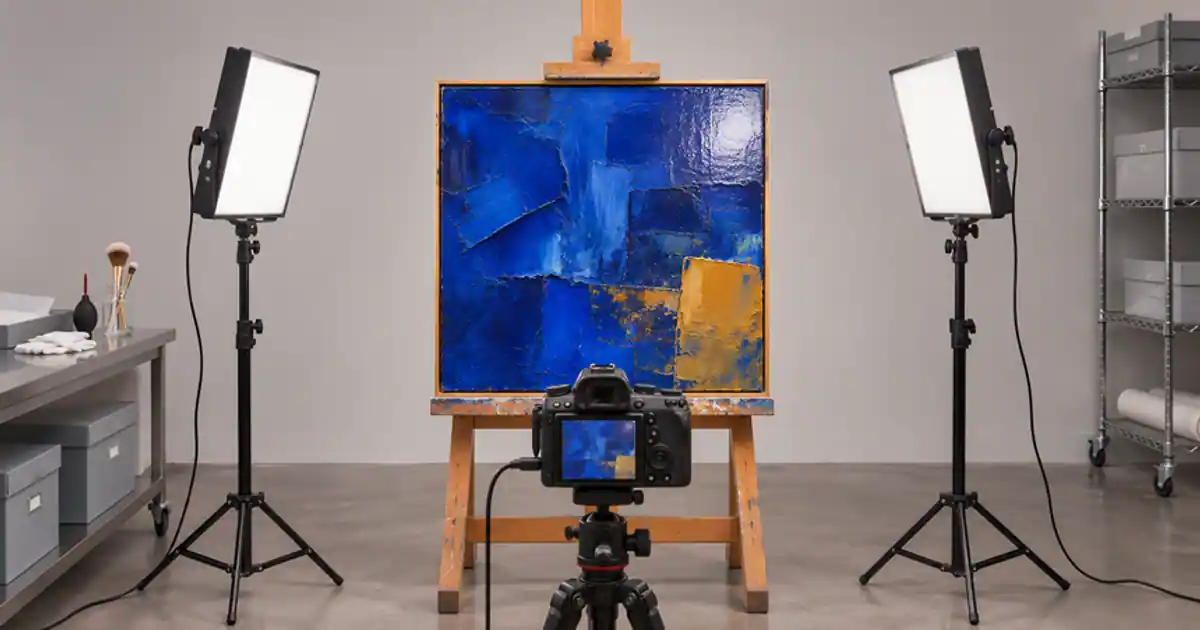
Cross-Polarization for Artwork Photos Without Glare
Photograph glossy artwork with cross-polarized lighting. Test ordinary lighting first, choose a matching lens filter, and check color and texture before export.
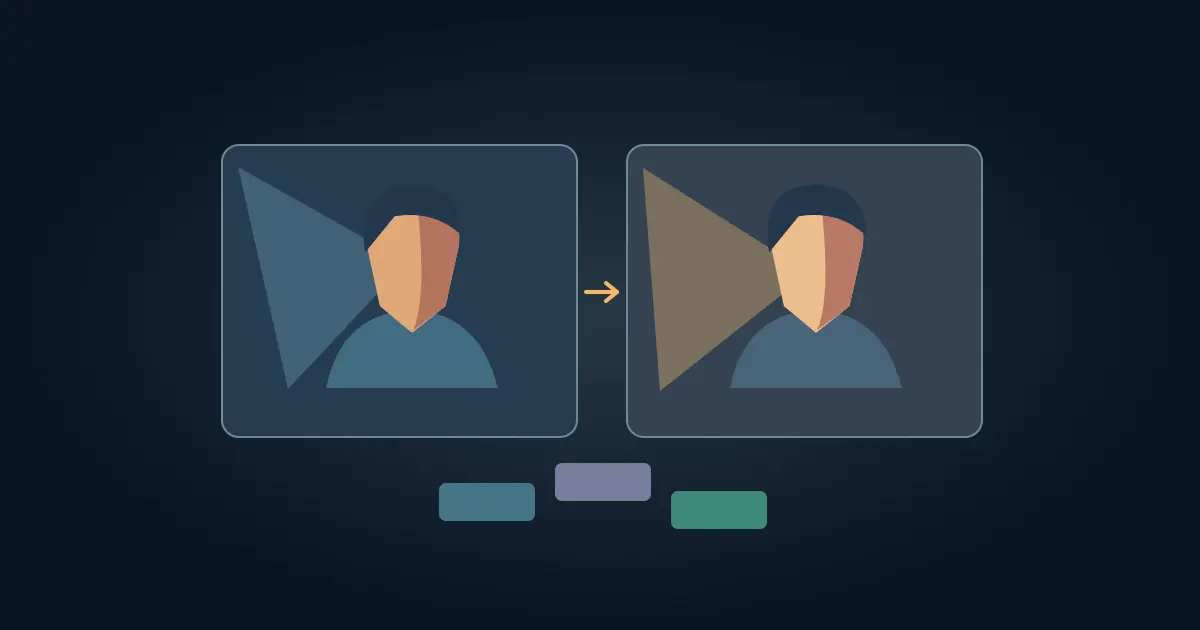
How to Use Relight in DaVinci Resolve to Match a Shot
Use Relight in DaVinci Resolve Studio to shape existing footage. Inspect the surface map, match light direction, and catch flickering edges before rendering.
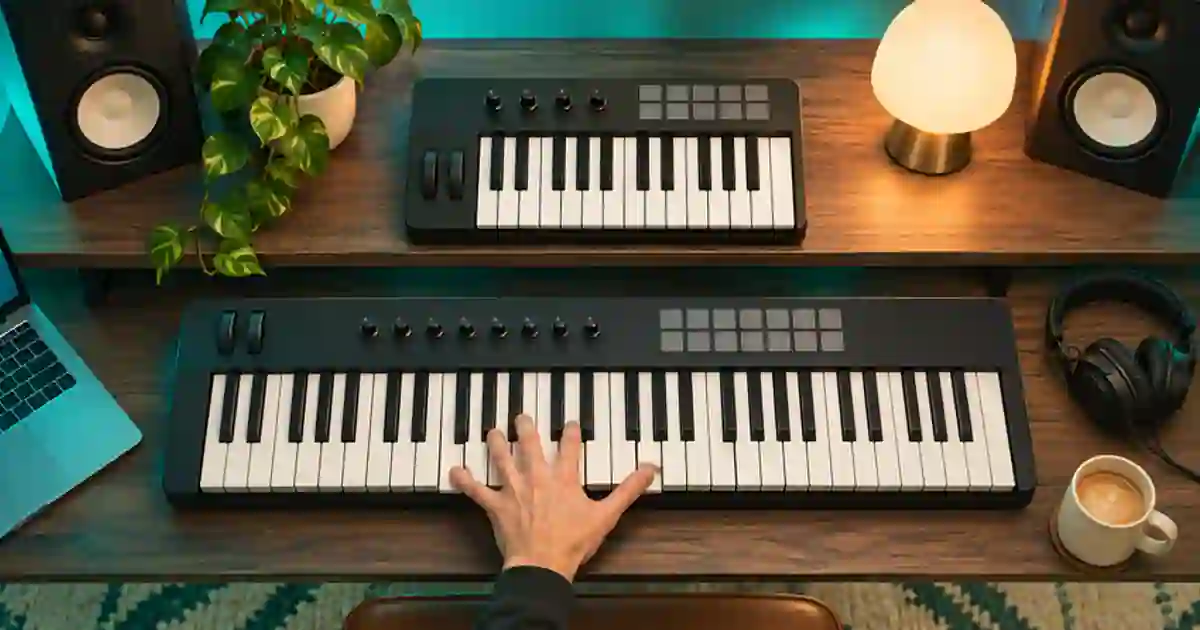
25 vs 49 Key MIDI Keyboard: Which Size Fits?
Choose a 25- or 49-key MIDI keyboard by testing the range you play, how often you change octaves, and the space your controller needs on the desk.
No articles found
Try a different search term or browse all articles.