Explore guides by creative workflow
Find practical guides for planning, creating, and checking your next image, video, or voice project.
Popular AI creation guides
Follow a focused path from prompt to finished image or video instead of searching the full archive.
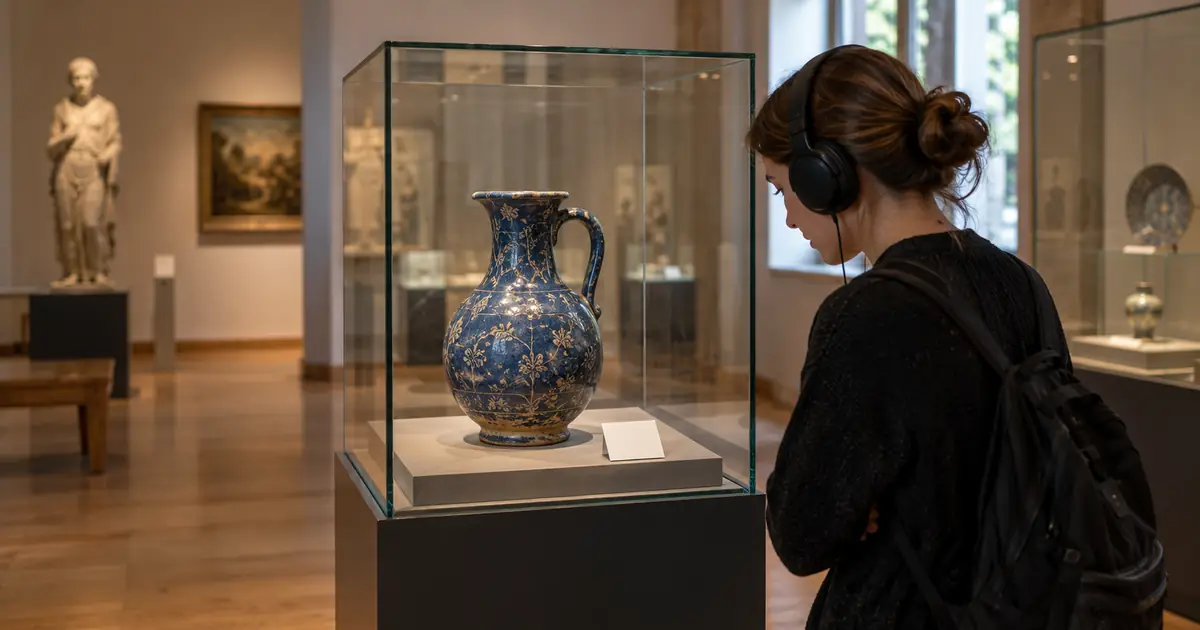
AI Museum Audio Guide: Script and Voice One Clear Stop
Build an AI museum audio guide from approved exhibit facts. Write one clear stop, direct the narration, test it in the gallery and track later revisions.
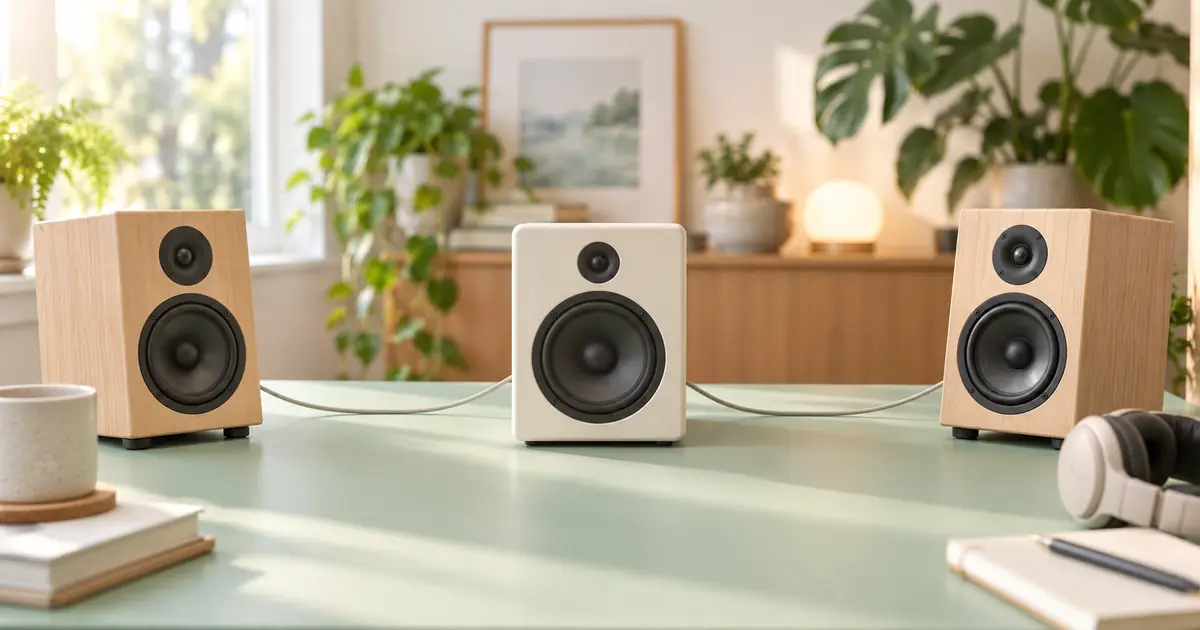
AI Music Mono Compatibility: Find the Vanishing Hook
Check AI music mono compatibility before delivery. Compare source and processing, find what disappears and choose a repair without sacrificing the whole mix.
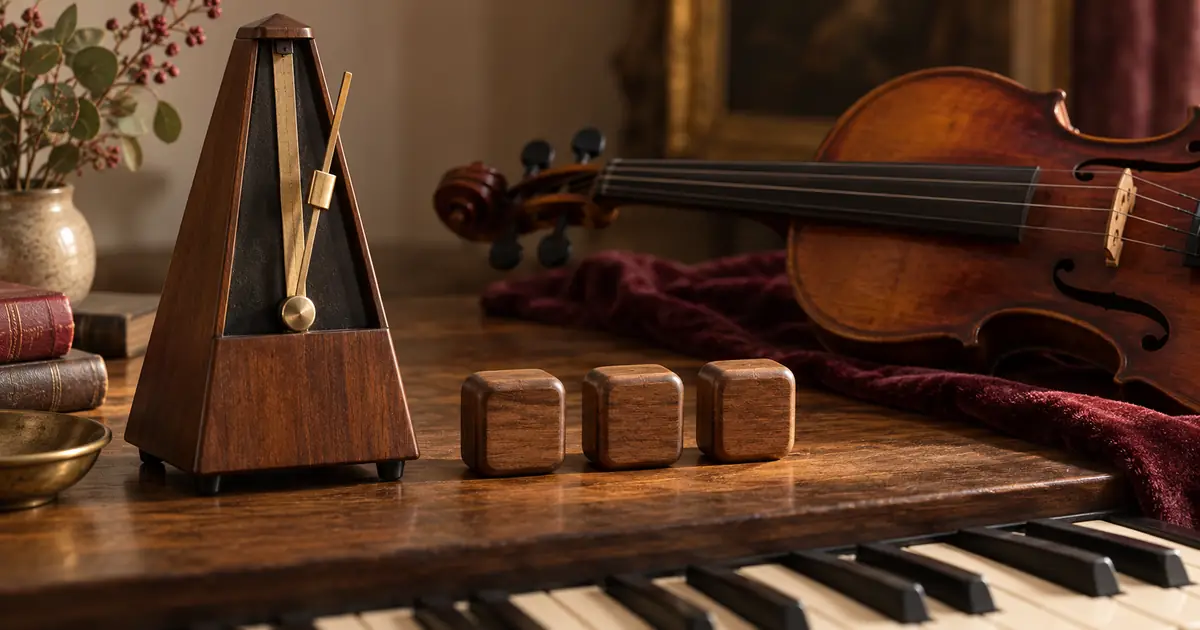
AI Music Time Signatures: Check 3/4 Before You Edit
Fix an AI music time signature that misses the brief. Count strong beats, distinguish 3/4 from 6/8 and verify each section before editing or regenerating.

AI Rain Video: Keep Wet Surfaces and Shelter Believable
Make an AI rain video with consistent wet surfaces, falling drops and protected dry areas. Use a three-zone scene plan and check weather continuity in motion.
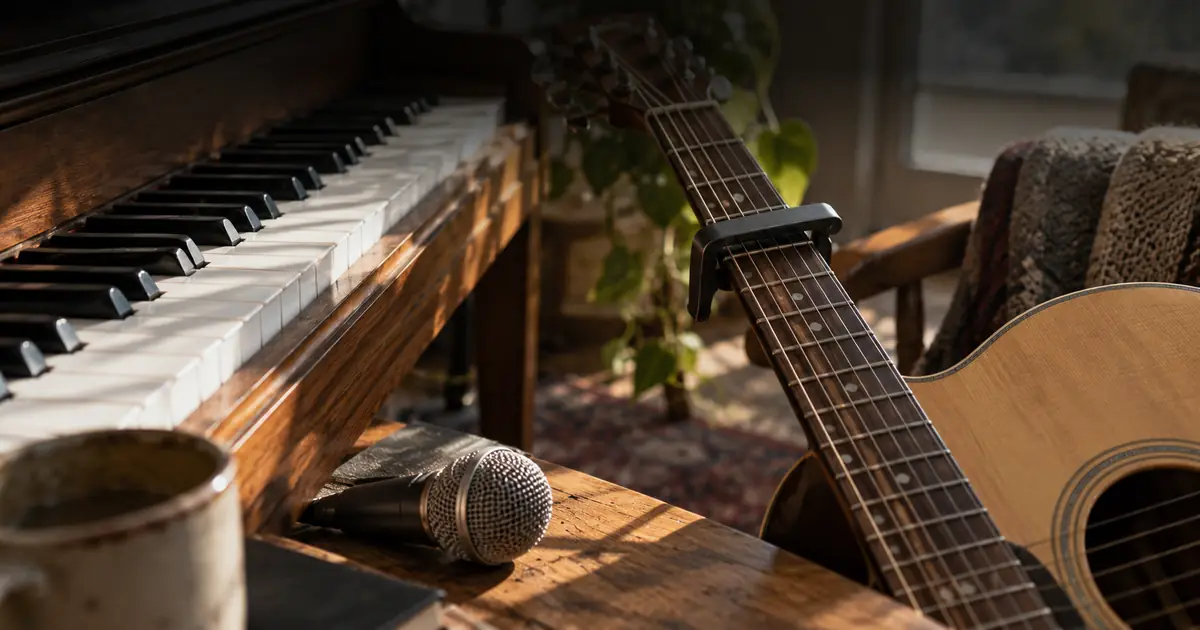
Change an AI Song's Key Without Losing the Vocal Tone
Change an AI song's key with a clear semitone target. Compare full-mix and stem edits, audition formant controls, and check vocal tone, timing and harmony.
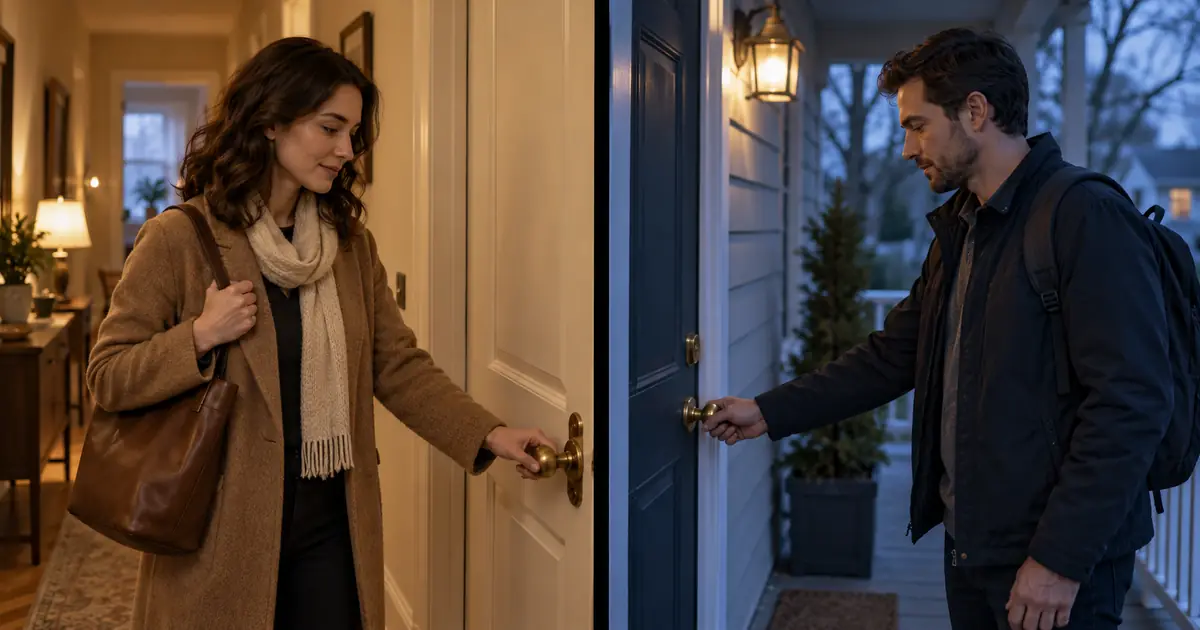
AI Split-Screen Video: Plan Panels, Crops and Timing
Create an AI split-screen video from separate clips. Calculate panel sizes, frame for the crop, align one visible event and check the audio before export.
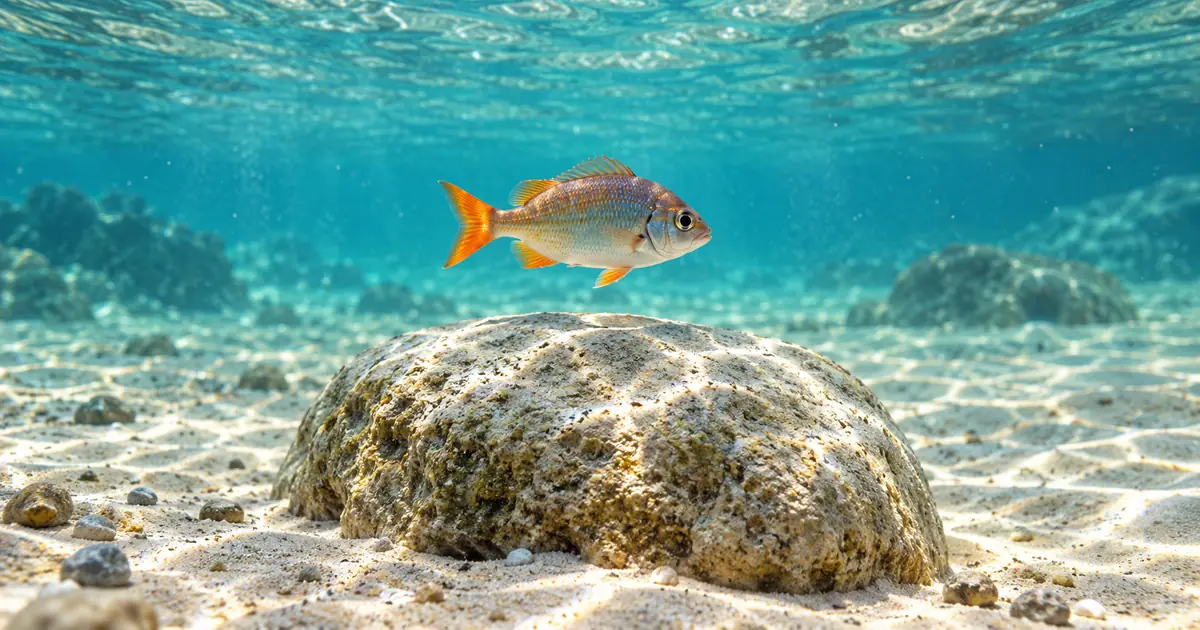
AI Underwater Video: Keep Light and Motion Connected
Create an AI underwater video with a readable depth, stable rocks and coherent fish movement. Separate light shimmer from geometry, then review the full shot.
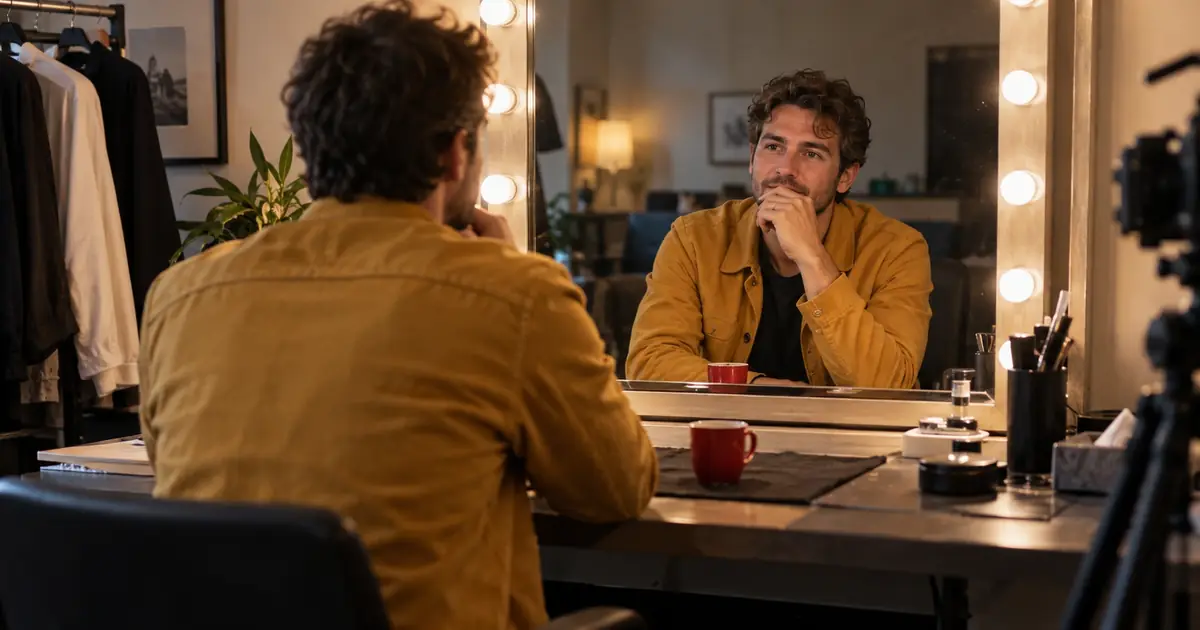
AI Video Mirror Reflections: Fix Motion and Geometry
Fix mirror reflections in AI video by checking the source geometry, matching reflected actions and choosing a simpler shot, local repair or composite.
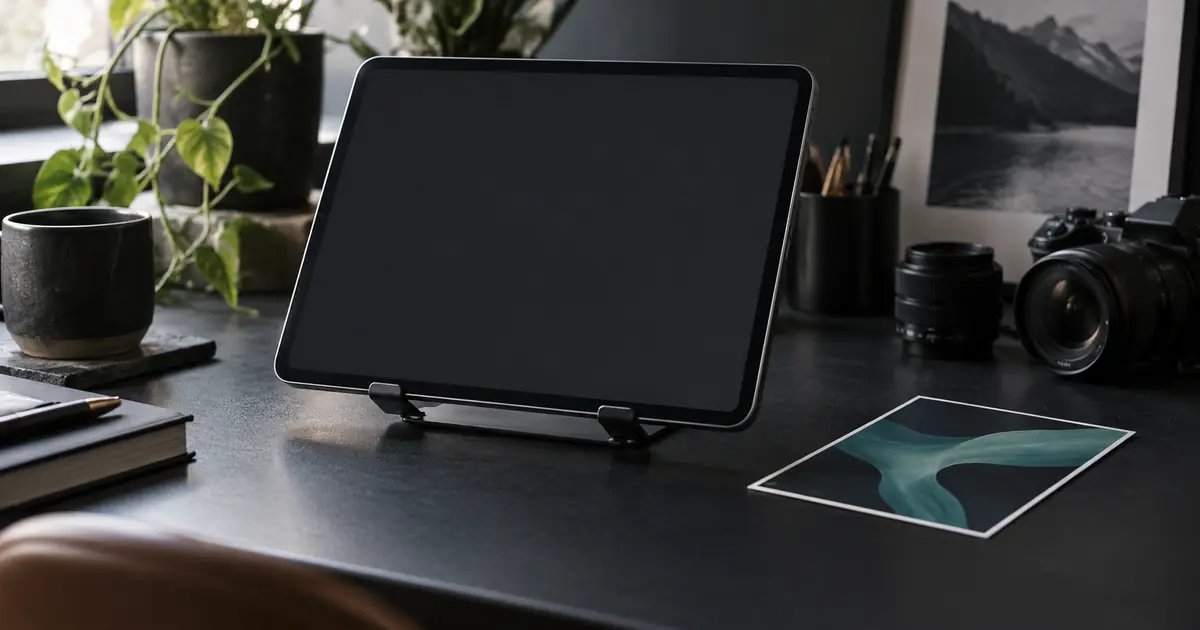
AI Video Screen Replacement: Keep the Real UI Clear
Put a real screen recording into an AI video. Plan a stable device, track the display, preserve hand occlusion and check readable UI in the final export.
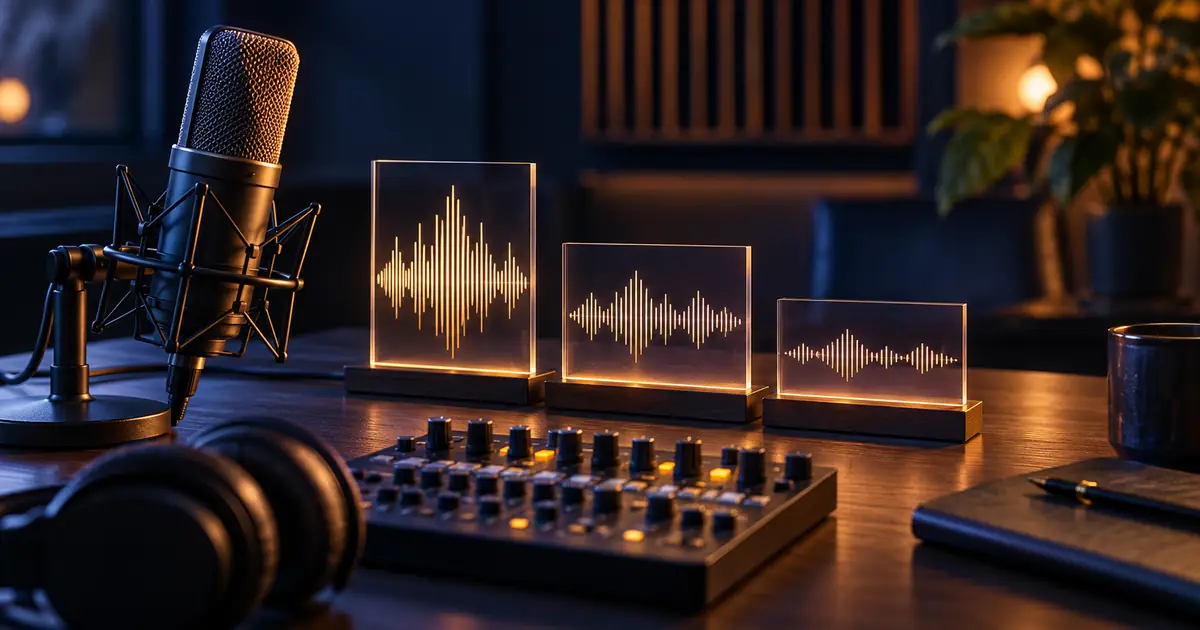
AI Voiceover Loudness: Match Clips Without Overload
Match AI voiceover loudness across clean clips. Measure integrated loudness and true peaks, calculate safe gain and audition each join before exporting the set.
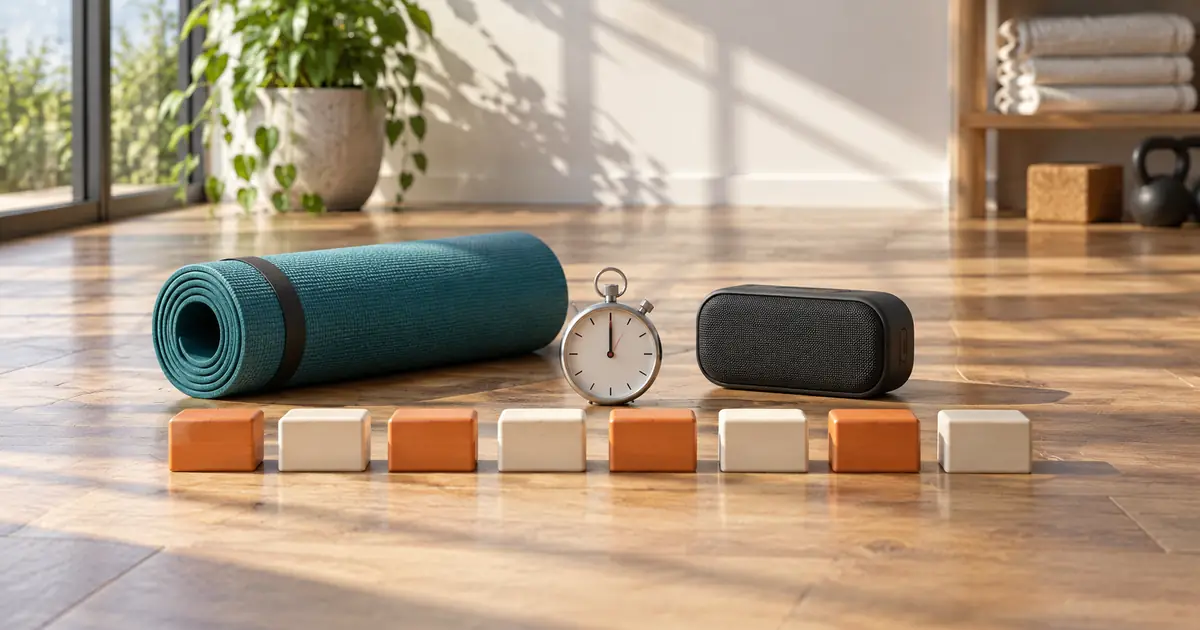
AI Workout Music: Time Intervals and Spoken Cues
Build AI workout music around an approved interval schedule. Keep cues on a separate track, calculate exact boundaries and check the exported audio timing.
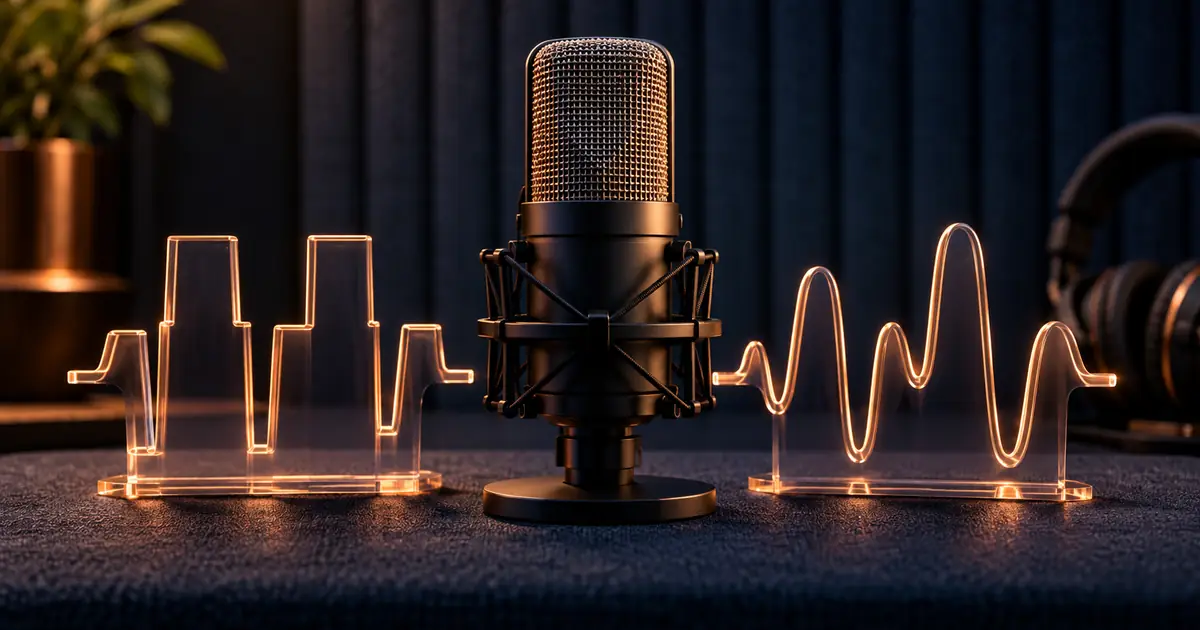
Clipped AI Voice Audio: Find the Overload and Fix It
Fix clipped AI voice audio by finding where distortion starts. Check gain, compare a clean regeneration and audition repair before rebuilding final loudness.
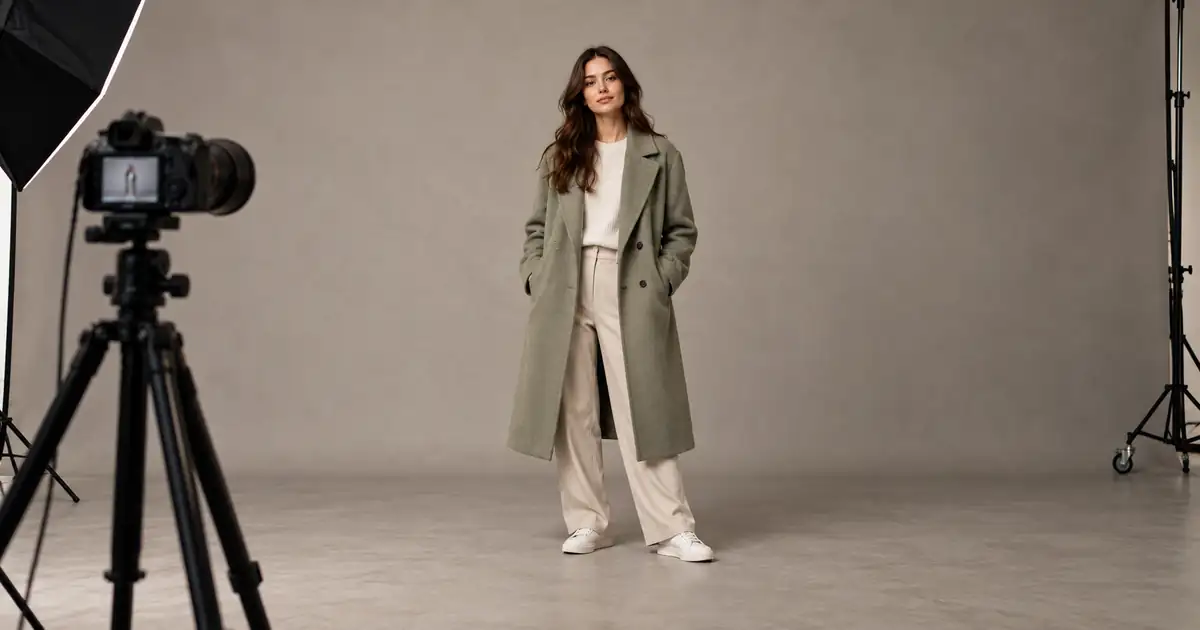
AI Full-Body Photos: Stop Cropping Heads and Feet
Stop AI portraits from cutting off heads and feet. Separate source framing from display crops, plan the full pose, and check margins before generating again.
No articles found
Try a different search term or browse all articles.