Explore guides by creative workflow
Find practical guides for planning, creating, and checking your next image, video, or voice project.
Popular AI creation guides
Follow a focused path from prompt to finished image or video instead of searching the full archive.

AI Background Blur: Fix Halos Around Hair and Glasses
Fix AI background blur halos without erasing hair or glasses. Separate mask errors, wrong depth and blur spill, then review a restrained portrait edit.
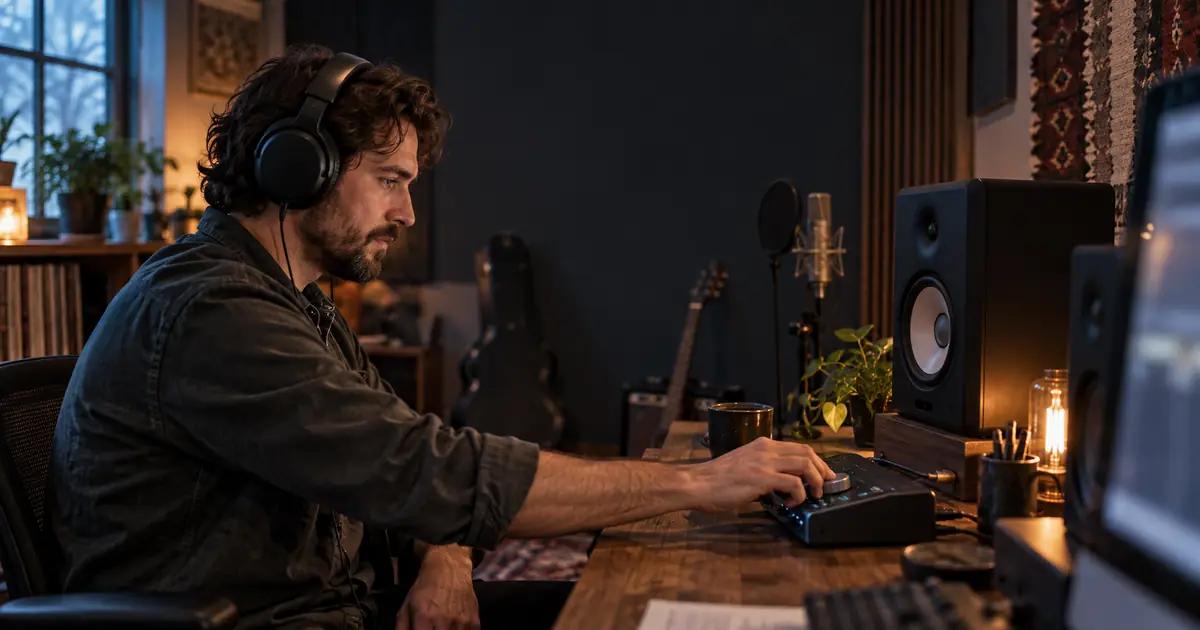
Vocal Remover Sounds Underwater? Fix Stem Artifacts
Fix watery vocals and instrument bleed after vocal removal. Compare the source, raw stem and intended mix before choosing cleanup, a new split or a retake.
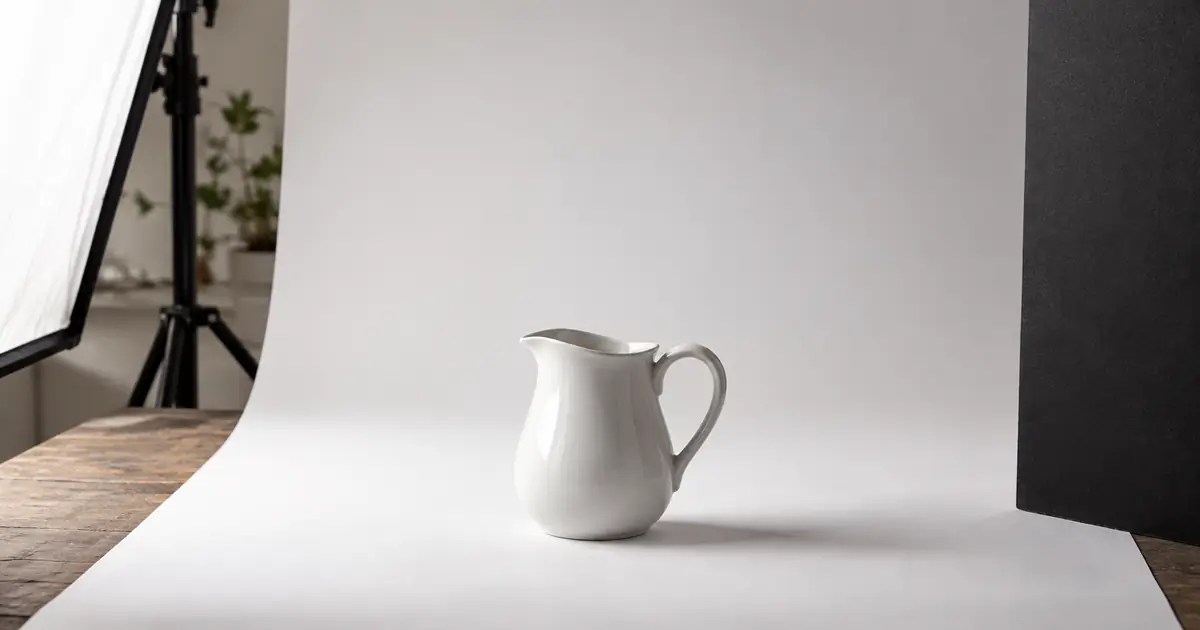
White Product on White Background: Keep the Edges
Photograph or edit a white product on a white background without losing its edges. Check highlights, handle openings, texture and shadows before approving.
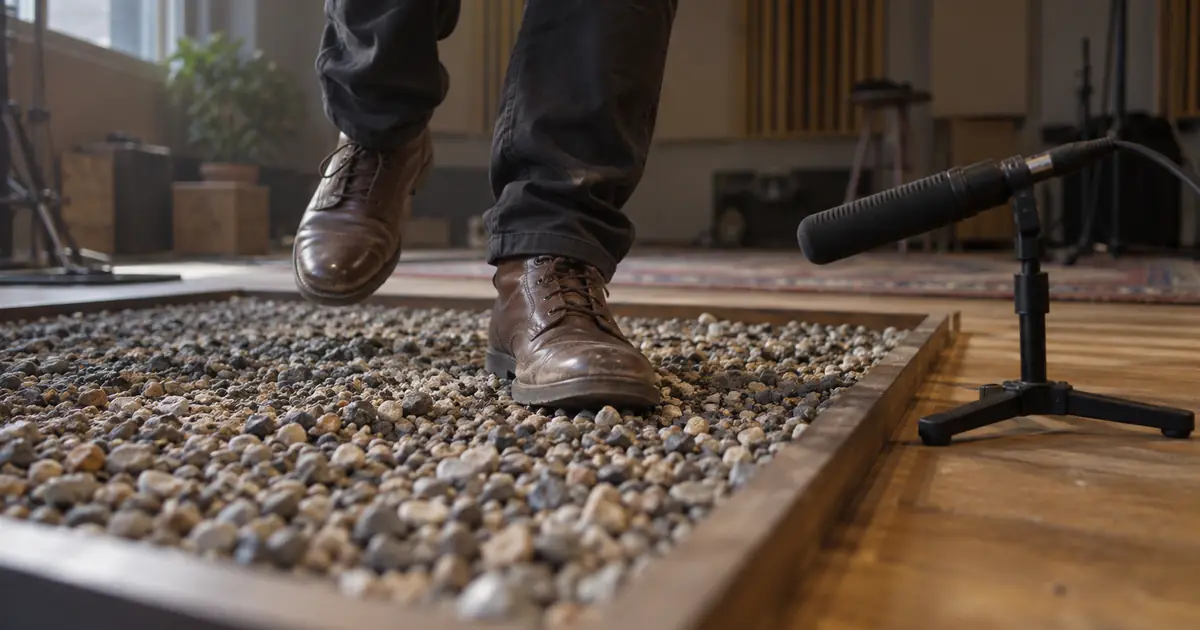
AI Footstep Sound Effects: Sync Each Step to the Video
Build AI footstep sound effects around visible shoe contacts. Use a cue sheet to match surfaces, walking pace, distance, and final audio timing in your edit.
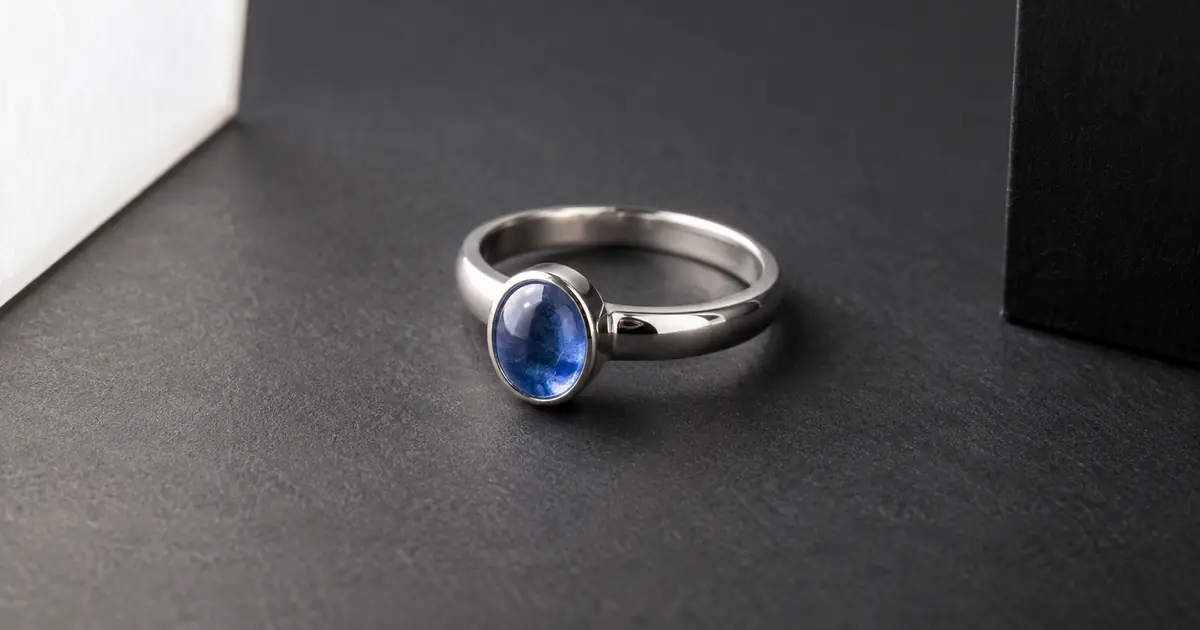
AI Jewelry Photography: Fix Reflections, Keep Details
Fix distracting reflections in AI jewelry photography without inventing stones, prongs, or engraving. Use a six-zone review before approving a product image.

Change Clothes Color with AI and Keep Fabric Texture
Change clothes color with AI while protecting fabric, seams, folds, and skin. Learn when to use a mask, retry the edit, or photograph the real color variant.

AI Video Looks Like Slow Motion? Fix Unwanted Slowness
Fix AI video that looks like slow motion. Separate slow action from camera drift, simplify the shot, and decide when to regenerate or adjust playback speed.
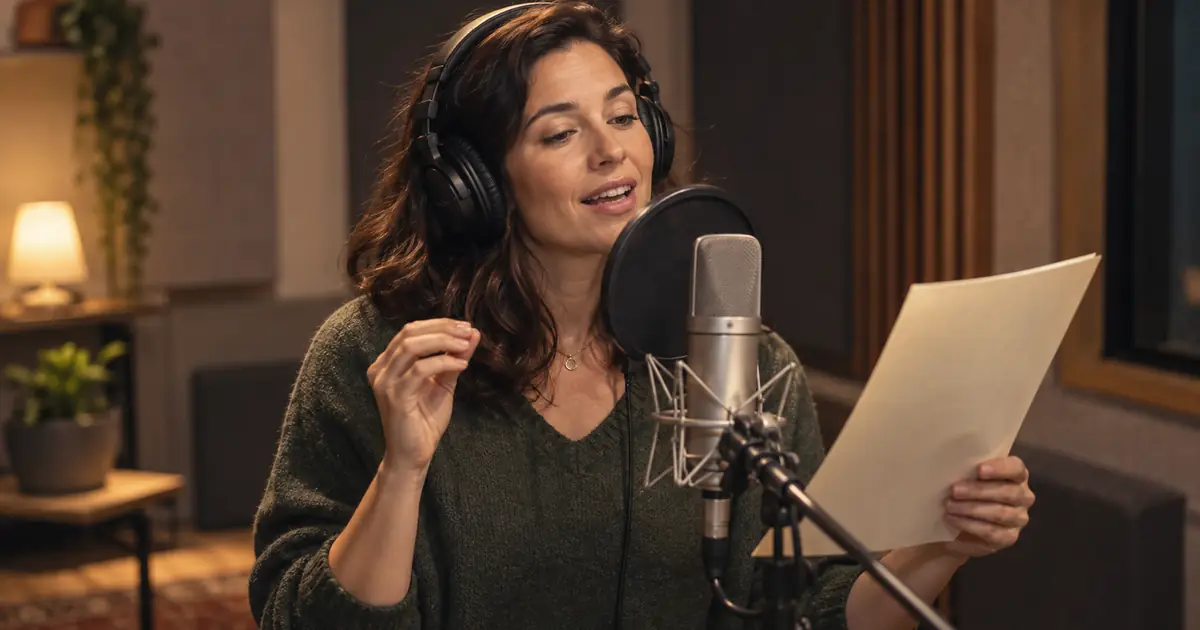
Text-to-Speech Emphasis: Make the Right Word Stand Out
Fix text-to-speech emphasis with a short listening test. Choose the intended contrast, rewrite unclear lines, and use only controls your voice tool supports.
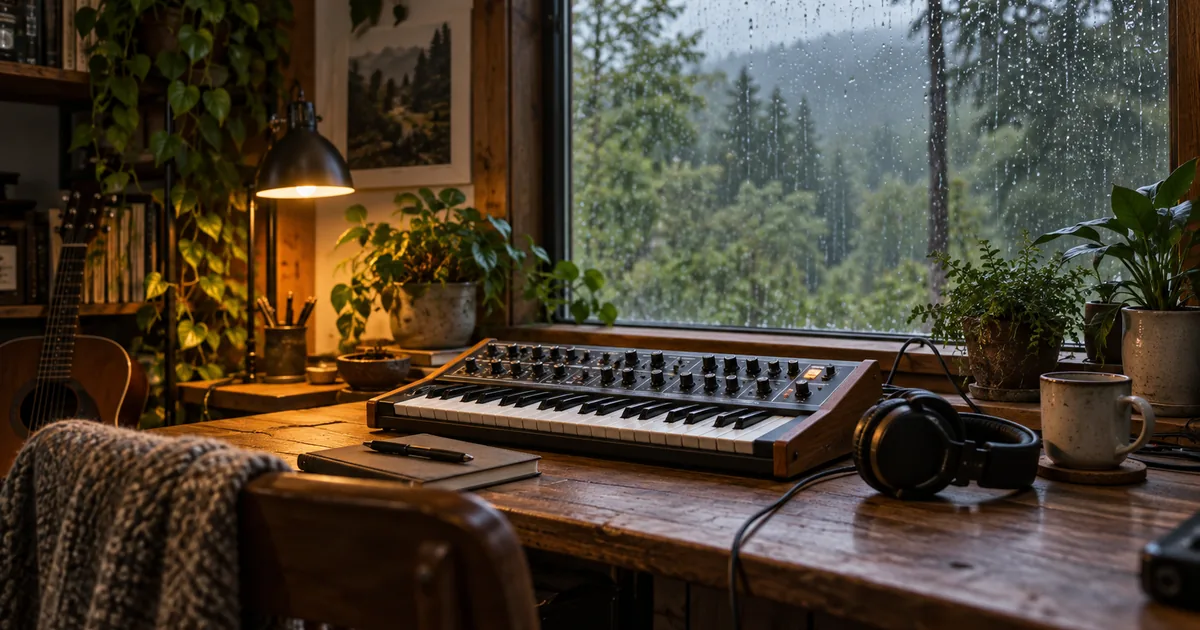
How to Make AI Ambient Music That Evolves Gently
Learn how to make AI ambient music with a texture plan, restrained changes, and a full-duration listening map. Review entrances, repetition, and transitions.
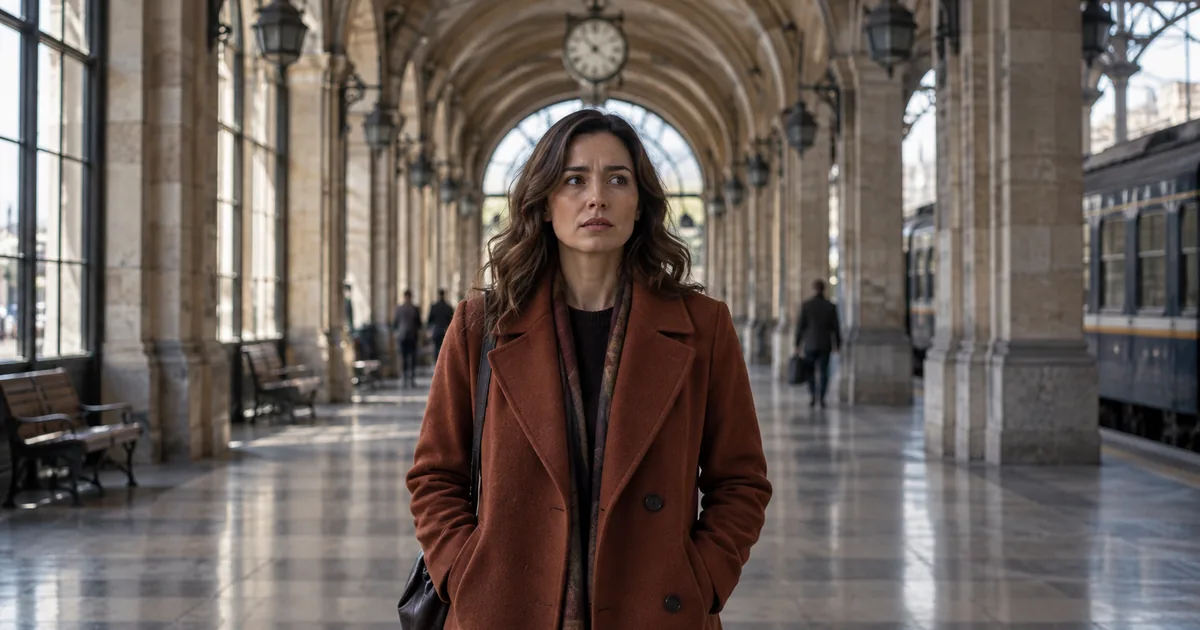
AI Dolly Zoom Prompt: Keep the Subject Steady
Write an AI dolly zoom prompt with opposing camera movement and zoom. Check subject size, background perspective, and geometry with a three-frame review sheet.

AI Establishing Shot Prompt: Make the Location Readable
Plan an AI establishing shot that shows where a scene happens. Use a simple location map, fixed visual anchors, and a continuity check for the following shots.
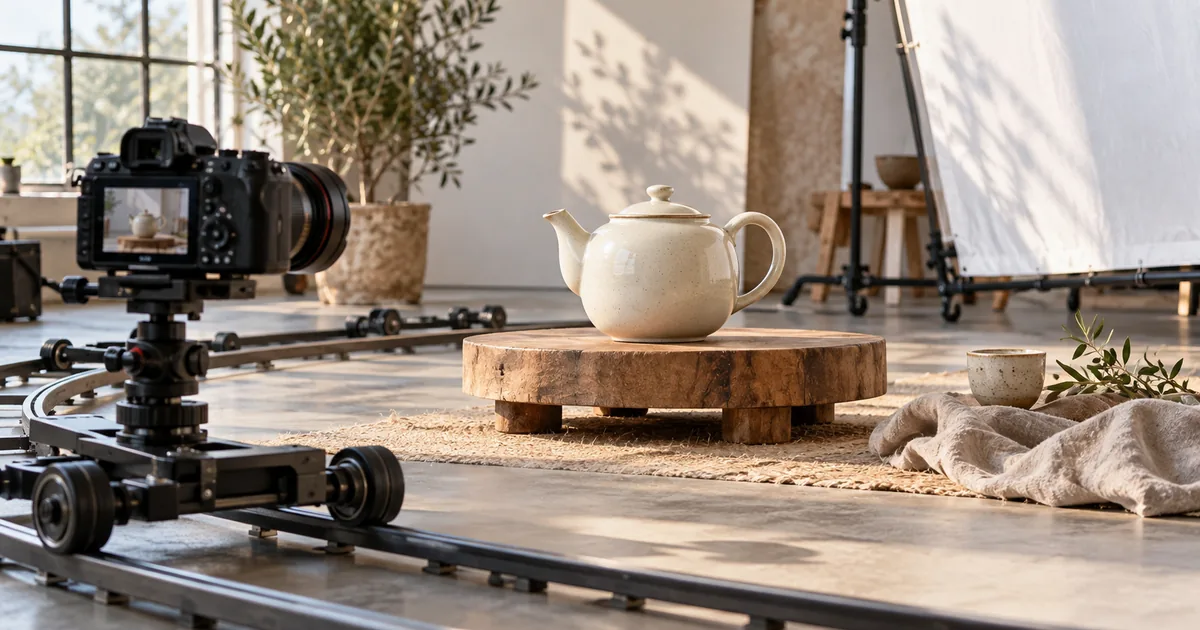
AI Orbit Camera Prompt: Move Around a Still Subject
Build an AI orbit camera prompt with a stationary subject, a small camera arc, and visible anchors. Review hidden surfaces, background movement, and continuity.
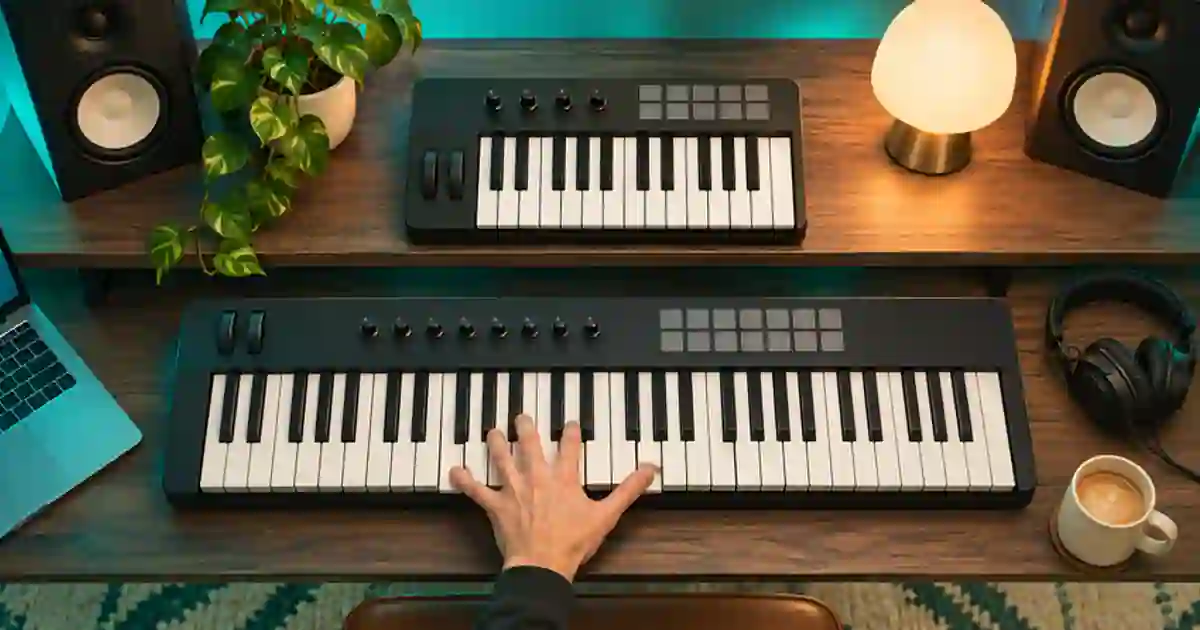
25 vs 49 Key MIDI Keyboard: Which Size Fits?
Choose a 25- or 49-key MIDI keyboard by testing the range you play, how often you change octaves, and the space your controller needs on the desk.
No articles found
Try a different search term or browse all articles.