Explore guides by creative workflow
Find practical guides for planning, creating, and checking your next image, video, or voice project.
Popular AI creation guides
Follow a focused path from prompt to finished image or video instead of searching the full archive.
How to Remove CapCut Pro Features Before Exporting
Find the Pro items that block a CapCut export. Replace premium text, effects, transitions or cover assets, then verify the revised project and final file.
How to Reverse a Video in CapCut and Keep Audio Clear
Reverse a video or a single clip in CapCut, preserve the surrounding edit, and decide which sound to keep. Check the first and last frames before exporting.
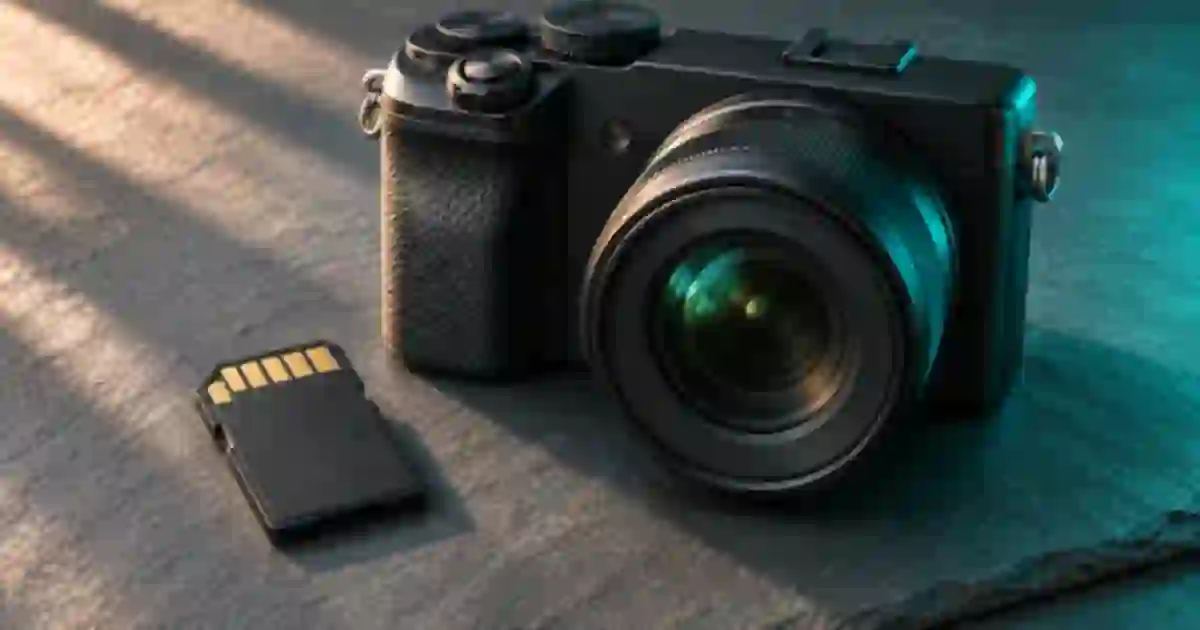
SD Card Recording Time for 4K Video by Bitrate
Estimate 4K SD card recording time from bitrate and free space. Compare 64, 128 and 256 GB cards, then leave room for extra takes and camera overhead.
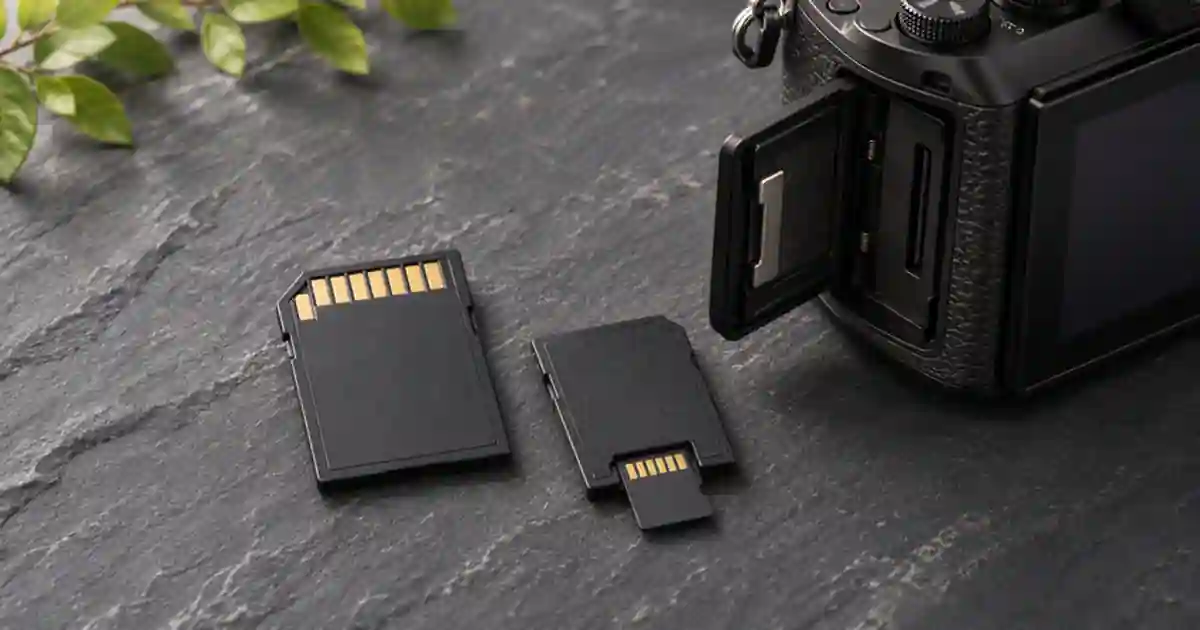
SD Card vs microSD Adapter for 4K Camera Video
Choose a full-size SD card or microSD adapter for 4K recording. Check your exact camera mode, supported media, and a full-length test before the shoot.
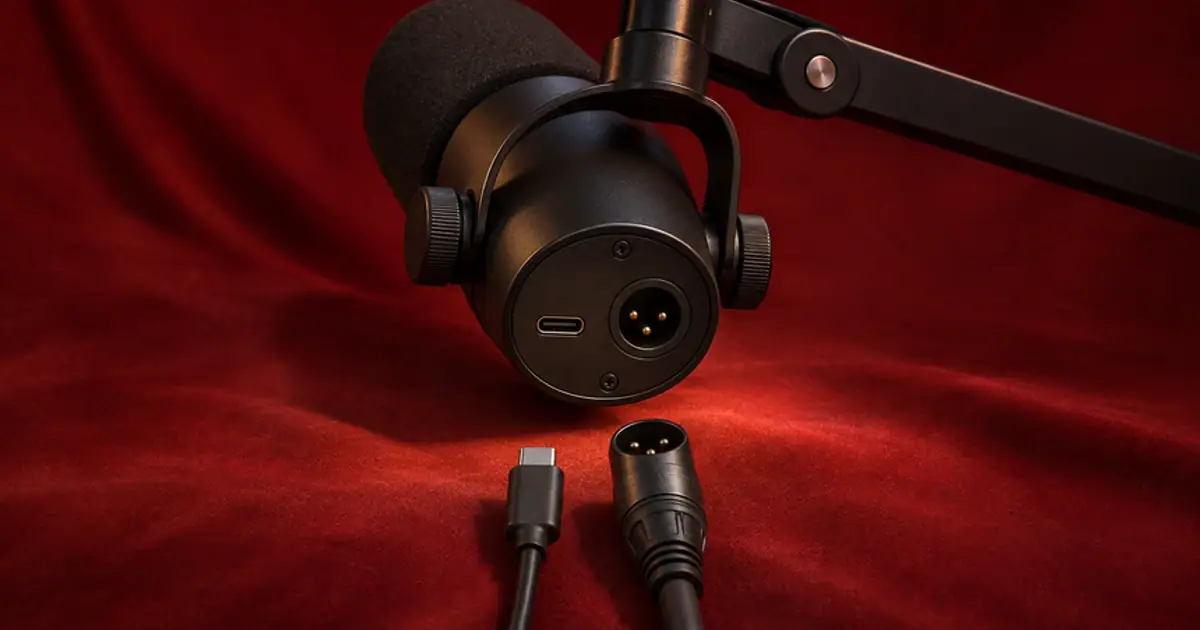
Shure MV7+ USB vs XLR: Which Connection Should You Use?
Choose USB or XLR for the Shure MV7+ based on your podcast recording and monitoring needs. Compare both paths before paying for an audio interface.
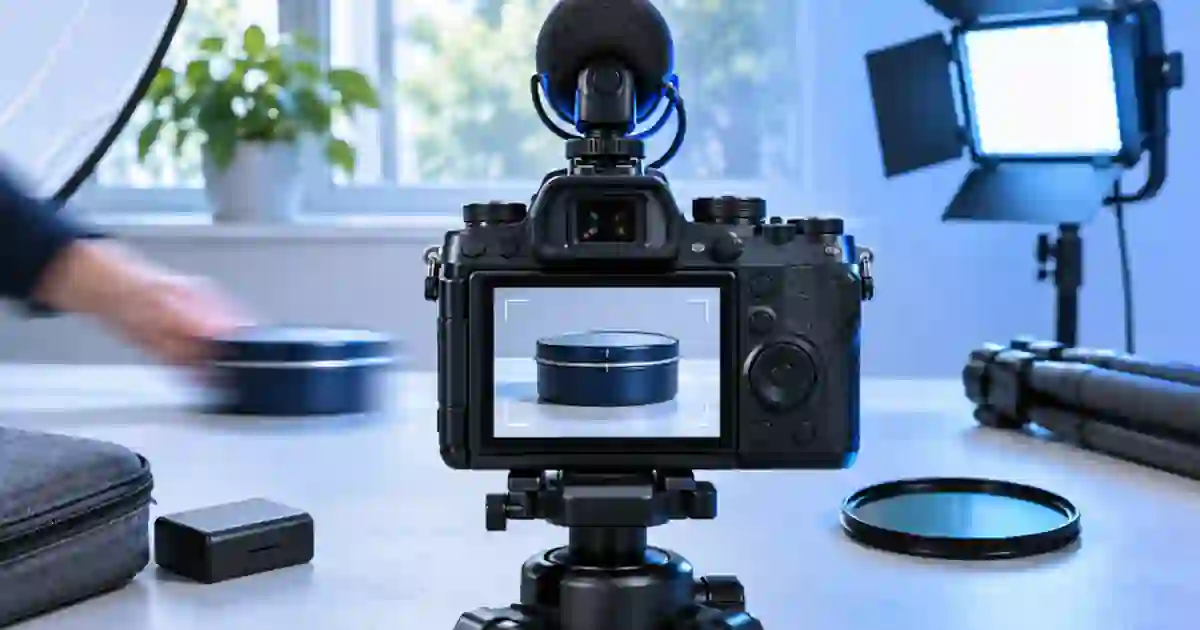
Shutter Angle for Product Video and Motion Blur
Use shutter angle to control motion blur in product videos. Compare 180 and 90 degrees on the same move, then check label readability and exposure.
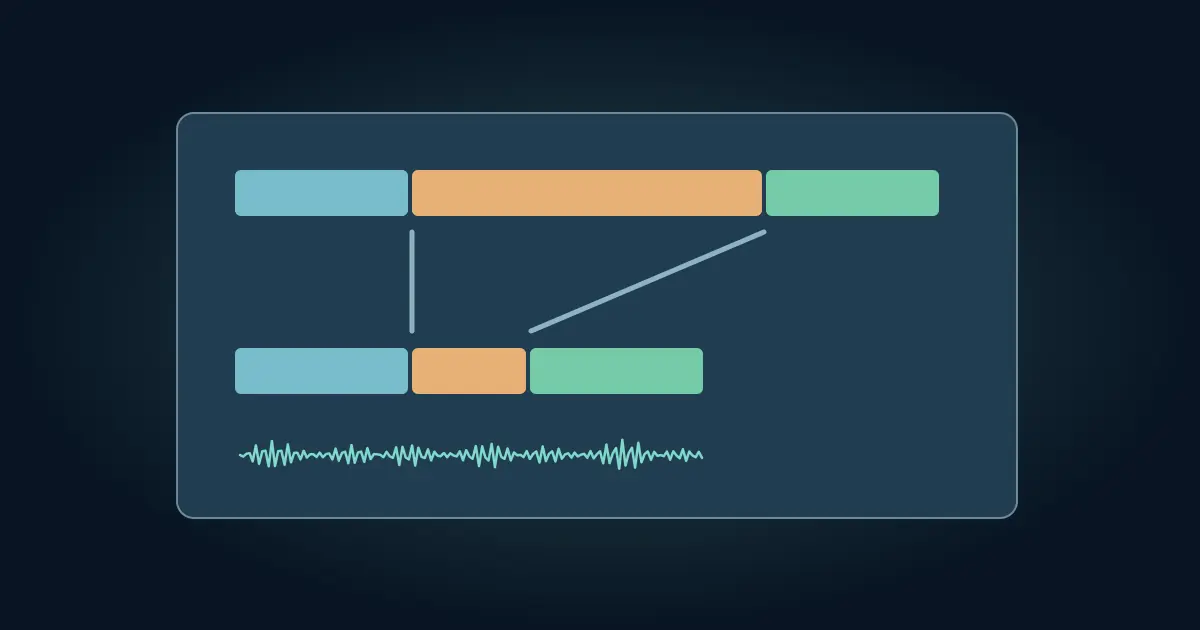
How to Speed Up a Video in CapCut and Keep Clear Audio
Speed up part of a video in CapCut without rushing the important moments. Split the clip, change playback speed, and recheck dialogue, captions, and audio.
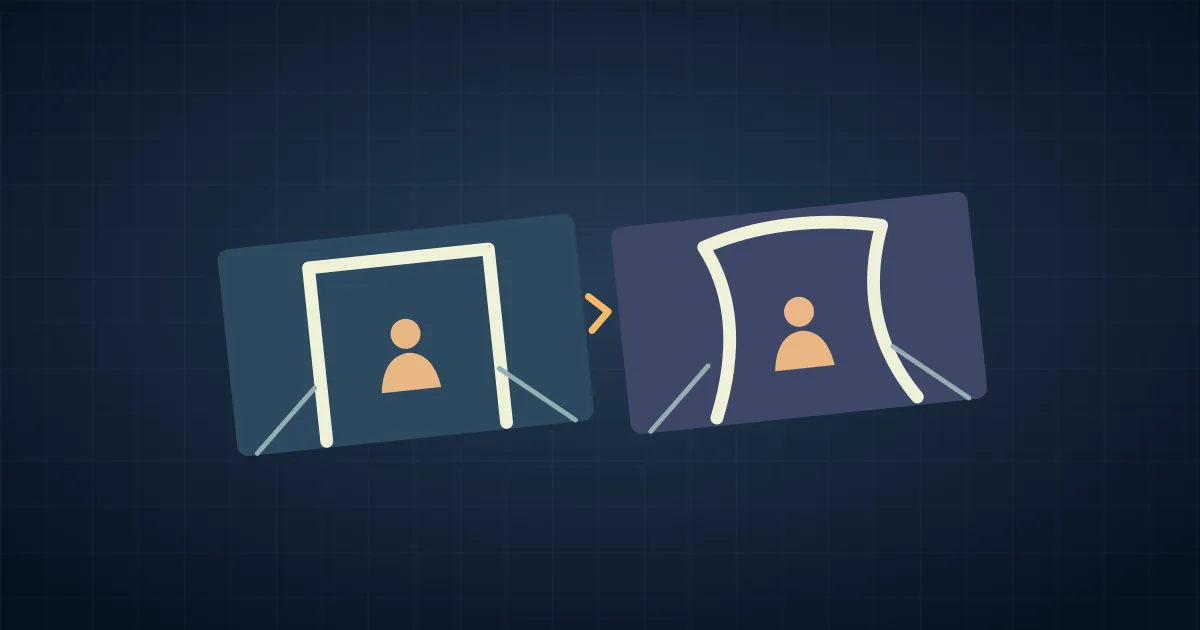
How to Stabilize Video in Premiere Pro Without Warping
Apply Warp Stabilizer in Premiere Pro, then compare motion methods and crop. Fix bendy edges, dimension errors and handheld shots that should still move.
How to Start a Podcast on Spotify With Your First Episode
Start a podcast on Spotify, choose the right hosting route, and prepare a first episode with clear artwork, show notes, and a verified public playback link.
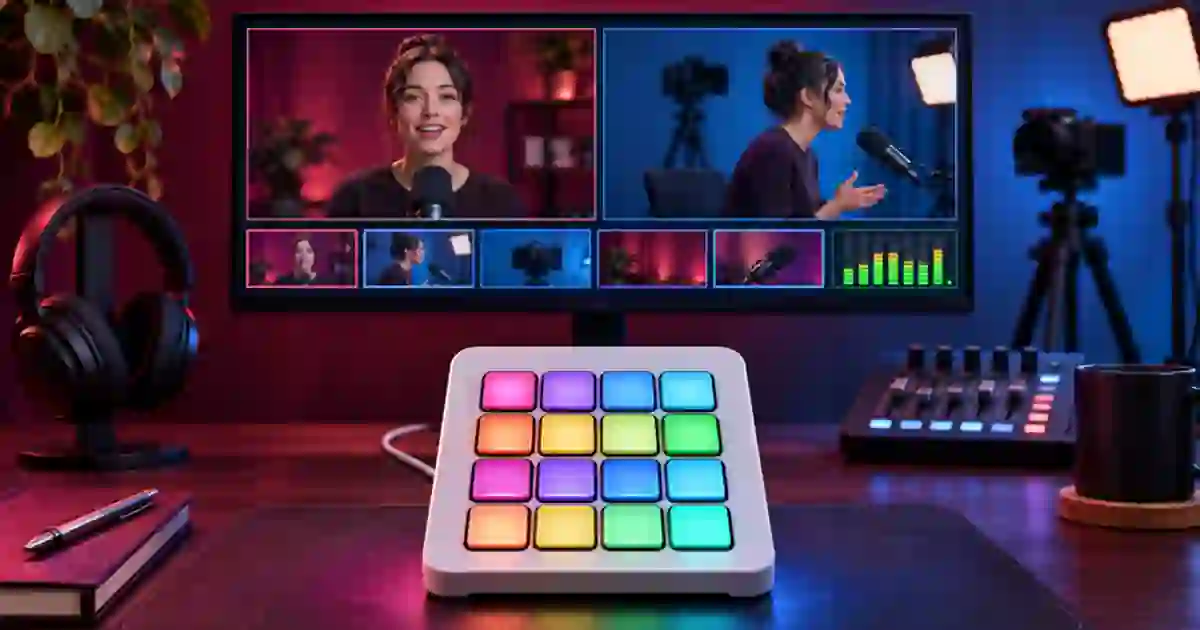
Stream Deck OBS Scene Switching for Product Demos
Set up Stream Deck scene switching in OBS for presenter, tabletop and holding views. Rehearse the live output, transitions and audio before recording.
Subtitle Edit: Fix SRT Sync, Drift, and Timing Jumps
Fix late, early, or drifting subtitles in Subtitle Edit. Measure three cue offsets, choose the right sync operation, and verify the saved SRT against the cut.
Suno Not Working? Trace the Request Before Retrying
Find where a Suno request stopped, distinguish an account or browser issue from a pending generation, and collect the details support needs to investigate.
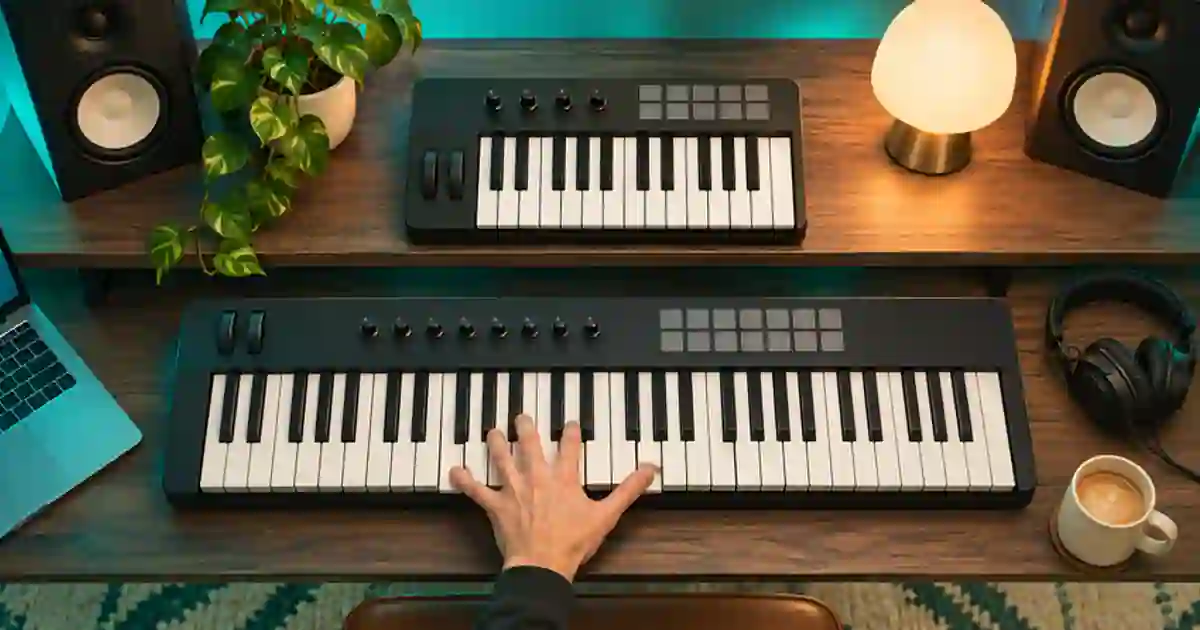
25 vs 49 Key MIDI Keyboard: Which Size Fits?
Choose a 25- or 49-key MIDI keyboard by testing the range you play, how often you change octaves, and the space your controller needs on the desk.
No articles found
Try a different search term or browse all articles.