Explore guides by creative workflow
Find practical guides for planning, creating, and checking your next image, video, or voice project.
Popular AI creation guides
Follow a focused path from prompt to finished image or video instead of searching the full archive.

AI Video Looks Like Slow Motion? Fix Unwanted Slowness
Fix AI video that looks like slow motion. Separate slow action from camera drift, simplify the shot, and decide when to regenerate or adjust playback speed.
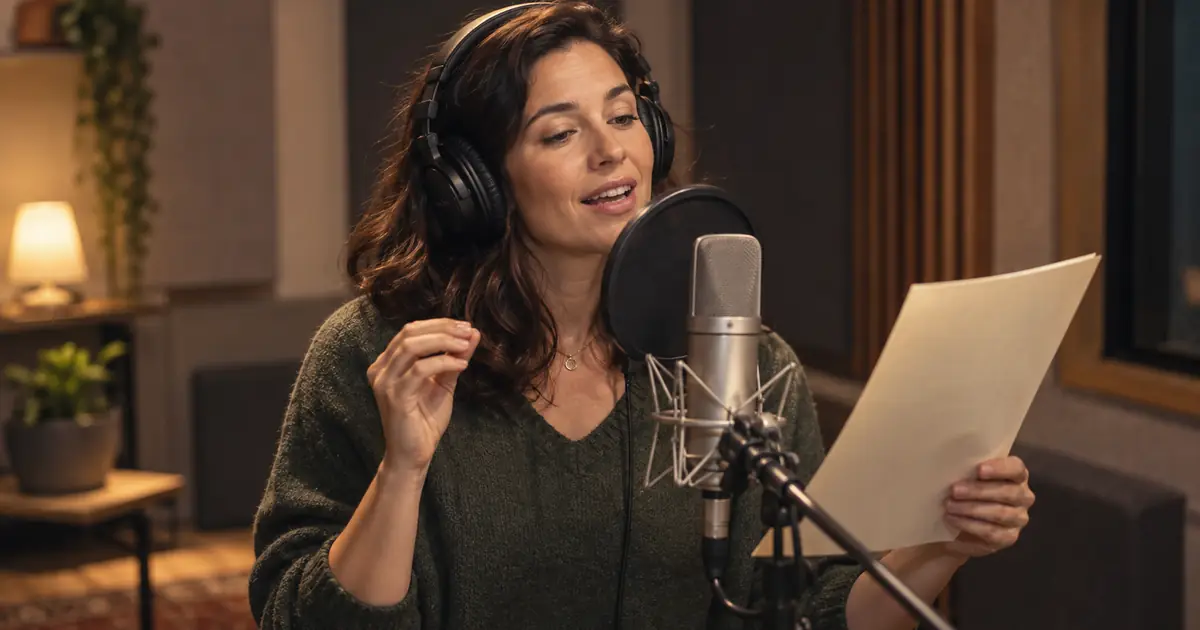
Text-to-Speech Emphasis: Make the Right Word Stand Out
Fix text-to-speech emphasis with a short listening test. Choose the intended contrast, rewrite unclear lines, and use only controls your voice tool supports.
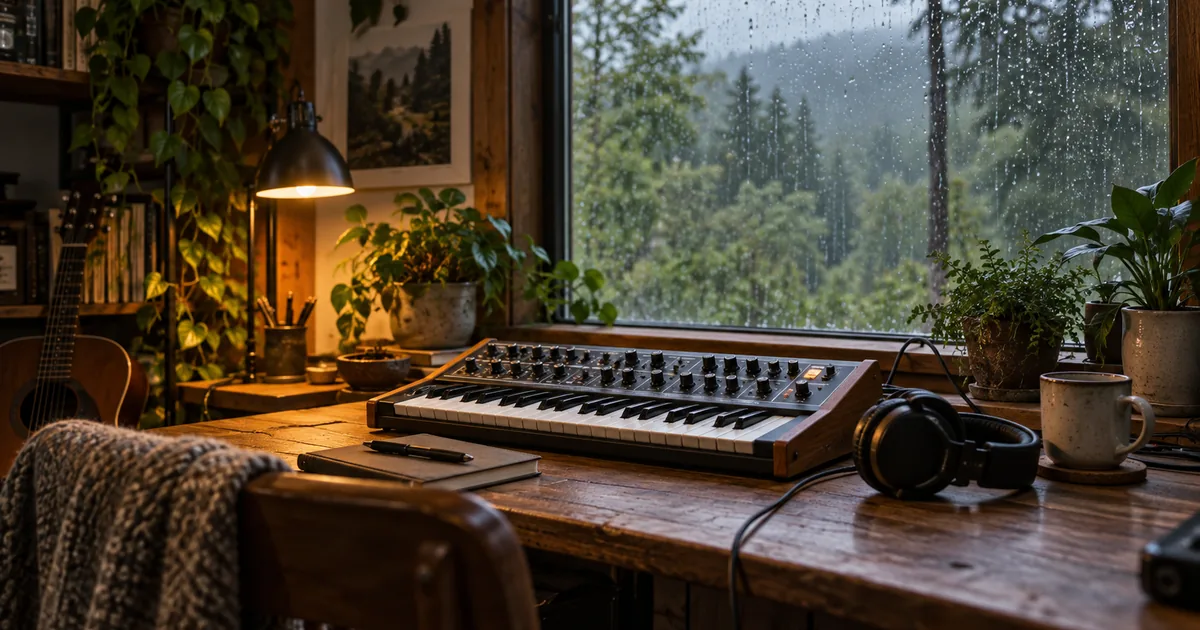
How to Make AI Ambient Music That Evolves Gently
Learn how to make AI ambient music with a texture plan, restrained changes, and a full-duration listening map. Review entrances, repetition, and transitions.
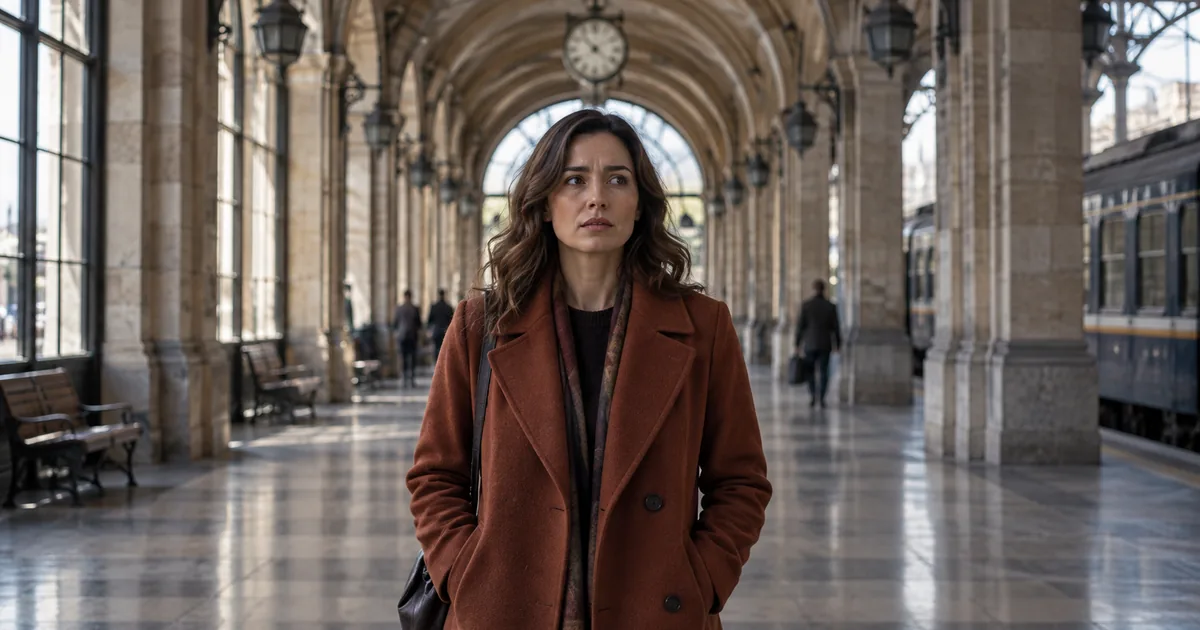
AI Dolly Zoom Prompt: Keep the Subject Steady
Write an AI dolly zoom prompt with opposing camera movement and zoom. Check subject size, background perspective, and geometry with a three-frame review sheet.

AI Establishing Shot Prompt: Make the Location Readable
Plan an AI establishing shot that shows where a scene happens. Use a simple location map, fixed visual anchors, and a continuity check for the following shots.
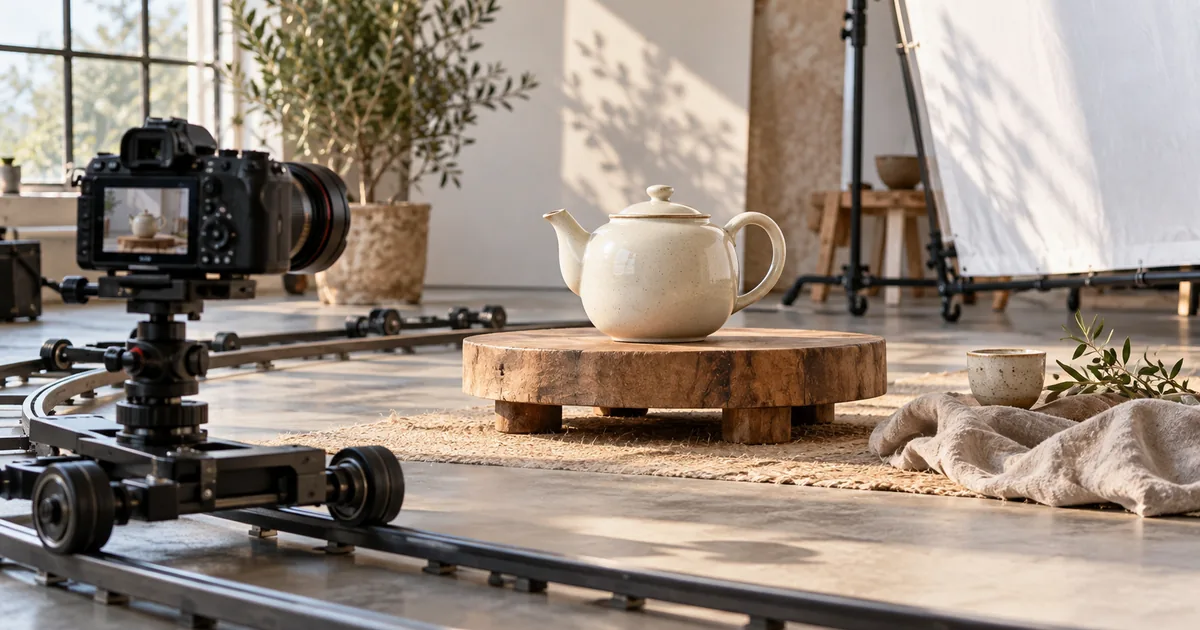
AI Orbit Camera Prompt: Move Around a Still Subject
Build an AI orbit camera prompt with a stationary subject, a small camera arc, and visible anchors. Review hidden surfaces, background movement, and continuity.
AI Podcast Intro Music: Build Around the Host’s First Line
Create AI podcast intro music around the host’s first line. Plan a recognizable cue, a clear voice entrance, and reusable opening, under-voice, and outro edits.

AI Transparent Product Photography: Keep Glass Believable
Plan AI transparent product photography with real glass references, controlled backgrounds, and checks for rims, refraction, liquid levels, labels, and shadows.
Fix AI Plastic Skin Without Rebuilding the Face
Fix AI plastic skin by separating smoothing, harsh highlights, and invented texture. Use a restrained local edit and compare identity against the source photo.

Fix Floating Product Photo Shadows in Three Checks
Fix floating product photo shadows by checking contact, cast direction, and surface type. Use a restrained repair that keeps the product shape and label intact.
Text to Speech Reading Numbers Wrong? Fix the Script
Get text to speech reading numbers correctly with a display-to-spoken table for dates, money, IDs, decimals, and units. Verify values before replacing audio.
Text to Speech Pauses: Natural Breaks and Exact Silence
Control text to speech pauses with punctuation, supported model syntax, or edited silence. Keep timing notes separate and repair whole phrases for smooth audio.
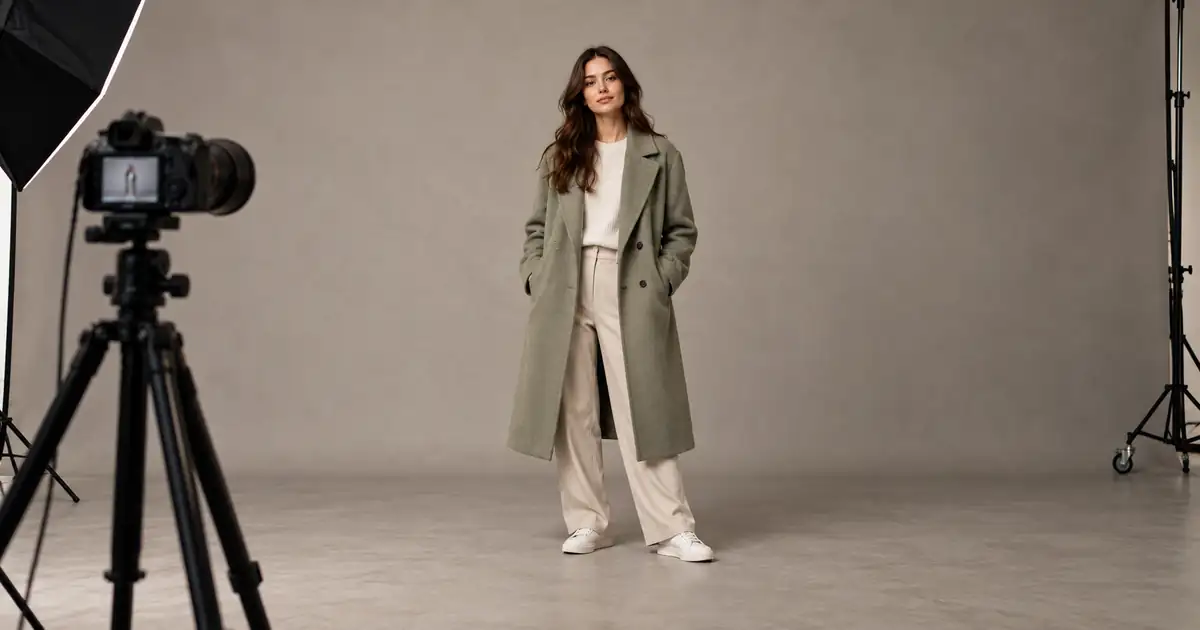
AI Full-Body Photos: Stop Cropping Heads and Feet
Stop AI portraits from cutting off heads and feet. Separate source framing from display crops, plan the full pose, and check margins before generating again.
No articles found
Try a different search term or browse all articles.