Explore guides by creative workflow
Find practical guides for planning, creating, and checking your next image, video, or voice project.
Popular AI creation guides
Follow a focused path from prompt to finished image or video instead of searching the full archive.
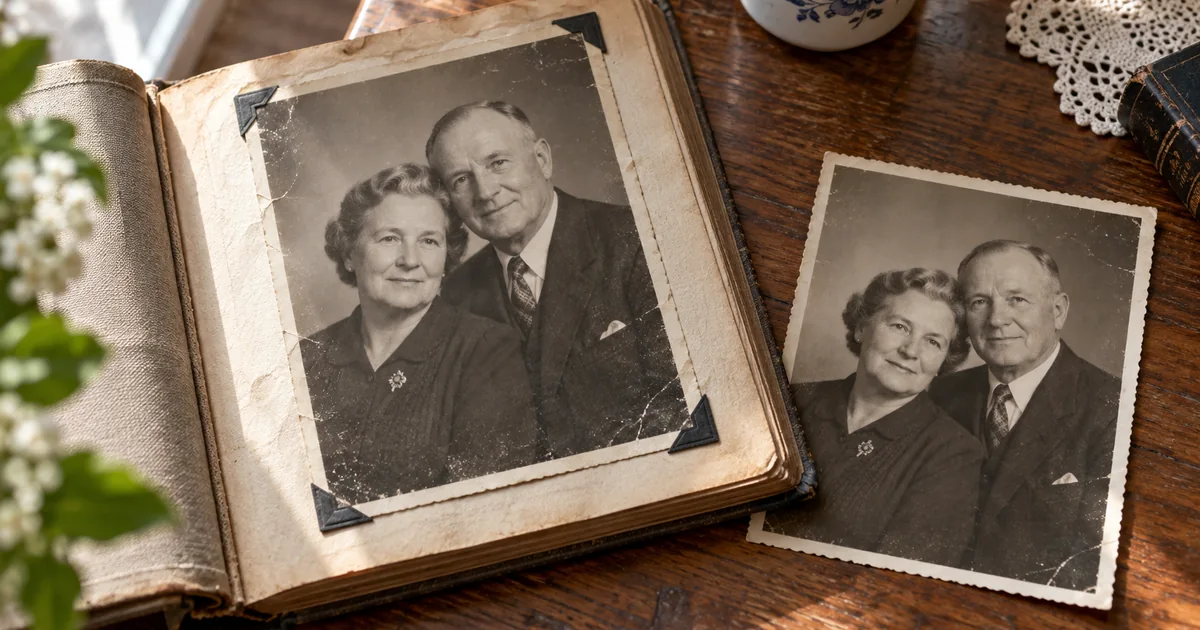
Animate Old Family Photos: A Careful AI Video Workflow
Animate old family photos with subtle motion while checking every face. Prepare the scan, limit invented movement and choose a simple pan when it works better.

Consistent AI Carousel Images: A Five-Slide Workflow
Create consistent AI carousel images with a fixed visual brief, one approved reference and a five-slide plan. Repair a drifting frame without restarting.
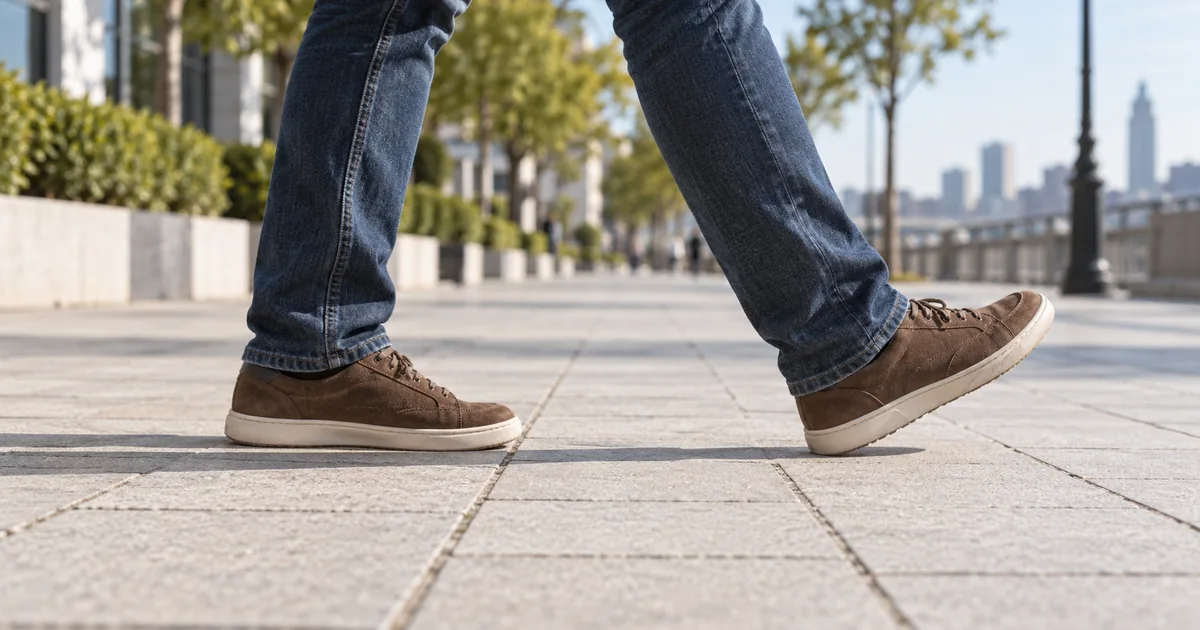
AI Walking Video: Fix Sliding Feet and Floating Steps
Fix sliding feet in AI walking video by checking ground contact, stride and camera motion. Use a three-frame test to choose a better source, prompt or cut.
Mixed-Language Text to Speech: Fix Accent Switching
Fix mixed-language text-to-speech errors with an English-Spanish test, voice checks and phrase-level edits. Keep pronunciation, timing and captions aligned.

AI Video Keeps Zooming? How to Keep the Camera Locked
Stop unwanted zoom in AI video with a clear camera brief and a three-landmark check. Separate camera drift from warped scenery before retrying or editing.
AI Voice Reads Stage Directions? Clean Up the Script
Stop an AI voice from reading stage directions aloud. Separate spoken words from production notes, verify supported controls and test a short clean script.
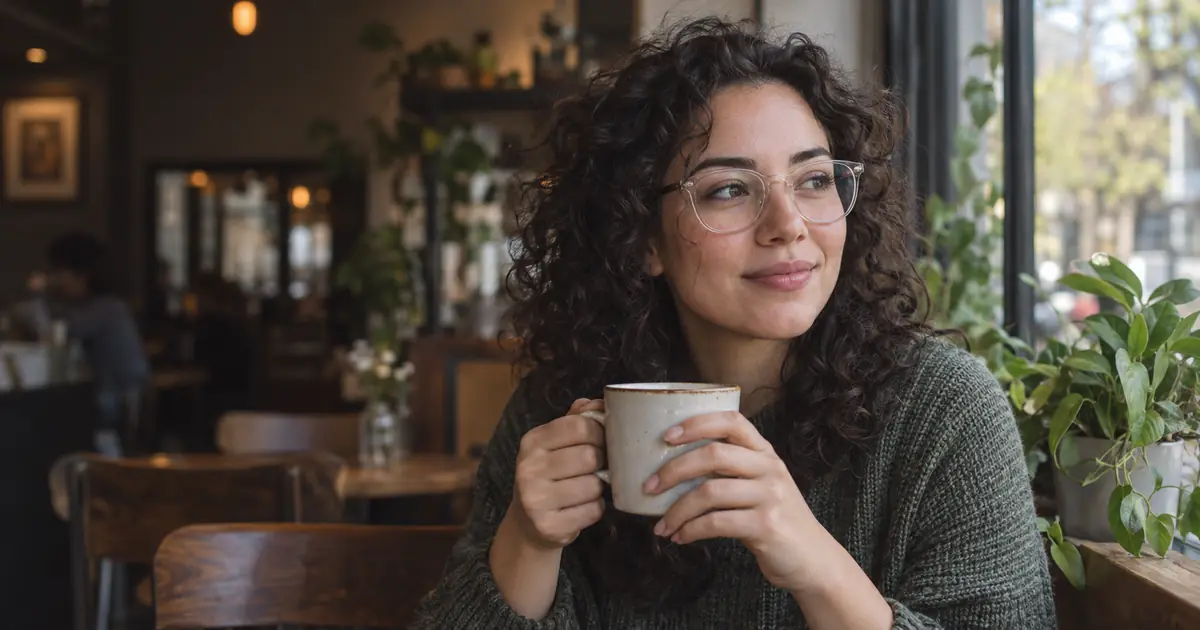
AI Background Blur: Fix Halos Around Hair and Glasses
Fix AI background blur halos without erasing hair or glasses. Separate mask errors, wrong depth and blur spill, then review a restrained portrait edit.
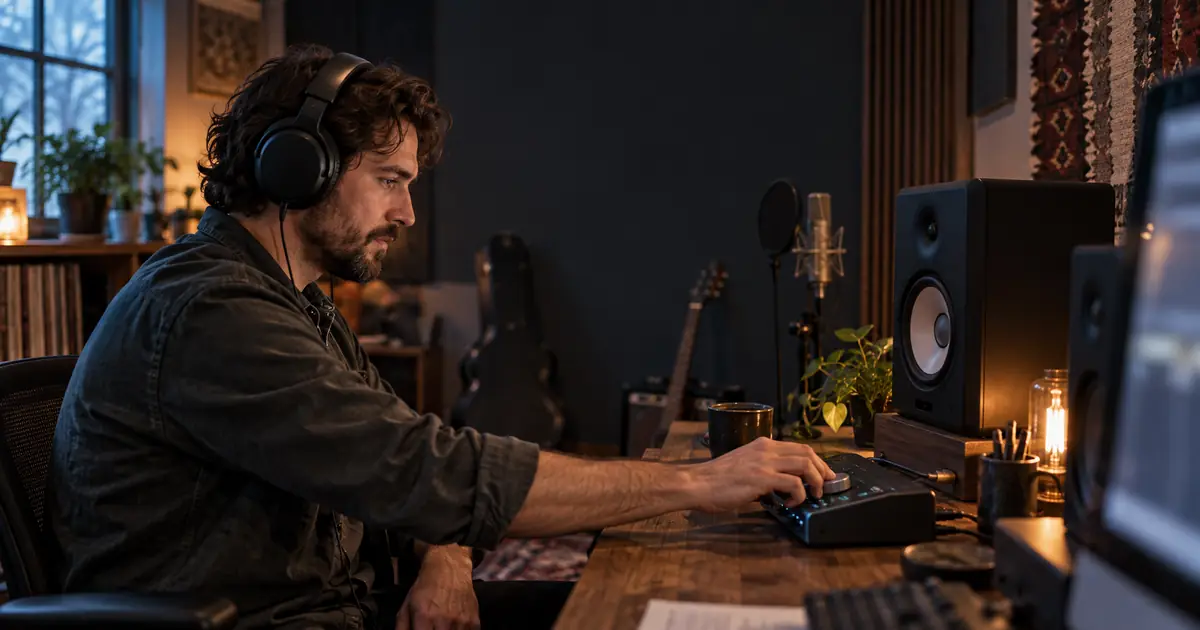
Vocal Remover Sounds Underwater? Fix Stem Artifacts
Fix watery vocals and instrument bleed after vocal removal. Compare the source, raw stem and intended mix before choosing cleanup, a new split or a retake.
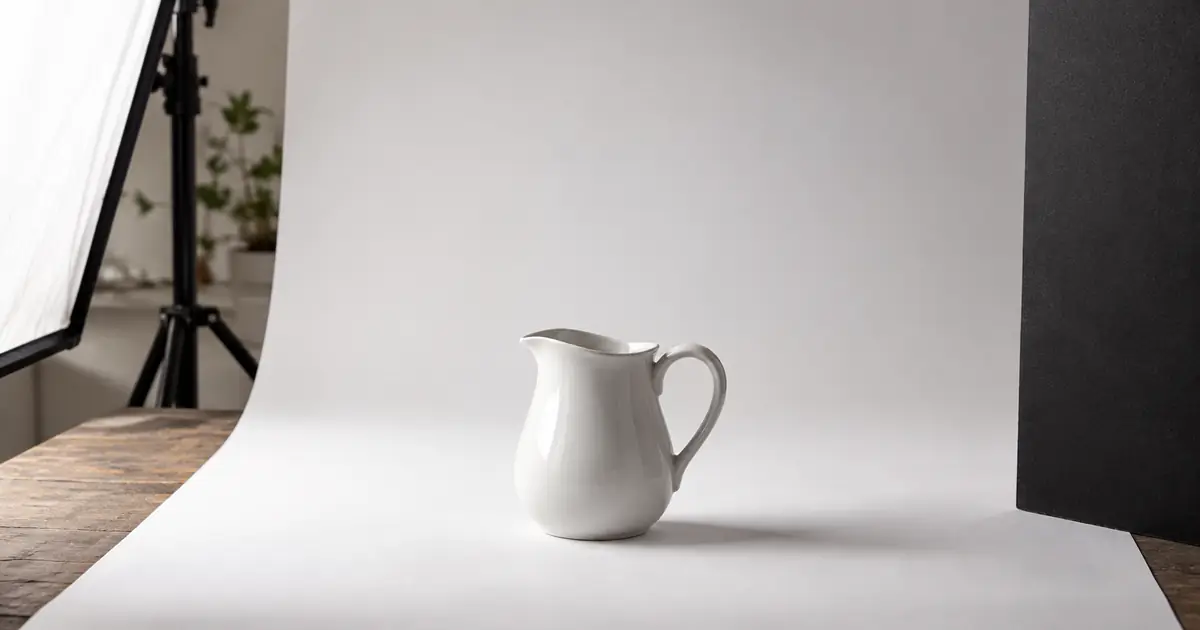
White Product on White Background: Keep the Edges
Photograph or edit a white product on a white background without losing its edges. Check highlights, handle openings, texture and shadows before approving.
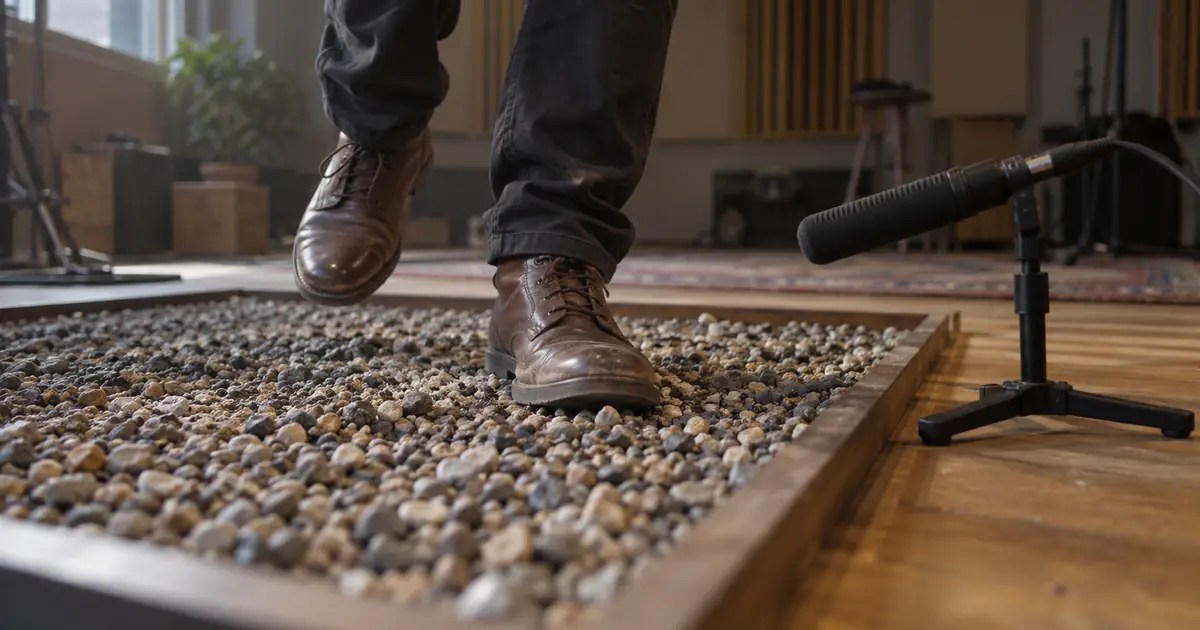
AI Footstep Sound Effects: Sync Each Step to the Video
Build AI footstep sound effects around visible shoe contacts. Use a cue sheet to match surfaces, walking pace, distance, and final audio timing in your edit.
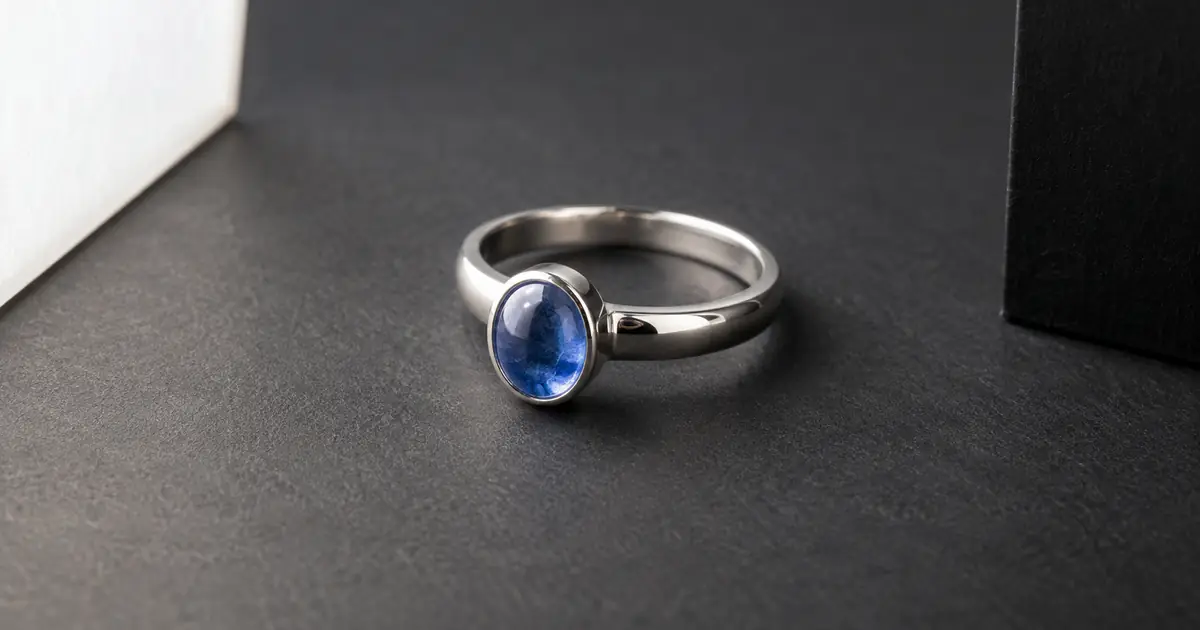
AI Jewelry Photography: Fix Reflections, Keep Details
Fix distracting reflections in AI jewelry photography without inventing stones, prongs, or engraving. Use a six-zone review before approving a product image.
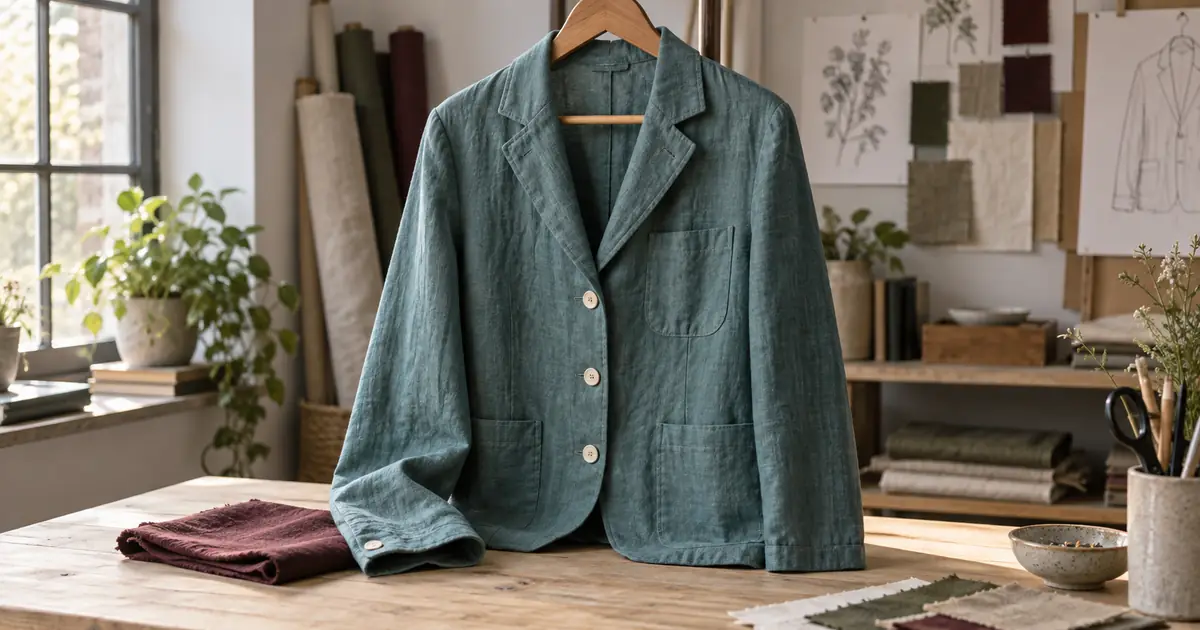
Change Clothes Color with AI and Keep Fabric Texture
Change clothes color with AI while protecting fabric, seams, folds, and skin. Learn when to use a mask, retry the edit, or photograph the real color variant.
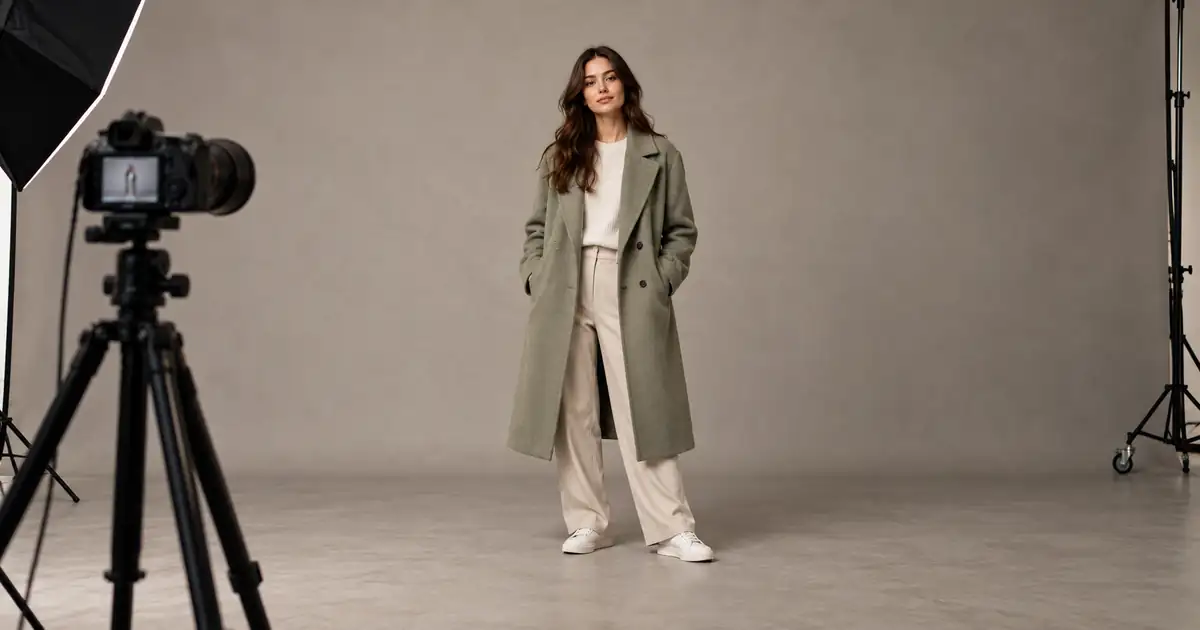
AI Full-Body Photos: Stop Cropping Heads and Feet
Stop AI portraits from cutting off heads and feet. Separate source framing from display crops, plan the full pose, and check margins before generating again.
No articles found
Try a different search term or browse all articles.