Explore guides by creative workflow
Find practical guides for planning, creating, and checking your next image, video, or voice project.
Popular AI creation guides
Follow a focused path from prompt to finished image or video instead of searching the full archive.

What Is Canva? Plan and Finish Your First Design
See what Canva does by planning one simple workshop graphic. Choose the format, organize the content, and check the downloaded result before sharing it.
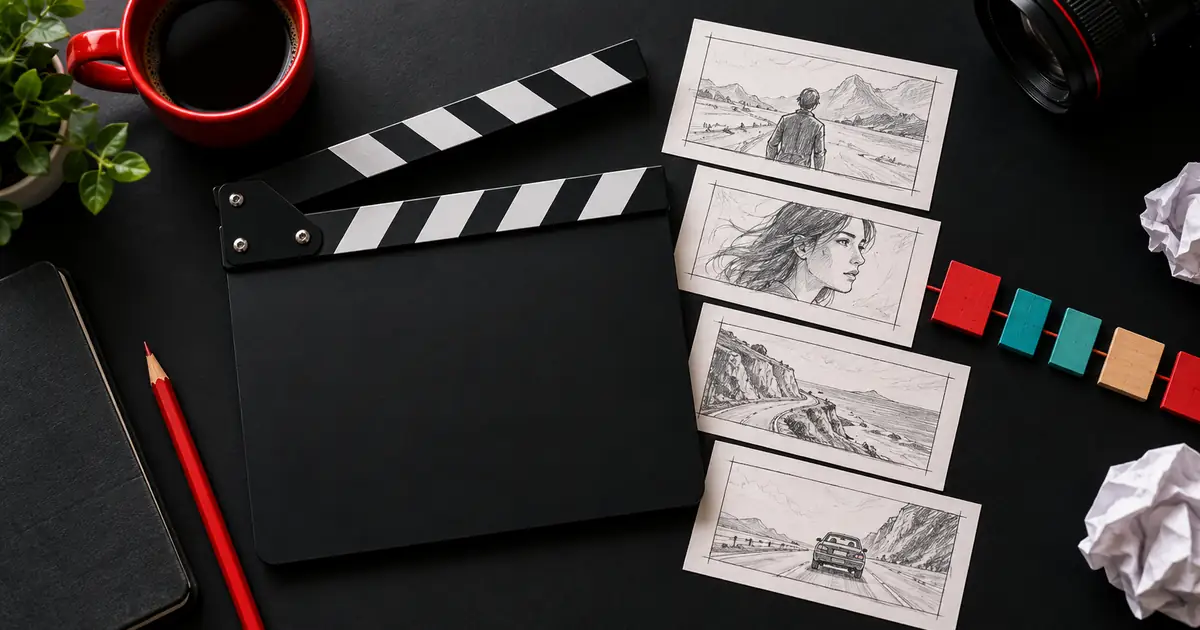
YouTube Automation: Build a Reviewed Production Run
Build a YouTube production workflow with source records, human approvals, and retry checks. Follow an original tutorial packet through a reviewed local render.

YouTube Video Summaries: Check Claims and Timestamps
Check a YouTube video summary against captions, visible frames, and timestamps. Use an original short source and claim audit to catch omissions and invented advice.

Animate a Logo Without Distortion: A Practical Workflow
Animate a logo while keeping its shape and lettering intact. Follow a three-second motion plan, download the original practice mark, and check your export.

Can a GIF Have Music? Make an Animation With Sound
A GIF has no audio track. Compare a silent GIF with an MP4 containing sound, check the exported streams, and choose a format that suits your destination.

Cancel Canva Pro and Keep Your Designs Ready to Use
Find the right route to cancel Canva Pro through Canva, Apple, or Google. Preserve editable designs, exports, and paid-asset notes before the plan changes.
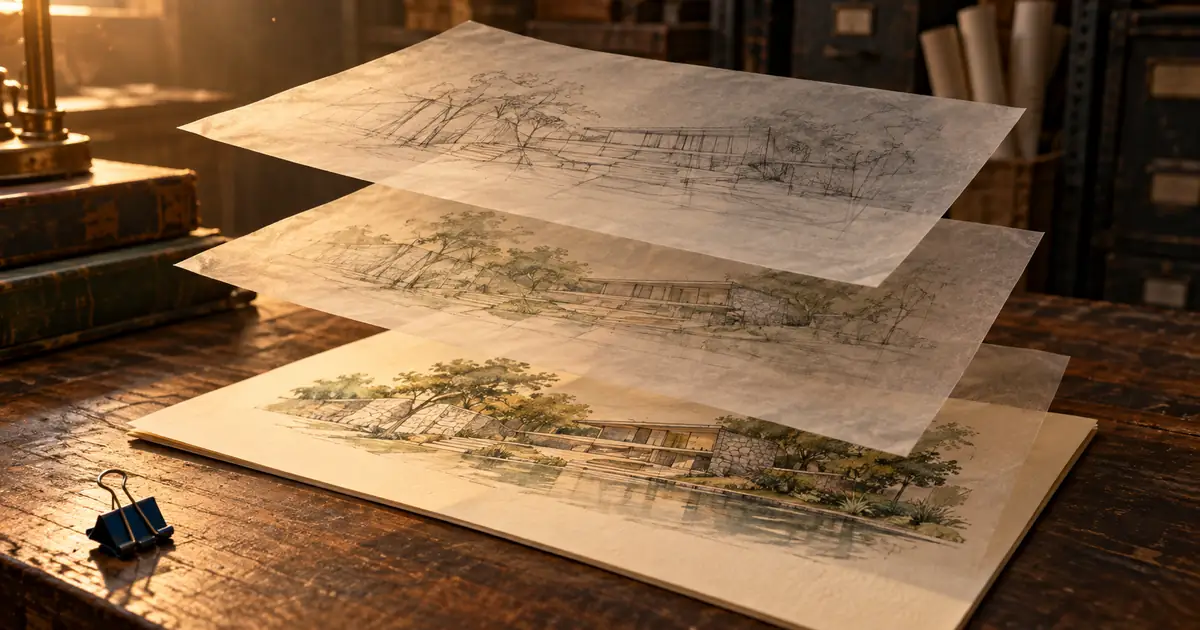
Canva Autosave: Check and Recover Your Working Copy
Check whether Canva saved your latest edits, separate version history from Trash, and preserve a working copy before troubleshooting an interrupted session.
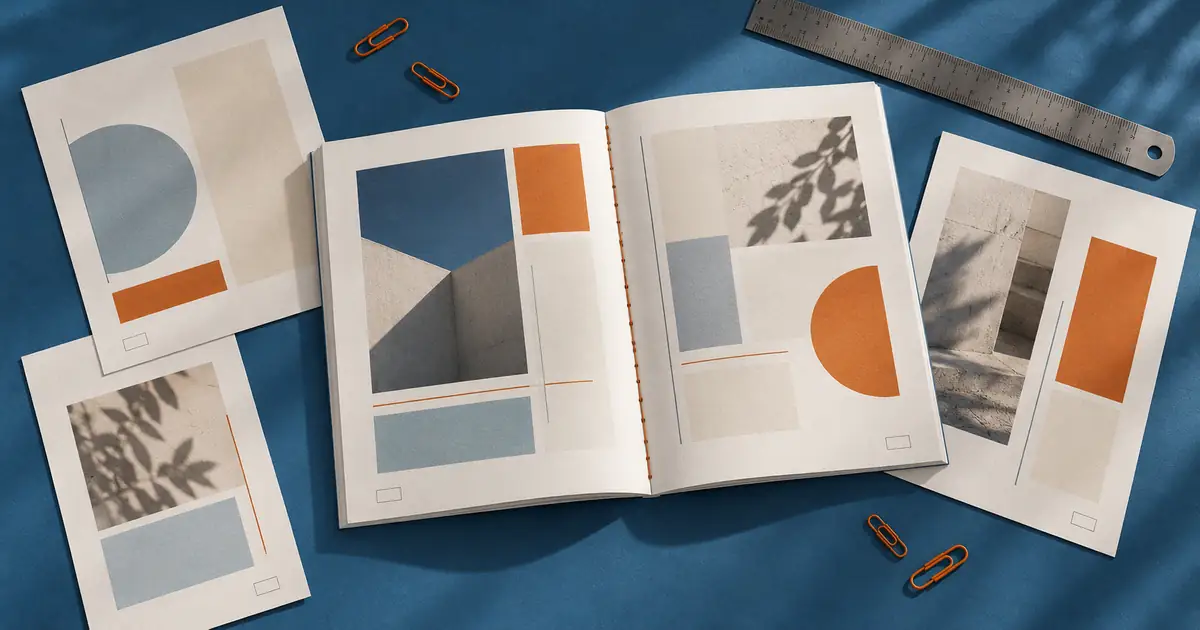
Canva Page Numbers: Check a Workbook Before Export
Add page numbers in Canva, choose which pages show them, and check the exported workbook. Use an original page map to catch skipped or repeated pages.
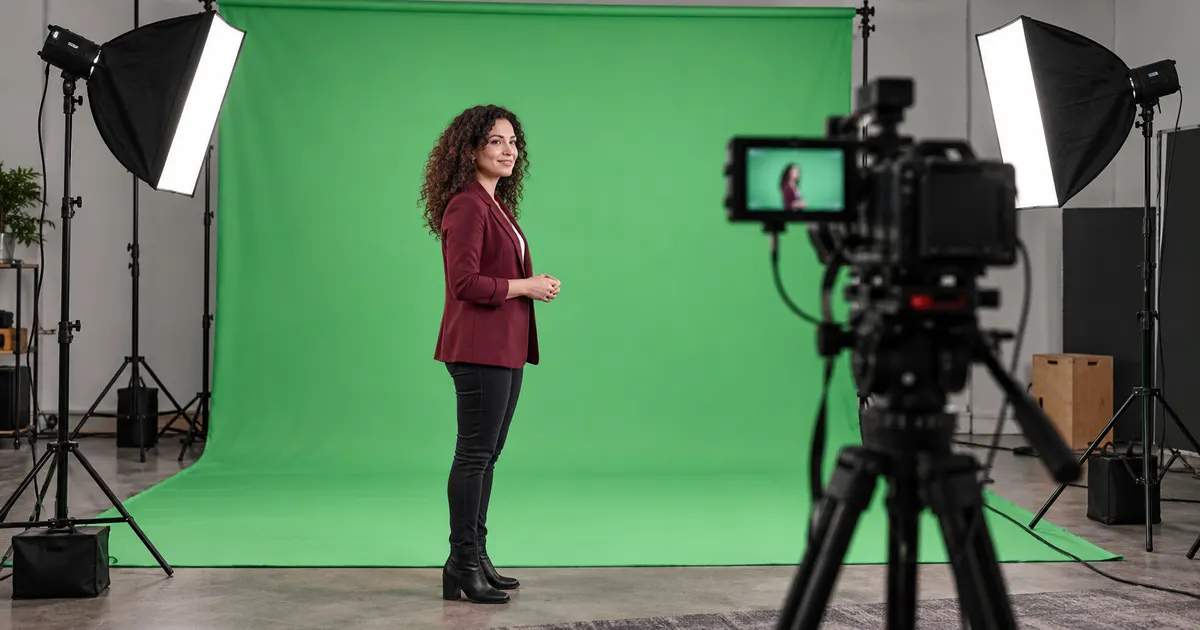
Chroma Key Green Screen: Fix Spill and Broken Edges
Diagnose green-screen problems in order. Compare an edge study, separate spill from transparency, and review your composite against light and dark backgrounds.
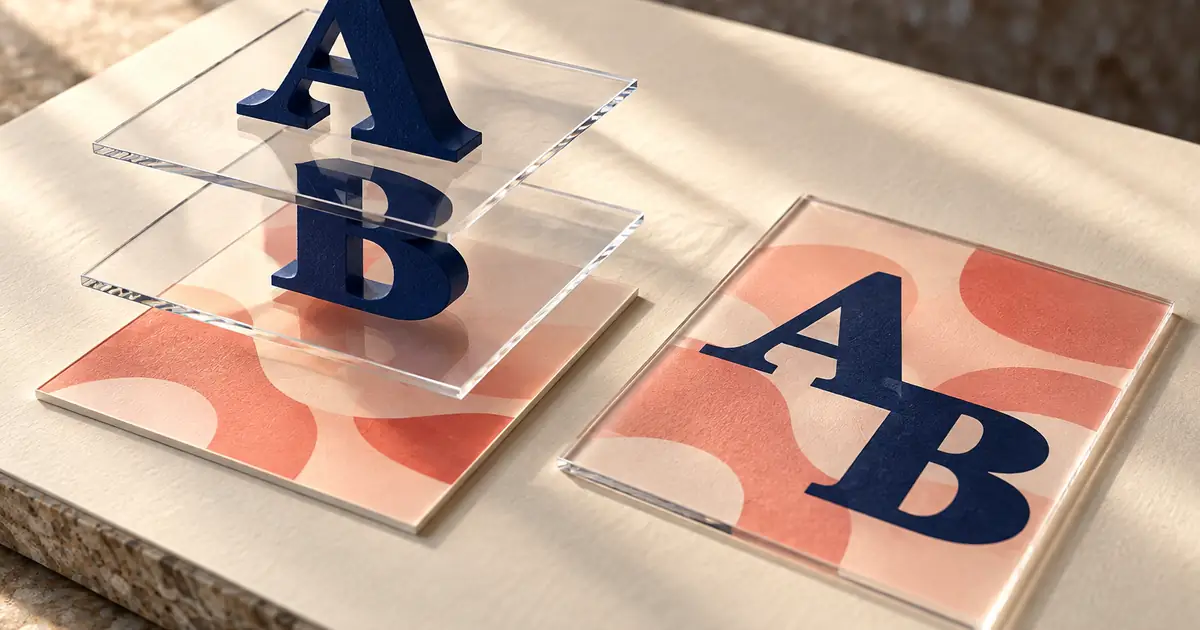
Edit Text in Photoshop: Type Layers and Flat Images
Find out whether Photoshop text is still editable, replace copy on a type layer, and handle flattened images without confusing reconstruction with text editing.

Edit a TikTok Video: Cuts, Captions, and Clear Audio
Edit a TikTok video with a clear cut order, corrected captions, and an understandable voice track. Follow a twelve-second example and final preview checklist.

Google Cloud TTS vs AI Studio: Choose a Voice Workflow
Choose between Google Cloud Text-to-Speech and AI Studio for narration. Compare setup, billing units, audio handling, and a practical script-to-export review.
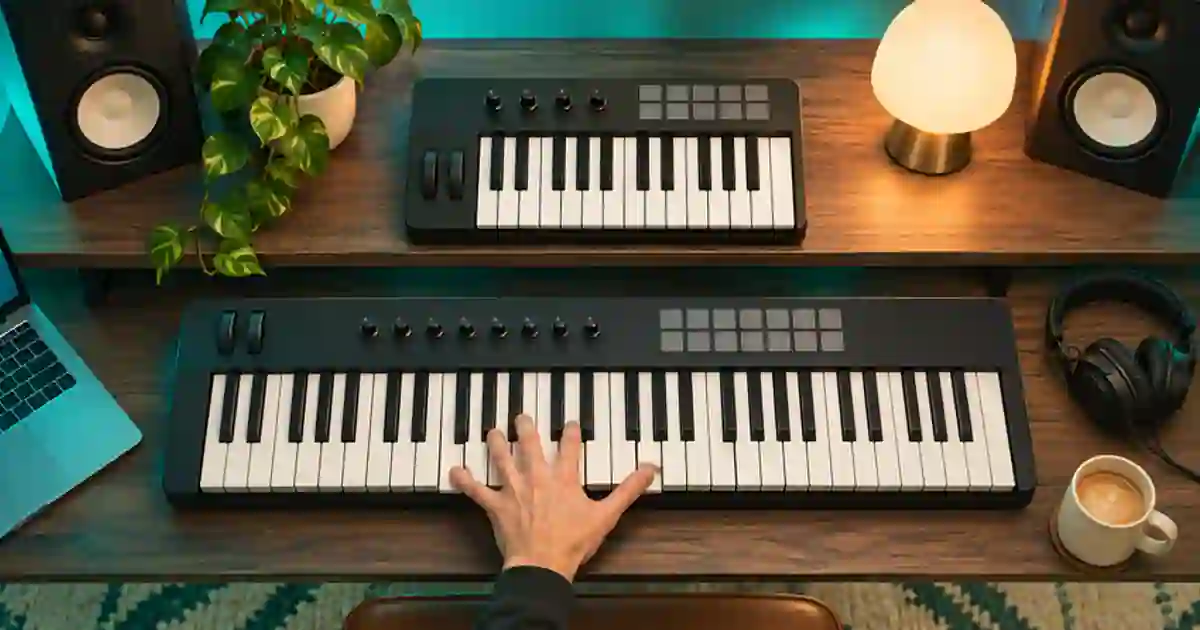
25 vs 49 Key MIDI Keyboard: Which Size Fits?
Choose a 25- or 49-key MIDI keyboard by testing the range you play, how often you change octaves, and the space your controller needs on the desk.
No articles found
Try a different search term or browse all articles.