Explore guides by creative workflow
Find practical guides for planning, creating, and checking your next image, video, or voice project.
Popular AI creation guides
Follow a focused path from prompt to finished image or video instead of searching the full archive.
AI Video Prompt Mistakes You're Making
25 common AI video prompt mistakes that cause jitter, warping, and synthetic feel. Learn the fixes for each mistake to create realistic video outputs in Sora 2, Veo 3.1, Kling, and Runway.
How to Animate Product Photos
Turn static product photos into high-converting Etsy listing videos. Learn the best motion styles, Etsy video specs, shot plans, prompts, and common mistakes to avoid.
Cinematic Motion Prompt Pack
Copy-paste AI video prompts for cinematic camera moves: push-in, dolly-out, parallax, and handheld. Works with Sora 2, Kling AI, and Veo 3.1 in QuestStudio.
How to Make AI Videos Look Less AI
Make AI videos look more natural with one-action shots, camera constraints, lighting continuity, and a frame-by-frame review. Includes practical prompts.

Is Character AI Down?
Check if Character.AI is down with our live status checker. Learn how to diagnose outages, fix login issues, and use a quick confirm → diagnose → fix workflow.
Kling AI Motion Poster + Motion Control
Learn how to create premium motion posters and use motion control in Kling AI. Copy-ready prompt templates and workflow for stable, loopable results in QuestStudio.
Photo to Video for Instagram Reels
Turn photos into Instagram Reels that hold attention. Best 9:16 ratios, hook templates, pacing rules, and posting times—plus an AI workflow in QuestStudio.
Photo to Video for TikTok
Turn photos into TikTok-ready videos that hold attention. Best 9:16 ratios, hook templates, pacing rules, and posting times—plus an AI workflow in QuestStudio.
Photo to Video Prompts: 50 Copy-Ready Templates
50 copy-ready photo-to-video prompt templates for Sora 2, Kling, and Veo 3.1. Cinematic, product, and lifestyle prompts with structured director-style formatting. Works in QuestStudio.
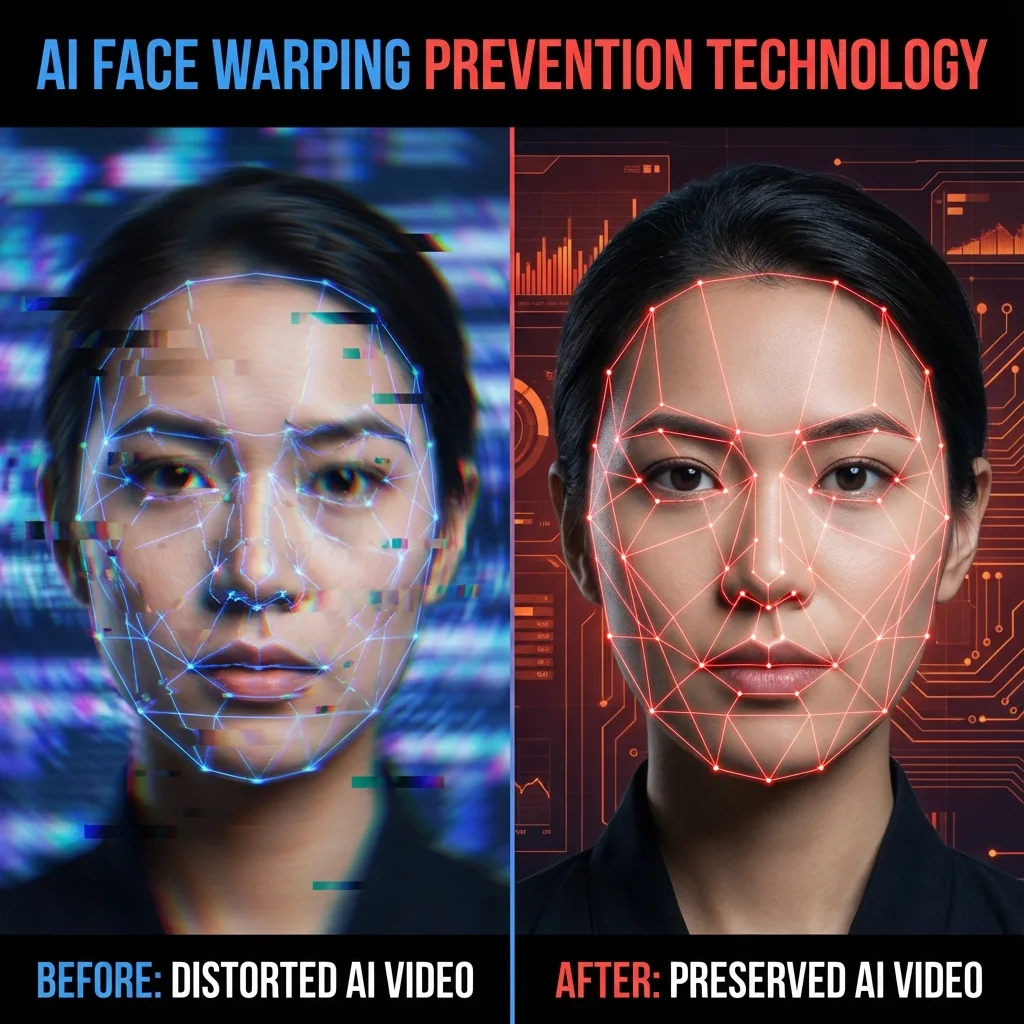
How to Fix AI Video Face Warping & Drift (7 Steps)
Fix AI video face warping and identity drift with a 7-step workflow for source images, motion, prompts, retries, and repairs—plus a free shot checker.
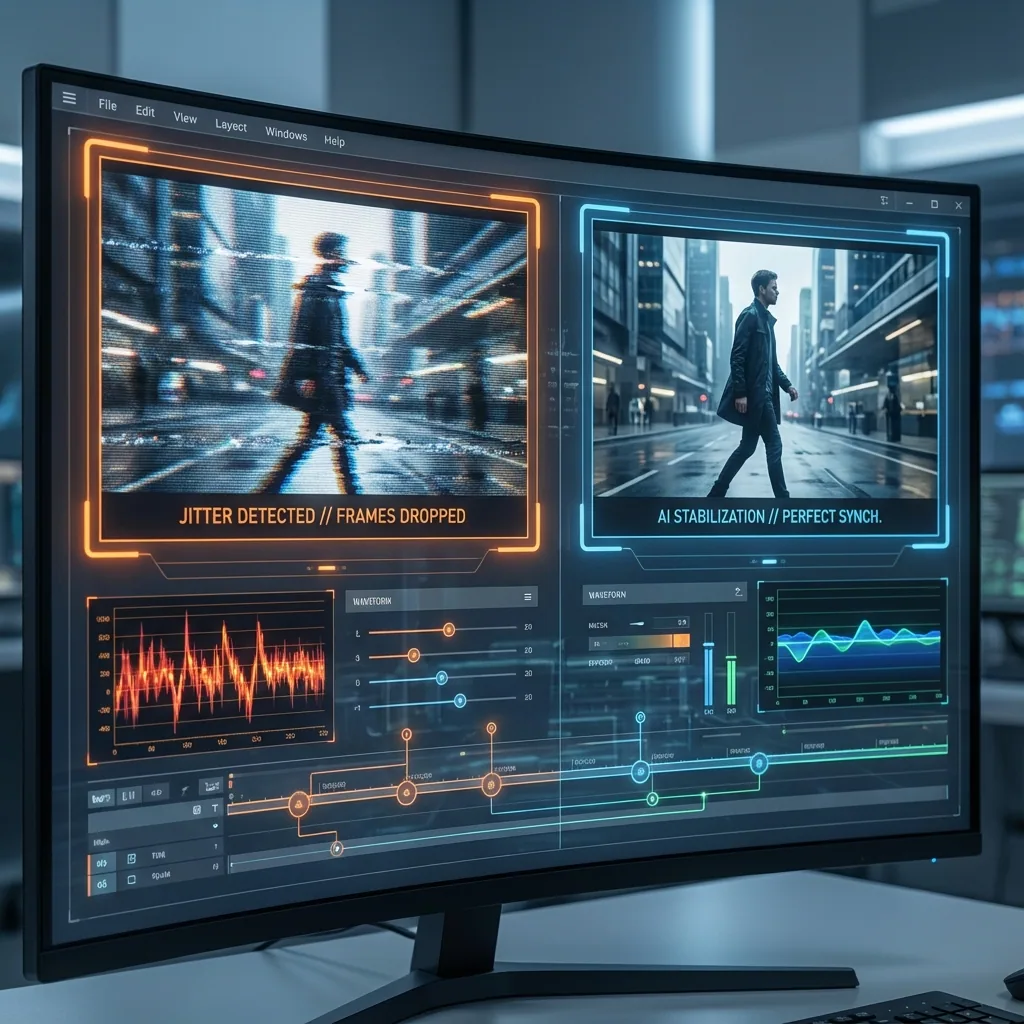
Why Your Image→Video Looks Jittery
Fix jittery image-to-video output. Learn why jitter happens, how to diagnose it, and copy-ready prompts that reduce micro-flicker, camera stutter, and identity drift in Sora 2, Kling, and Veo 3.1.
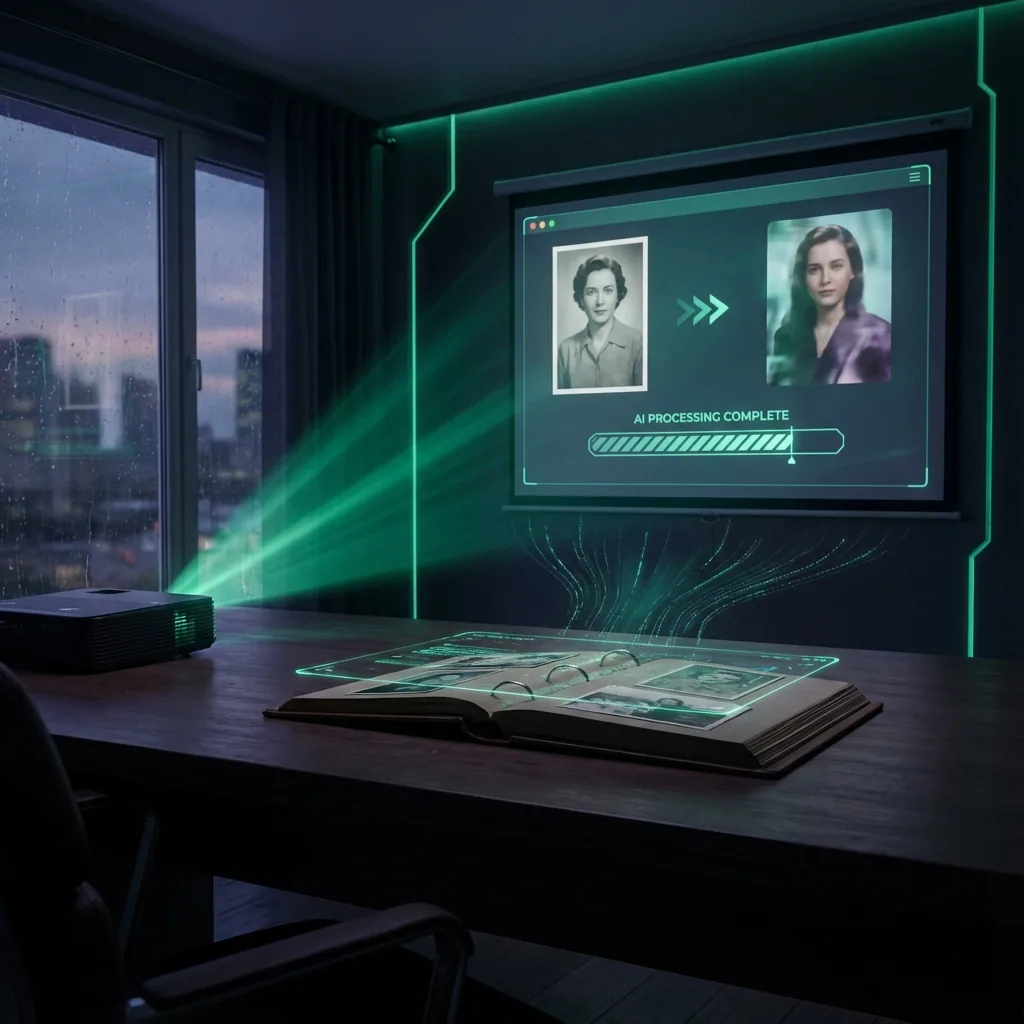
Image to Video AI (Photo to Video)
Turn any photo into a smooth AI video in seconds. Use cinematic motion presets, copy ready prompts, and compare outputs across top models in QuestStudio.
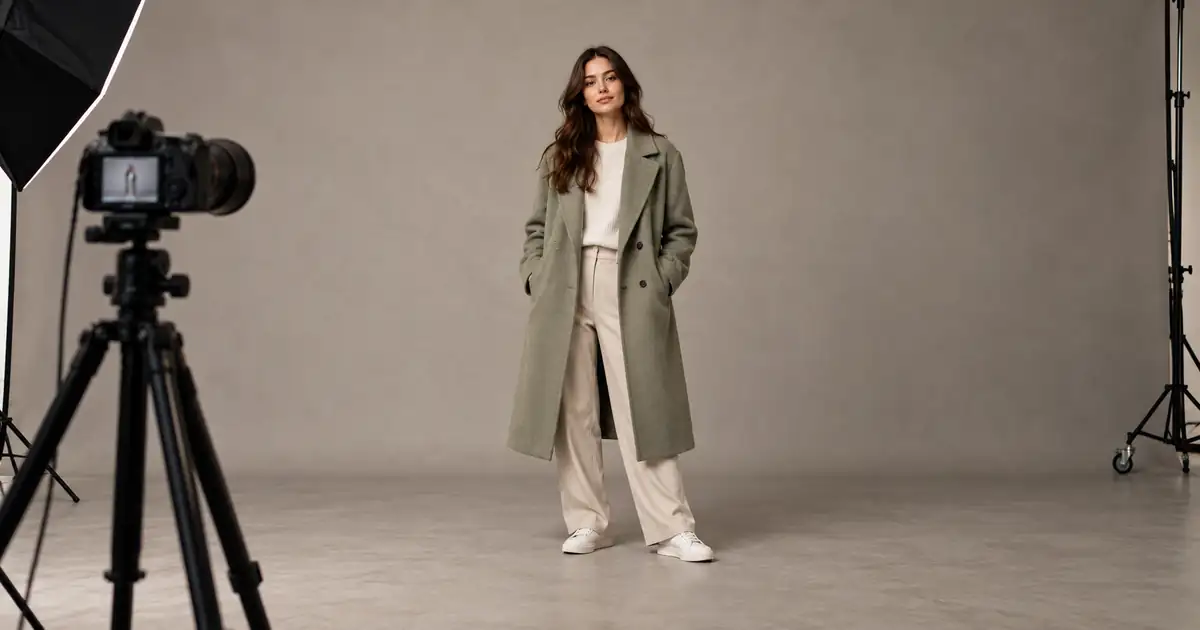
AI Full-Body Photos: Stop Cropping Heads and Feet
Stop AI portraits from cutting off heads and feet. Separate source framing from display crops, plan the full pose, and check margins before generating again.
No articles found
Try a different search term or browse all articles.